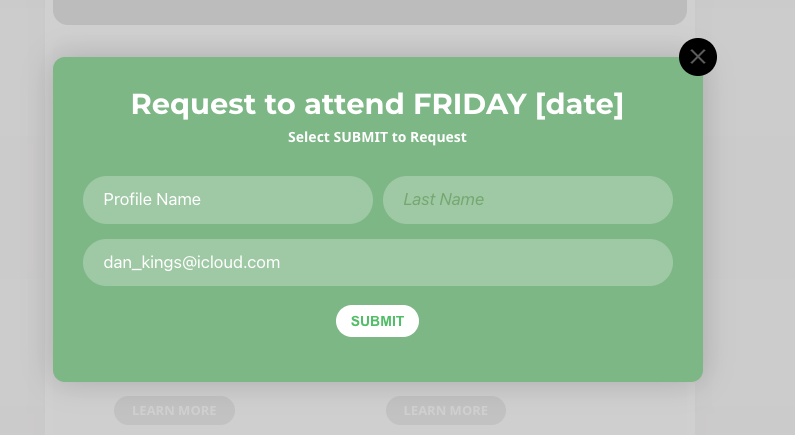
U followed that… the “Change RSVP button” has gone 😉
But the surname and email still remains… I cleared my cache etc and did the style settings change.
Dan
Replies for tickets on suppota
U followed that… the “Change RSVP button” has gone 😉
But the surname and email still remains… I cleared my cache etc and did the style settings change.
Dan
did you manage to delete the post on the other ticket
sorry i thought i was posting on this logs
I have the same problem
Hi,
I have updated to the just released version 4.3.1 which has resolved the issue.
Kind Regards
James
I have had to reinstate a backup so the eventon plugin wil lbe an earlier version. BTW the site crash was due to updating of the eventon plugin this morning.
Sorry, it seems that I have been looking at the main event calendar options instead of the list options.
Hello,
Unfortunately, we are not able to recommend any particular developer. You may seek 3rd party developers via www.fiverr.com or www.upwork.com
Hi Jason,
Please update to 4.3.1 and check if that fixes the issue
Yes, I have read this documentation. but i’m not that good at php. Do you have contact with a freelancer who is familiar with the topic specifically for EventOn?
my logs are this
owdy!Since WordPress 5.2 there is a built-in feature that detects when a plugin or theme causes a fatal error on your site, and notifies you with this automated email.In this case, WordPress caught an error with one of your plugins, EventON.First, visit your website (https://cpdcoursesonline.com/) and check for any visible issues. Next, visit the page where the error was caught