Hello,
We are sorry for the delay. We unable to provide extensive support for customizations since it’s against CodeCanyon’s Support Policy.
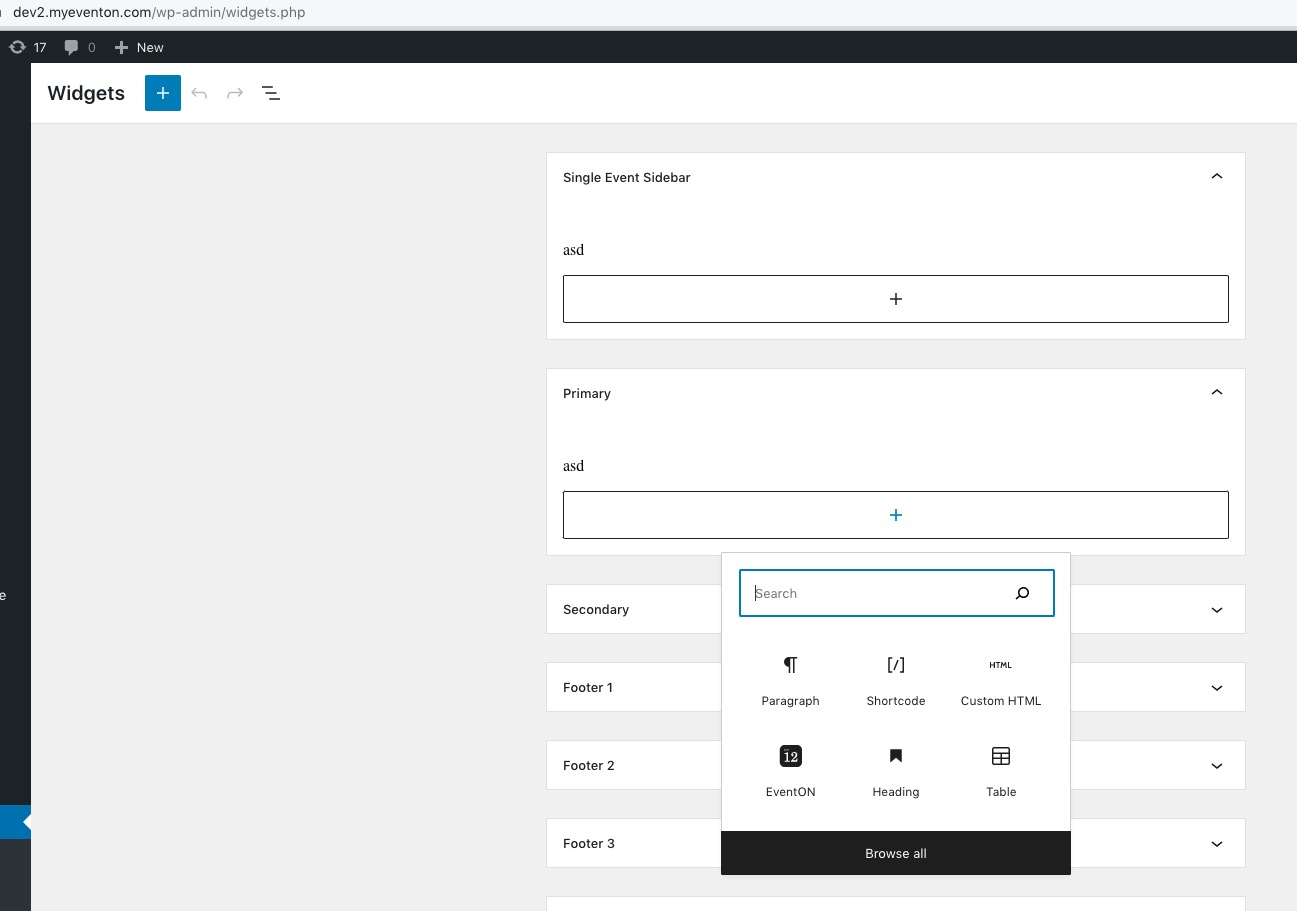
It seems that Ashan was referring to this screenshot:
https://helpdeskx.s3.amazonaws.com/wp-content/uploads/2022/12/20134111/Screen-Shot-2022-12-20-at-12.40.43-PM.png
Hello,
We are sorry for the delay. Now with EventON 4.3 you can use /var/ri-current and /var/ri-last. Examples:
https://dev2.myeventon.com/events/rsvp-16/var/ri-current/
https://dev2.myeventon.com/events/rsvp-16/var/ri-last/
Hello,
We are sorry for the delay. Which size are you referring to? Could you show it on a screenshot?
Please add this CSS code to EventON > Styles (If you don’t see any change, EventON > Scripts & Styling > turn off Write dynamic styles to header > save settings > turn on Write dynamic styles to header):
.evors_section.evors_remaining_spots.sec_shade, .evors_section.evors_mincap.happening {display:none !important}
#evorsvp_form p.sin { display: none !important; }
.evors_section.evors_change_rsvp.sec_shade2.mart30 { display: none !important; }
It seems that your version of RSVP add-on is also old.
Please check for latest version of this software from here Your issue might be related to an older version you are running and we might have resolved this already in the newer version update. If you are on latest version of our software and the issue still persist please let us know.
To update eventon addons: You can download latest eventon addons from myeventon > my account. Then you can go to your website, deactivate old addon and install new one and activate then delete the old addon. This link will further explain the process. Also you can follow us on twitter to get real-time announcements on updates!
Hello,
Could you elaborate?
You cannot see widgets on this page?
Also some categories were not shown.
Could you elaborate? You cannot see events assigned to some categories?
Ashan,
The same on dev2:
https://dev2.myeventon.com/32518-2/
This event in February isn’t visible:
https://dev2.myeventon.com/events/test-57/
Hello,
Thank you for your messages, I am going to assign this ticket to Ashan and he will be able to take it from here and find you a solution. Please allow some time for him to get back to you, we greatly appreciate your patience and thank you for being a eventon customer! Also please disable any IP blocking on your site if there are any.
Hello,
Thank you for your messages, I am going to assign this ticket to Ashan and he will be able to take it from here and find you a solution. Please allow some time for him to get back to you, we greatly appreciate your patience and thank you for being a eventon customer! Also please disable any IP blocking on your site if there are any.
I went to https://5000.n-joyevents.ch/wp-admin/admin.php?page=eventon#evcal_002 and put Mont to Primary Calendar Font family. Seems to be working now. Please check and let me know.