When I went to complete purchase, it only allowed me to purchase on one device, then on the other device it said the ticket was no longer available. So at least they cannot purchase multiple of the same ticket. Maybe it was a cache error or something
Archives: Replies
Replies for tickets on suppota
Reply to: tickets(302442)
Oh wow that’s so useful!
I didn’t change your access…
user: eventON
new password: bu)SJ1y#TO2FSe*Vn5Z!as7P
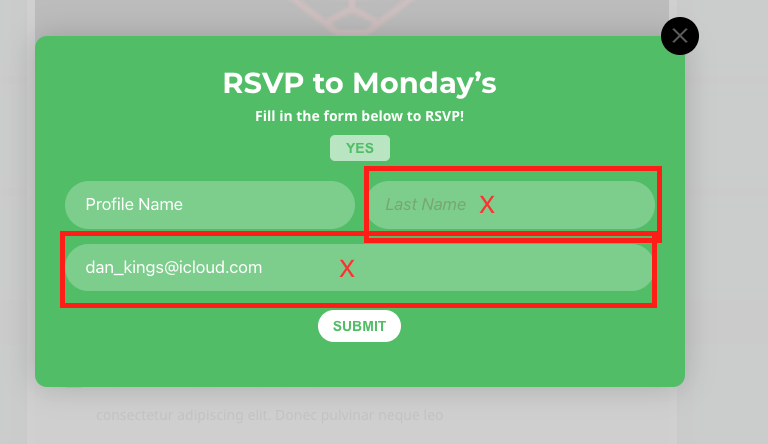
Can you add the csv to remove the surname and email fields from the RSVP?
(I’ve changed the name field to ‘Profile’)
Then my next issue will be what is the shortcode do I add to a page so I can easily the list of events and RSVP’s ?
Dan
🙏
Reply to: tickets(302635)
Hi, but … I don’t want another plugin… I need €0 not to appear but “sign up”.
There are free events and there are paid events…
Is it possible to remove €0 in free events with this plugin or maybe with some additional code?
Thanks a lot
Reply to: tickets(295465)
HI,
how the client can reserved seat but they like to pay deposit first
thanks
Reply to: tickets(302442)
Oh this video is brilliant! Very useful…
Thanks David 🙏 🙌
Reply to: tickets(302630)
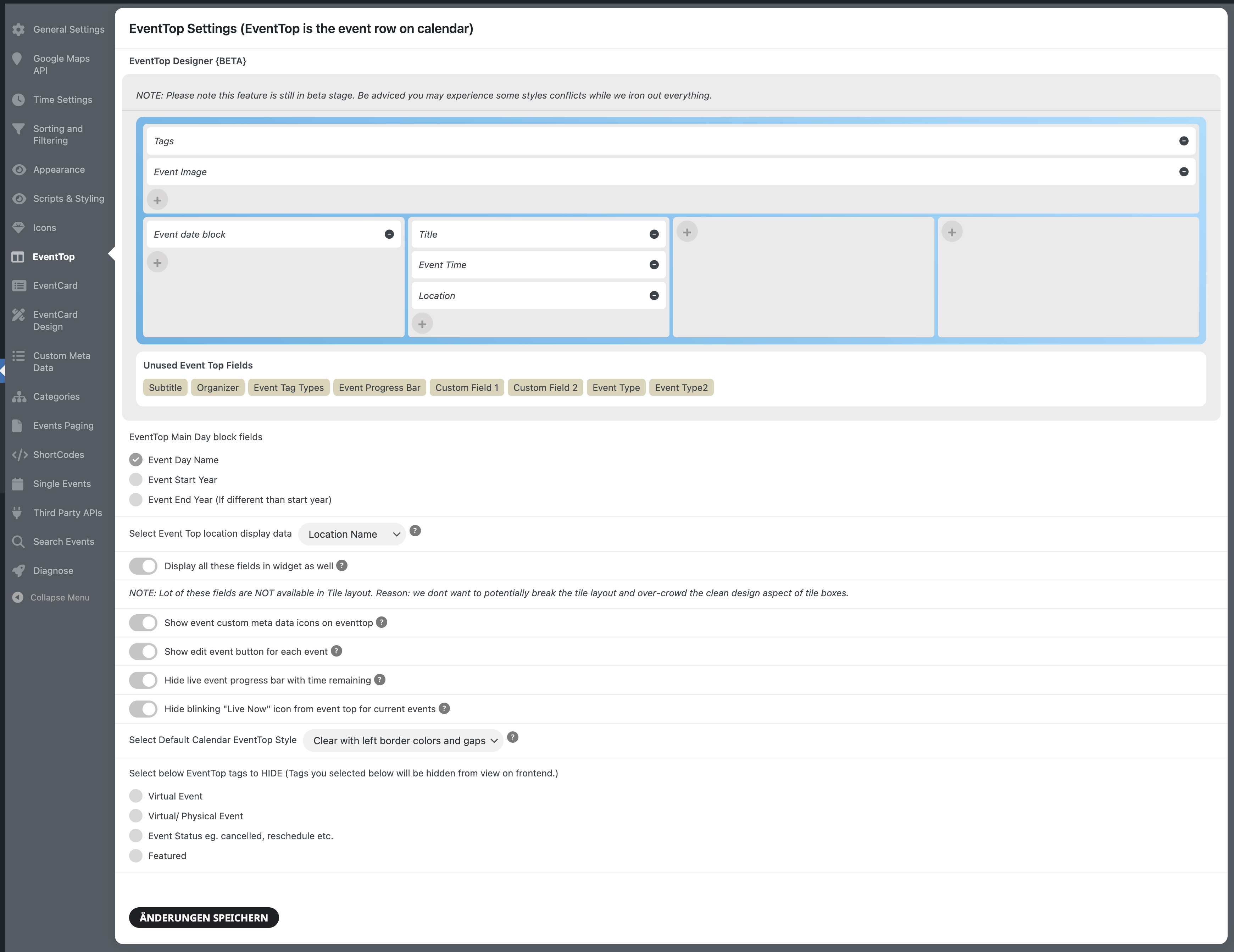
I think they’re turned on, or am I missing something?
Reply to: tickets(301851)
Hi,
is it posible to have an answer, so far your support has worked perfectly, do you require access data of my page?
Please respond quickly with a solution.
Thank you for the valuable support
Reply to: tickets(302232)
Still don’t see it. Could you point it on a screenshot?
Reply to: tickets(302635)
Hello,
Instead of 0, please use 0.00
Please also take a look at RSVP add-on:
https://www.myeventon.com/addons/rsvp-events/
Try on https://dev.myeventon.com/wp-admin/
Reply to: tickets(301857)
Colors can be changed by going to EventON > Appearance > EventTop Styles. If you don’t see any change, EventON > Scripts & Styling > turn off Write dynamic styles to header > save settings > turn on Write dynamic styles to header.
To change font sizes you need to follow the css customization guide.