ok, a few things.
First, Avada got back to me. They found out that it was an error on the page options. So they resaved the page and now it works. So that solves the critical error on that event page and why you weren’t seeing it when the theme wasn’t active.
that does NOT solve the JS errors on the user interaction and the action user submit page. Did you have a chance to figure that one out? What is conflicting on when you set the event to drop down? And is there a way to make it click in a new window the default for the backend?
Last – this event import. I tried it but I got a critical error (my new go-to phrase apparently!). I have already purchased the EventON csv importer. That works BUT, it doesn’t import the categories or the organizer/location. Is there any way to transfer all of it over so I can basically repeat the event?
I originally setup a page on the parent site with just the events for the City: https://enjoyjeffersoncounty.com/events-listing/watertown-events2/
it’s what I was using when I thought an iframe might work. I turned on the ics at the bottom – is that just for this category or all the events on the site?? Wondering if I could import using that if it would pull everything over? Let me know.
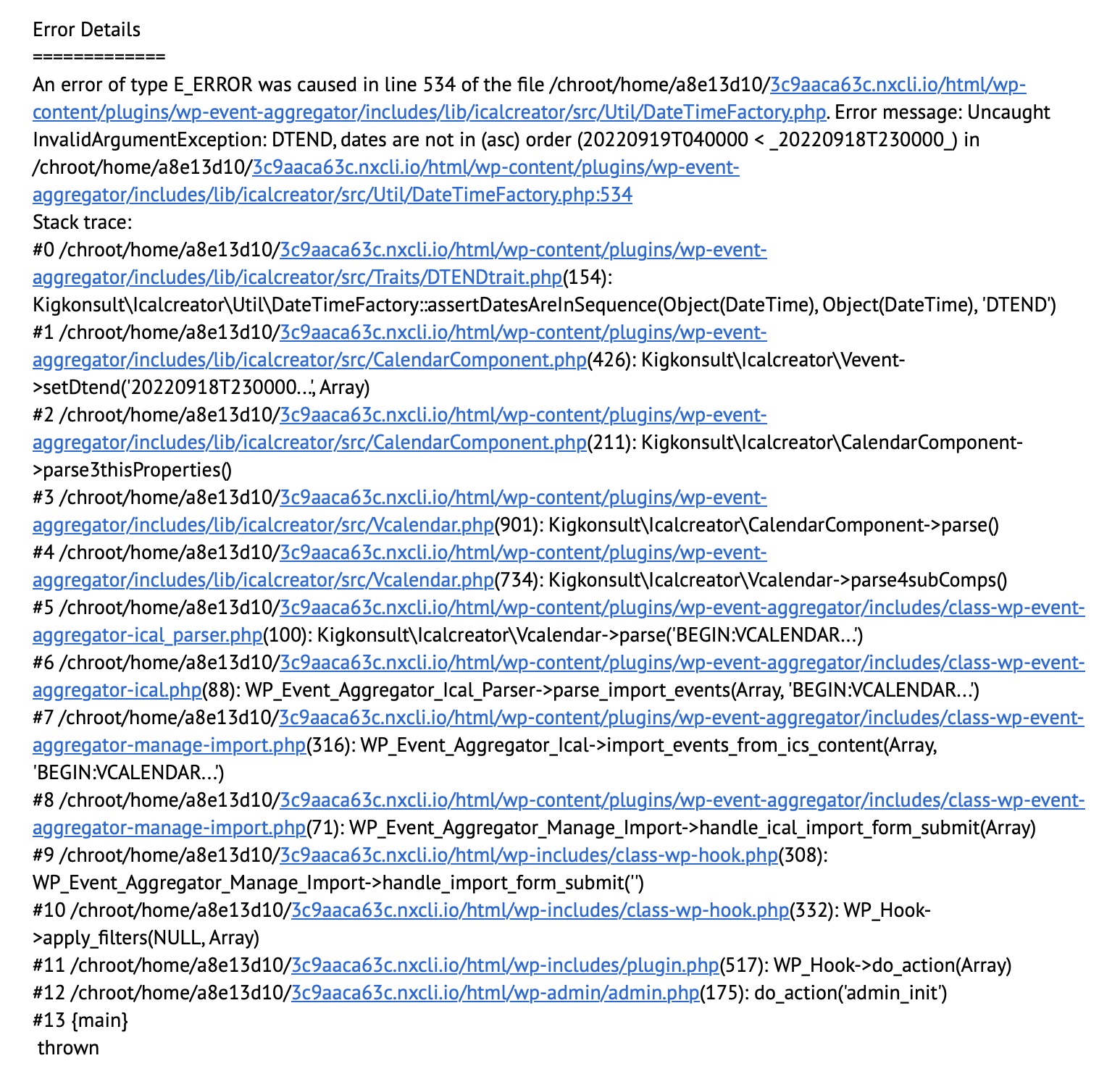
Here’s the error:
https://calendar.google.com/calendar/ical/tuornoq27fee060i6tg1oq3c1s03kj5r%40import.calendar.google.com/public/basic.ics
my fault, sorry… but it still doesn’t work 😉
https://calendar.google.com/calendar/ical/tuornoq27fee060i6tg1oq3c1s03kj5r%40import.calendar.google.com/public/basic.ics
my fault, sorry… but it still doesn’t work 😉
i saw it on www.phangan.events
with reagrds to THE EXPORT/IMPORT
SEE VIDEO
so in myeventon>>>>settings
scroll towards the bottom and iether download all events as csv or ics
now the agregator importing plugin is found here:
https://wordpress.org/plugins/wp-event-aggregator/
so this will allow you to import a ics file into your sister site and choose the event type it should go into
but as you only wish to download one event type- you’ll have to edit the csv or ics file
I have no idea how to edit a ics file but there are csv to ics converters
heres one I found BUT BUT BUT I have no idea about that program- never used it- never downloaded it- be aware we don’t take any responsibility if its malware
https://www.csv-to-ics.com/ you may wish to do your research on it or any other.
would need to see the wp-admin to diagnose your settings
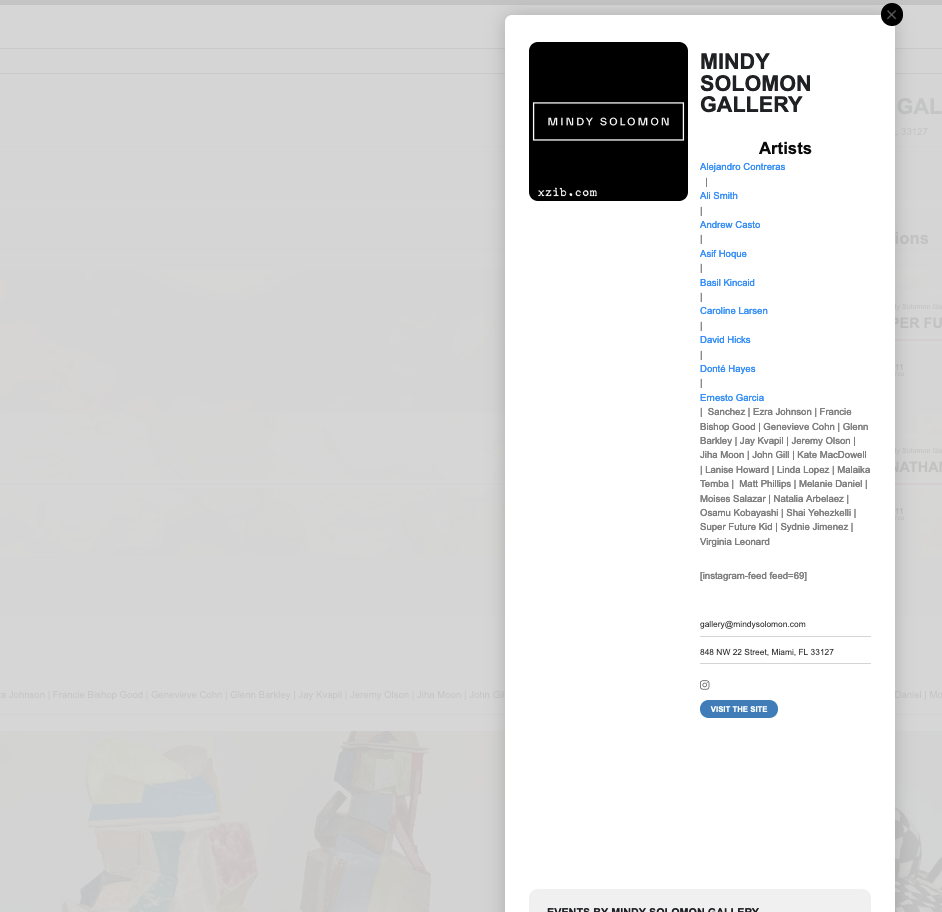
Ok. it looks like the code has been modified to constrain the images to a pixel width, which is helpful. However there are still some design problem which you can see on attached image.
Im wanting to move the description below, so that its not imbalanced as it is now, leaving the entire left column blank.
Also there is the massive 100px of white space that I want to remove.
And the events repeating monthly, I want to modify the shortcode for that as well
Where can I access the lightbox code, to edit the layout?
The instagram code was removed from my event_organizer file. I am uncertain why this was removed and I added this back. However, the problem persists with the social media icons displaying, even when there is no link populated.
I weakened the settings… Though it would be preferred if you can advise me what to edit in the file, so I can begin to resolve these problems myself.
You can try to login again, or I have attached the file with the current settings in my event _organizer file.
A second issue I notice is that the events I have displaying with shortcode in the “past exhibtions” are not being seen in the schema checker in my organizer pages. however they are seen in the event_location pages. And both have the same shortcode applied.