[add_eventon eventtop_style=”5″]
This is found in your shortcode generator at myeventon>>>>settings>>>shortcodes
Replies for tickets on suppota
[add_eventon eventtop_style=”5″]
This is found in your shortcode generator at myeventon>>>>settings>>>shortcodes
I added some css to appearance>>>customize>>>>additional CSS
making the icon 13px and also raising slightly the clock icon so its in line with the globe
So when switching themes and disabling download monitor plugin then eventon works correctly
I am going to assign this ticket to Ashan and he will be able to take it from here and find you a solution. Please allow some time for him to get back to you, we greatly appreciate your patience and thank you for being a eventon customer! Also please disable any IP blocking on your site if there are any.
It is a custom theme created by Ashan
I will assign him this ticket
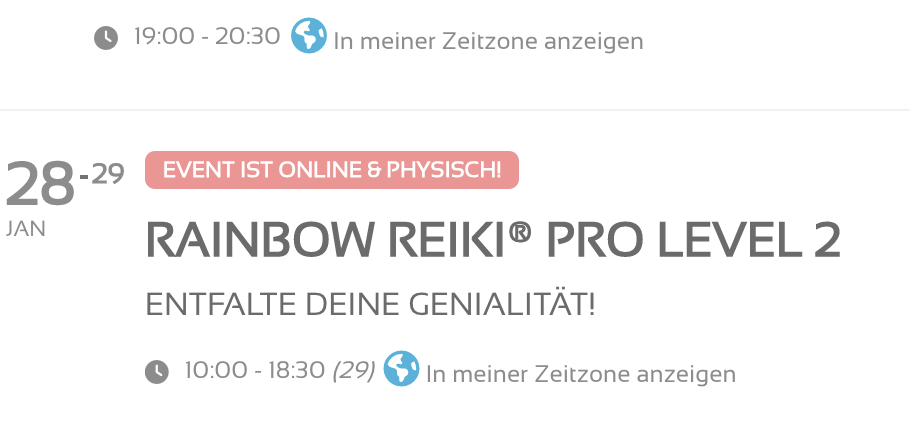
we would have to look at the page in question and edit it to see whats going on
Please send us wp-admin access to your site as a private message for us to further assist your situation.
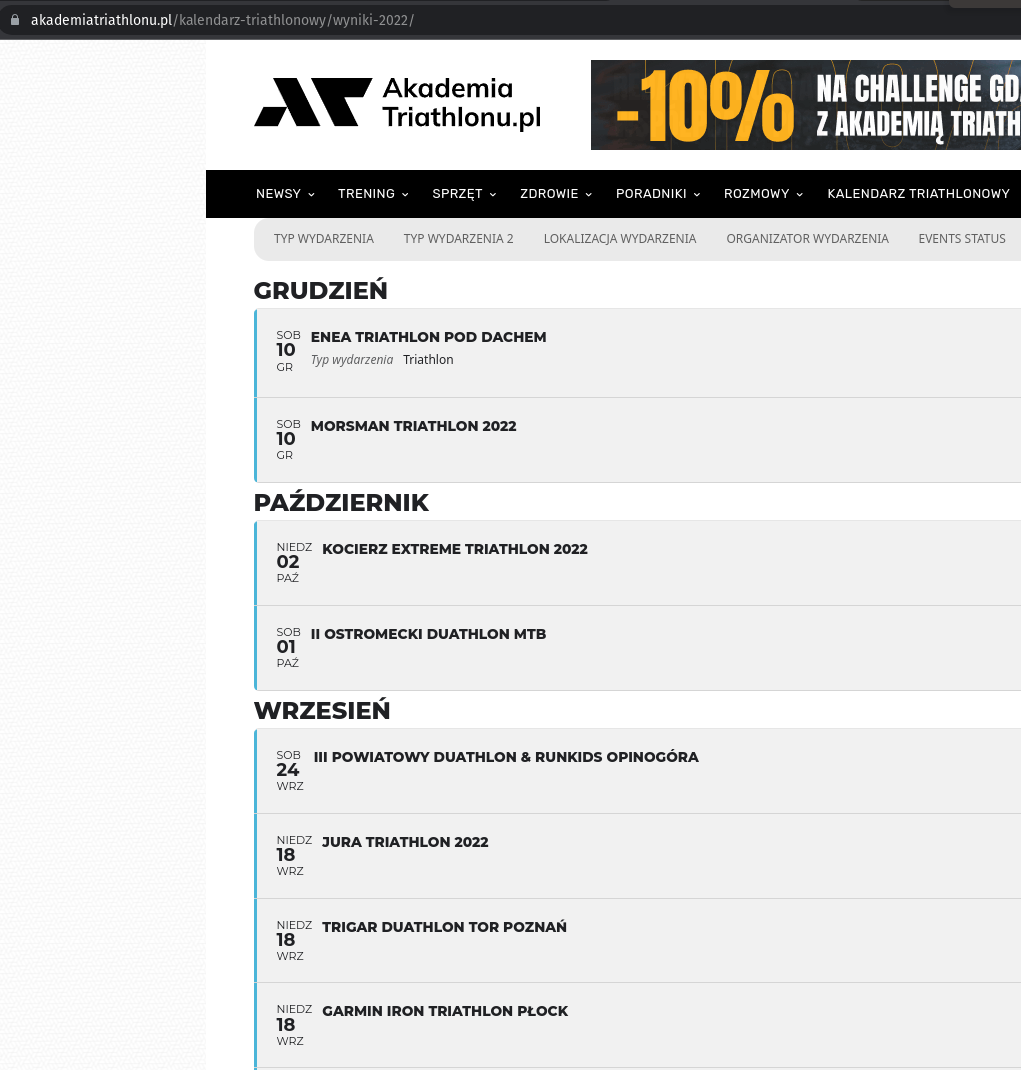
This one is with el_class=”at-eventon where elements are missing
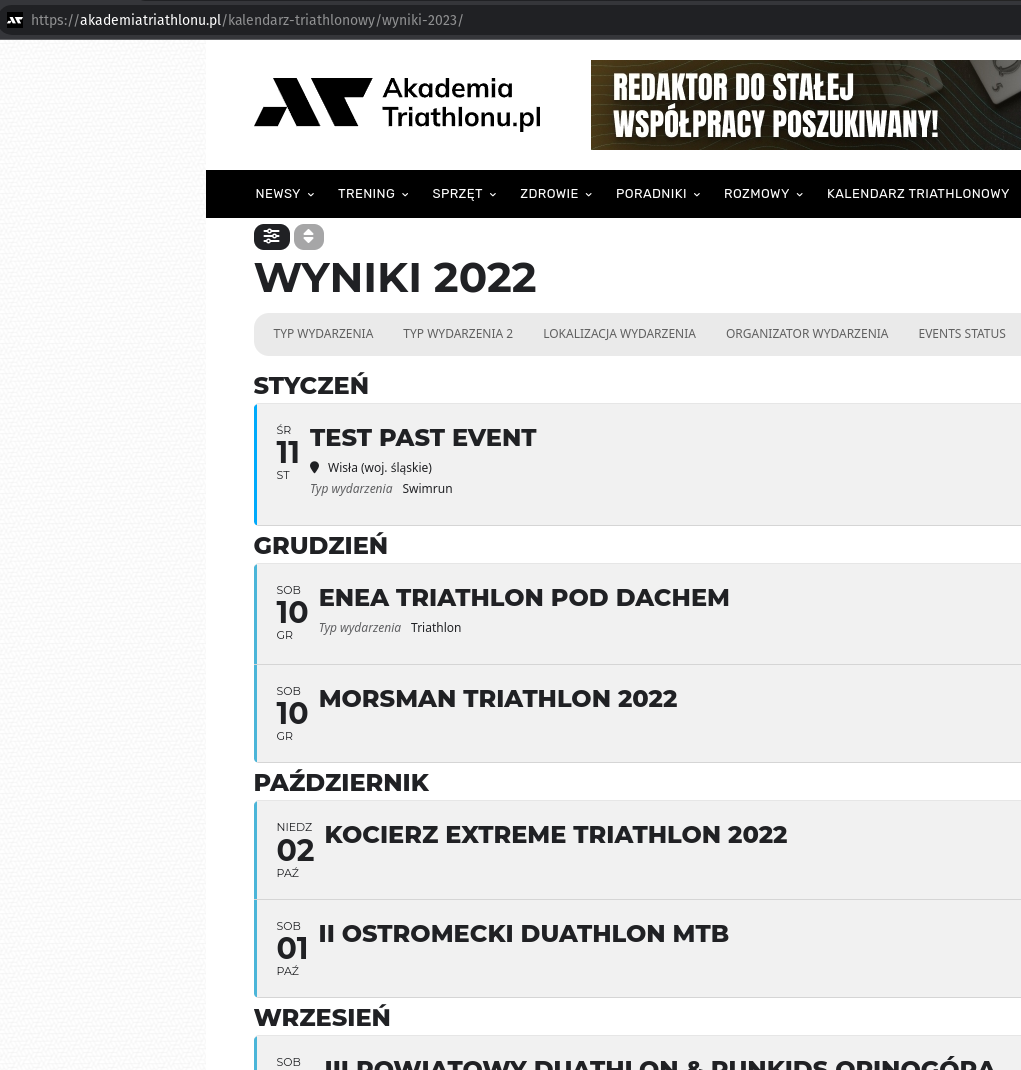
you can switch themes if you’d like – there’s a wordpress theme in there to test with. Have a good day at work!
Thanks Ashan. I would appreciate you letting me know when you have found a solution. I have an angry client. I tried installing the plugins again but it didn’t help.
Cheers
Dan