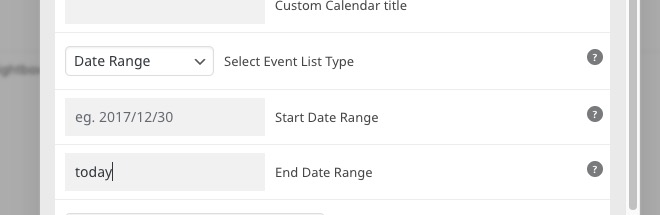
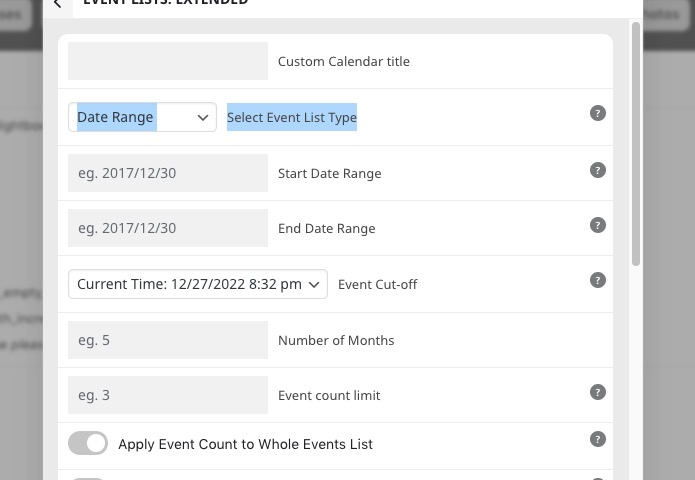
This is the site I’m importing to – https://tm-old.sitedevpro.com/calendar/
https://tm-old.sitedevpro.com/admin
Admin: Jonathan
Pass: @ Audrey63018!!!
Replies for tickets on suppota
This is the site I’m importing to – https://tm-old.sitedevpro.com/calendar/
https://tm-old.sitedevpro.com/admin
Admin: Jonathan
Pass: @ Audrey63018!!!
We are going live and had to use another solution as we could not wait any longer for the additional functionality. Can you please refund the purchase amount related to Order #152845?
We are purchasing additional licenses of the regular EventOn calendar which is still needed for our client’s WordPress multisite. Thank you.
Please send us FTP access to your site as a private message, so we can perform several tests from our end.
It should work now. Please check and let me know.
Perfect! Please keep us updated.
Perfect. Thank you. I had added it to the appearance/customize in wordpress and it did not make an effect.
Ive always added appearance/customize by default, unless advised otherwise. Which makes me curious if I need to move all the codes from appearance/customize to eventon/styles.
The setting is enabled at the moment, so it doesn’t allow to load Moment script. Please disable the setting: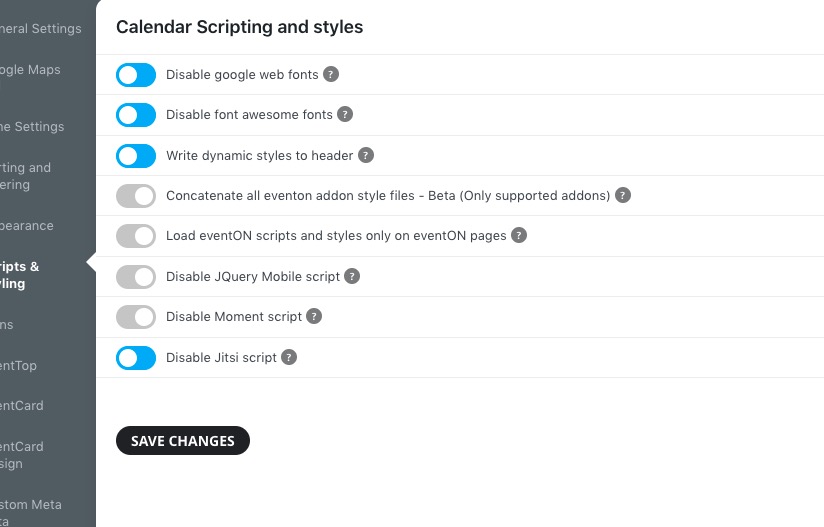
Hello,
RSVP add-on has the functionality you need:
https://www.myeventon.com/addons/rsvp-events/
Take a look at this event:
https://dev.myeventon.com/events/rsvp-3/
You can enable additional fields and then make them required:
https://docs.myeventon.com/documentations/set-additional-fields-rsvp/
Just use Field Type: Checkbox Line.
You can remove the button and the description with the code I’ve provided:
p.evo_card_organizer_more { display: none !important; } span.evo_card_organizer_description { display: none !important; }
Please add the CSS code to EventON > Styles (If you don’t see any change, EventON > Scripts & Styling > turn off Write dynamic styles to header > save settings > turn on Write dynamic styles to header).