hi, thank you, but how it is happened?
where you changed that?
Replies for tickets on suppota
hi, thank you, but how it is happened?
where you changed that?
Hello,
You can set the event as a repeating event and then use the Repeat Customizer addon to customize each day. You can try out the addon here
Hello,
Yes it works !
Thank you.
Hi Jenny,
Use the custom CSS code below to remove the background color;
.ajde_evcal_calendar.boxy.boxstyle0 #evcal_list p.desc_trig_outter{background-color:transparent !important;}
Please add the custom CSS code to “EventON Settings > Styles” and save changes. If you do not see the new style changes, Go to “EventON Settings > Styles & Scripting > Turn off write styles to header” Click save changes – to write the styles css code direct into page header. You can turn this off once the cache is cleared.
they are there now
wp-query was set to year
Ashan confirmed bug
see video
Thank you for your messages, I am going to assign this ticket to Ashan and he will be able to take it from here and find you a solution. Please allow some time for him to get back to you, we greatly appreciate your patience and thank you for being a eventon customer! Also please disable any IP blocking on your site if there are any.
https://helpdeskx.s3.amazonaws.com/wp-content/uploads/2023/01/06135121/bare-event-bubbles-1.jpg
Do you want to remove Januanry, 2021, filters + order buttons and Months Arrows?
Ashan,
Take a look at
The same on dev2:
https://dev2.myeventon.com/32389-2/
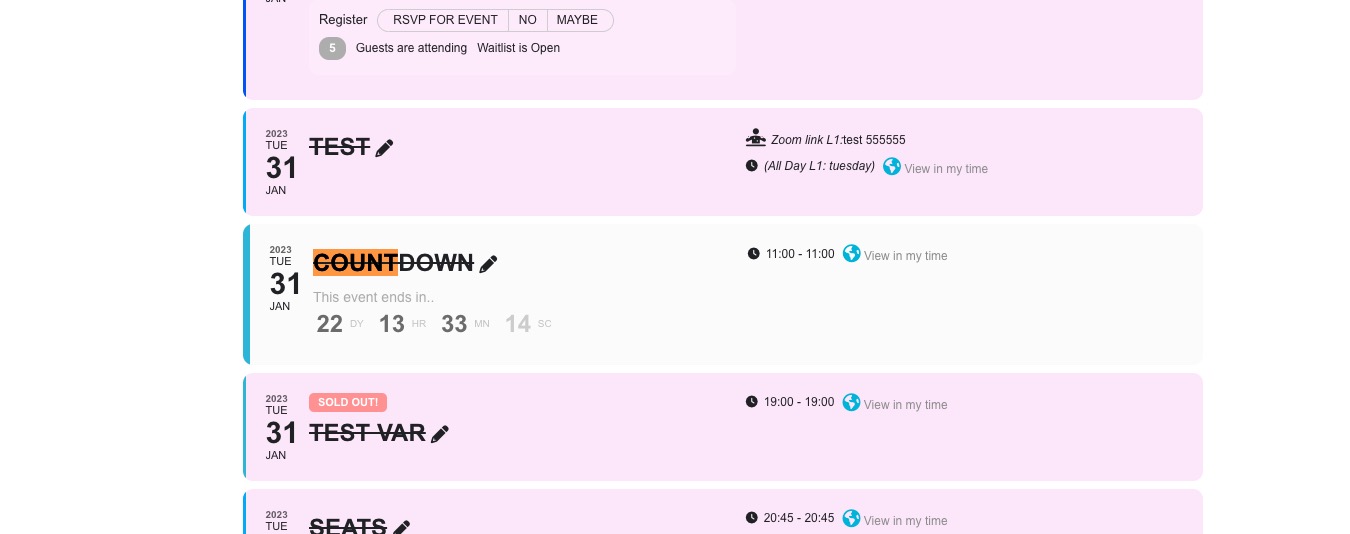
Open “Countdown” event
Thank you for your messages, I am going to assign this ticket to Ashan and he will be able to take it from here and find you a solution. Please allow some time for him to get back to you, we greatly appreciate your patience and thank you for being a eventon customer! Also please disable any IP blocking on your site if there are any.