Hello,
Thank you for your great suggestion, at the moment it is not supported. However please create a new ticket and select Feature Request as category so others can vote on your idea and get it moved into development faster.
Replies for tickets on suppota
Hello,
Thank you for your great suggestion, at the moment it is not supported. However please create a new ticket and select Feature Request as category so others can vote on your idea and get it moved into development faster.
Great! Please keep us updated.
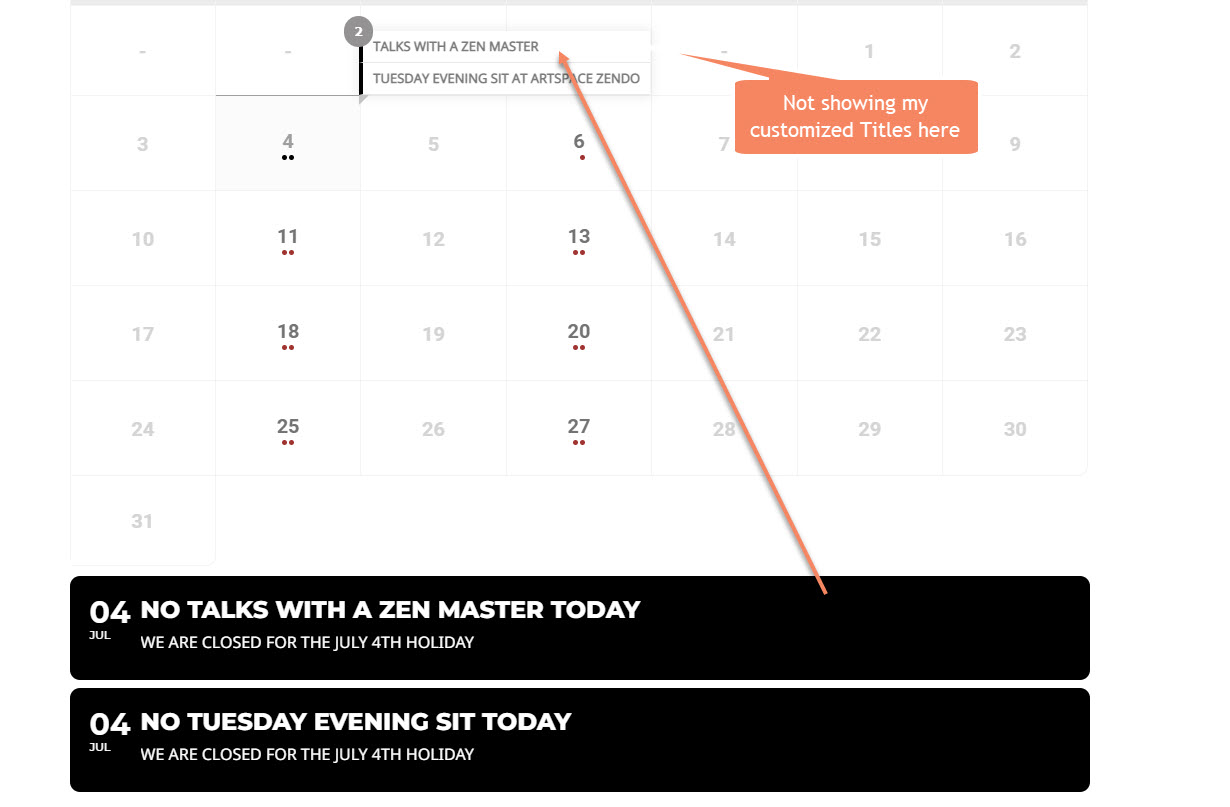
Ok I have formatted colors so I can see these better. But why are the customized titles not being picked up in the calendar hover? See attached, this example is on July 4th. https://twoarrowszen.kinsta.cloud/upcoming/year-at-a-glance/
Wow, David. Thank you so much for taking the time to do that presentation. I am using BeTheme, and the EventON Shortcode Generator is there. I will get the details on the events tomorrow so I can create them and then give your video suggestion a go. Thanks again!
I get a 404 error on the link you provided
https://calendar.google.com/calendar/ical/c_3e3103a98567d6280e07260be4b136930ed892092f1b19669f48b93785b0f645%40group.calendar.google.com/public/basic.ics
clear your browser cache
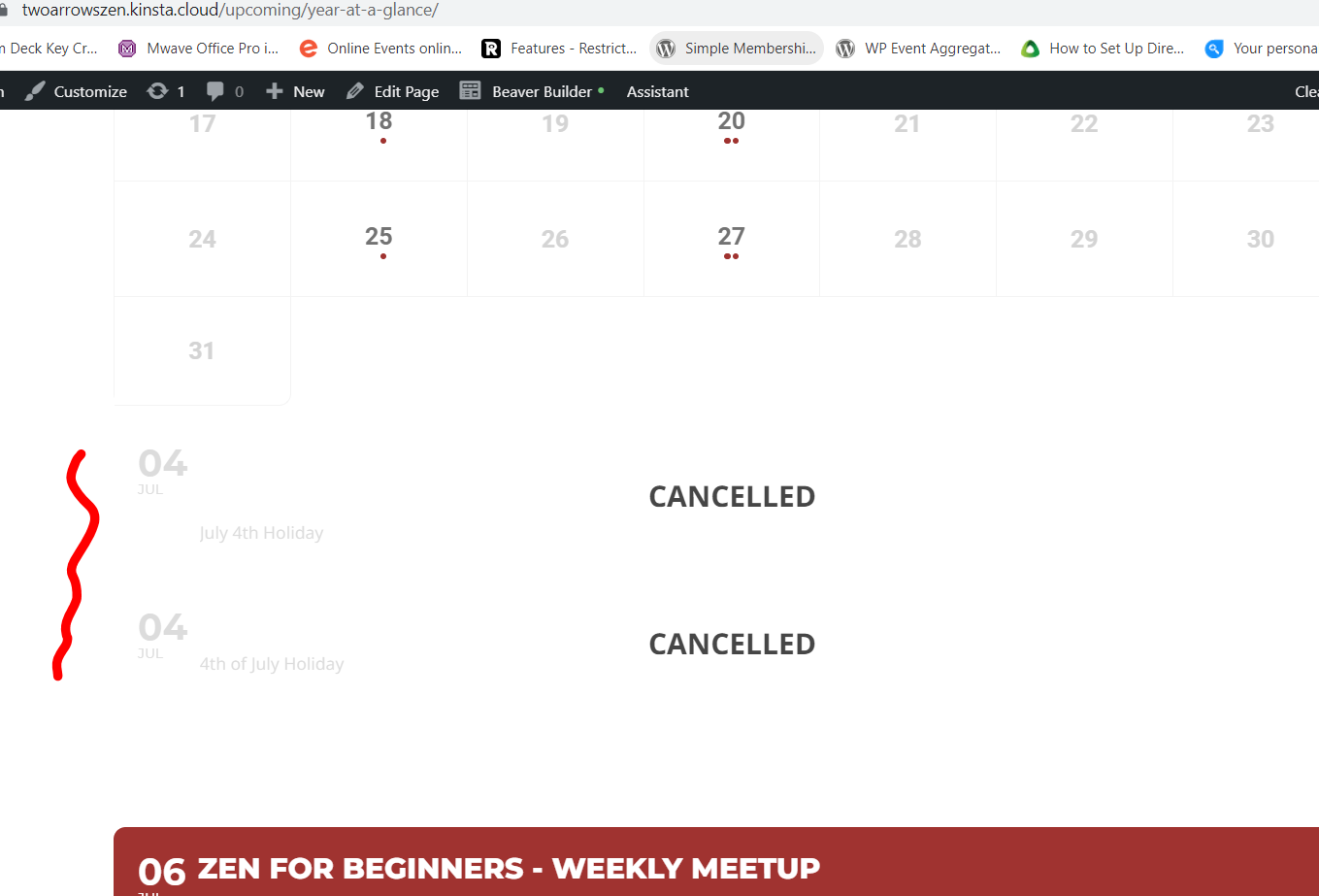
looks to be there

Thank you!
I need to be able to search through all the events.
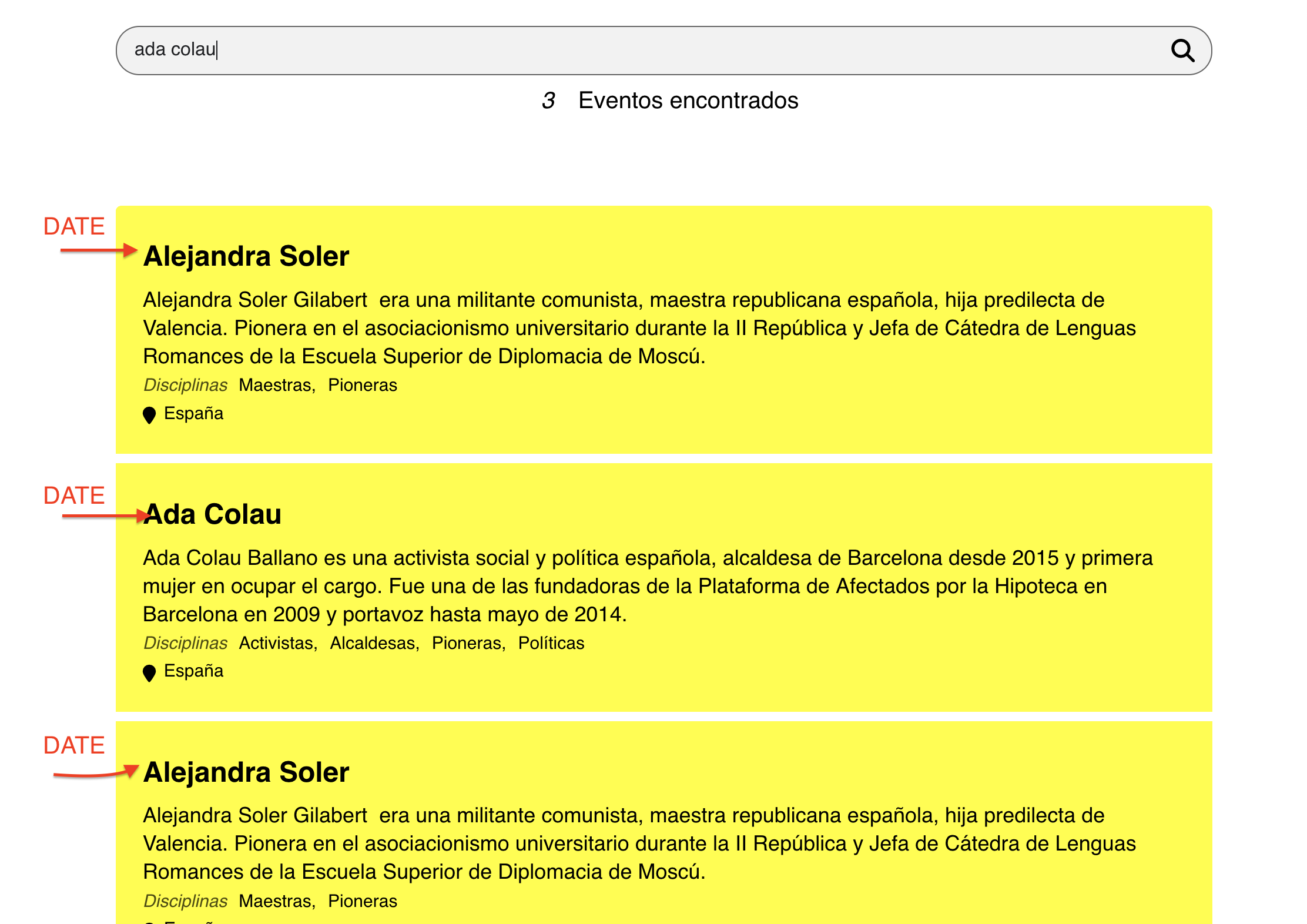
I have put a general search shortcode outside the calendar with daily view and it seems to work but… the date is not visible in the results.
Is it possible to see the date of the events in the search results using the search outside the calendar with daily view?
Is there any way to “hack” the searches so that, using the daily view, the results of any event of the year appear?
Thanks!
in myeventon>>>>settings>>>>shortcodes
you can make your own search that will search 12 months
but yes if you have search on a calendar its restricted to the view of that calendar in your case it will show that day
weekly view will show that week etc
Please send us wp-admin access to your site as a private message for us to further assist your situation.