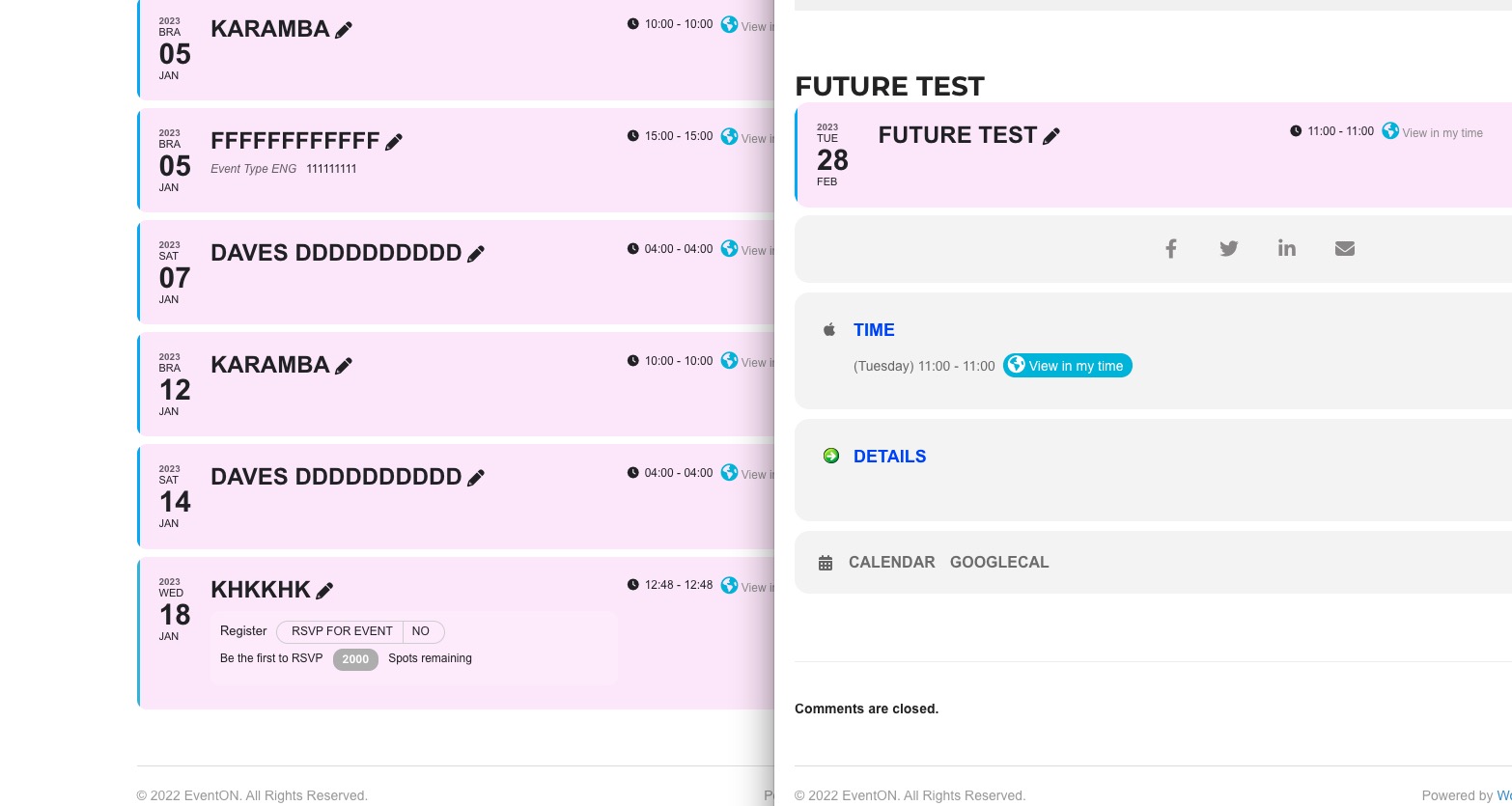
Hello,
The latest version of EventON allows you to assign multiple organizers.
Go to https://developers.google.com/search/docs/appearance/structured-data and test your website with the tool. It will show that the performer data should be included, so you need to enable the option.
Could you take a look at this page and let me know if the font is correct there?
https://www.werkplaatsvoorgeluk.nl/test/
Hello,
Thank you for your messages, I am going to assign this ticket to Ashan and he will be able to take it from here and find you a solution. Please allow some time for him to get back to you, we greatly appreciate your patience and thank you for being a eventon customer!
Try adding hide_so=”yes” to your shortcode. The option hides the filter button.
No events. Please use this code:
.row.no_events .no_events { color: black !important; }
As for the cutoff issue. Try this code:
#mvp-content-main { overflow: unset !important; }
Please note that the code will affect everything on the website, not only EventON, so please check if there are any issues on other pages.
Hello,
Please request a refund first, then you’ll be able to purchase a different product:
In order to request a refund, please create a new ticket under Billing & Accounts and be sure to include the order ID for which you need a refund for and the reason for requesting a refund.
Ashan,
The same on dev2:
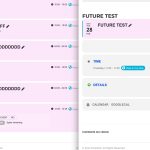 Page:
Page:
https://dev2.myeventon.com/32224-2/
February 2023 event isn’t visible:
https://dev2.myeventon.com/wp-admin/post.php?post=32226&action=edit
urgent
Hello,
the seat is there but dont add to cart please check
AND PLEASE SEND ME THE update 4.2
thanks
Hello,
Thank you for your messages, I am going to assign this ticket to Ashan and he will be able to take it from here and find you a solution. Please allow some time for him to get back to you, we greatly appreciate your patience and thank you for being a eventon customer! Also please disable any IP blocking on your site if there are any.
Hello Ashan,
in fact it seems nonsense! I try to explain my goal:
“ActionUserPlus” allows to define different “Included Event Fields”, so I would like to have a free “Event Submission Type” with only basic fields. And a paid “Event Submission Type” with other fields like “Event Details”, “Organization”,”Location”, etc.
As written, the integration with Woocommerece requires billing data even if they are not necessary for those who get free “Event Submission Types”. So I’d like to remove that prompt because customers may be wondering “why do I have to enter all my billing information if I don’t have to pay anything?” and suspicious people might opt out of publishing their poster. I would like free publications to be faster and more friendly without having to waste time entering unnecessary data.
What do you think? Thank you!