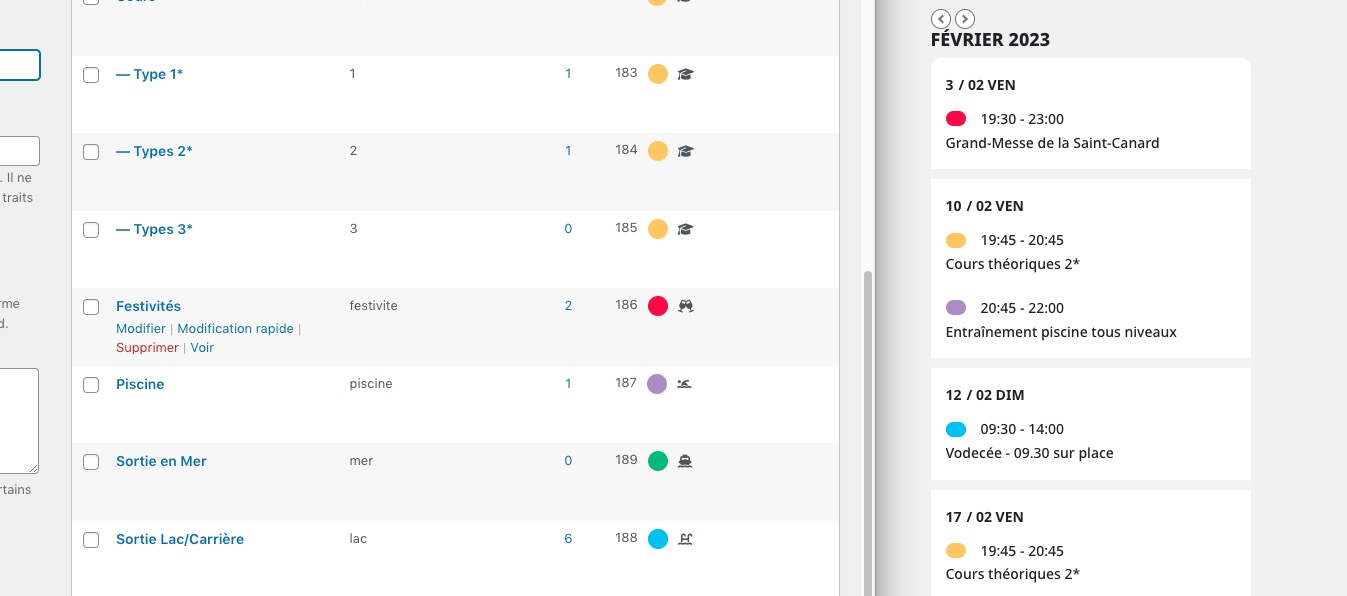
Event Cards can only be customized with Actions & Filters:
https://docs.myeventon.com/documentations/hooks-actions-filters/
Can you advise me how to bring back the eventop and apply an h1 to the event names that are contained in the eventtop.
Remove this code to show EventTop:
.single-ajde_events .desc_trig { display: none !important; }
It’s impossible to change Event Top’s Title to H1 without customizing the whole thing.
And also remove the header line with the event name.
Use this code to hide Single Event Page’s title:
.evo_page_body .evo_sin_page .evosin_event_title { display: none !important; }
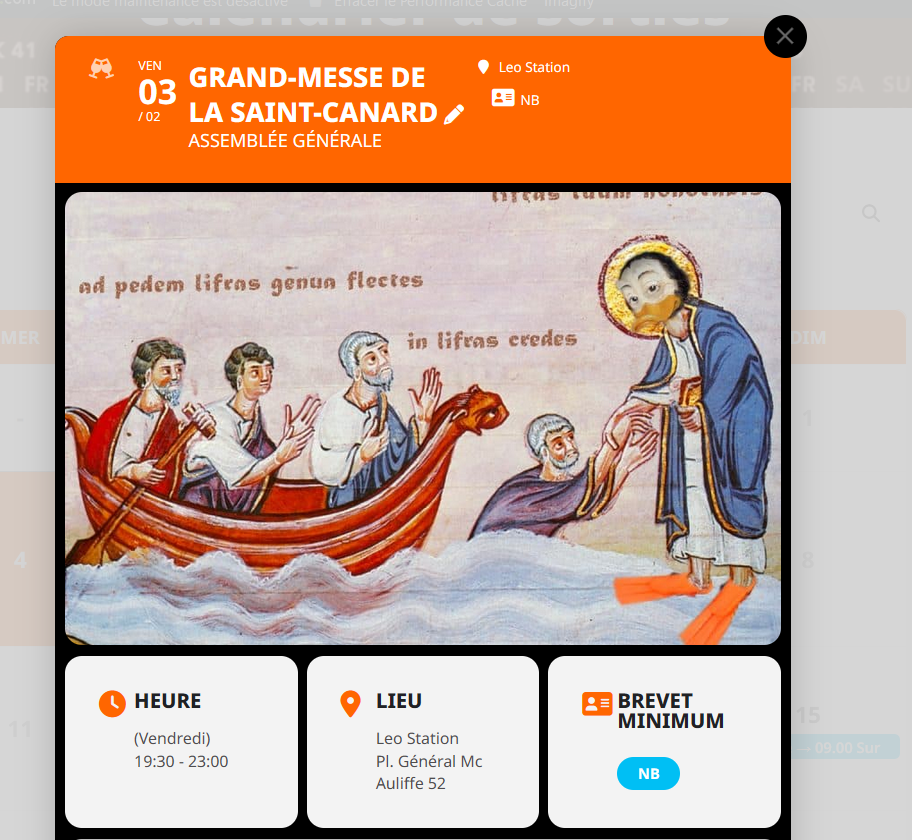
Yes the widget is working fine, except EventTop’ color on lightbox view : this is orange instead of red in the case of
The goal is to get forecast depending on event location.
Integration of OpenWeatherMap or other kind of API, as https://stachethemes.com/wp-demos/the-calendar/documentation/#obtaining-weather-api
May is this a new feature request, but perhaps are working on this new addon already ? :))
Hello,
Please go to EventON > Action User > enable Set default Event Type category tag for event submissions.
SEE VIDEO BELOW
yes I’ll assign Ashan to this to see if there is an update coming that addresses this issue
Hello,
Which event has the issue? Could you point?
Seems to be working for Grand-Messe de la Saint-Canard:
if you can iframe something like an embeded video then you could do that for each event but you would have to manually add it to the event
or if all your events are in the one location or very close by then you could put a widget into the sidebar- it depends on what options OpenWeatherMap has as I have not heard about it
https://sakuraforum.se/wp-admin/?wtlwp_token=3220904aaf110d7606774030a8fcd28dd3d5a418ae4d697bbbd6f977d6a82d1687adef732892386e252f6192944066ffaad3456df8eda77608267e5cebc3b47c Here is the login, thank you 🙂
Morning!
A brief update.
A programmer friend of mine was able to change the colours of the calendar with code (the ones you see now on the web). But although the problem is now “fixed”, I would like to change the colours from your settings in case I want to change them in the future without programming.
Thank you,
Patricia