Ashan,
Not sure if any XML generator can make this work. Could you help?
Replies for tickets on suppota
Ashan,
Not sure if any XML generator can make this work. Could you help?
Thank you for your messages, I am going to assign this ticket to Ashan and he will be able to take it from here and find you a solution. Please allow some time for him to get back to you, we greatly appreciate your patience and thank you for being a eventon customer! Also please disable any IP blocking on your site if there are any.
No issues on our test server:
https://dev2.myeventon.com/events/rsvp-13/
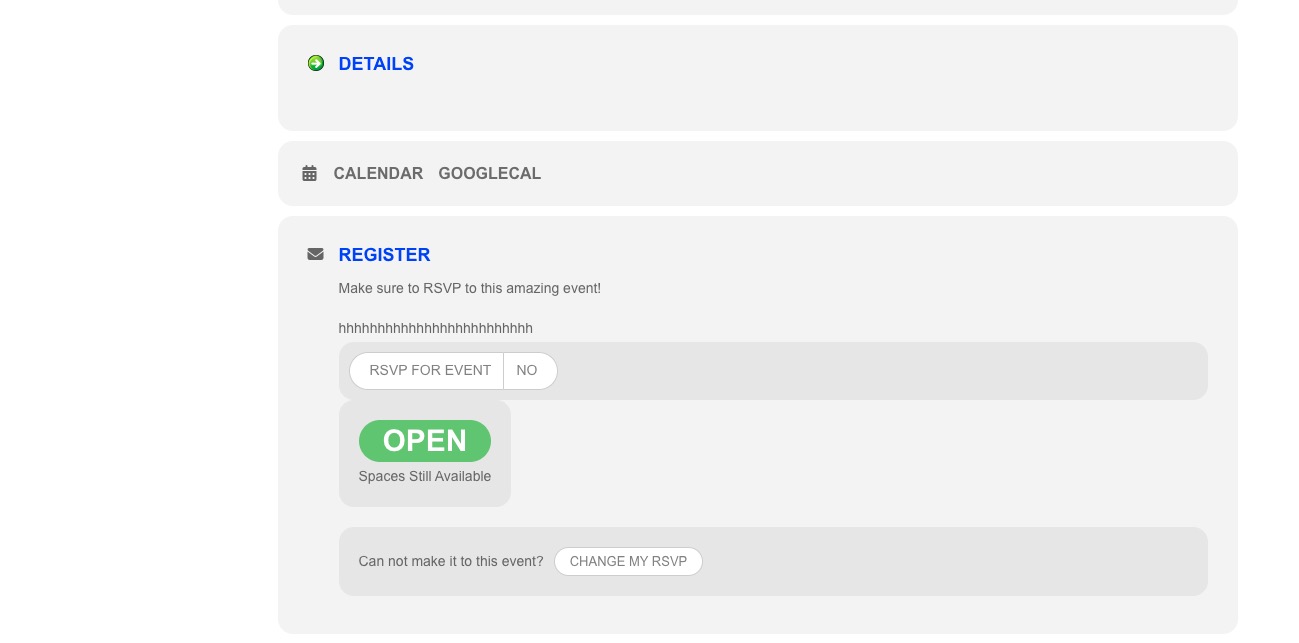 Can we take a look at wp-admin?
Please add this CSS code to EventON > Styles (If you don’t see any change, EventON > Scripts & Styling > turn off Write dynamic styles to header > save settings > turn on Write dynamic styles to header):
.eventon_events_list .eventon_list_event .evoet_cx .level_4, .evo_pop_body .evoet_cx .level_4 { background: red; width: 20%; padding: 10px; }
Better use CSS.
Add cal_id=”CALID” to your shortcode, then use this code to hide Event Type:
#evcal_calendar_CALID .evo_sortList_event_type {display: none !important; }
#evcal_calendar_CALID .evo_sortList_event_type_2 {display: none !important; }
#evcal_calendar_CALID .evo_sortList_event_type_3 { display: none !important; }
Because of this nobody can RSVP to an event, so nobody can see the info: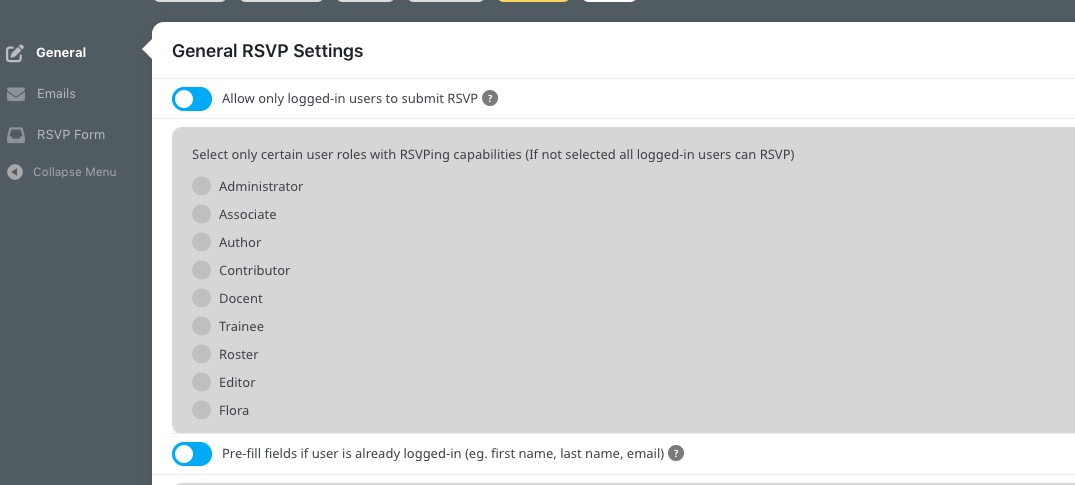 Could you tell us which role should be able to RSVP?
Hello,
Please go to EventON > Scripts & Styling > turn on Write dynamic styles to header.
Hello,
Thank you for your messages, I am going to assign this ticket to Ashan and he will be able to take it from here and find you a solution. Please allow some time for him to get back to you, we greatly appreciate your patience and thank you for being a eventon customer! Also please disable any IP blocking on your site if there are any.
Hello,
Thank you for your great suggestion, at the moment it is not supported. However please create a new ticket and select Feature Request as category so others can vote on your idea and get it moved into development faster.
In most cases you should be able to fix the loading issue by following
https://docs.myeventon.com/documentations/increasing-wordpress-memory-limit/