Hello,
Thank you for your messages, I am going to assign this ticket to Ashan and he will be able to take it from here and find you a solution. Please allow some time for him to get back to you, we greatly appreciate your patience and thank you for being a eventon customer!
Hi Infotaindave,
I am sure the cache plugin does not cause issues. There are some time issues on the weekly calendar view. It happens only Week starts on Monday, the Next weekly calendar takes more 18hrs to change to the current view. I check this “settings>>>>general timezone backwards” one. The setting for timing adjust, timing issue happens on Monday. If we adjust the timing for Monday, again adjust the timing for other days right? Please check the timing issue in the weekly calendar view.
I bought the calendar full and it is showing on 3 pages under the header Menu “art fair”
I have applied the same code on all 3 pages. This code was working, and now its breaking the calendar on 2 pages, the miami and Los angelees pages.
You can access all 3 pages from the header menu “art fair.” The NYC page is the only one displaying correctly
https://xzib.com/nyc-art-fairs?preview=true
Hi Support.
Im closing this ticket. As it seems to have been another plugin that maded the issue
Don’t worry about the little square to the right of the event title on the event top- that is only viewable by you the wp-admin
it is the edit event button (however your theme is removing the icon which is normally a pencil) but the button still works its only viewable or clickable by you when logged in
organiser:
https://xzib.com/event-organizer/lightner-museum shows the latest events at the top
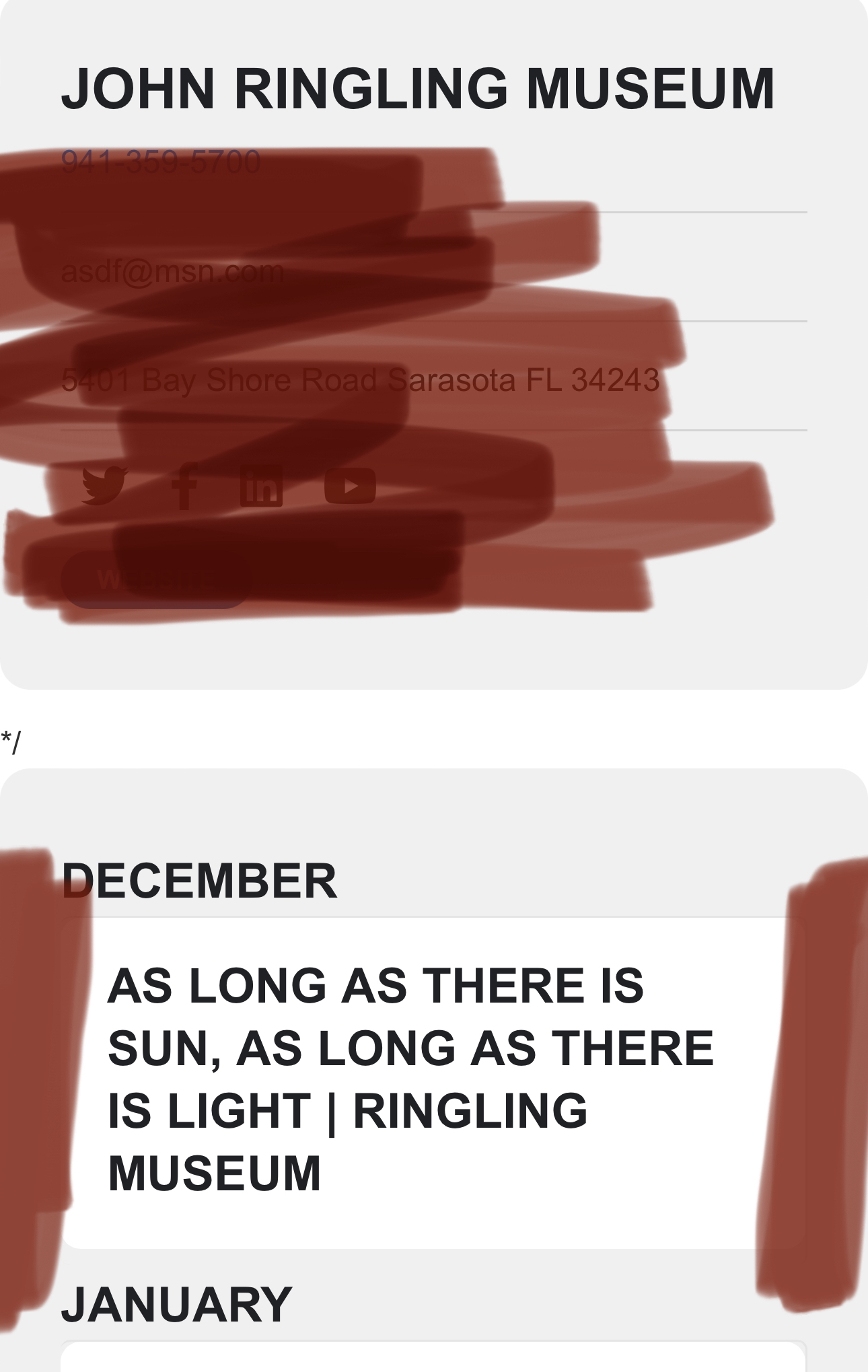
the */ code is not part of eventon you have added it somewhere into the template editor
i have add some css to remove white padding on devices 600 pixel wide or less
you will need screenshots to tell me what exactly to do
template
this is not really within the scope of this helpdesk – personally i have no idea but i can ask other staff members
organiser:
same as above reply
https://xzib.com/bull
Ryan Eddy Lutz
XPE@$R&OJGiIT#WMHCN!)m64
Ive combed the literature and not been able to resolve these. Thank you in advance for helping with these design questions.
- Both Miami and Los Angeles page calendars are breaking and have an odd symbol. NYC art fair page does not have a problem using the same code. I cannot identify what is causing the problem, but you can see the full year calendar is not working https://xzib.com/miami-art-fairs
__
Organizer/Location design issues pages
- Im wanting to have all events to display on location/organizer pages in descending order, with the most recent month at the top. Ive tried to shortcode and add in various way with plugin editor. Can you please help me identify how to do this?
- Eventop/Mobile- Remove all padding inside the container with the events.
- Mobile- Remove the(#FFFFFF) padding outside of the container.
Organizer template
- Remove all content from the top box except for name/link
___
Eventcard
Mobile/Desktop Organizer section- Remove everything except the organizer Image& name. Remove Lightbox function and link both the image and the name to the organizer page
Hello,
Please take a look at this guide:
https://docs.myeventon.com/documentations/event-post-meta-variables/
_evcal_ec_f{x}a1_cus Custom meta data field value. x represent the index of the field (1+)
Please also note that we have limited support for customizations because of CodeCanyon’s Support Policy.
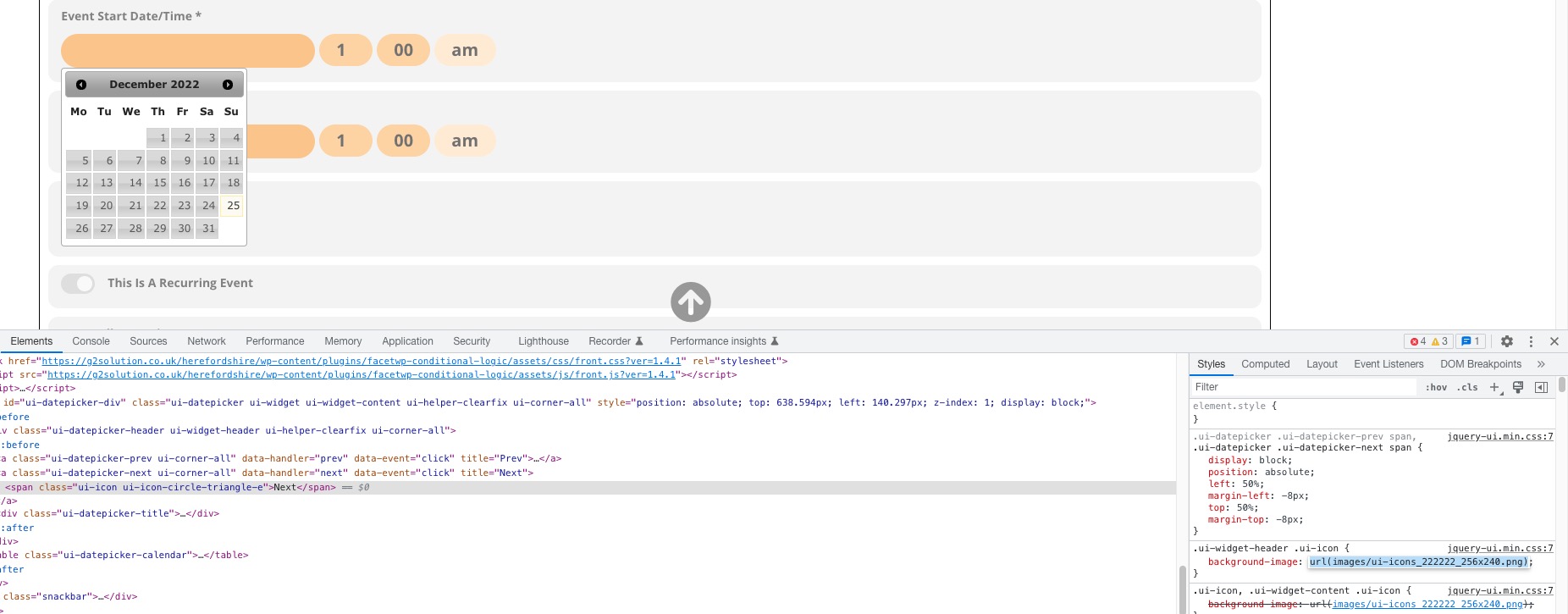
It seems that since this path is relative: When you enable the css minifying functionality, it doesn’t know where to find the file anymore.
Try this code:
.ui-widget-header .ui-icon { background-image: url(https://ajax.googleapis.com/ajax/libs/jqueryui/1.10.4/themes/smoothness/images/ui-icons_222222_256x240.png) !important; }