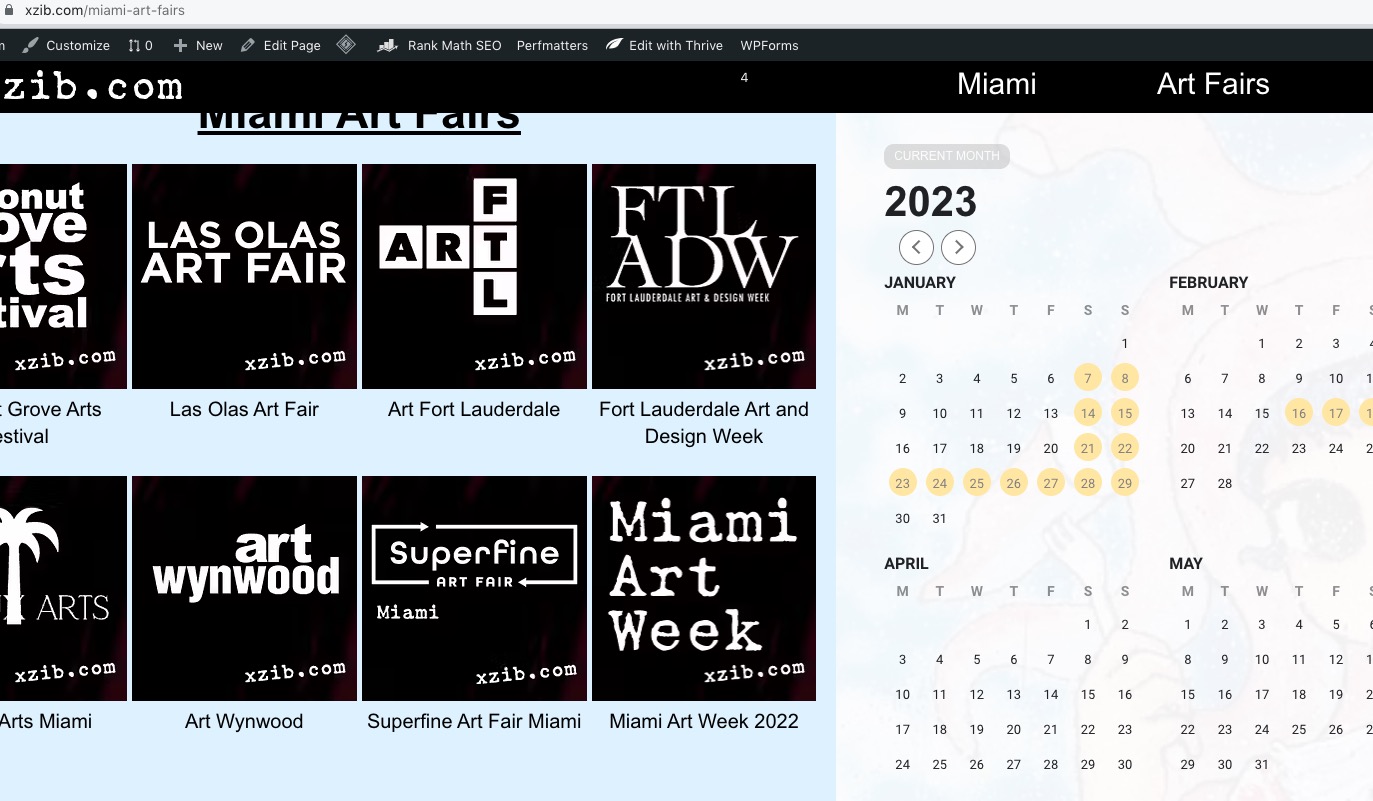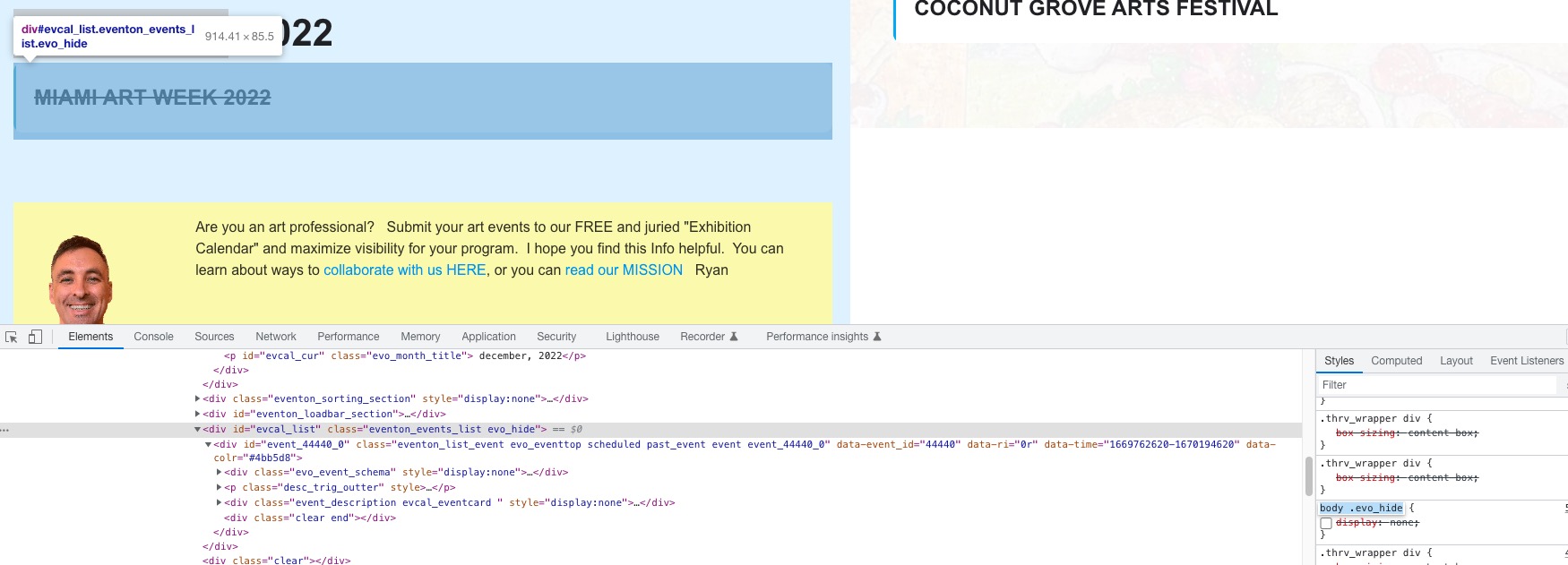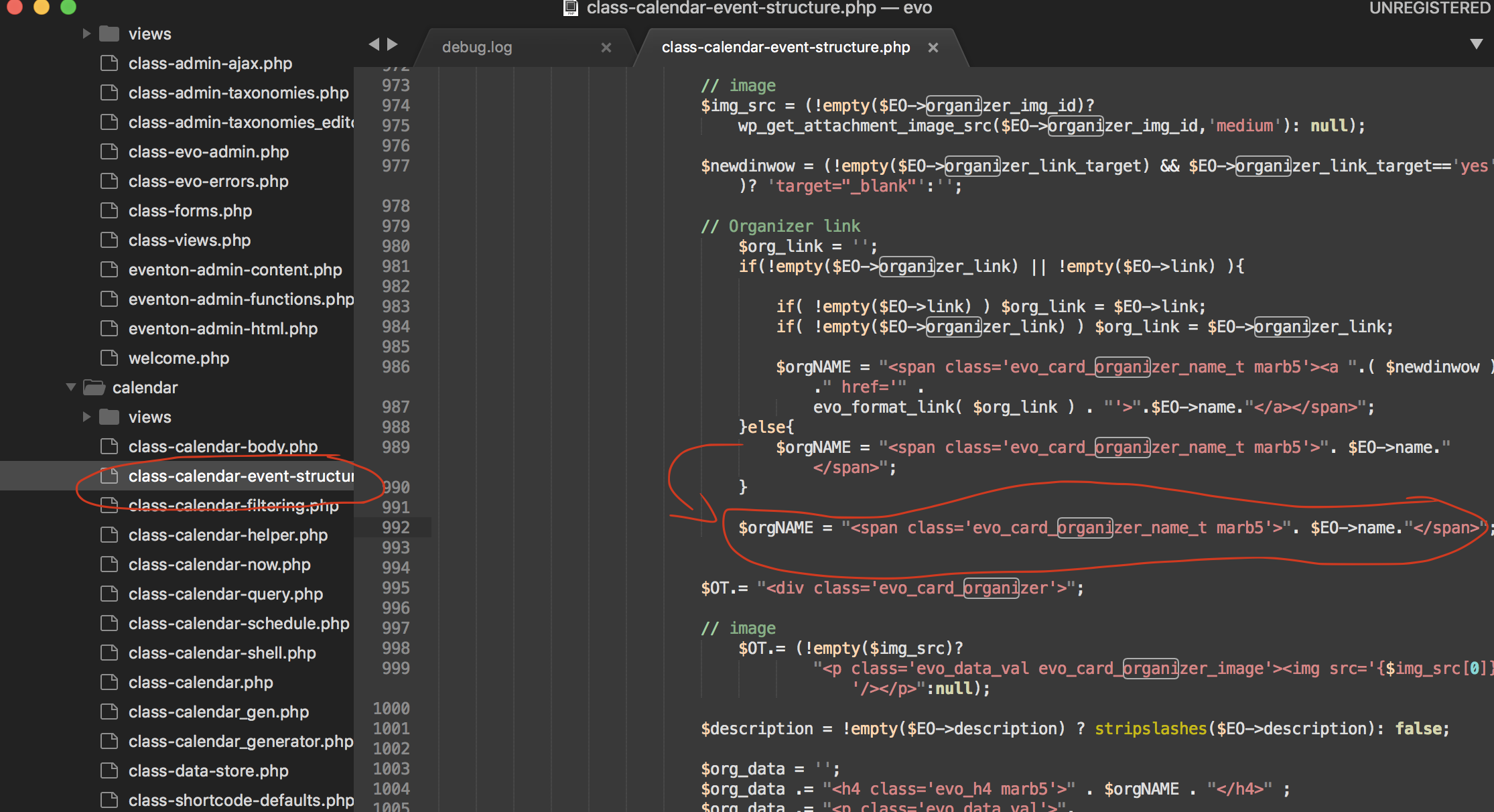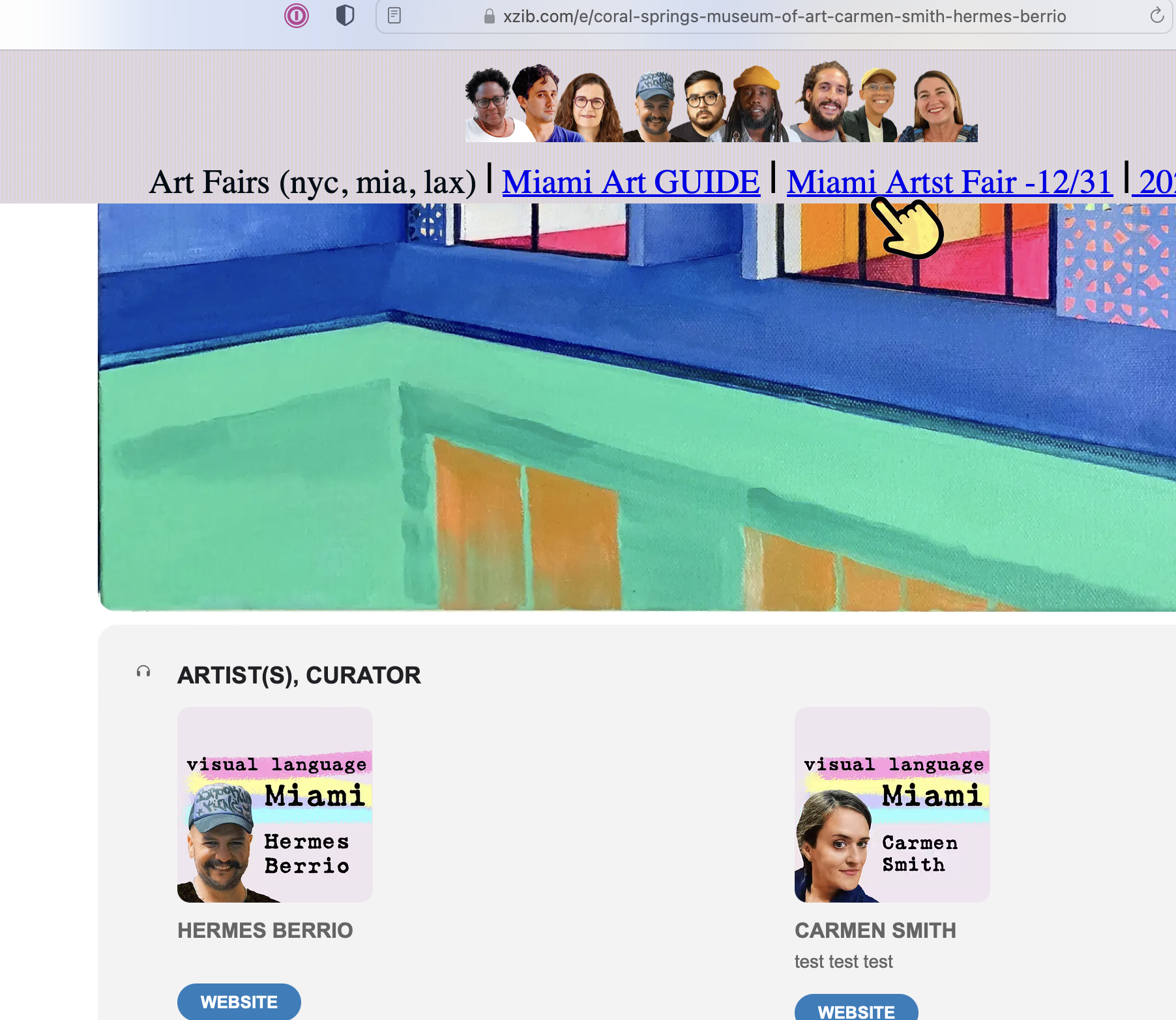
I want the organizer section to be clean and responsive across devices. SO I want the “website” link as well as the copy(test, test, test) to be removed, please
Also, can you link both the name and the image to the subject organizer page. Currently the name links, but not the image.
Hello
Can I please get some clarification?
1. Please add this CSS code to EventON > Styles (If you don’t see any change, EventON > Scripts & Styling > turn off Write dynamic styles to header > save settings > turn on Write dynamic styles to header):
.ajde_evcal_calendar.boxy .eventon_list_event, .ajde_evcal_calendar.boxy .evoShow_more_events { border-radius: 0 !important; }
2. Use this code:
.eventon_events_list .eventon_list_event .evoet_cx .level_4, .evo_pop_body .evoet_cx .level_4 { margin: 0 auto !important; }
3. Make sure that quotes are correct and also the shortcode does’t contain any HTML tags:
https://pastebin.com/y7LYiuH0
1. Please add this CSS code to EventON > Styles (If you don’t see any change, EventON > Scripts & Styling > turn off Write dynamic styles to header > save settings > turn on Write dynamic styles to header):
@media (max-width: 960px){.evosv_grid .row .evosv_date {width:auto !important}}
2 & 3. Use this code:
@media (max-width: 960px){ .evosv_grid .row .llxvl { line-height: 1.5; }}
4. Use this code:
@media (max-width: 960px){.evosv_grid .row .evosv_items .evosv_time {width: auto;}}
@media (max-width: 960px){ .evosv_event.llxvl { width: 100% !important; }}
1. YearlyView shortcode is working on this page:
https://xzib.com/55514-2
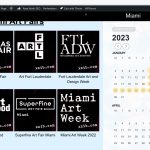
Also when you switch between years it starts working on https://xzib.com/miami-art-fairs as well:
1. Follow this guide:
https://docs.myeventon.com/documentations/customize-location-organizer-archive-page/
What you need to do is to replace add_eventon_list with add_eventon_el and also put these options:
month_order=”DESC” event_order=”DESC”
2. Could you show us this on a screenshot?
3. Please add this CSS code to EventON > Styles (If you don’t see any change, EventON > Scripts & Styling > turn off Write dynamic styles to header > save settings > turn on Write dynamic styles to header):
.tax-event_location, .tax-event_organizer { margin:0 !important }
1. Seems to be fixed.
Mobile/Desktop Organizer section- Remove everything except the organizer Image& name. Remove Lightbox function and link both the image and the name to the organizer page
Please see your other ticket with this issue.
Hello,
Thank you for your messages, I am going to assign this ticket to Ashan and he will be able to take it from here and find you a solution. Please allow some time for him to get back to you, we greatly appreciate your patience and thank you for being a eventon customer! Also please disable any IP blocking on your site if there are any.
Great! If you have any further questions or concerns please create a new ticket.
Hello,
Could you elaborate more? Are you trying to hide a repeating event if there is a single event on the same date?
Please take a look at this guide on how to create Custom Repeating Events:
https://docs.myeventon.com/documentations/setting-up-repeating-events/
Also check Repeat Customizer:
https://www.myeventon.com/addons/repeat-customizer/
Try on https://dev.myeventon.com/wp-admin/
There is this style that causes calendars to disappear: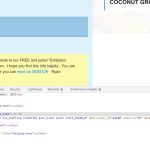 Could you disable the css minifying functionality so we can check where is’t coming from?
Hello,
Try this patch fix. it will fix remove the organizer name in the event card from being linked to organizer page.
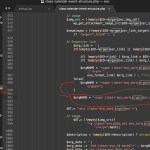
Please add this CSS code to EventON > Styles (If you don’t see any change, EventON > Scripts & Styling > turn off Write dynamic styles to header > save settings > turn on Write dynamic styles to header):
p.evo_card_organizer_more { display: none !important; }
Please prevent any additional body text from being imported where it says “test”
Could you elaborate more?