Ashan,
When users create repeating events using Action User, then put wrong Event Start and End dates. They take Event Start date of the first repeat and Event End date of the last repeat.
Is it possible to somehow add a warning text?
Replies for tickets on suppota
Ashan,
When users create repeating events using Action User, then put wrong Event Start and End dates. They take Event Start date of the first repeat and Event End date of the last repeat.
Is it possible to somehow add a warning text?
Try following this guide:
https://docs.myeventon.com/documentations/add-additional-fields-actionuser-event-submission-form/
As a temporary solution try adding a regular text to explain to customers how they should create repeating events.
I am also going to assign this ticket to Ashan and he will be able to take it from here and find you a solution. Please allow some time for him to get back to you, we greatly appreciate your patience and thank you for being a eventon customer! Also please disable any IP blocking on your site if there are any.
 This is not how variations work, I am afraid.
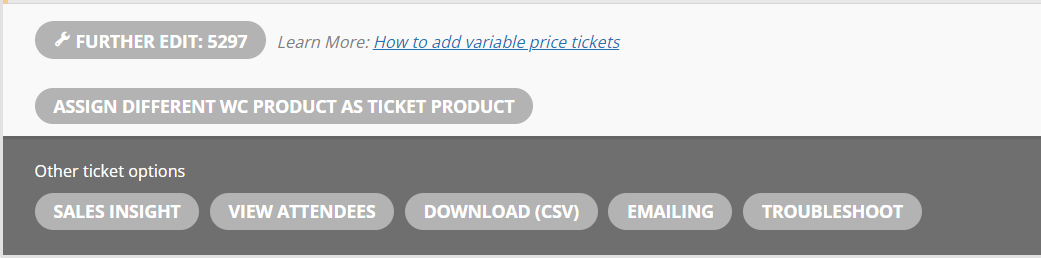
Users select how many tickets to purchase with this option:
Variations are for them to select a different type of product you can offer for a different price.
Thank you so much!
Regarding the last request: https://www.urlaubszeit-sachsen.de/kalender/
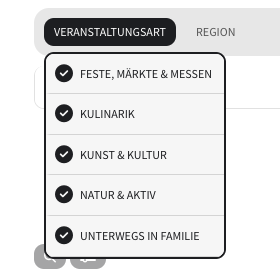
Here is the calendar “in action”. I’ve attached an image where you see that category 1 (in the calendar named “Veranstaltungsart” = event type) has no option to select “All” whereas category 2 (in the calendar named “Region”) has this option.
Could you fix events’ titles?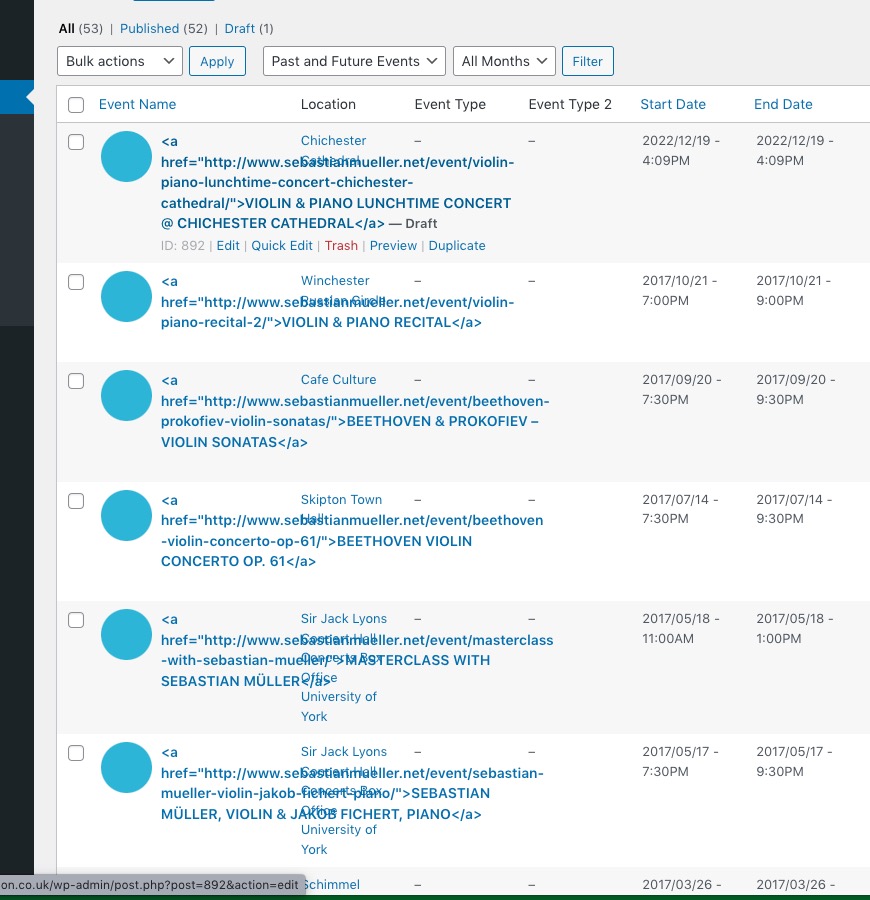 They should be text and not HTML tags.
1. Please go to EventON > Time Settings > enable Allow universal event time format on eventCard. PHP date format can be found here: https://www.php.net/manual/en/datetime.format.php
2. Go to Edit Event > Learn more about event link > enable Open in New window. You can also import it with CSV:
evcal_lmlink_target – Learn more link open in new window yes | no
and hopefully the last request: On the category 2 filter I have the option to select “All” but not on the category 1. I’m not sure if I added this or where I could select to also add the option to select “all” in filtering for both category types.
Can you please send us a direct link to where the actual issue is happening?
Ashan,
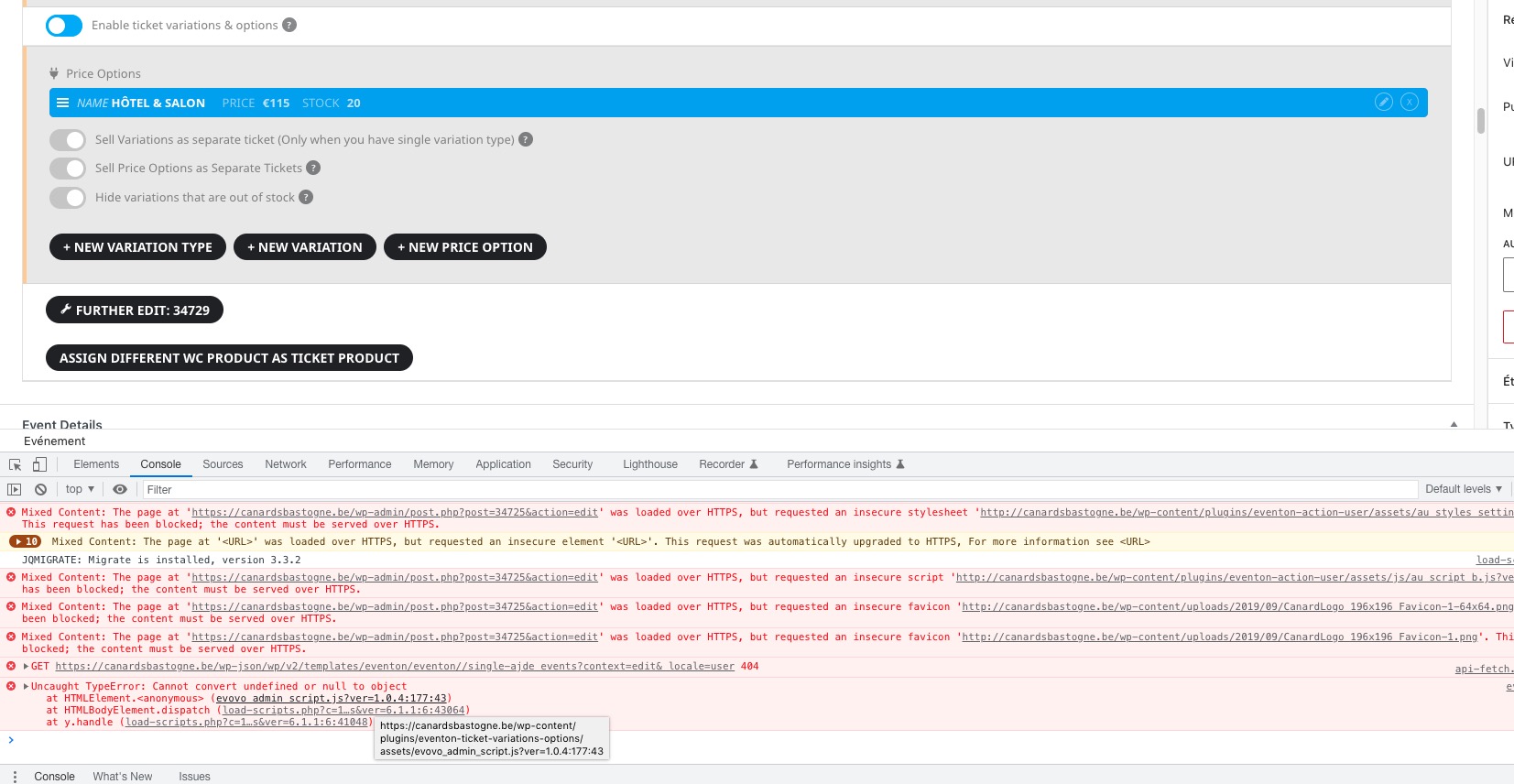
No plugins + default theme when I try to delete the option:
Thank you for your messages, I am going to assign this ticket to Ashan and he will be able to take it from here and find you a solution. Please allow some time for him to get back to you, we greatly appreciate your patience and thank you for being a eventon customer! Also please disable any IP blocking on your site if there are any.
As a solution you can just delete the event and create a new one instead of waiting for Ashan.
Can you tell me what was the problem, or what you did to solve it?
Not sure. Cache issue maybe?
Main titles color can be changed in EventON > Appearance > EventTop. If you don’t see any change, EventON > Scripts & Styling > turn off Write dynamic styles to header > save settings > turn on Write dynamic styles to header.
Learn More. Please add this CSS code to EventON > Styles (If you don’t see any change, EventON > Scripts & Styling > turn off Write dynamic styles to header > save settings > turn on Write dynamic styles to header):
p.evo_card_organizer_more { display: none !important; }