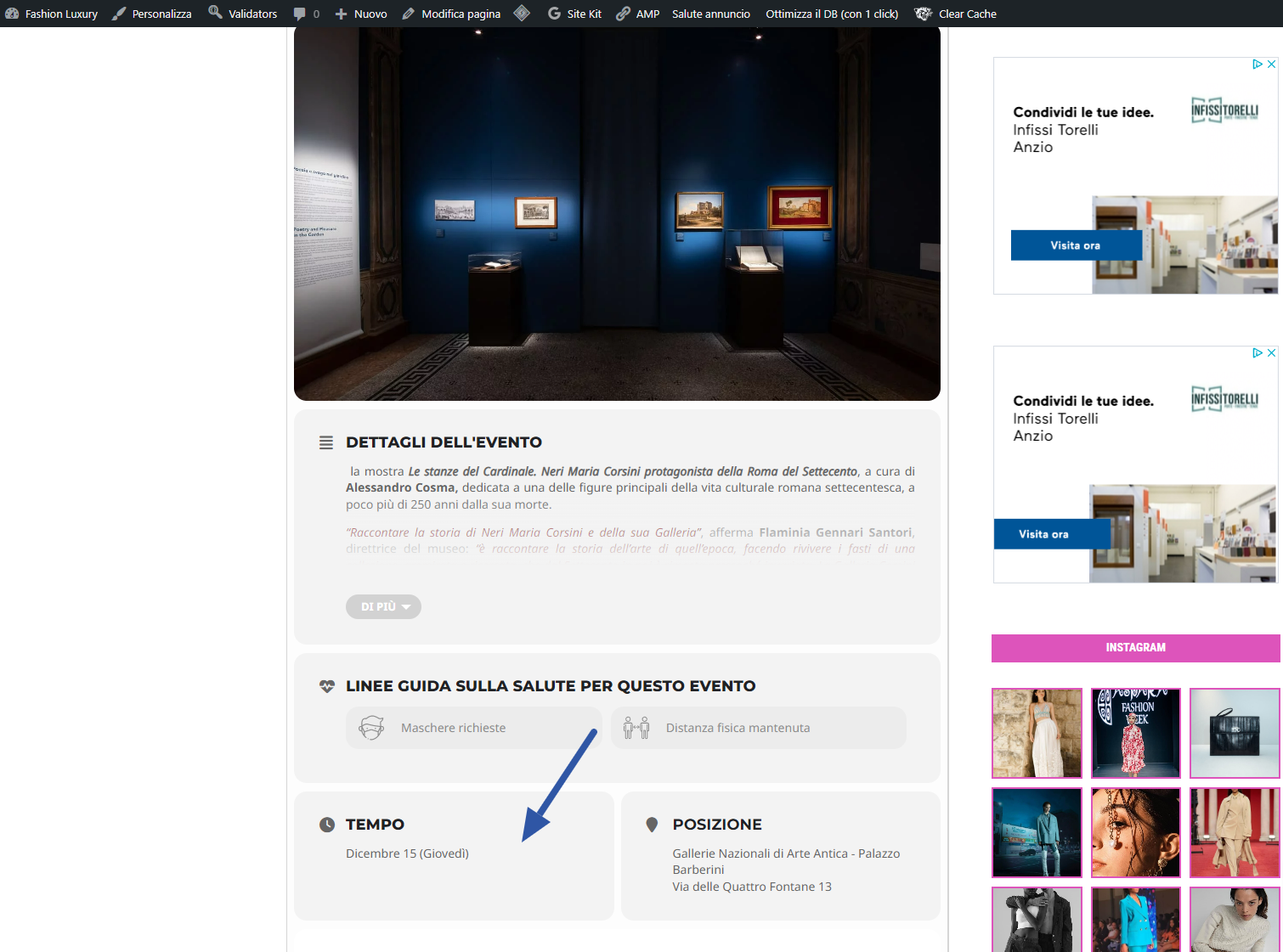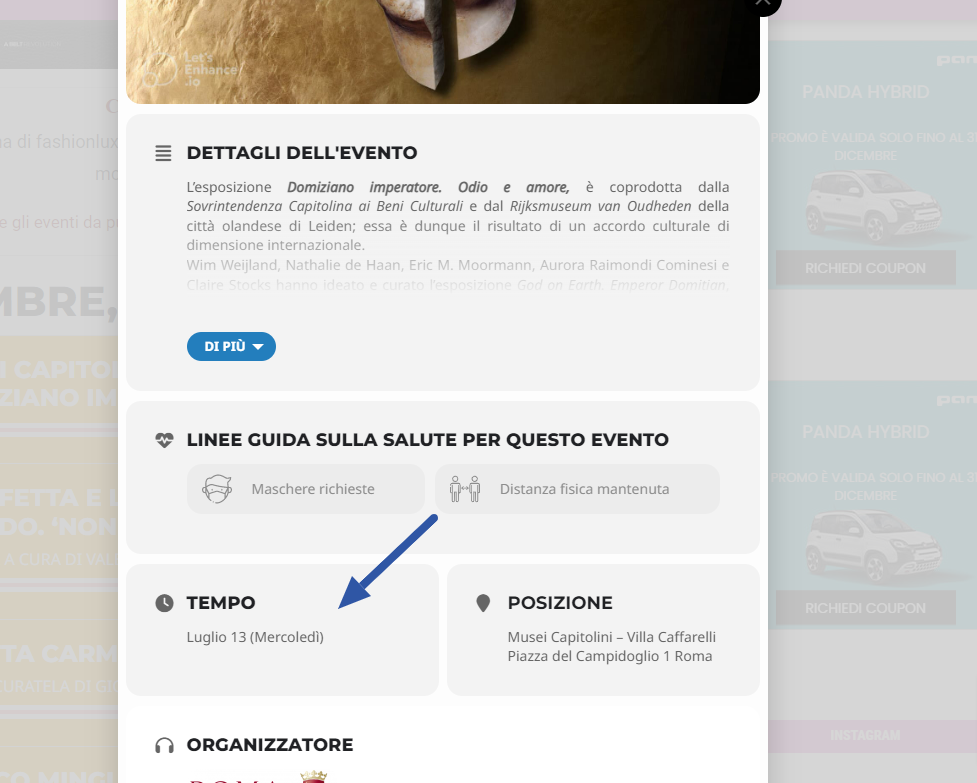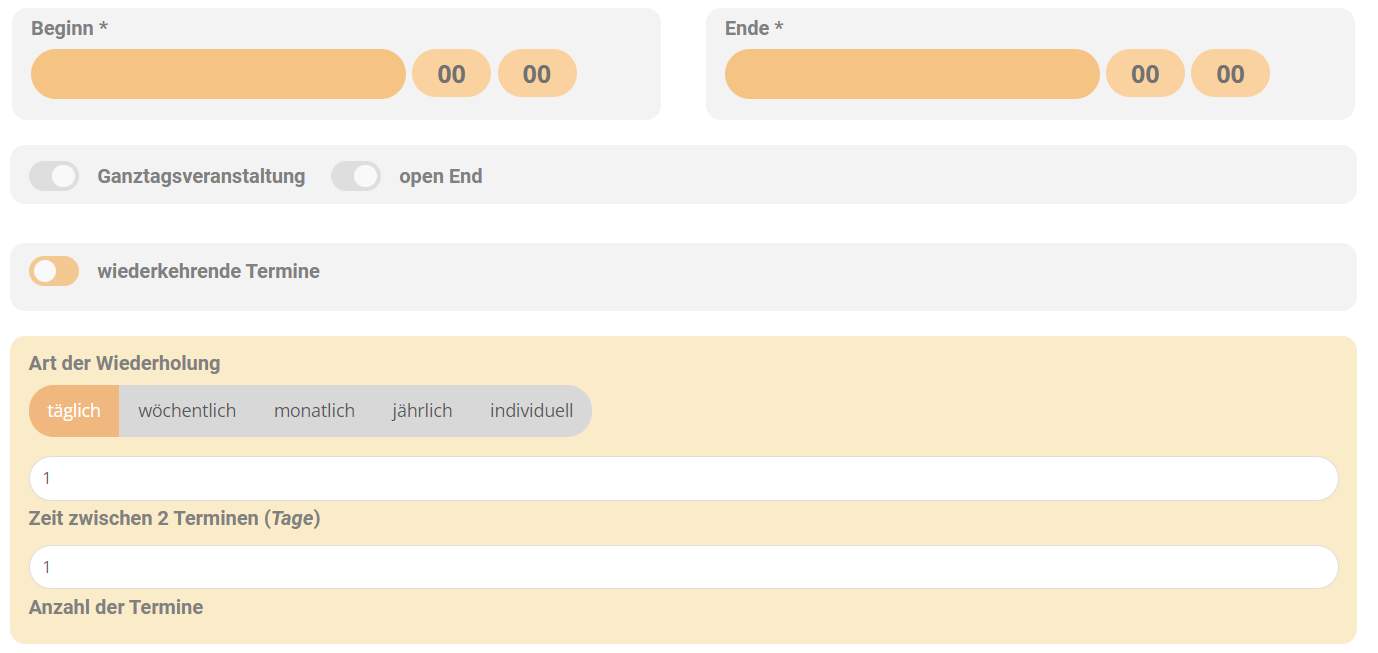
Yes this syntax works now…
BUT… it will happen again and again, as long as there is no explizit HINT for event creators (weather below the original dates or better in the box for repeating event dates/details) , HOW to do it correctly.
Because when creating a course or a workshop series, people are having in mind the start date and the end date of the whole thing… not of the first occasion/event.
This should be outlined clearly to level up usability of this addon.
Hello,
Please send us wp-admin access to your site as a private message for us to further assist your situation.
The date should appear by default. Take a look at our test server:
https://dev2.myeventon.com/events/test-54/

… and hopefully the last request: On the category 2 filter I have the option to select “All” but not on the category 1. I’m not sure if I added this or where I could select to also add the option to select “all” in filtering for both category types.
Thank you so much for your help.
https://empower-project.de/kalender/
Login = Temporary Login
PW = Temporary Login 9900
I was using ESE all the time ~ but for daily widget I couldn’t find any option to check(box), as I know it from the other widgets inside ESE.
Now I implemented the extra code snippet, but It gonna show me only 2 events for each day in the preview (the colored small dots below each day)… but for each day with more than 3 events… sometimes 2, 3, 4 events, before the ‘show more’ button is displayed.
Also the calendar freezes by the current day and nothing happens when clicking other days.
Please see detailed explanation down here:
https://www.loom.com/share/1d5c11da361b40beb581bcb1569abfe4

I tried it with just the starting time on some events and this works – no adding of an ending time needed, when posting all-day-events.
Two more question:
- How can I change the date format on the “time” element in the event card? I’d like to use an European time format (day month). See the image in the attachment.
- Can the external link that’s set on evcal_lmlink open in a new tab? Where would I change this setting?
Thank you so much for your support!
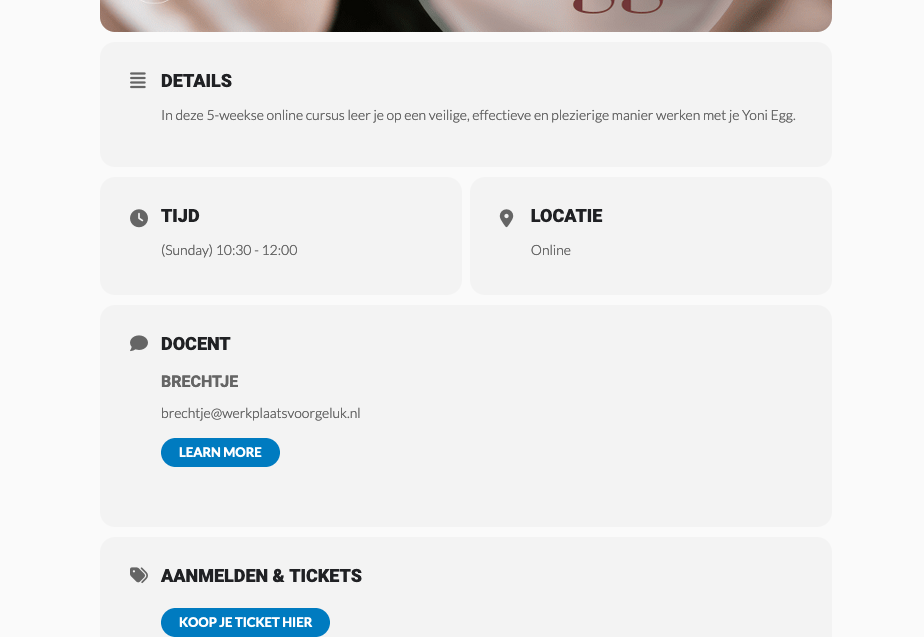
and another question – on the Event Card, how can I remove or adapt the button ‘LEARN MORE’
In the screenshot it is under ‘Docent’ which is the translation of ‘Organizer’
I like to remove the button and / or be able to change the button (that it links to an external site instead of listing all events of this specific organizer).
Thanks!