Hi micheal thank you for pointing this out.
I am doing a big update with tickets and seats and I will make sure to address this as well. I do not have an immediate fix for this. Sorry it seems like the row renaming is not completely modifying all the seat data afterwards.
Much appreciate your patience!
Ryan, what you suggested above seems solid approach to me. You can always try it out and see how things span and change it if its not what you desire.
ActionUser is getting an update soon and that will include more of the fields that we have been adding on wp-admin end of things.
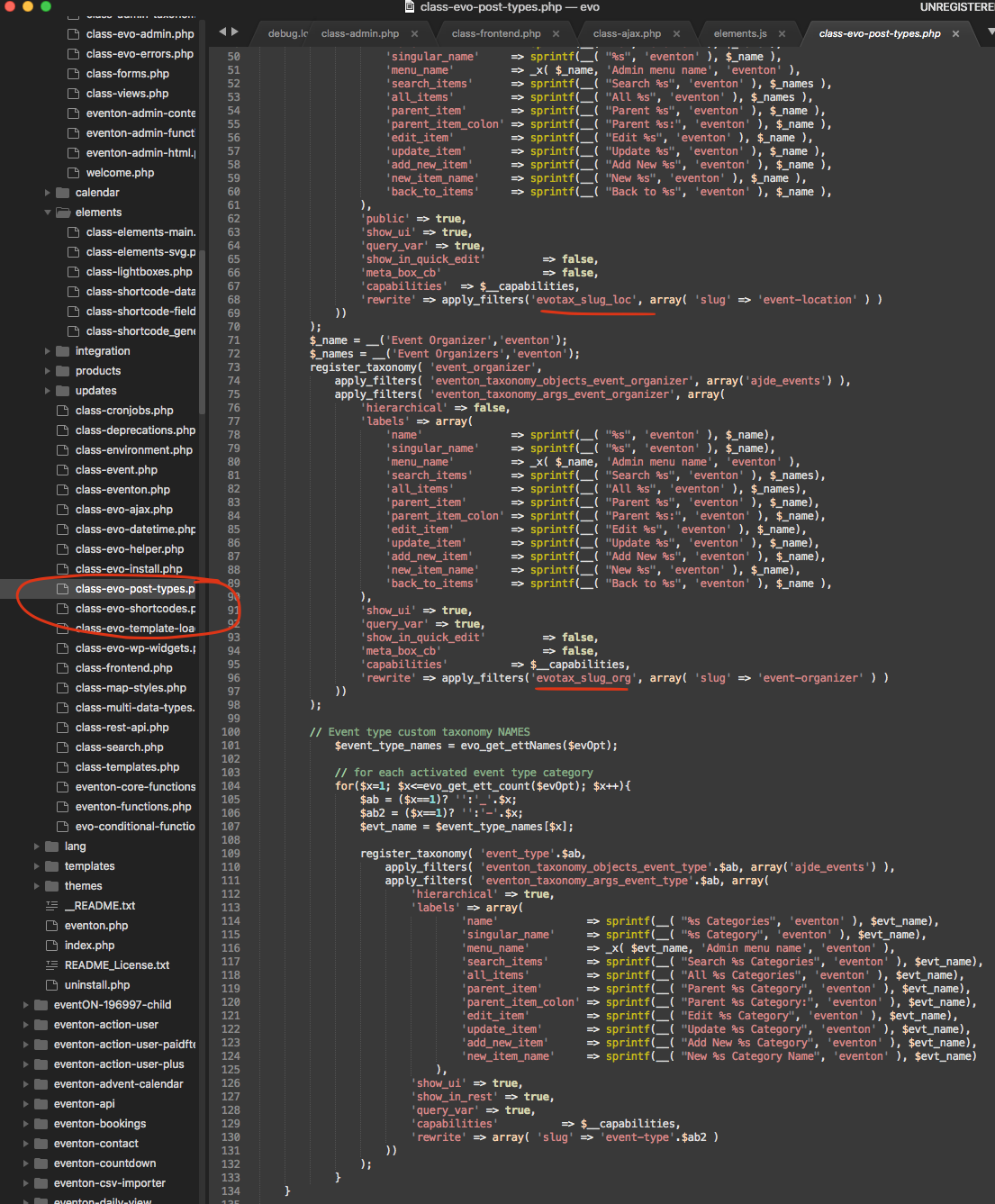
Look in the below code. Use that pluggable functions instead of trying to re-register the taxonomies, which I dont think is a fast approach.
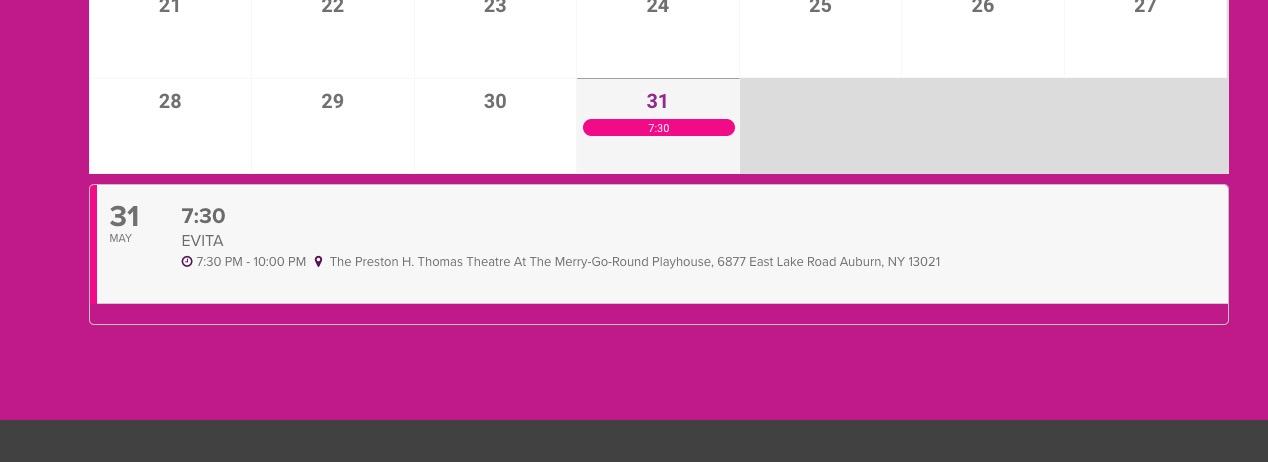
If there is no start/end time: Would it be sufficient to add a “yes” to All dav? Some events just don’t have any start/end times.
Thank you.
Christian I have refunded you for all the addons from the order. I would like to ask kindly to leave us a review if you do not mind 🙂
If you have a moment, we would greatly appreciate if you could kindly leave us a review at codecanyon! from your account > downloads. Cheers!
I am sorry Melissa, the cyber sale expired December 4th 2022. Not sure how you are seeing this banner still?
I completely understand with public sector. You can use coupon code EVO20T at the checkout and that will get you discount on all addons 🙂
Clicking on a date, loads events for that date. What you need next is to scroll to the list of events and click on an event there.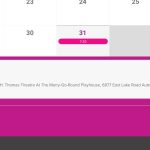
1. Could you send us a screenshot of coins?
2. Align it how, to the right? Could you elaborate?
3. Please add tile_height=”199″ to your shortcode and replace 199 with any heigh you like.
4. Thank you for your great suggestion, at the moment it is not supported. However please create a new ticket and select Feature Request as category so others can vote on your idea and get it moved into development faster.
Hello,
I am not sure what the image is referring to. Could you elaborate?
Your issue is if, for example, today would be Monday 19th 12:00AM, the calendar would still be showing Dec 12 – Sun 18 week, correct?
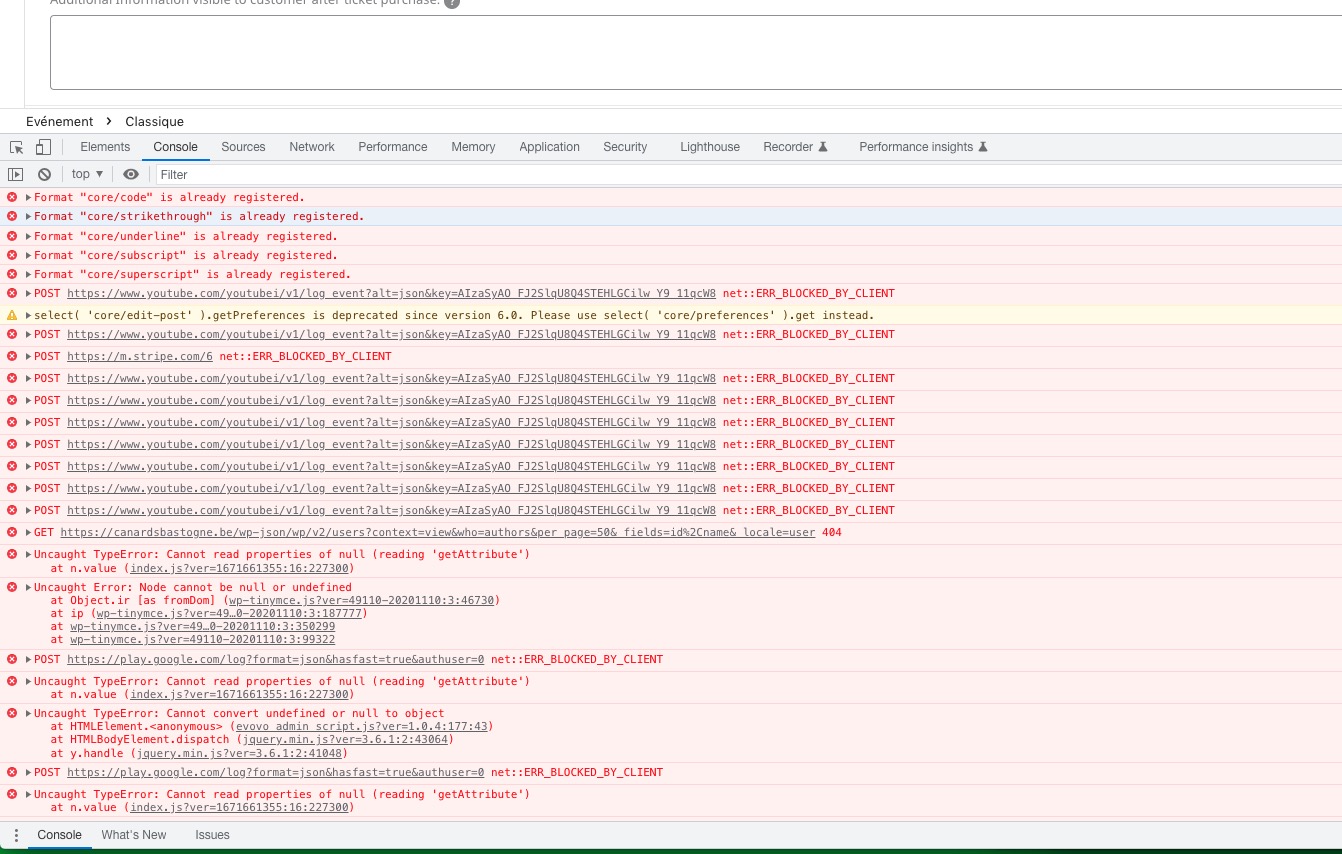
There are several js errors: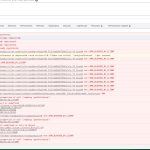 Can we please try the instructions mentioned in this documentation to make sure your issue is indeed coming from eventon. It should take a minute or so.
Hello,
Event Start and End times should also be added:
event_start_time & event_end_time – Start/End time in format h:mm:AM/PM
Could you try and let me know?