Hello,
No issues on our test server:
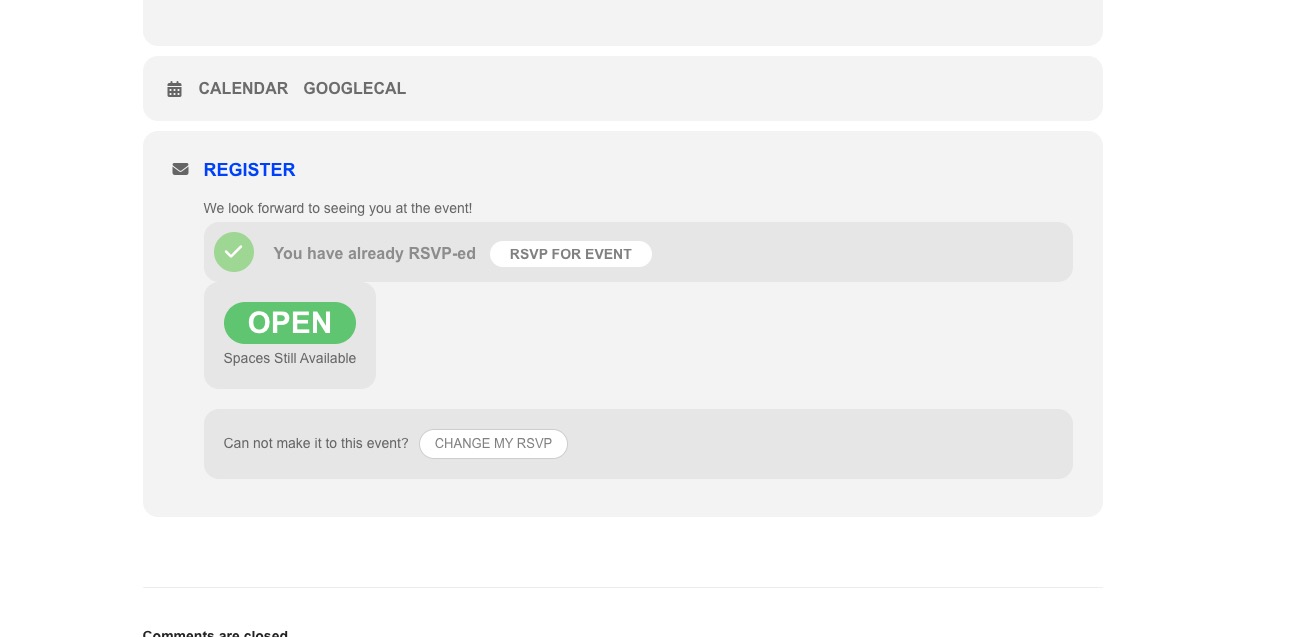 Please send us wp-admin access to your site as a private message for us to further assist your situation.
Replies for tickets on suppota
Hello,
No issues on our test server:
Please send us wp-admin access to your site as a private message for us to further assist your situation.
Hello,
Date Format is empty. Please go to https://www.schlafly.com/wp-admin/options-general.php and change Date Format to format to F j, Y or similar.
Hello,
Please send us wp-admin access to your site as a private message for us to further assist your situation.
Could you also elaborate more about what exactly isn’t working?
Hello,
Events you mentioned are repeating events. They all are visible because event start and end times aren’t correct.
Please go to Edit Event and take dates of the first repeat and put them to Event Start and End.
For example,
https://empower-project.de/events/schneewittchen-der-froschkonig-und-der-wolf-13-marchen-fur-erwachsene-inspirationen-per-email-jeden-tag-vom-25-12-2022-bis-6-1-2023/
Event Start should be Dec 25 and Event End – Dec 25.
Hello,
Please use ESE widget:
https://docs.myeventon.com/documentations/use-eventon-shortcode-executor-widget/
Load more can be enabled by adding these to a shortcode:
event_count=”5″ show_limit=”yes” show_limit_ajax=”yes”
Hi Artem,
Thank you – the Start day setting worked however the ux_val=”4″ setting didn’t make the events in Fullcal go to external links:
https://therevtheatre.com/evita/
See video:
https://gyazo.com/53adb0fc11c3586c2e8c34418fd45ab9
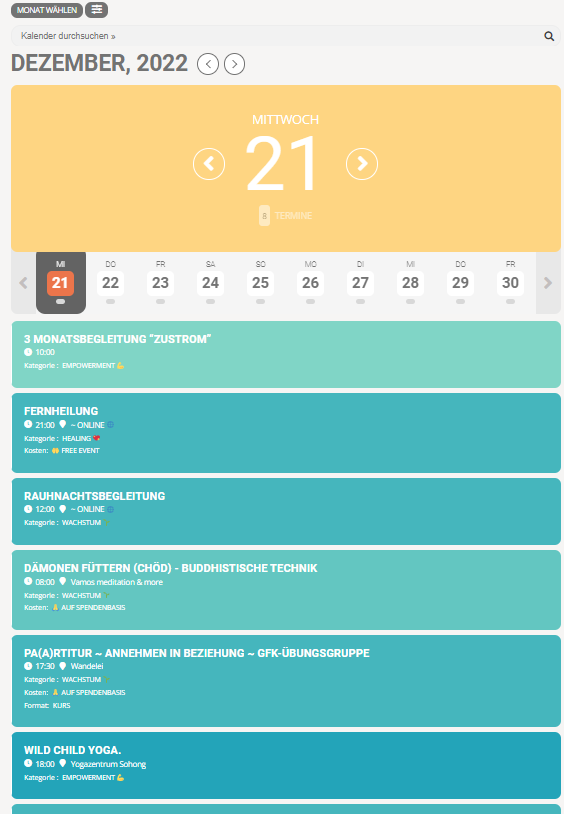
A lot of time has already passed, I urgently need to solve with Event processing timezone method: WordPress timezone
Hi
As per you instructions i have tried to add the code but it doesn’t work. Can you please check this for me.
My Requirement is as follow :
1. I want infomation of Event, Address, Price Location and Dates with timing as List view explained above.
2. Events with full list where past events below and New or coming up events on Top.
3. Search Bar to Search for Calender Events
I can setup as Jump events as months that is ok but i want to set from Year 2015. Currently setup from 2020.
Please refer below link :
I hope this clears my requirements
Many thanks
Kind Regards
Dan
Tried to rewrite it to /l/ not /e/