I solved the problem. There was the empty box, if the term “OPEN” was not translated. Now I removed the entire block by custom css.
Archives: Replies
Replies for tickets on suppota
Reply to: tickets(299557)
Thank you for the suggestion. I just tried that and unfortunately it did not work. I saved settings and purged my site cache and nothing changed
Reply to: tickets(299333)
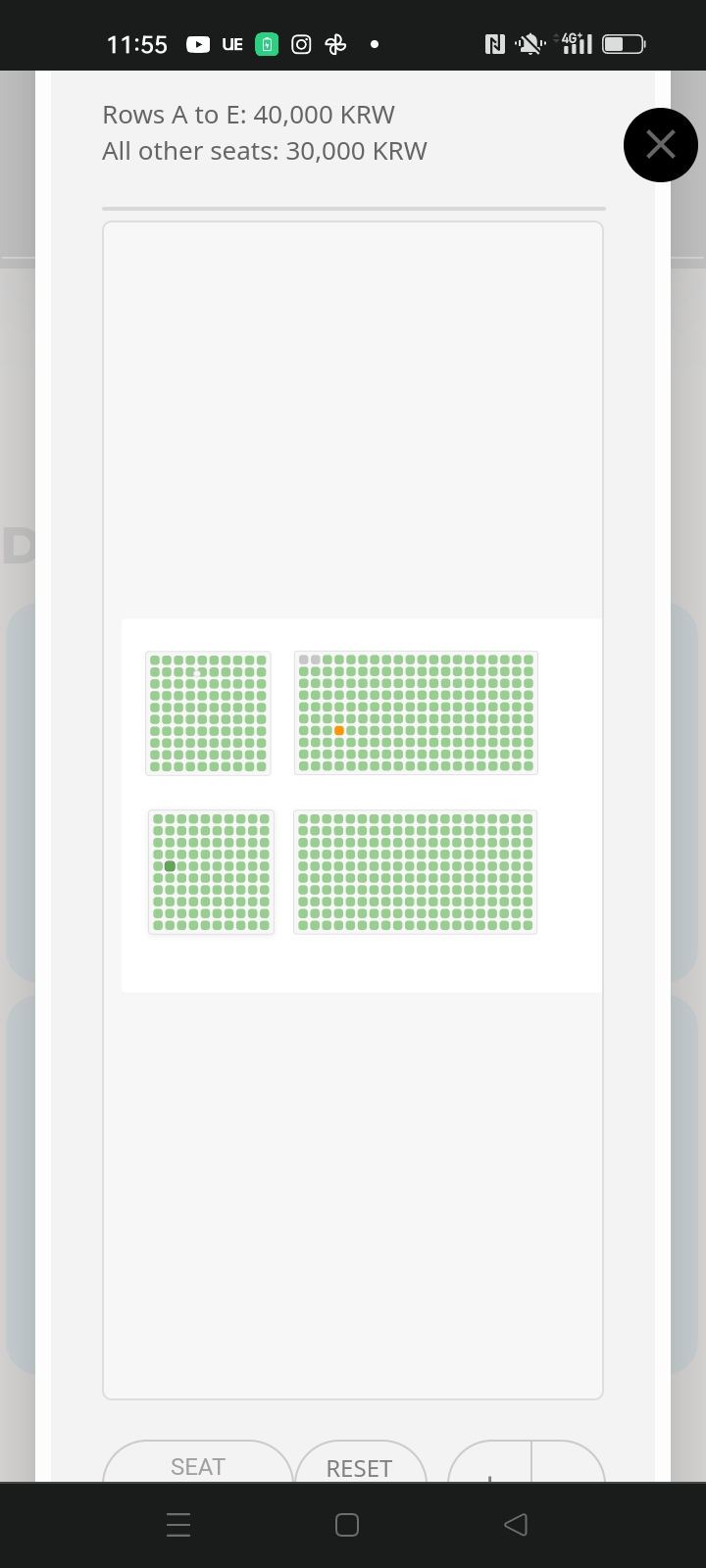
Also, display is still strange on mobile. It has the large area above and below the map. Also, the behaviour is not intuitive. To zoom in a user has to pinch the non-map area. It will not zoom if pinching with fingers on the seats. And the seating area can be dragged all across the lightbox which is strange.
www.candlelightguitar.com/concerts
Reply to: tickets(299333)
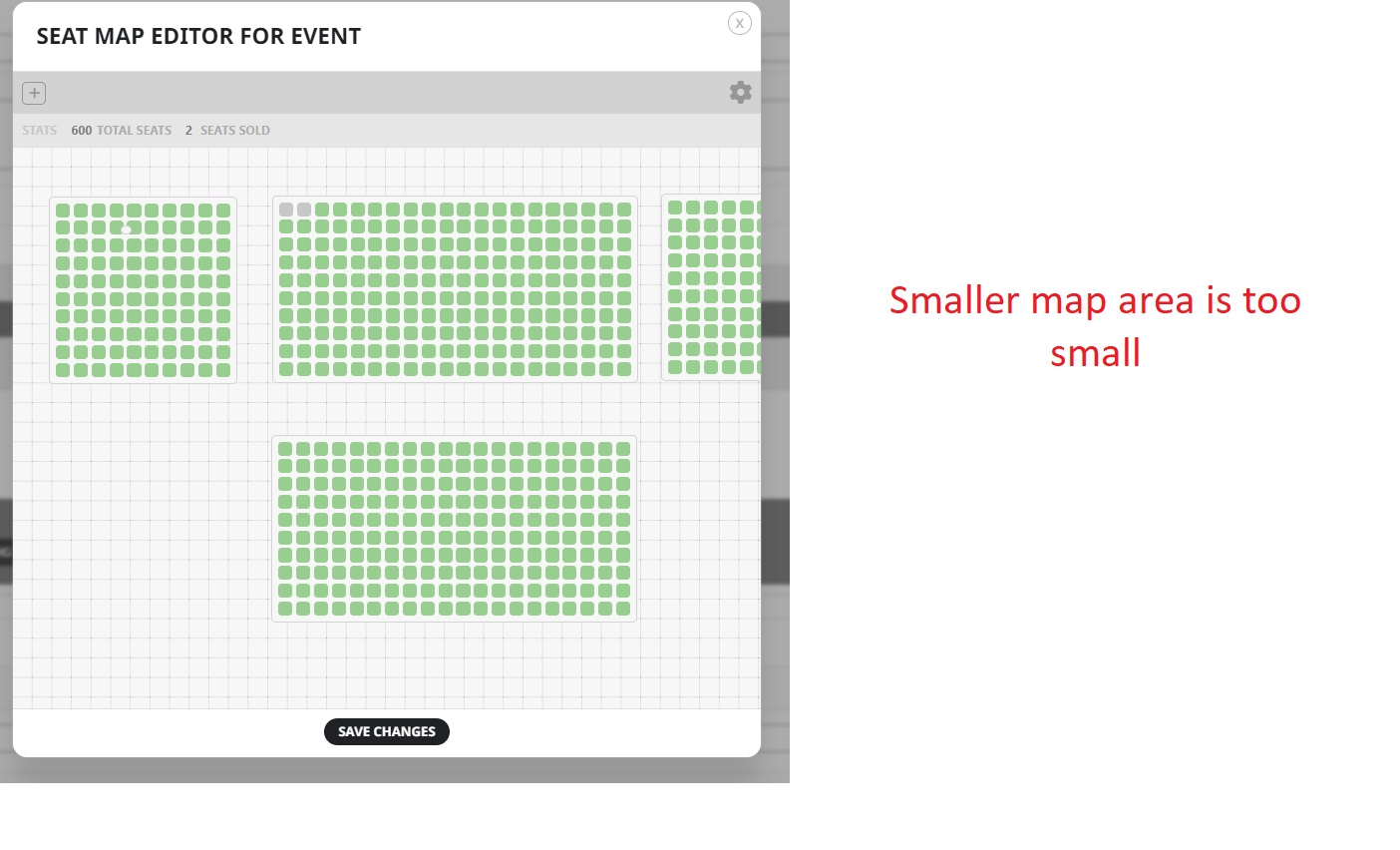
Smaller map area is too small
Reply to: tickets(299333)
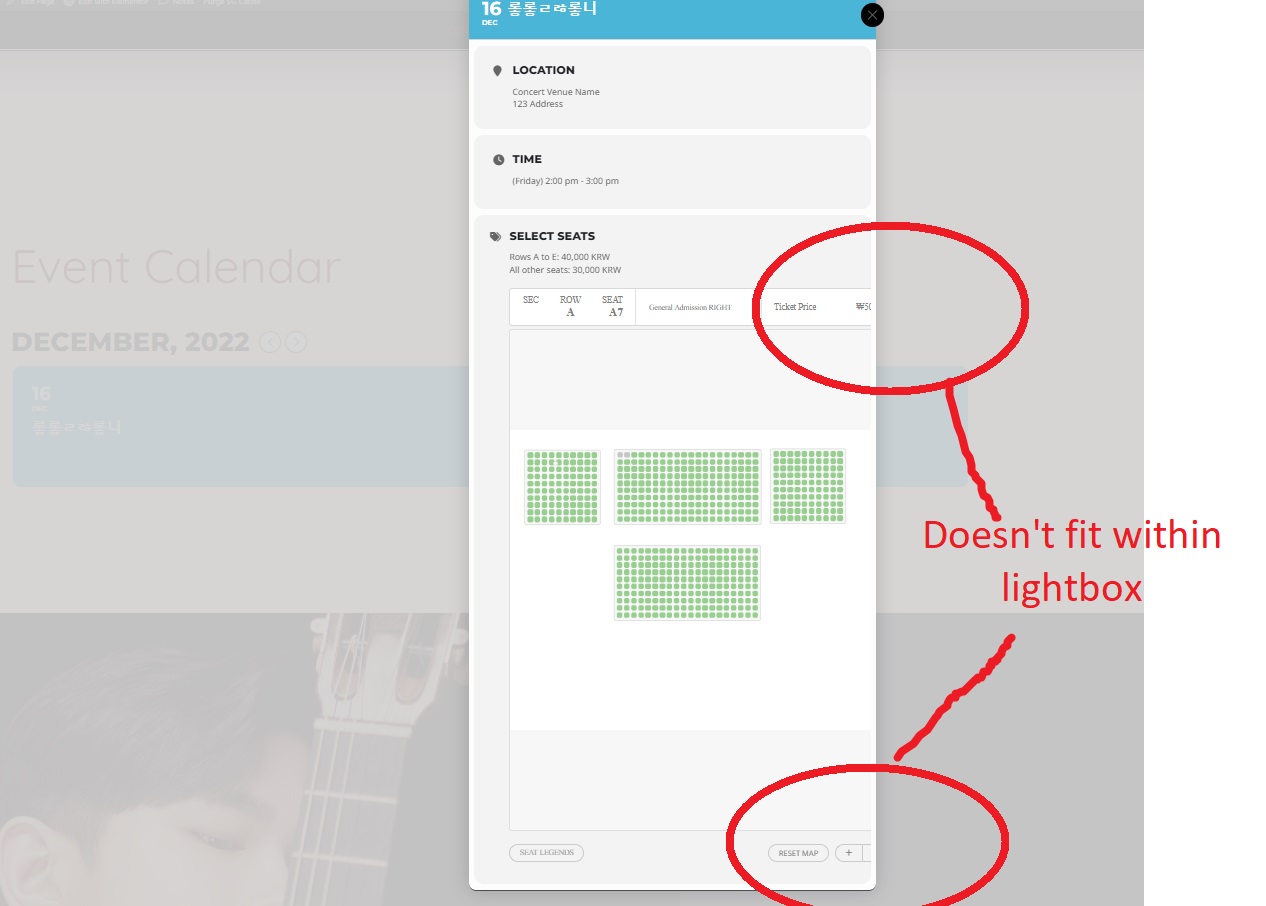
Here you can see how the content doesn’t fit within the lightbox
Reply to: tickets(299333)
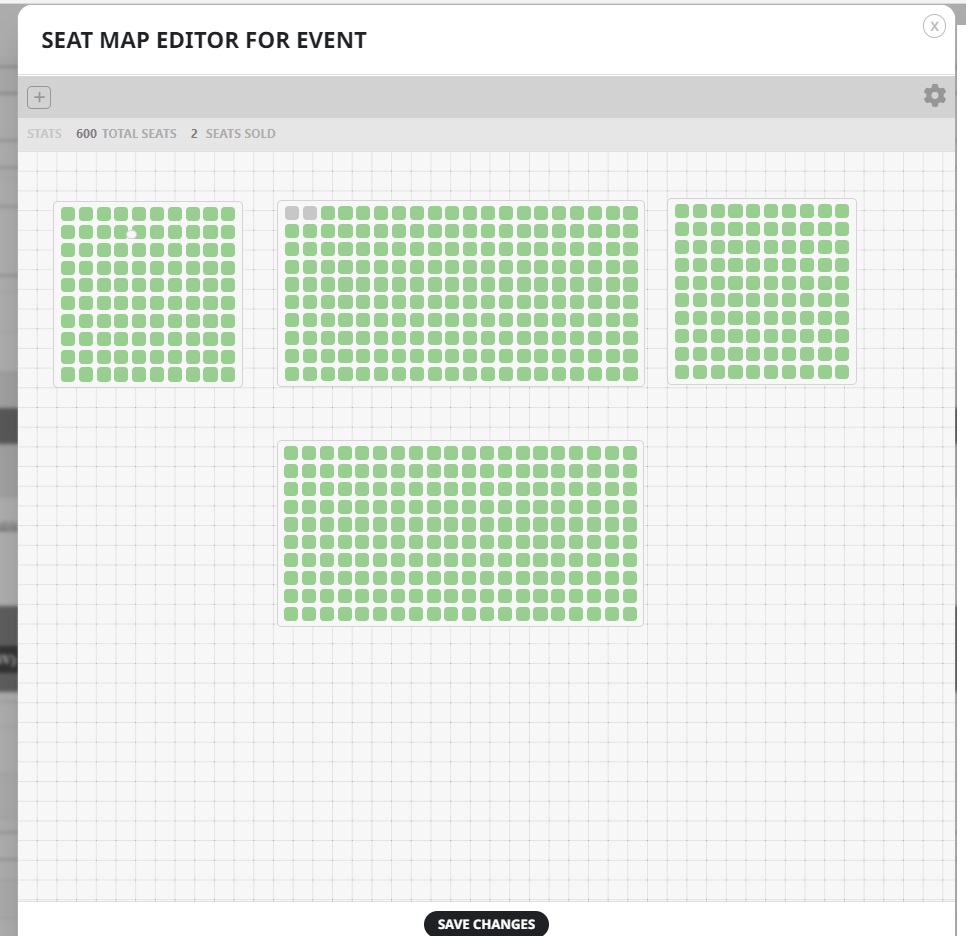
That map size is not unreasonably large, and my seats just fit within the horizontal area
Reply to: tickets(299333)
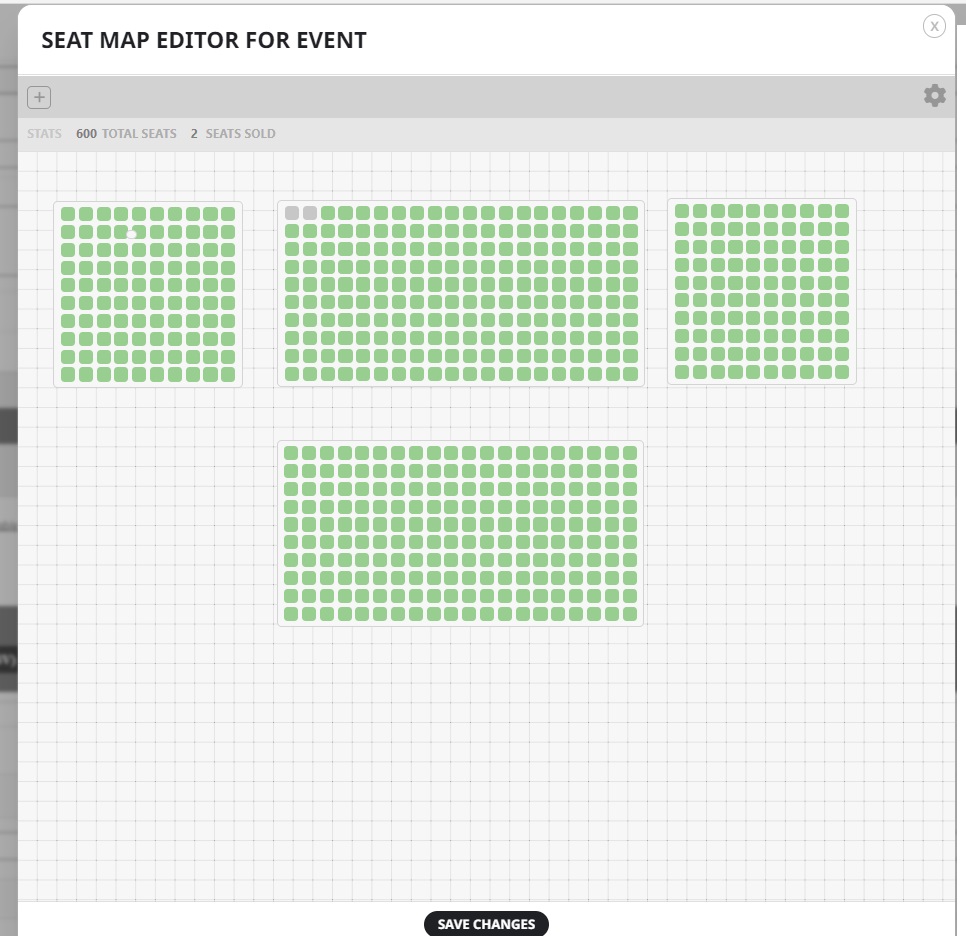
Reply to: tickets(299333)
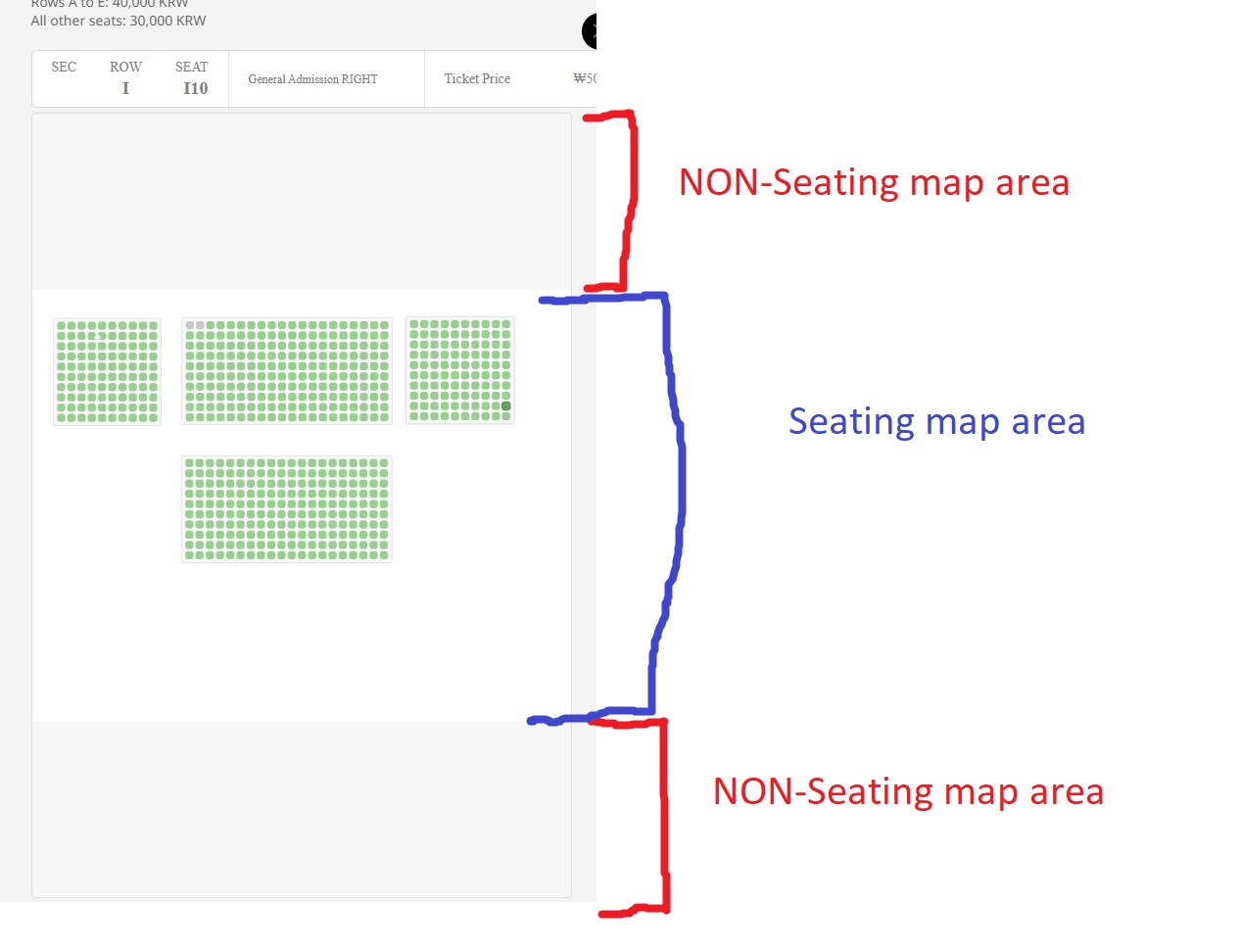
I don’t believe that is the problem. The map area I am using is not unreasonably large. Also, with a smaller map area it is too small and I can’t fit my seats in.
Also, content doesn’t fit within the lightbox
Reply to: tickets(299500)
Hi, your admin privilege from the previous ticket is active.
Reply to: tickets(299436)
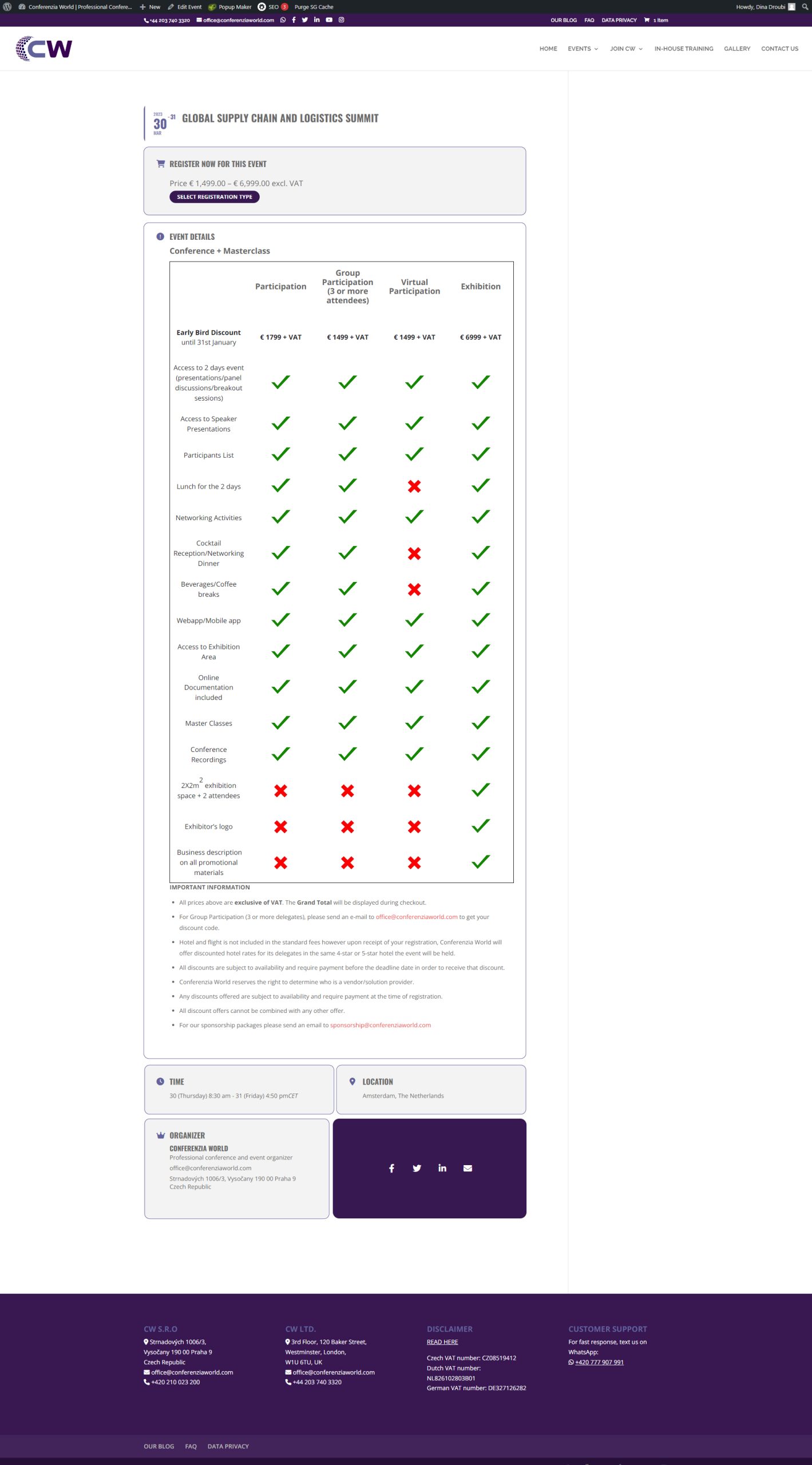
- Solved on sidebar, thanks! Here is the screenshot in attached what I meant.
- Solved!
- Ah, okay. I will do myself then.