Reply to: tickets(299333)
Replies for tickets on suppota
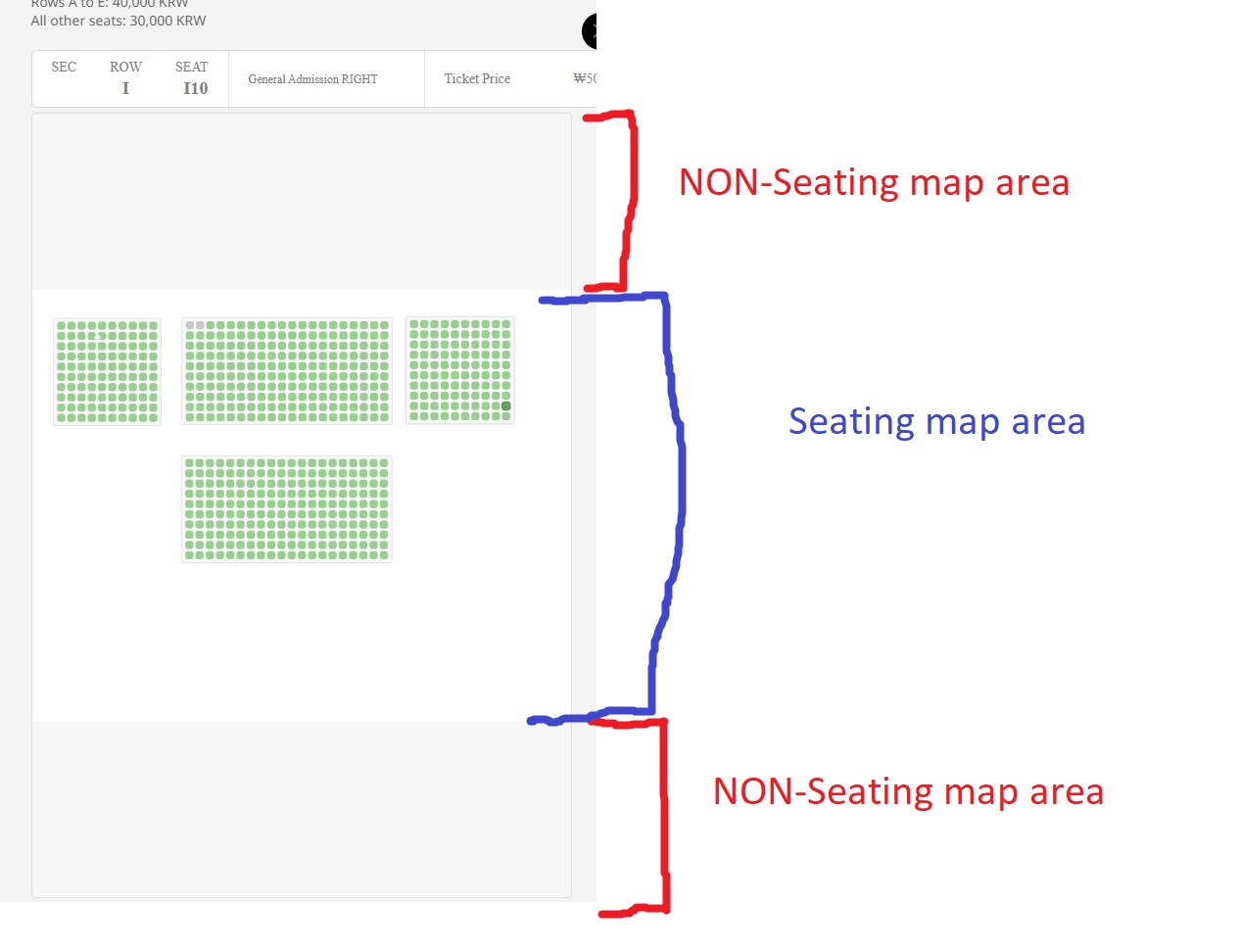
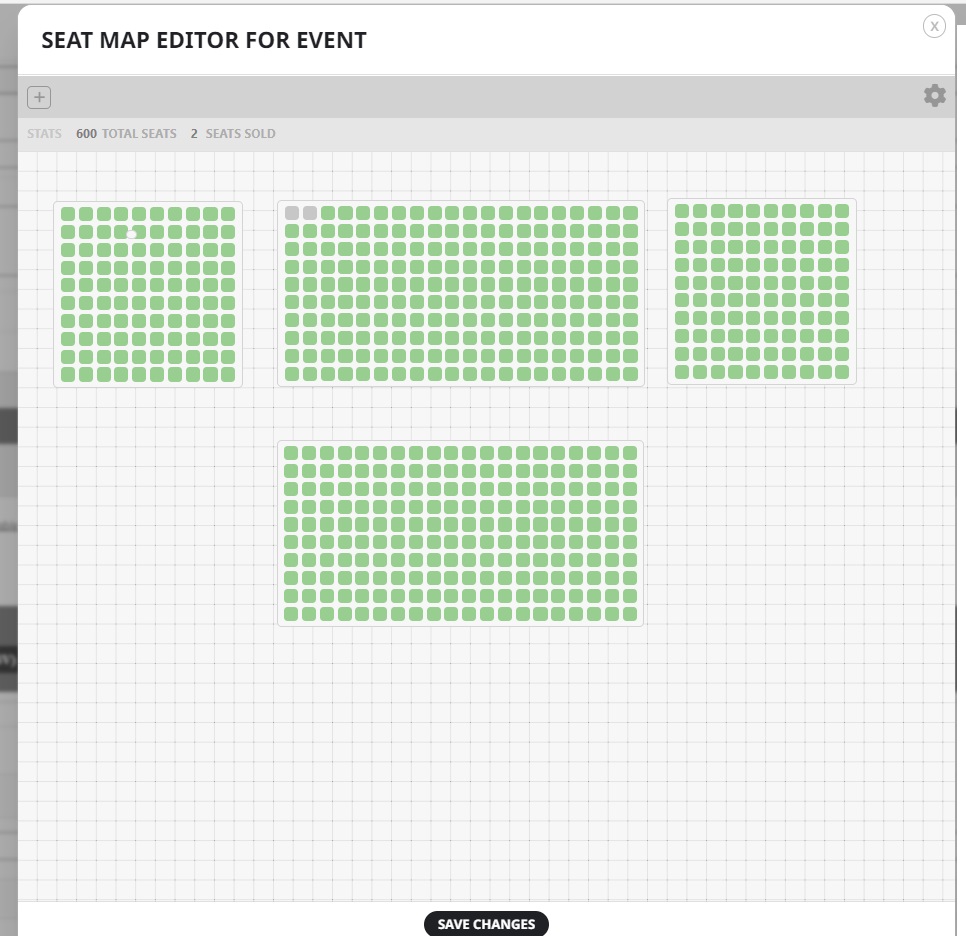
I don’t believe that is the problem. The map area I am using is not unreasonably large. Also, with a smaller map area it is too small and I can’t fit my seats in.
Also, content doesn’t fit within the lightbox
Hi, your admin privilege from the previous ticket is active.

Hi Artem,
Thanks, I do it, it’s OK for red box, but now some text is black and not underline when roll over, and cesure from this code you tell me to add doesn’t work :
.eventon_events_list .eventon_list_event .evoet_cx span.evcal_event_subtitle{padding-right:5px;}
How can I do ?
identifiant : testeventon
mot de passe : testeventon
still it is not showing. Please check.
Hello,
1. Could you design an example (with Photoshop or any other program) and send us a screenshot?
Sidebar. Please add this CSS code to EventON > Styles (If you don’t see any change, EventON > Scripts & Styling > turn off Write dynamic styles to header > save settings > turn on Write dynamic styles to header):
.single-ajde_events #main-content .container:before { content: none !important }
2. Go to EventON > EventTop > add Tags and Event Tag Types. Now go to Edit Event > change Event Attendance Mode.
3. We unable to help with such customizations. Try using any Page Builder plugin available.
I want that at a time 3 three nearest upcoming events should show.
In this case you need to use Event Lists: Ext shortcode (add_eventon_el).
Since completed events are past event, please add event_past_future=”future” to your shortcode to show only upcoming events.
Could you try a different Seat Map Area Size (px)?
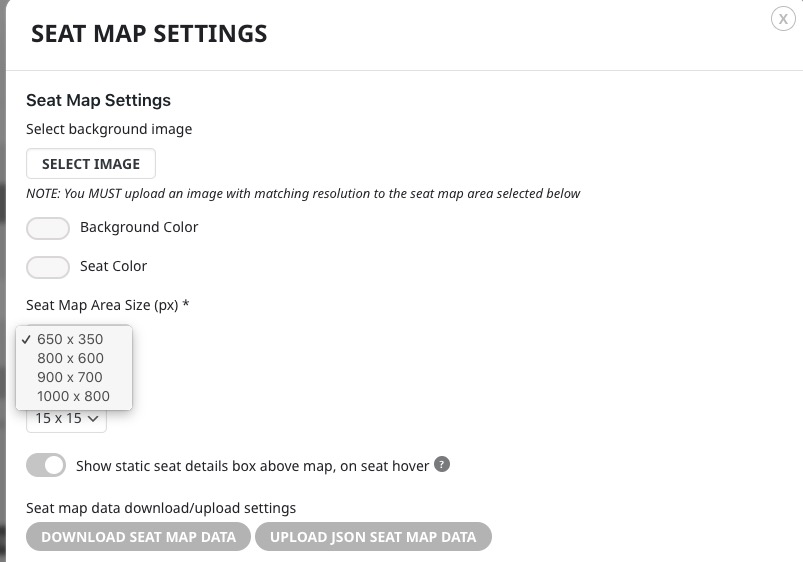 Changing it will make the area smaller.