Hello,
Thank you for your great suggestion, at the moment it is not supported. However please create a new ticket and select Feature Request as category so others can vote on your idea and get it moved into development faster.
Replies for tickets on suppota
Hello,
Thank you for your great suggestion, at the moment it is not supported. However please create a new ticket and select Feature Request as category so others can vote on your idea and get it moved into development faster.
In most cases you should be able to fix the loading issue by following
https://docs.myeventon.com/documentations/increasing-wordpress-memory-limit/
Hello,
Please follow the instructions in this documentation to activate debug in your site to see any PHP errors recorded that can provide insight on to whats going on. Please reply with a link to debug.log file. If you are not able to do this please send us FTP access to your site so we can do this for you.
Please also send us wp-admin access to your site as a private message for us to further assist your situation.
We are glad your issue is resolved, if you have any further questions or concerns please create a new ticket.
If you have a moment, we would greatly appreciate if you could kindly leave us a review at codecanyon! from your account > downloads. Cheers!
We have already cancelled a long time ago. We can’t help it if your system is faulty.
Then we have no choice but to write a negative review about EventOn in all wordpress communities and Envato.
I’m still having trouble with updating some events. If I have changed everything on a event and I press update, it seems to do everything right, but the changes are not saved. when I deactivate the Avada Builder plug-in it works fine. so I really think there is a conflict between these two. I just can’t disable Avada builder, then all the layout of the website is broken.
Do you have a solution for this? it’s frustrating me…
It also seems that it does not process this properly only with older created events. when I edit newer created events it seems to work fine.
I would love to have it work properly. But if RSVP doesn’t sync the attendees capacity in all languages, I cannot use it.
Thanks for the refund.
To clarify this statement: “Ah, I think the display issue is related to the calendar design used on that page. I don’t think the code affected the display. “
The code you gave FIXED the display of the Green “Add to Cart” notification and successfully removed that.
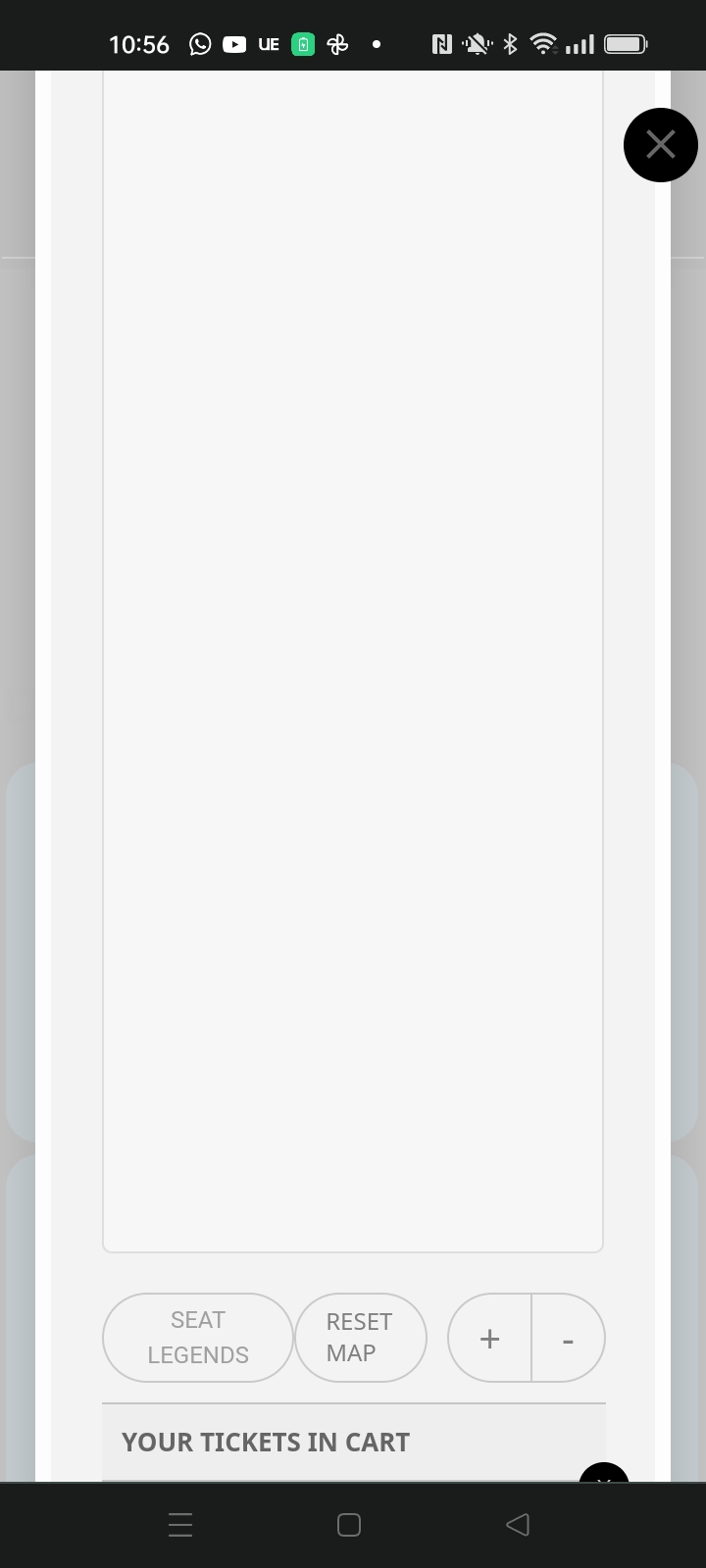
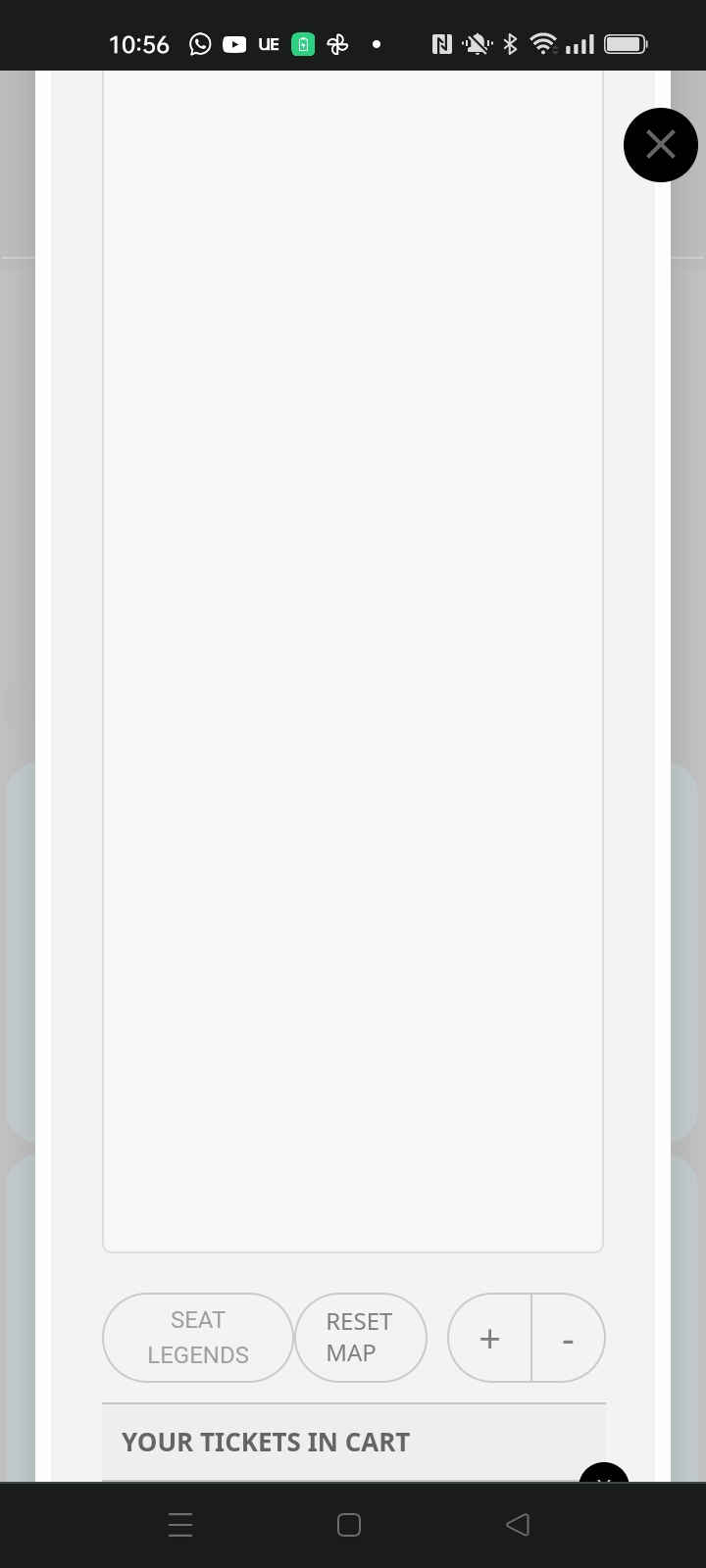
In that statement I meant I don’t think the code affected the display of content not fitting within the lightbox. I think that is due to the type of calendar display used. This display issue is only on desktop, on mobile it fits within the lightbox. However, on mobile it has the issue of the large space above and below the seating map.