Ok pelase give it a try now. Should be working.
As you mentioned since you verified it already it was recorded in the system but out logic was missing to make sure already verified same user to complete the checkout.
Should be good to go now!
Replies for tickets on suppota
Ok pelase give it a try now. Should be working.
As you mentioned since you verified it already it was recorded in the system but out logic was missing to make sure already verified same user to complete the checkout.
Should be good to go now!
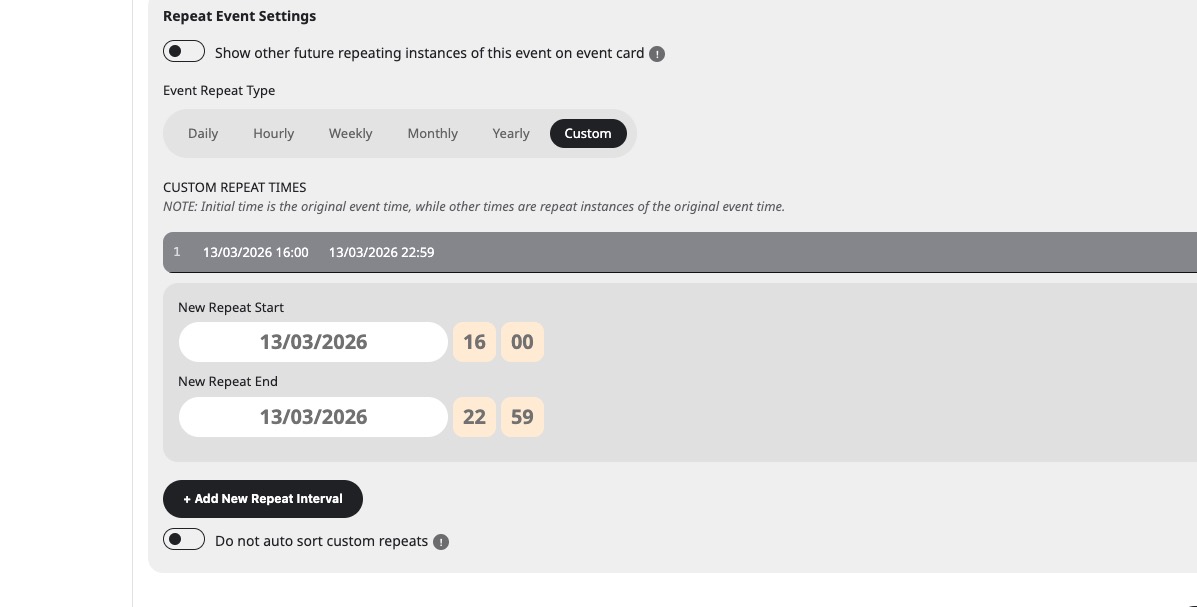
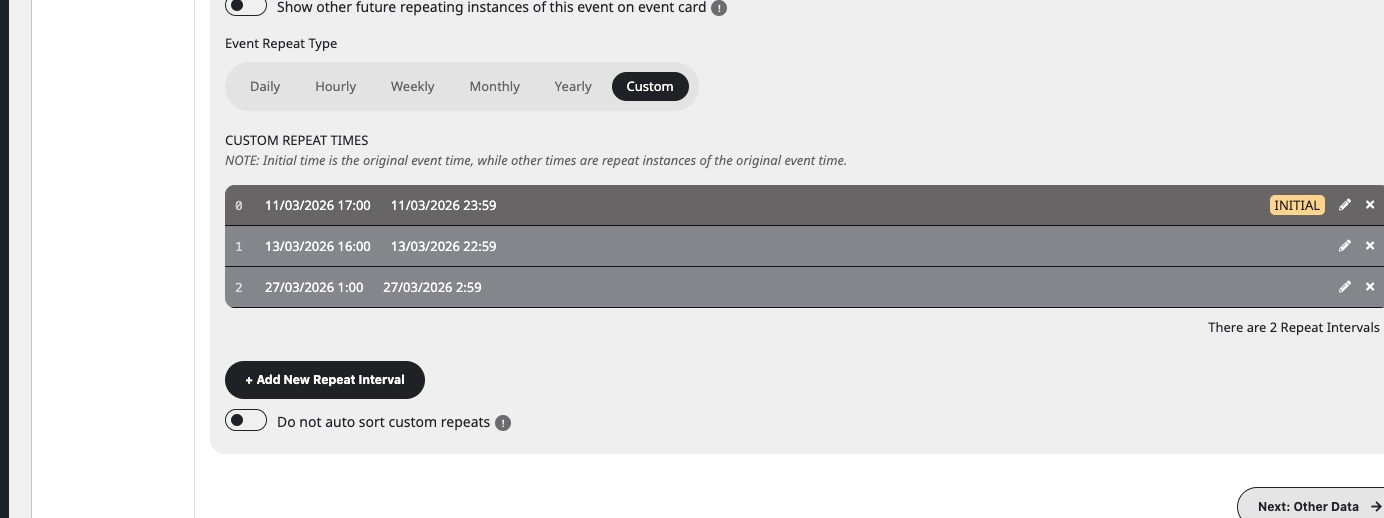
Please take a look at custom repeats I added:
Hello,
I cannot access wp-admin because of
LOGIN BLOCKED: 2FA is required to be active on your account. Please contact the site administrator.
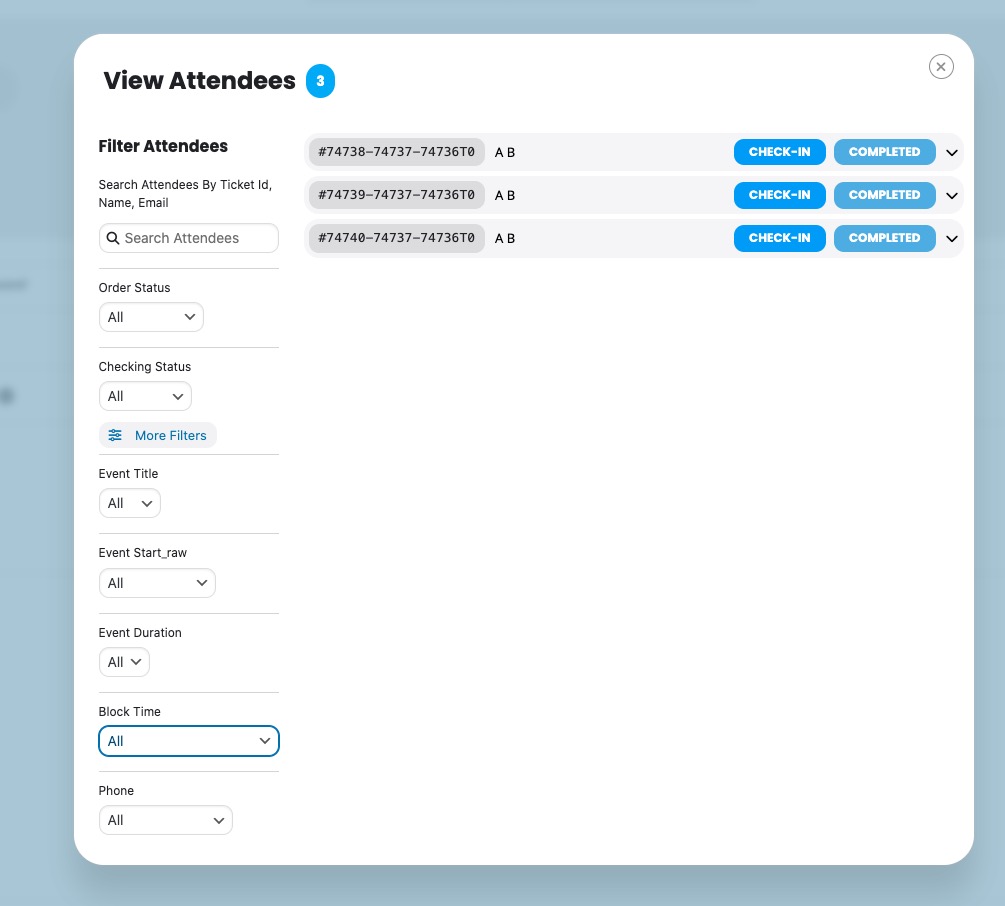
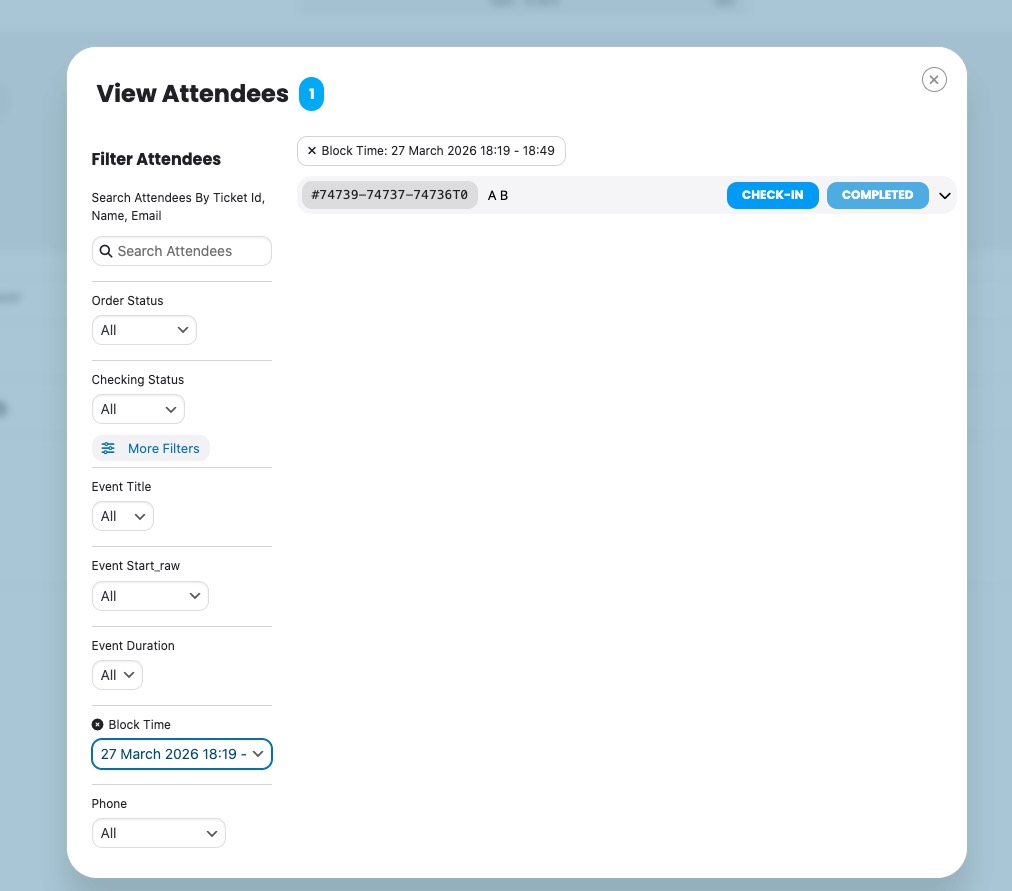
I also checked our website and the filtering works there:
Please check for latest version of this software from here Your issue might be related to an older version you are running and we might have resolved this already in the newer version update. If you are on latest version of our software and the issue still persist please let us know.
Hello,
Please add this CSS code to EventON > Styles (If you don’t see any change, EventON > Scripts & Styling > turn off Write dynamic styles to header > save settings > turn on Write dynamic styles to header).
You can also add this code to wp-admin > Appearance > Customize > Additional CSS.
.evo_org_details_full { display: block !important; } .evo_org_details { display: none !important; }
Hello,
Please use this code:
.eventon_list_event .evoet_in, .evo_pop_body .evoet_in { flex-direction: column !important; }
Please also add these CSS lines:
#evcal_list .eventon_list_event .evoInput2::placeholder, .evo_pop_body .evoInput2::placeholder { color: white !important } #evcal_list .eventon_list_event .evoInput2, .evo_pop_body .evoInput2 { color: white !important }
Please send us wp-admin access to your site from ”Access Info” box on right side menu, to further assist your situation.
Seems to be working on our test site:
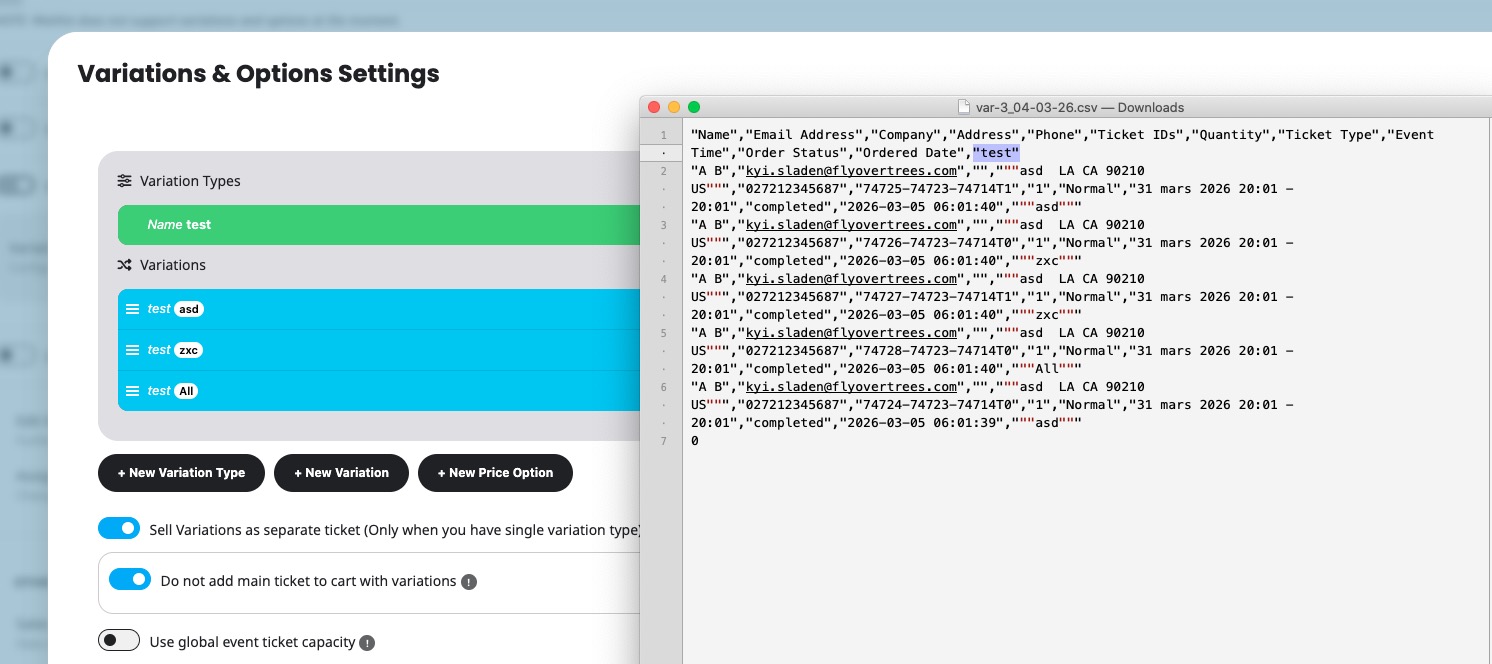
I still cannot access your website.
Could you send us your shortcode, so we can test it on our website?
Please try excluding dynamic Ajax requests, such as
https://ahma-nch.org/?evo-ajax=eventon_init_load
https://ahma-nch.org/?evo-ajax=eventon_get_events
Hi, Apologies for the rushed messages above.
We updated to 5.06 yesterday which has a change of layout for view attendees.
Filtering the attendees does not work.
I made a quick video of the issue which I posted the link above.
It is very important that we are able to filter our attendees by date and time.
Not being able to do this affects the time it takes to get our customers into our events.
I would appreciate any help that you can give me with this issue.
Thanks Iain.