Hi Angela,
Please contact Codecanyon, they should be able to help.
Replies for tickets on suppota
Hi Angela,
Please contact Codecanyon, they should be able to help.
Hello,
Fields that only appear in event manager edit event form
Special Event Edit Fields (exclude, feature and event status), Event Status, Exclude this event from calendar,
In order to edit the field please use Action User Event Manger shortcode:
[evo_event_manager]
This is fixed, but final registrant is getting message on form that says “Waitlist is empty, you are in our waitlist.” So if there are 5 spaces, it works perfectly until it gets to the 5th registrant, who gets the message they are on the waitlist (which they are not). I will file a new ticket for this separate issue.
That did it! Thank you, Kenneth.
The fix showed another issue though. I’ll do some research, but if you happen know a solution…
Now, featured events that span multiple months display in Featured Events multiple times, apparently as if they renew at the beginning of each month. We would like such events to only display based on their beginning date.
Thanks again,
Les
Also, when I click the event organizer see more button, it correctly opens a pop-up.
But when I click the organizer name, it opens a page, and the page is incorrectly center.
Something like this?
https://candlelightguitar.com/events/event-example/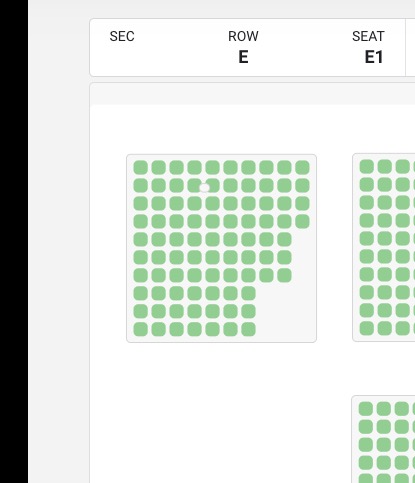
I fix the color, but I can’t fix the border.
Hello,
Please note that Time Based Price Block has 4 fields (Dates and Times):
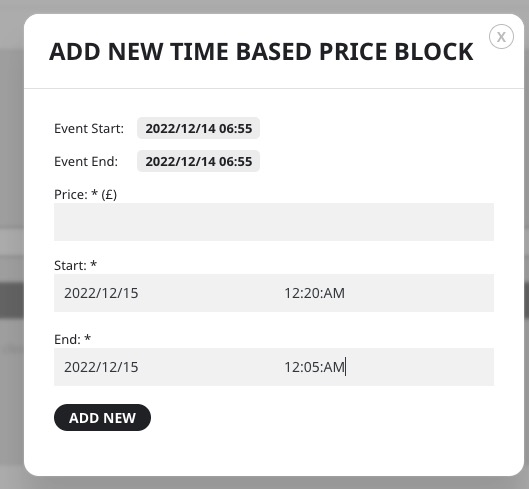 Take a look at https://dev.myeventon.com/wp-admin/post.php?post=182938&action=edit
Hello,
1. Please go to EventON > Event Card Design > remove one of Add to Calendar.
2. Cannot recreate the issue. I purchased a ticket and then went to Cart with no issues:
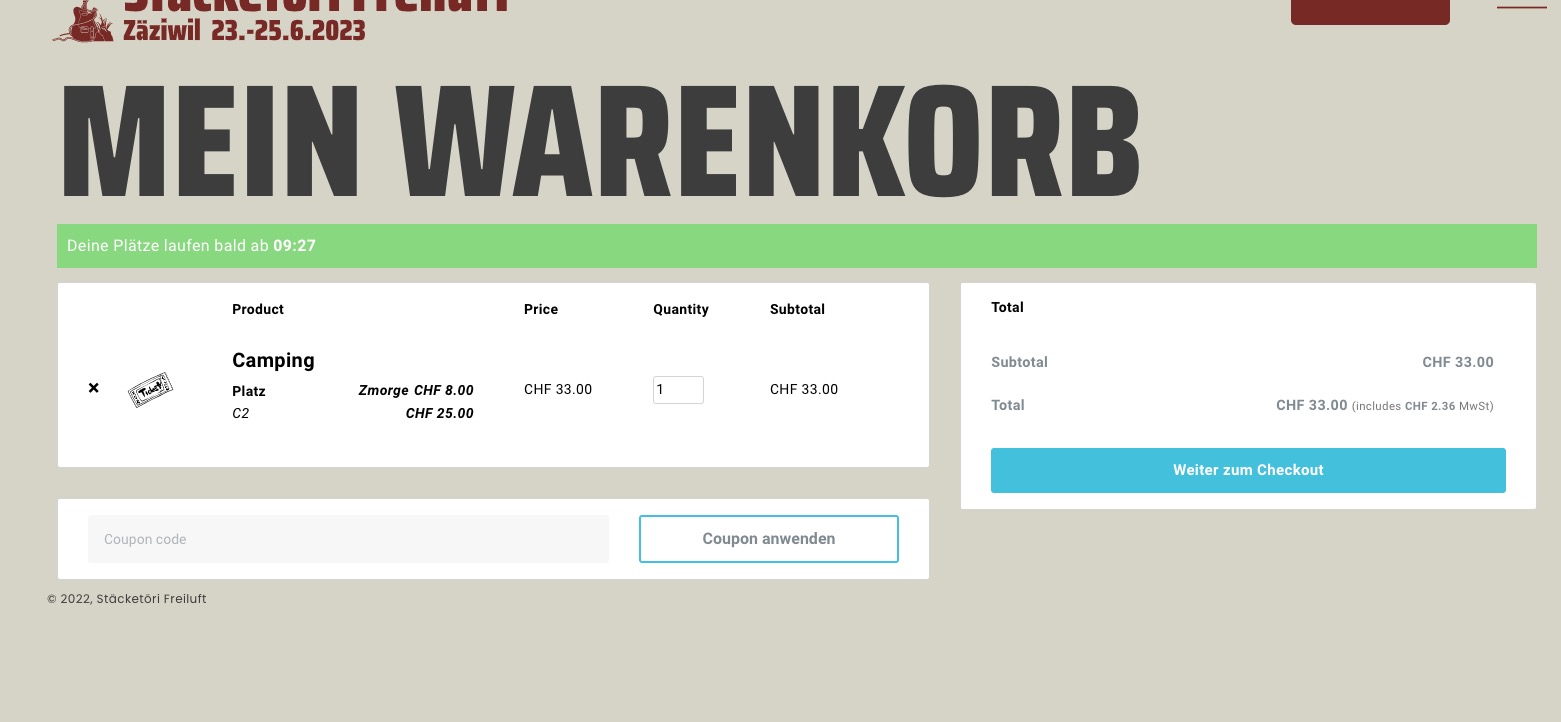 Cache issue maybe? Could you try again?
Hello,
Please send us wp-admin access to your site as a private message for us to further assist your situation.
Go to EventON > try a different Select calendar event content filter type.