Hello,
Please go to EventON > Action User > Event Manager > enable Allow frontend deleting events. Now users can delete their events by using Action User Event Manger shortcode.
Replies for tickets on suppota
Hello,
Please go to EventON > Action User > Event Manager > enable Allow frontend deleting events. Now users can delete their events by using Action User Event Manger shortcode.
Hello,
Please add this CSS code to EventON > Styles (If you don’t see any change, EventON > Scripts & Styling > turn off Write dynamic styles to header > save settings > turn on Write dynamic styles to header):
body.evo_overflow { position: absolute !important; }
Ok, so when you solve issue ? I need module working or people can’t buy my product !!!
Thanks waiting for reply
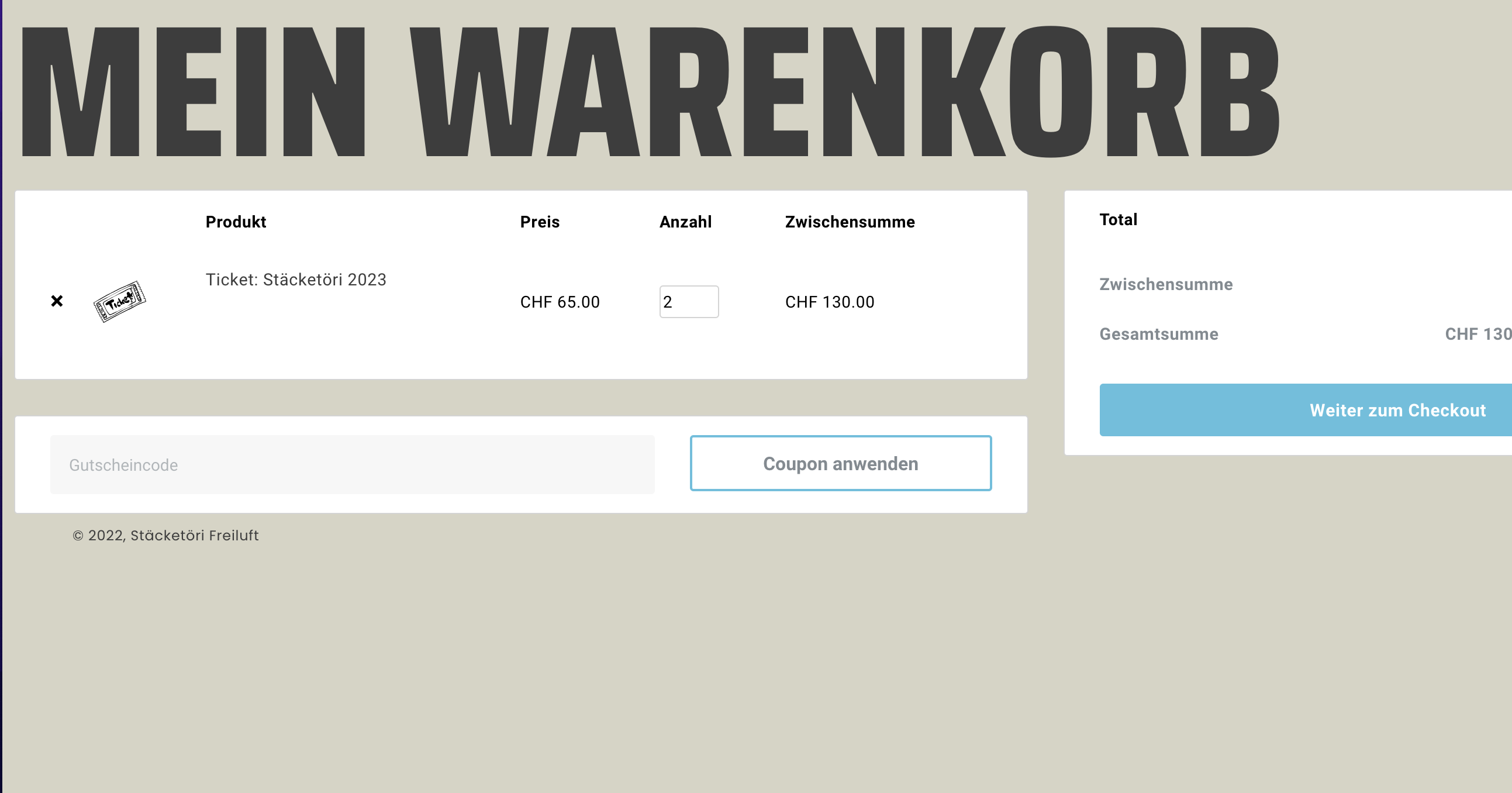
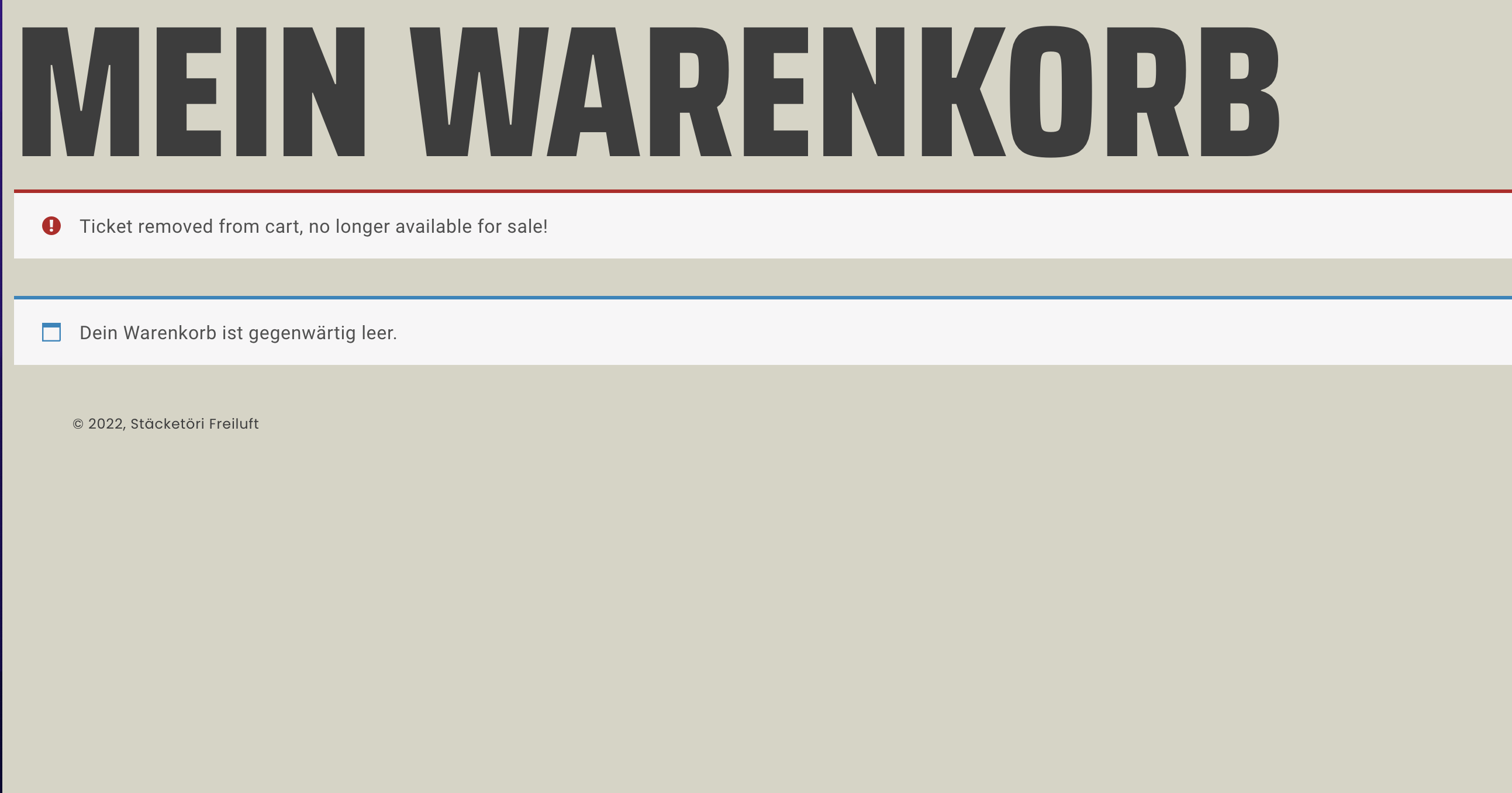
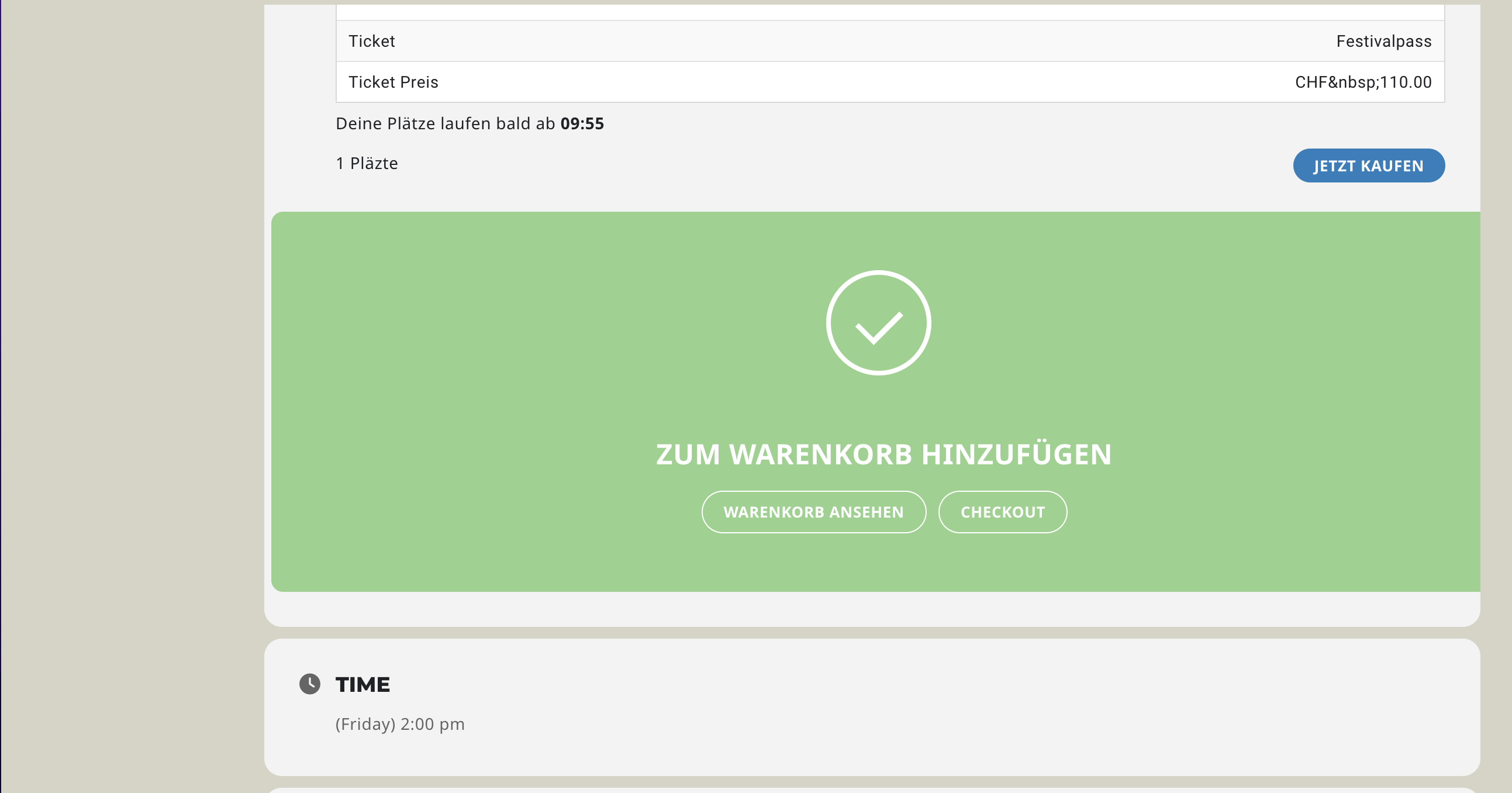
I have an additional issue, the tickets seems to get added to the cart, but then if you enter it, it says they have been removed, because they are no longer available. But if you open the woocommerce item and then add it, it shows up. any idea why?
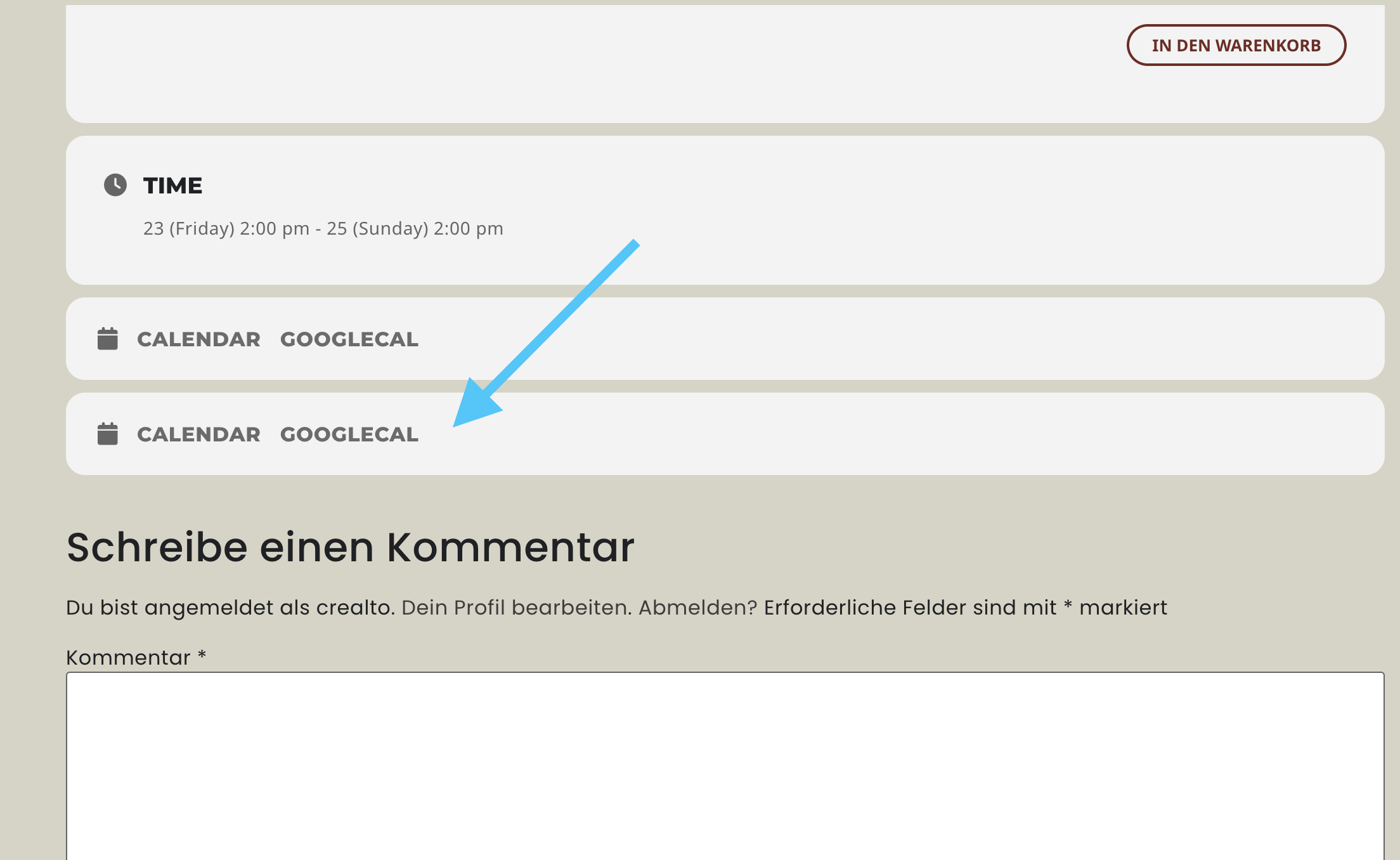
I would like my calender to look as the screenshot you made on dec 7th – however my lay-out appears different. I cannot change it, and it was always fine and suddenly the font changed without any changes from my side.
Can you help me getting it back to Roboto and Lato? The guide did not help