Hello,
Use the short code below instead
[add_eventon_list number_of_months=”12″ event_count=”3″ event_count_list=”yes” hide_empty_months=”yes” event_past_future=”future” show_et_ft_img=”yes”]
Please also ensure that your events have a featured image
Replies for tickets on suppota
Hello,
Use the short code below instead
[add_eventon_list number_of_months=”12″ event_count=”3″ event_count_list=”yes” hide_empty_months=”yes” event_past_future=”future” show_et_ft_img=”yes”]
Please also ensure that your events have a featured image
[add_eventon_list number_of_months=”12″ event_count=”3″ event_count_list=”yes” hide_empty_months=”yes” event_past_future=”future” show_et_ft_img=’yes’]
the image is not showing
Hi Rene,
The events list does not have a jumper, only the main calendar does. To display the main calendar, you would use the code below:
[add_eventon jumper=”yes”]
Hi Stephane,
Regarding the event organiser field, please navigate to Eventon > Settings > Event Top and ensure that the Organizer field is placed above the title field
To put a page break on the subtitle, add the custom CSS code below to Appearance > Customize > Additional CSS
.eventon_events_list .eventon_list_event .evoet_cx span.evcal_event_subtitle{padding-right:5px;}
Hello,
The month navigation does not display when using the addon. Regarding showing the event images, please ensure the code below is in your shortcode
show_et_ft_img=’yes’
Hello,
To make the repeating instance display, please ensure that the code below is set to “no”
hide_mult_occur=”yes”
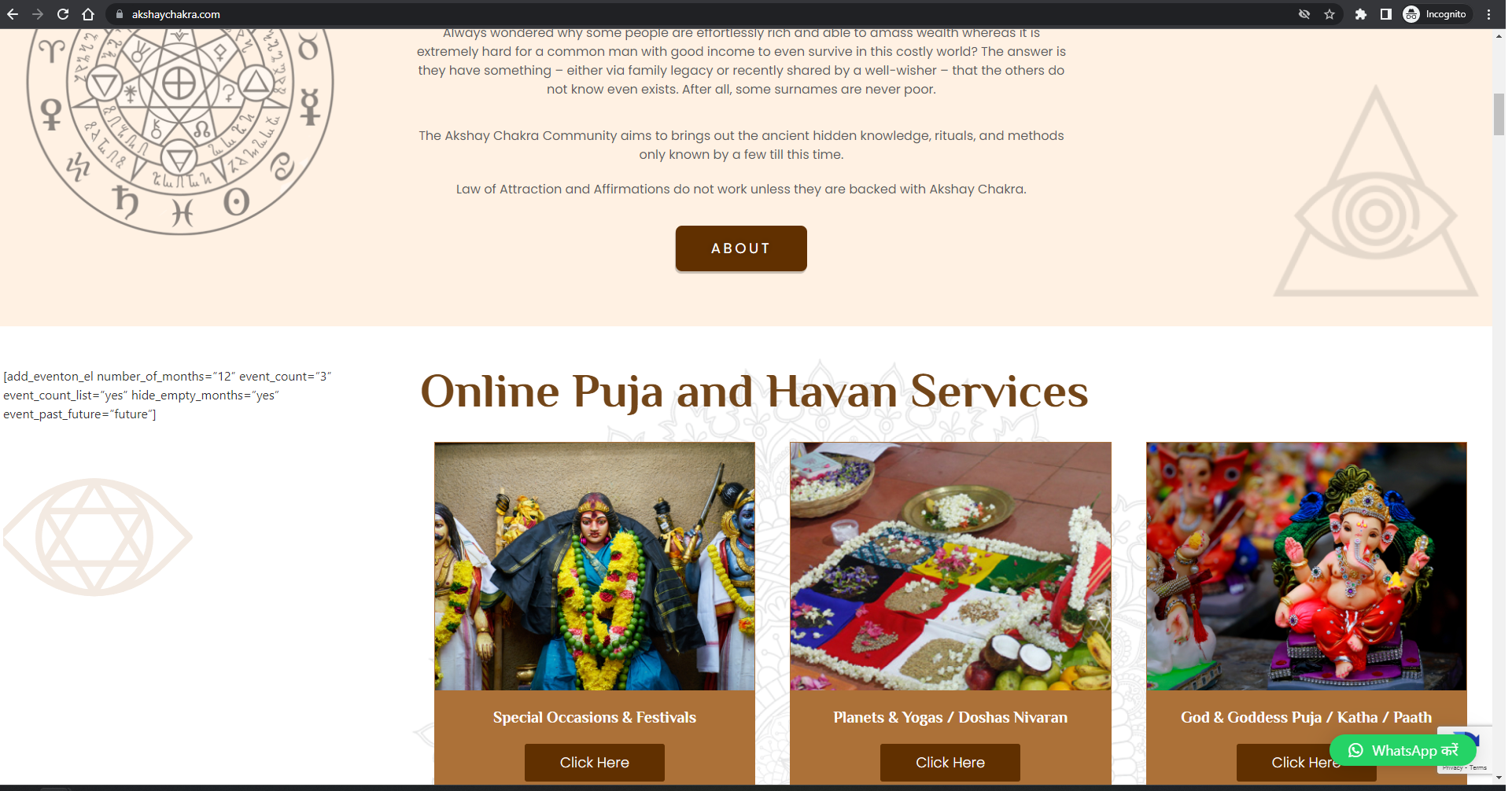
I just tried again on my website and it is showing now, but the month right and left select bar is not coming as well as event images are not showing. Please check.
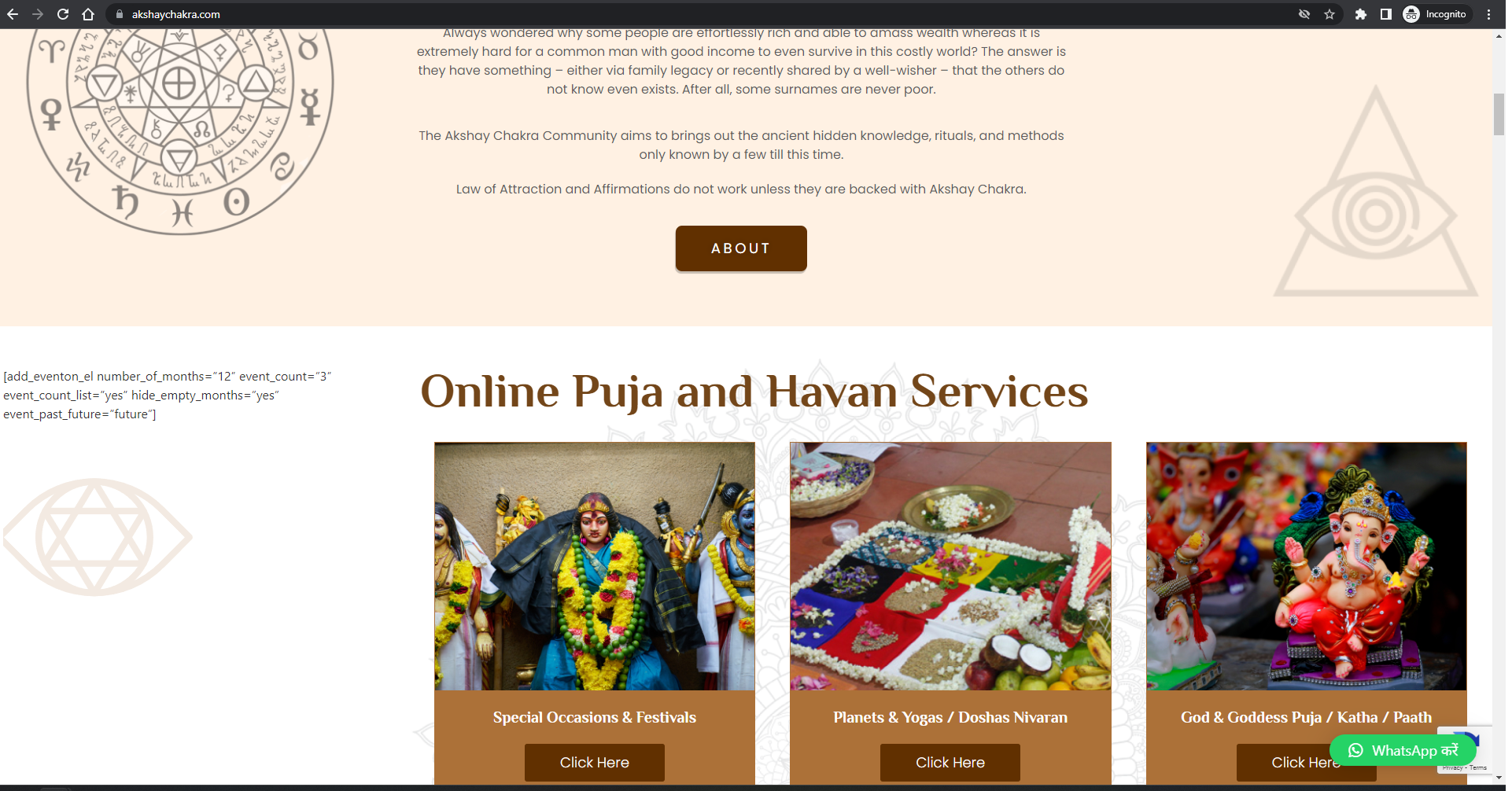
It is not coming properly on my website and infact the shortcode is not working. Please see akshaychakra.com
try this instead
.evcal_eventcard .evo_metarow_tix .tx_wc_notic {
display: none !important;
}
if that fails please post as a private reply wp-admin access (as it did not work) and I’ll go in and sort it out for you
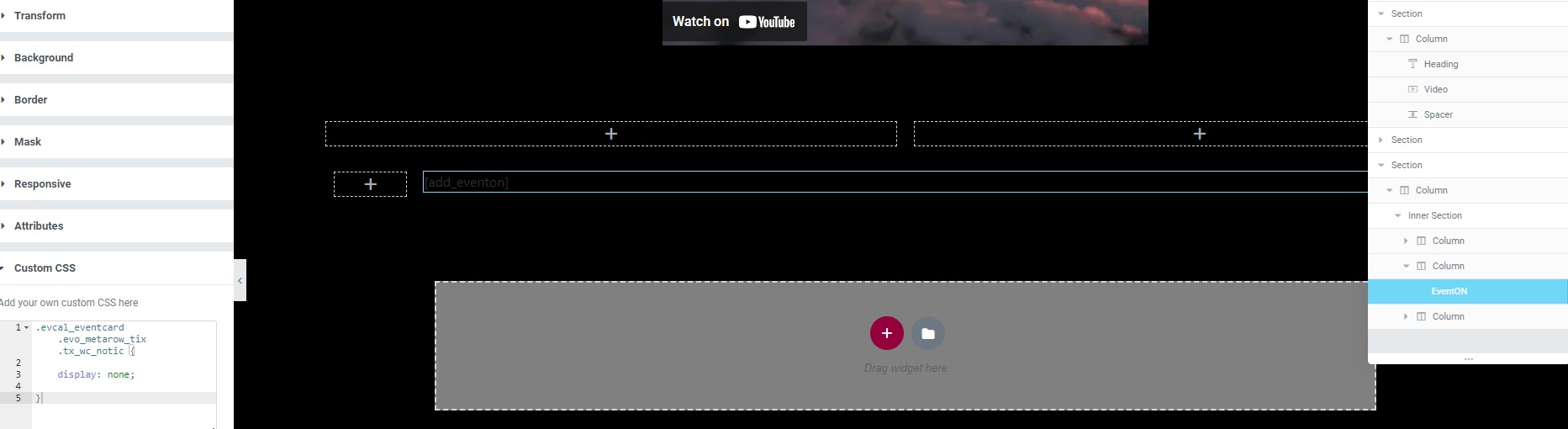
I also tried adding it to the additional css on the widget, but that also didn’t do anything