Hello,
thank you, it works when I use the Month Order for List option.
I have one more question: After installing the “Event Lists: Ext” plugin, the font in the event list changed to something more bold. I tried to change it by entering our default site font “Varela Round, sans serif” in the “Primary Calendar Font family” setting, but that did not change anything. How can I modify the appearance of the event list?
Best greetings,
Finn
Updates and it is working. Thank you for your support.
while you wait for Ashan
Its a long shot but could you please try the instructions mentioned in this documentation to make sure your issue is indeed coming from eventon.
Hi sven, we dont have any cookie that I am aware of that eventON store data like IP addresses. Nothing like that is stored. As far as I am aware of this 🙂
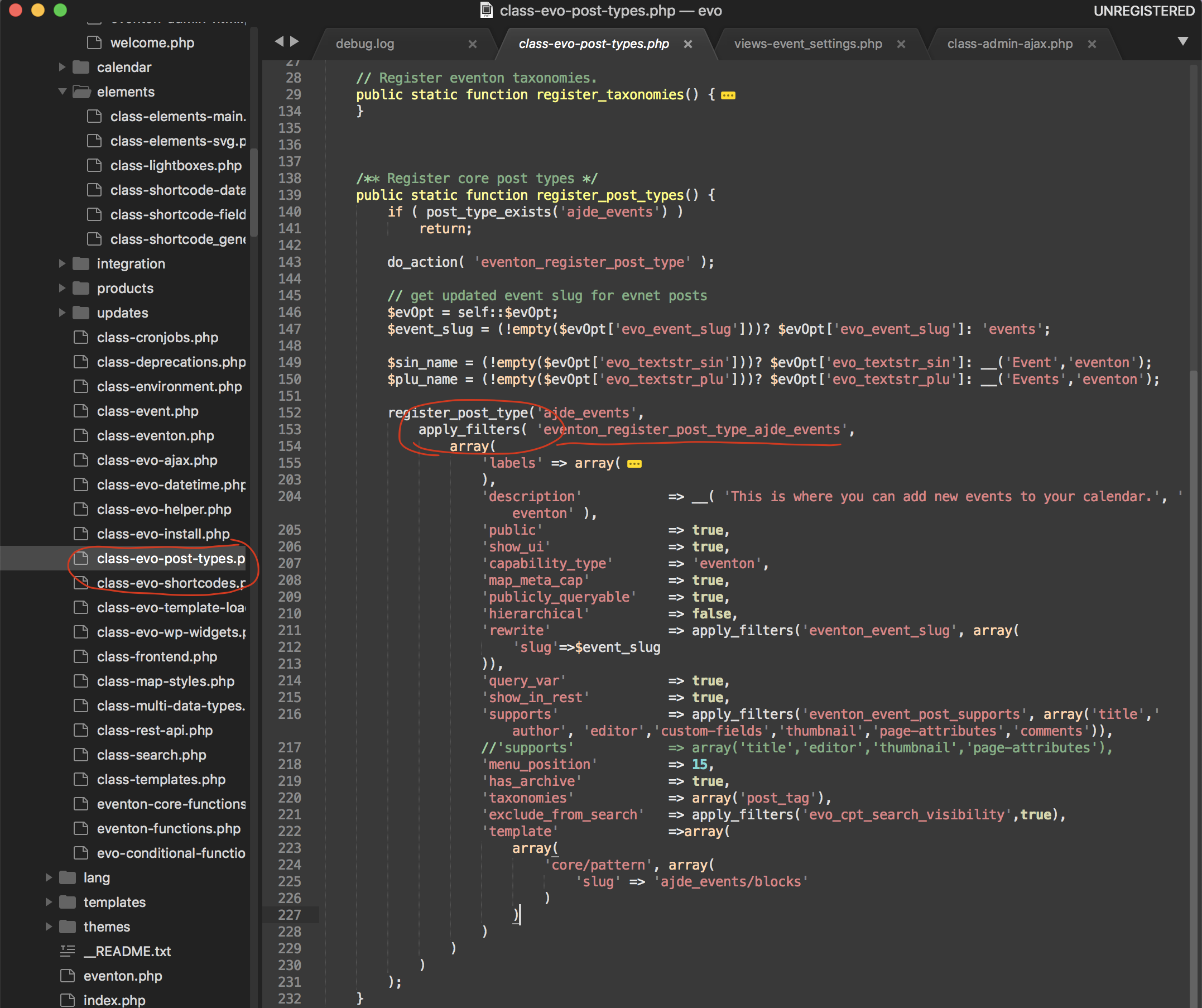
here is how to apply filters > https://docs.myeventon.com/documentations/use-actions-filters/ — so you can pass in the revisions part of the array.
this is where the filter is at.
got it working https://henningschwarze.com/evofeed
Can you also please update the RSS addon to latest version 1.1.4
Unfortunately with the eventtop designer we had to convert this into more generalized elements. So you would have to see in your website how exactly the eventtop designer elements were arranged and then find the new CSS codes for them.
If you have more questions, kindly send us a new ticket and we would be more than happy to help you resolve your issues!
Yes that would be an option, but it would take a lot of time to get those developed into the current existing system which is used by 60k users. I am terribly sorry you have to add events manually.