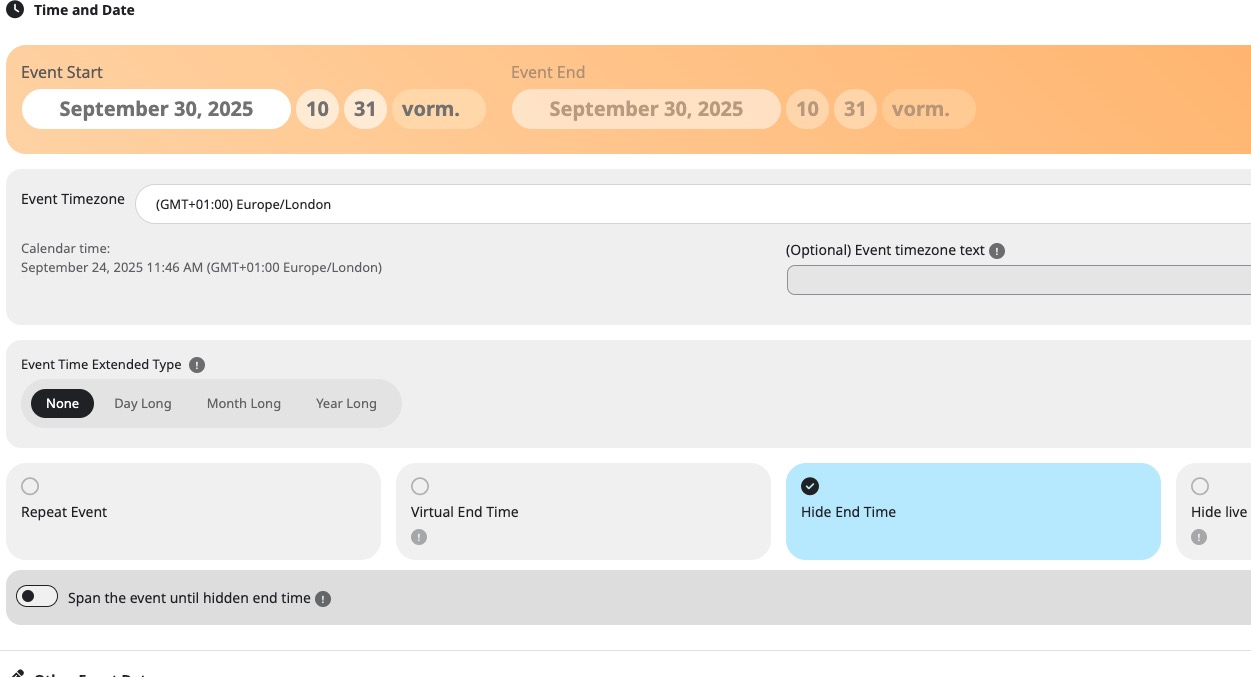
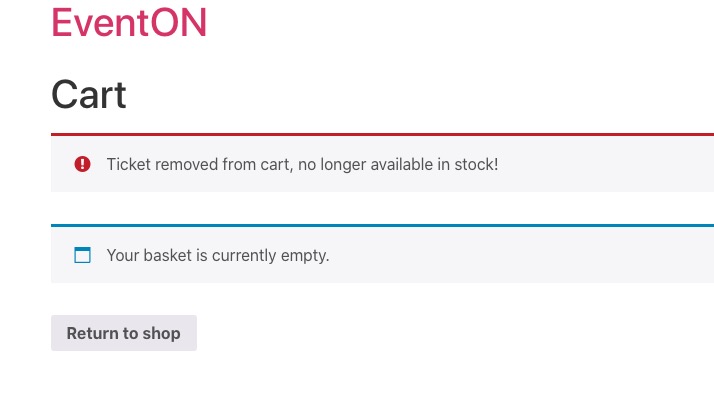
Please update RSVP add-on.
To update eventon addons: You can download latest eventon addons from myeventon > my account. Then you can go to your website, deactivate old addon and install new one and activate then delete the old addon. This link will further explain the process. Also you can follow us on twitter to get real-time announcements on updates!
Hello,
1. Please go to Edit Event > Time > enable Hide End Time:
You can also select Event Time Extended Type: Day Long on the same page.
2. Please go to EventON > Time Settings > set a different “Select minute increment for time select in event edit page” > save Settings > now set 1 > save.
3. Please go to EventON > Event Card > set Feature image display style: Fit entire image, resized box height.
Single Event page cannot be edited with Elementor, since EventON uses it’s own template. The template can be customized by following:
https://docs.myeventon.com/documentations/customize-single-events-page/
4. Please go to EventON > Time Settings > set Default Event Timezone. Now on the same page enable Apply default timezone to all events.
Please check the above and let me know.
I tried the login again and also tried using the login from the old website on the new one. Still cannot login:
Error: The password you entered for the username EventOn is incorrect.
Try using this plugin instead:
https://wordpress.org/plugins/wp-all-import/
I just need to be able to check your new website to see what’s the issue is. Please check the login info again.
Ashan,
It seems there is an issue with repeating events on dev2 as well:
https://dev2.myeventon.com/events/test-55/
Customer’s page:
https://instituutorshof.be/events/workshop-familieopstellingen-2/var/ri-2.l-L1/
Thank you for your messages, I am going to assign this ticket to Ashan and he will be able to take it from here and find you a solution. Please allow some time for him to get back to you, we greatly appreciate your patience and thank you for being a eventon customer! Also please disable any IP blocking on your site if there are any.
Hello,
I went to EventON > Advanced > set Select calendar event content filter type: Default WordPress Filter.
Seems to be working now. Please check and let me know.
Hello,
Could you send us Order IDs?
Thank you for your messages, I am going to assign this ticket to Ashan and he will be able to take it from here and find you a solution. Please allow some time for him to get back to you, we greatly appreciate your patience and thank you for being a eventon customer!
Hello,
I cannot find any purchases associated with your current email. Could you send us email and order id?
Hi Artem,
Thanks. It seems to be working now only when I go to my cart it says the same indeed as with Eduardo.
Is there a fix for in this current version?
Thanks in advance.
Kind regards,
Tes

There are 2 sites you have got 2 different logins for. Make sure you are using the right login. I have not changed anything so it should work.
Is it possbile to export the file or modify it frrom etc. the database with location, organiser and custom type 1 and 2? As there is a lof of work to add this manually.