Hi,
I’ve put the site in staging. You can access it via this link (opening it in an incognito browser is best). If you’re in staging, you’ll notice it because there’ll be a yellow border in your browser. If you don’t see it, try reloading or clearing your cache, etc.
This is the link: https://elegancecafe.it/livestaging/ERGe814f2d05739a530669c8288f6b64116a971bb6011df3efdd045ccf260bfecf6T
Once you have the yellow border, you can log in normally.
https://www.elegancecafe.it/wp-admin
user: support
pwd: support123
If you can resolve this, I have another question: is it possible to view events, both past and future, but by default, the future ones are displayed and the past ones are accessed via the filter?
As you’ll see now by accessing the page:
https://www.elegancecafe.it/concerti-jazz/
But as you’ll see, the display starts with the current month but also includes past months. I’d like the user to see future months upon opening the page, and then use the filter to see past months.
To edit the eventon shortcode, go here:
https://www.elegancecafe.it/template/concerti-jazz/?bricks=run
Thanks in advance
Hello,
Please follow the instructions in this documentation to activate debug in your site to see any PHP errors recorded that can provide insight on to whats going on. Please reply with a link to debug.log file. If you are not able to do this please send us FTP access to your site so we can do this for you.
EventON 5.0.2:
Guzg30yrldbk
the error is gone now thanks
I believe I have cancelled ALL future payments and will have no future debits made on my account. Can you please confirm this for me.
Thank you.
Hİ Artem, Cache plugin (wp fastest cache) is off now. and cleared old cache js and css minified. But still same problem.
Please send us FTP access to your site from ”Access Info” box on right side menu, to further assist your situation.
Also note that I cannot login with the provided login info:
Error: The username eventon is not registered on this site. If you are unsure of your username, try your email address instead.
Could you check it as well?
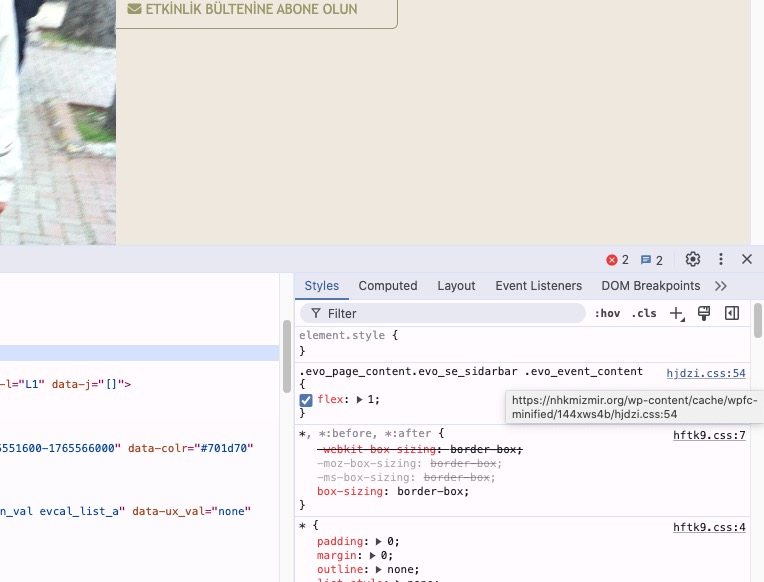
Could you disable the cache minifying functionality, so I can check the CSS code:
Hello,
Please go to EventON > Advanced > enable Auto move events to trash when the event date is past.
Hello,
I believe that you need to update FullCal and not EventON. Could you try and let me know?
To update eventon addons: You can download latest eventon addons from myeventon > my account. Then you can go to your website, deactivate old addon and install new one and activate then delete the old addon. This link will further explain the process. Also you can follow us on twitter to get real-time announcements on updates!