Hello,
/wp-admin and /wp-login.php lead to 404 error page. Could you send us the correct login URL?
Replies for tickets on suppota
Hello,
/wp-admin and /wp-login.php lead to 404 error page. Could you send us the correct login URL?
Another error when I try to create a new location: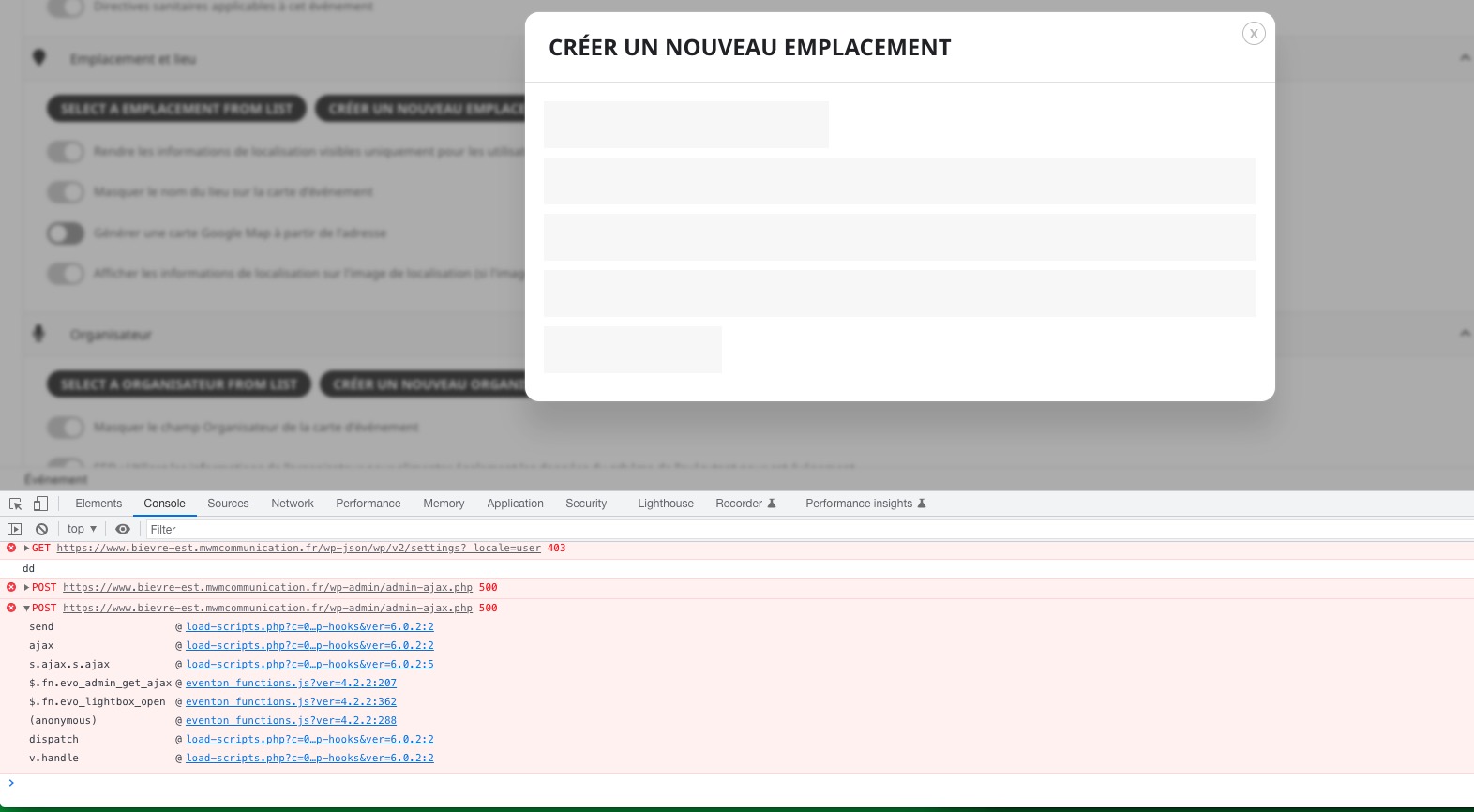 Please follow the instructions in this documentation to activate debug in your site to see any PHP errors recorded that can provide insight on to whats going on. Please reply with a link to debug.log file. If you are not able to do this please send us FTP access to your site so we can do this for you.
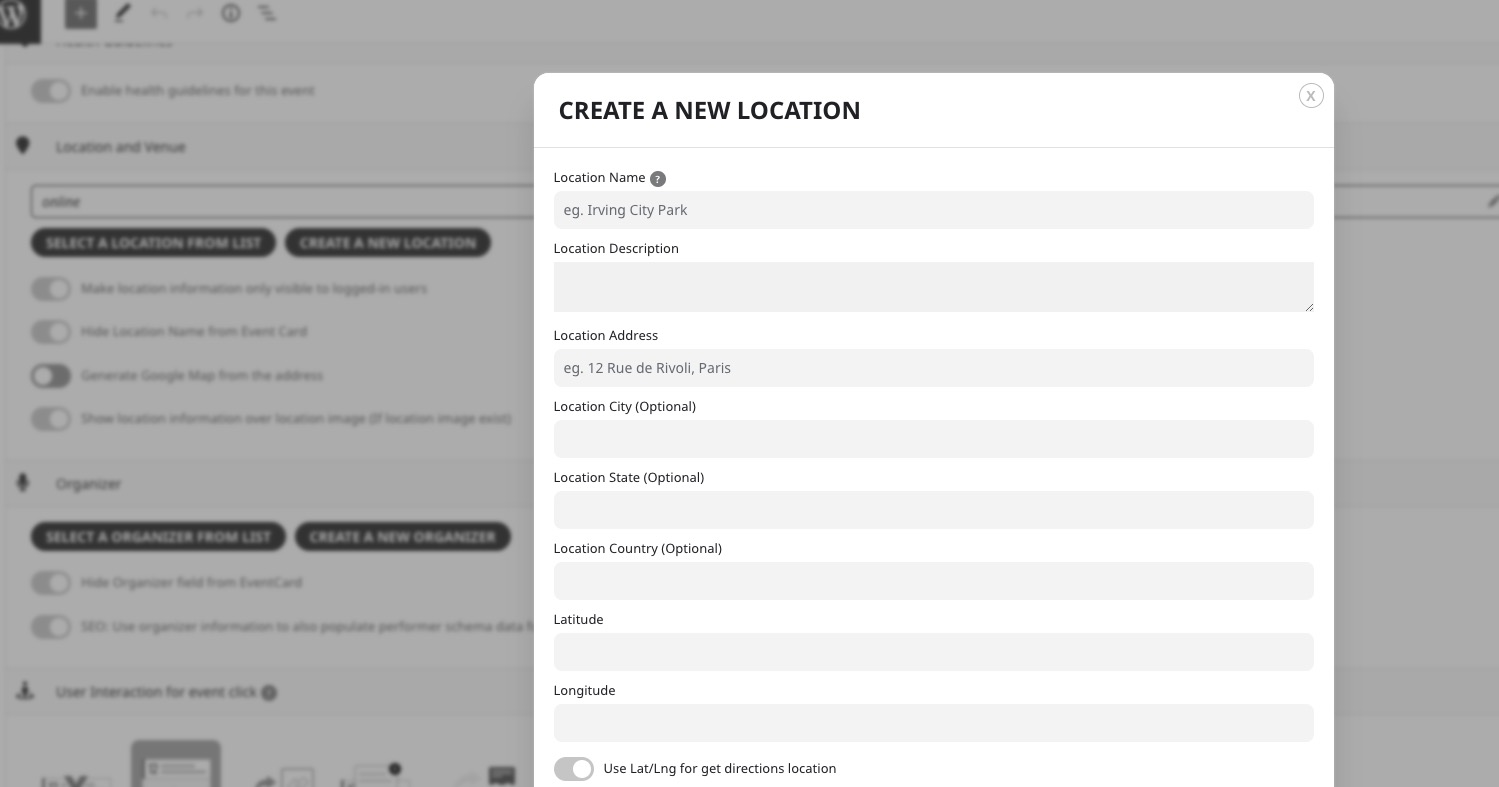
Just to let you know, there are no issues with this on our test server:
Thanks for the information. Unfortunately, that’s a shame.
Your location doesn’t have Location Address. Could you add one? Please also make sure to add https://hxclife.com/wp-admin/admin.php?page=eventon#evcal_005 > Google maps API Key (Required) to see the map.
Please go to https://hxclife.com/wp-admin/admin.php?page=eventon#evcal_002 > EventTop > change Event Title font color. Sometimes you need to save the settings twice to see any effect.
Bonjour.
je viens de désactiver le plugin mais ça ne fonctionne toujours pas.
Merci.
We are glad your issue is resolved, if you have any further questions or concerns please create a new ticket.
If you have a moment, we would greatly appreciate if you could kindly leave us a review at codecanyon! from your account > downloads. Cheers!
Hello,
Unfortunately, the coupon has expired:
ENDS MIDNIGHT 12/3 PST
Try this code:
.ajde_evcal_calendar #evcal_list.eventon_events_list.el_cal .eventon_list_event p .evoet_cx span.evcal_event_title {font-size:15px !important}
Hello,
Could you try fixing this js error by disabling jscontentimporter plugin?

browser cache ist cleared. the Problem remains. And I can see the yes/no Button only after login. This is also a new problem. why do you not have the credentials? when I startet this tickets I have sent the credentials. If you have lost the credentials, please ask for new one. it is shure to write the credentials here?