Please replace the previous code with this one:
#evcal_calendar_customcal #evcal_list.eventon_events_list span.evoet_title.evcal_desc2.evcal_event_title { display: none !important; }
Replies for tickets on suppota
Please replace the previous code with this one:
#evcal_calendar_customcal #evcal_list.eventon_events_list span.evoet_title.evcal_desc2.evcal_event_title { display: none !important; }
Here the info:
admin: https://www.portugalrunning.com/wp-login.php
pass: @1%wzHzDfwDH)T0bB@N2p$zN
user: support
The pace
https://www.portugalrunning.com/atrp-2022-2023-2/
Hi,
I know this style but that's not what I want. I want to display all events of the year as a list of categories. In each event, I want to display only the date, place and time. (I don't know why in my events, the date and time have become blank, but I'll try to rectify). In another calendar, I want to display all my events (all categories) in the same way but with additional titles. Do you know where I should put "customcal"?
Ups … you’re right.
I fixed it:
[add_eventon_el el_type=”pe” hide_empty_months=”yes” pec=”cd” event_order=”ASC” month_order=”DESC” show_year=”yes” number_of_months=”24″ event_count=”10″ exp_so=”yes” sep_month=”yes” show_limit=”yes” show_limit_ajax=”yes” show_et_ft_img=”yes”]
Unfortunately without success.
I have already canceled the subscription.
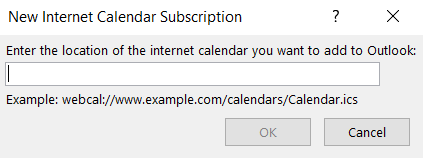
I don’t want to import & export, I want a subscription to Eventon Calendar from my outlook or my Apple Calendar (webcal works also from google cal).
See this screenshot :
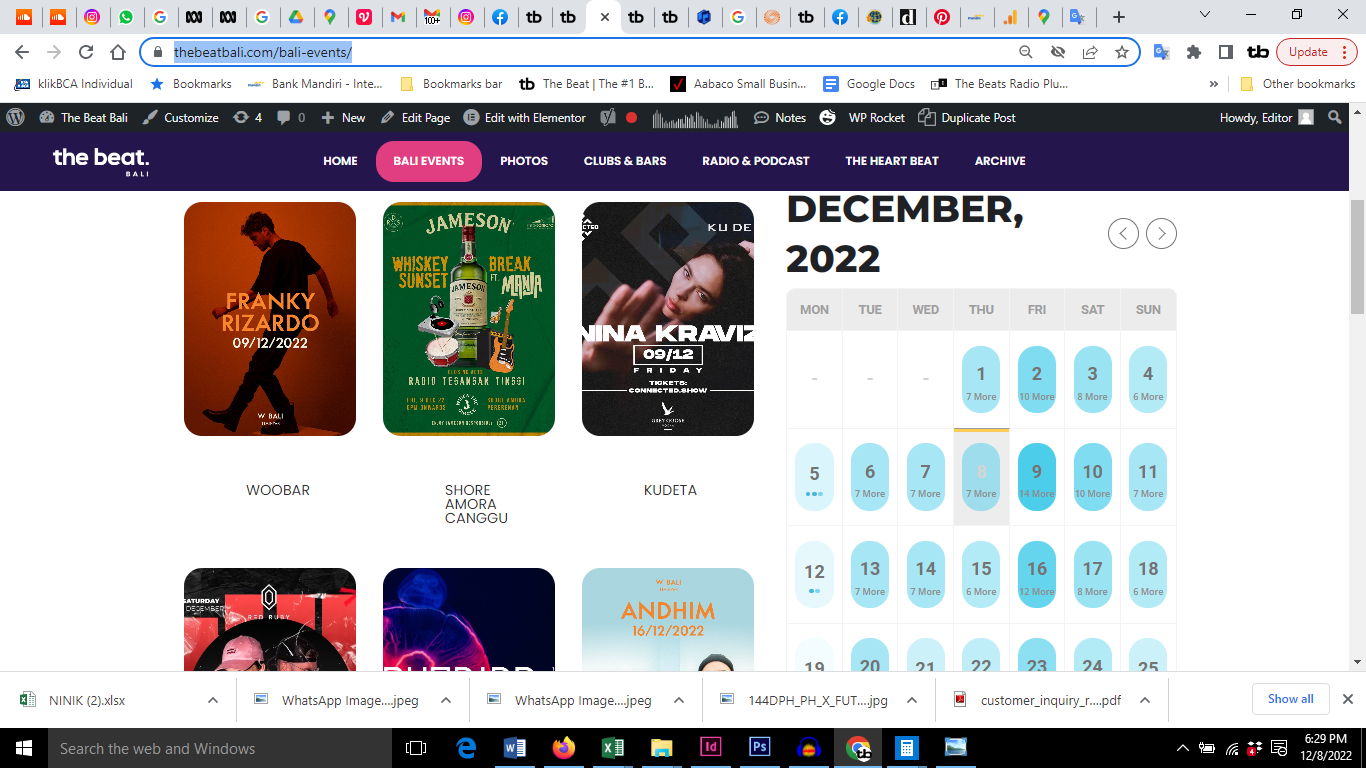
I don’t know what that it
Please send us wp-admin access to your site as a private message for us to further assist your situation.
under widgets theres the shortcode executer which is smaller
Thank you for the prompt response! Your CSS code worked perfectly.
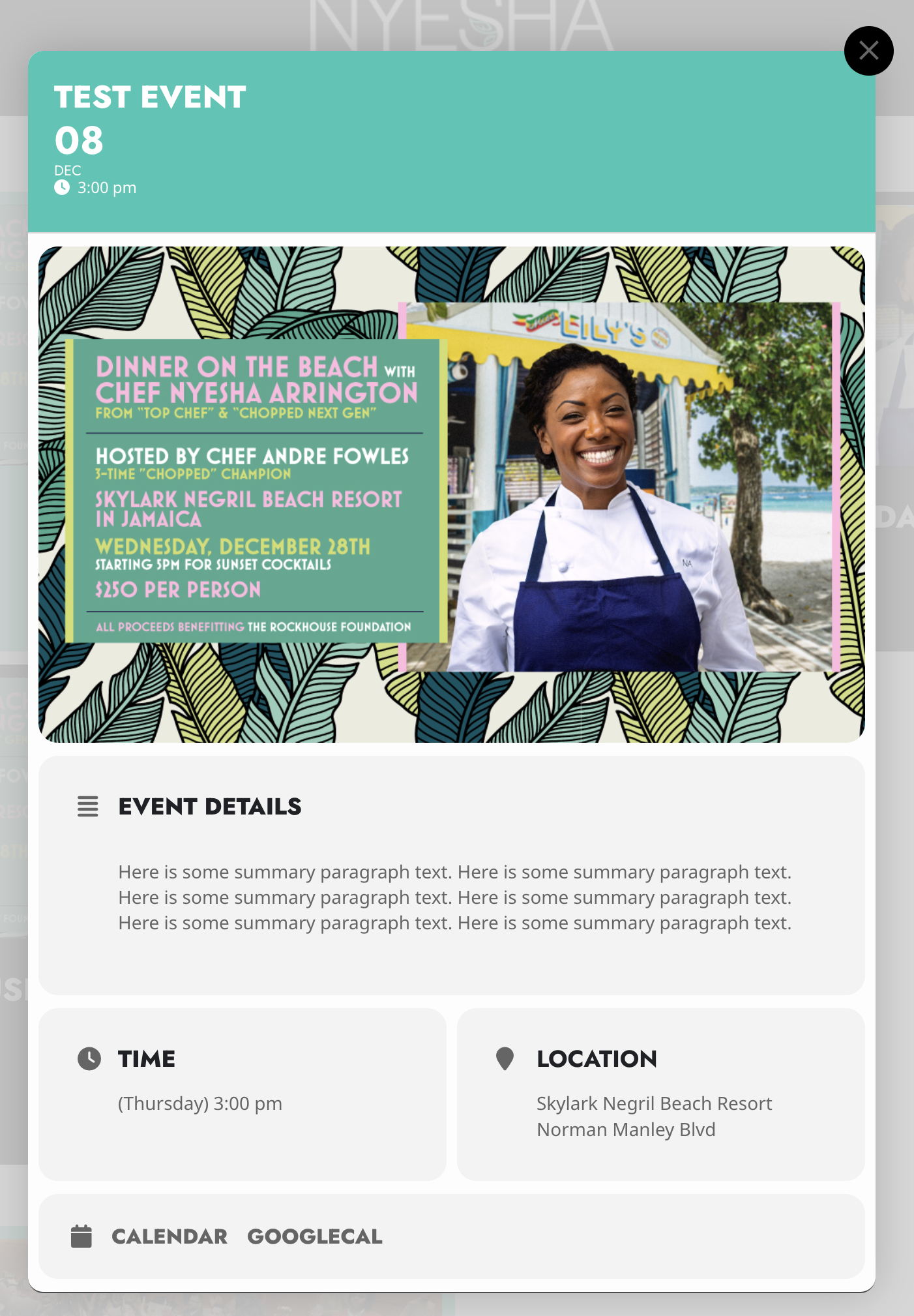
I am now attempting to do the same for the resulting lightbox pop when clicking on an event. I am able to make it work in Chrome’s inspector, but none of the selectors there seem to work when I drop them in EventOn > Styles. Can you also help me with the correct selectors for this?
It would be great if you exposed these border-radius settings in the EventOn admin. Your plugin has some of the best aesthetic designs of ANY of your competitors. Allowing users to simply toggle or set the border-radius from within the plugin UI would make it infinitely adaptable right out of the box! Anyway… Thank you for your assistance. I’ve attached a screenshot of the lightbox event card. I’d like the overall container along with any child content boxes or images to have zero border-radius.