Hello Eventon Support,
Thank you very much for your help, One more qustion please for that case,
As you can see in this site i am embded the code and its looks OK, but the “start time event” is on gray color and i want to change it, May i ask you to know what is the best way to change the color time for API events ?
https://standapp.co.il/983-2/
Thank you
Nitzan
can’t see the video perhaps post a link instead of embed
Thank you for your messages, I am going to assign this ticket to Ashan and he will be able to take it from here and find you a solution. Please allow some time for him to get back to you, we greatly appreciate your patience and thank you for being a eventon customer!
so the include anything is not classed as an event so it doesn’t get sent to subscribers. (its whatever it really is- a post, product etc)
a repeating event- the first instance of when the event is created will be sent
I use on my own site https://calendarscripts.info/bft-pro/
which allows me to send posts to my subscribers, whle it doesn’t work with eventon- it does with posts and pages
and is a mail chimp clone essentially on your wordpress website (not exactly a clone but a newsletter/auto responder plugin but each page/post you create you can then send to a subscriber list)
Supported Additional Parameters:
| event_id |
(int) post ID for the event |
| event_type |
(int) event type category term ID(s) separated by commas |
| event_type_{x} |
(int) event type {x} category term ID(s) separated by commas |
| event_location |
(int) event location category term ID(s) separated by commas |
| event_organizer |
(int) event organizer category term ID(s) separated by commas |
| event_tag |
(int) event tag ID(s) separated by commas |
| post_status |
publish status of the event post possible values publish, draft, any
|
so the URL https://dev2.myeventon.com/wp-json/eventon/calendar?event_tag=6
or https://dev2.myeventon.com/wp-json/eventon/calendar?event_organizer=6
relacing the 6 with the numbers on your own site
combined
https://dev2.myeventon.com/wp-json/eventon/calendar?event_tag=6,12&event_organizer=6
When I add an event from the Include Anything it does not send a notification. Can this be done?
Also when I have a recurring event can it send a reminder?
In the video above, I go back and forth between the front and backend, and I show you an event as marked through and then it shows complete on the backend, but now I go into the front and even after I toggle it not to be complete it’s still showing marked complete on the front end.
Do you know what is going on here? Is this a problem with your software? Or is this an issue with how they are using the software? I installed the software on this site because they wanted something more visually appealing than our other solution. But the client is growing impatient with this situation because they rely on customers to see their promotions daily.
Please do whatever you need to do to resolve the issue. I have no expertise with your product per se, so you are the best person to resolve the issue and determine the problem.
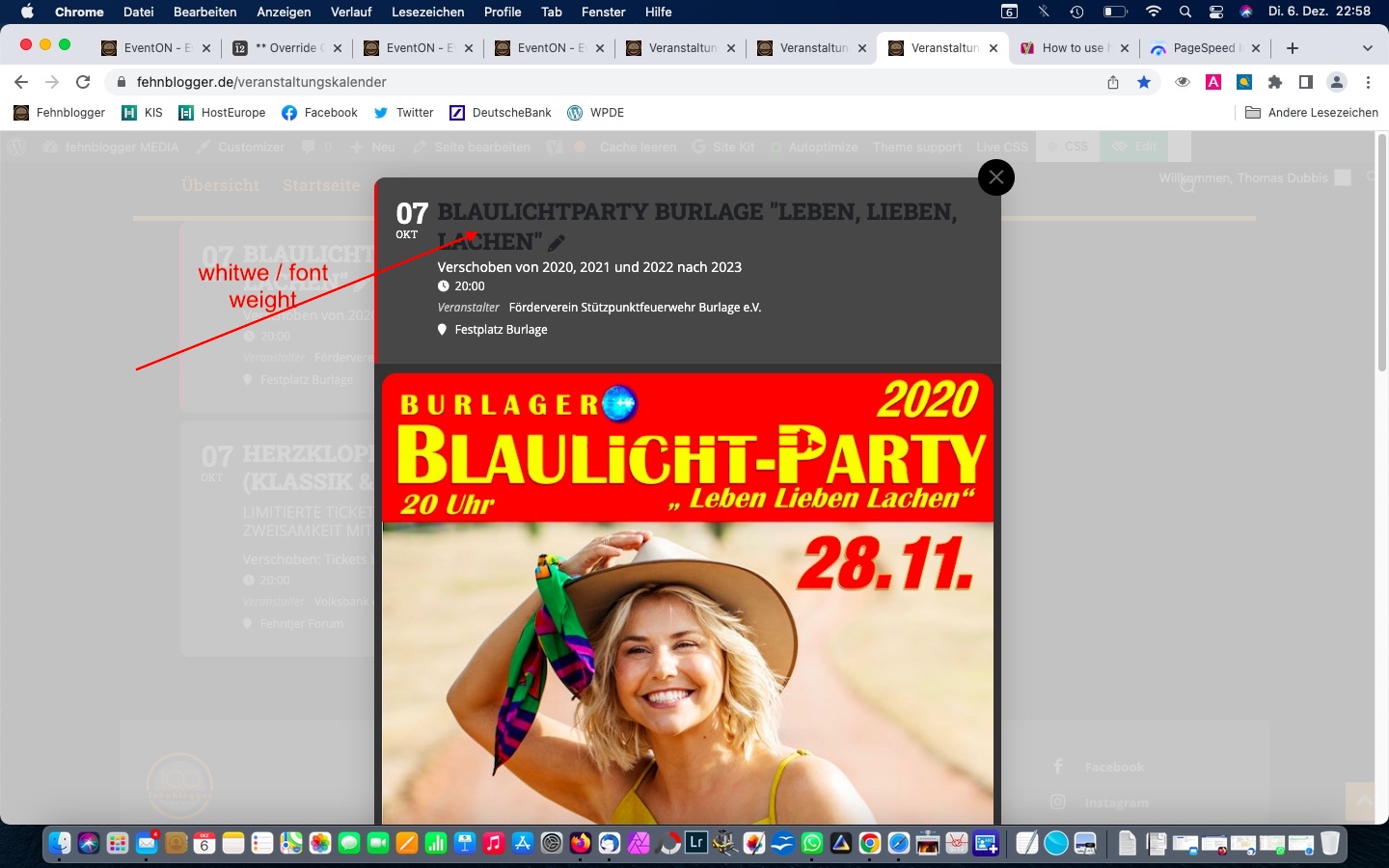
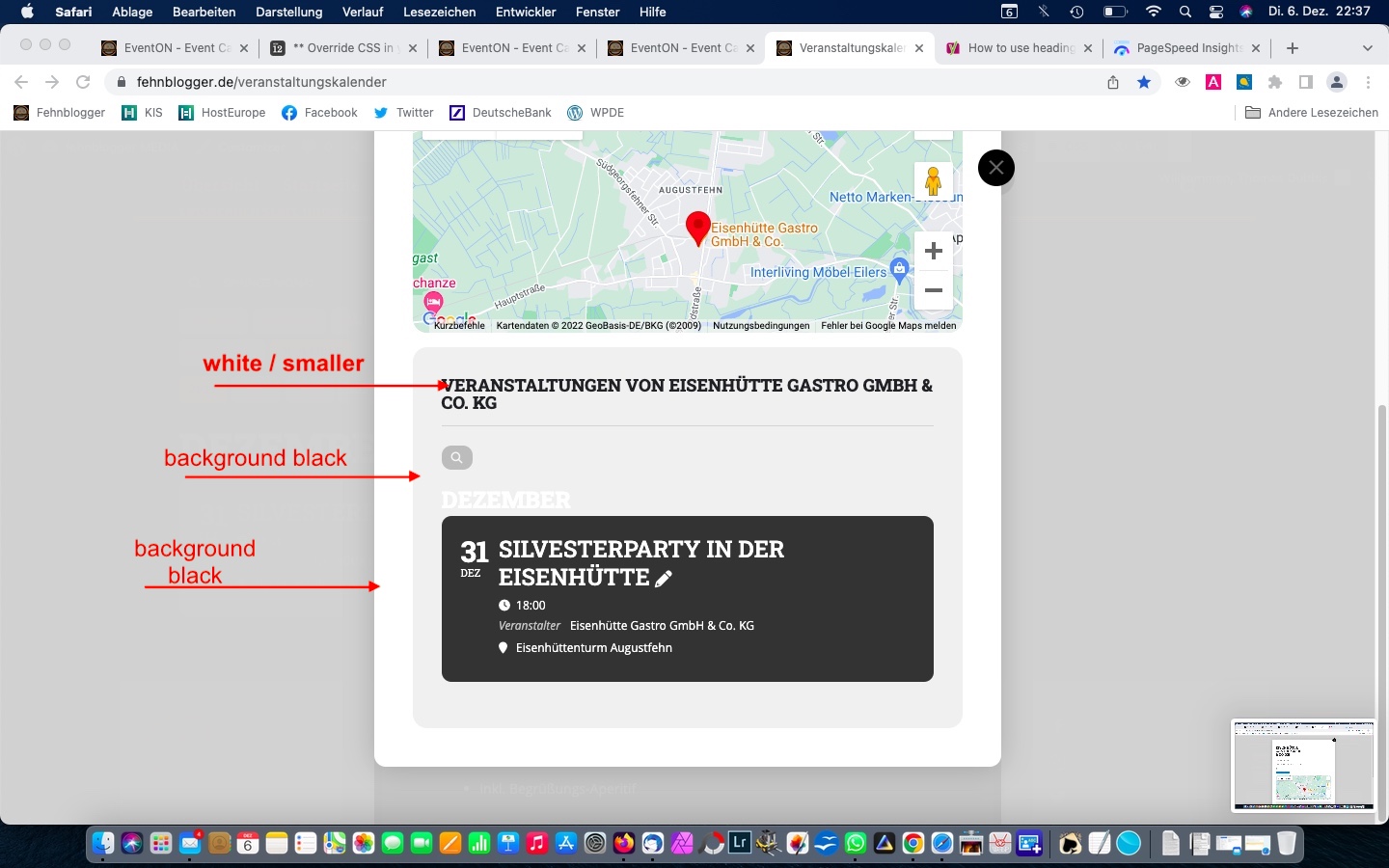
https://www.fehnblogger.de/veranstaltungskalender
by mouseover is a small “fade” to right. how can i disable that?