Please use:
.single-ajde_events .color.evo_sin_page #evcal_list span.evoet_title.evcal_desc2.evcal_event_title, .single-ajde_events .color.evo_sin_page #evcal_list .eventon_list_event .evcal_desc span.evcal_event_subtitle { color: black !important }
Replies for tickets on suppota
Please use:
.single-ajde_events .color.evo_sin_page #evcal_list span.evoet_title.evcal_desc2.evcal_event_title, .single-ajde_events .color.evo_sin_page #evcal_list .eventon_list_event .evcal_desc span.evcal_event_subtitle { color: black !important }
We need to check the page to look at the HTML code. Is it possible to upload it online for a test?
Just load a different font by following
https://www.wpbeginner.com/wp-themes/how-to-add-custom-fonts-in-wordpress/
Next add the font to EventON > Appearance. You just need to load it to change it.
Hello,
Please go to EventON > Single Events > enable Restrict single event pages to logged-in users only.
Hello,
Please try going to EventON > switch Select event calendar WP Query method.
Please follow the instructions in this documentation to activate debug in your site to see any PHP errors recorded that can provide insight on to whats going on. Please reply with a link to debug.log file. If you are not able to do this please send us FTP access to your site so we can do this for you.
We are glad your issue is resolved, if you have any further questions or concerns please create a new ticket.
If you have a moment, we would greatly appreciate if you could kindly leave us a review at codecanyon! from your account > downloads. Cheers!
Thank you very much
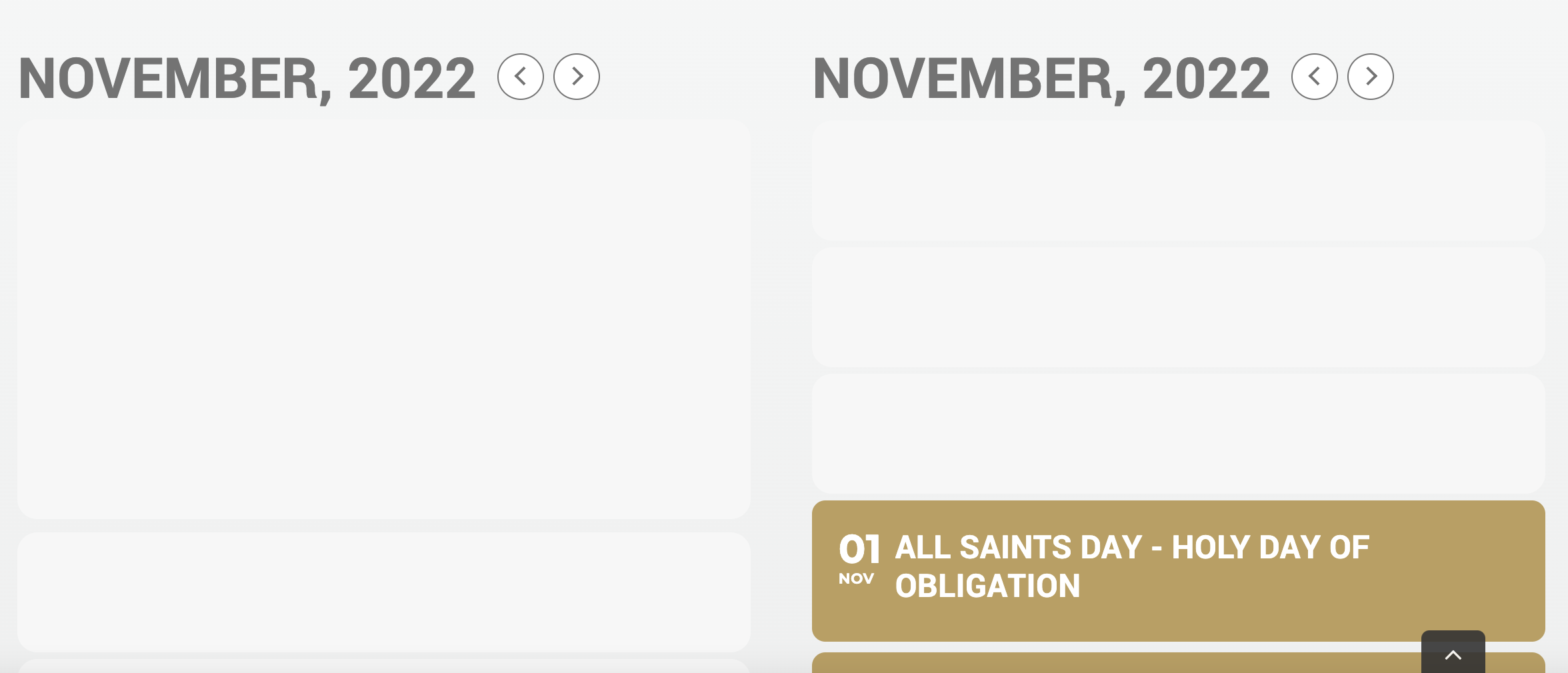
I have two calendar shortcodes a calendar view and a list view. Both are failing to load.
Sorry this was not what I asked
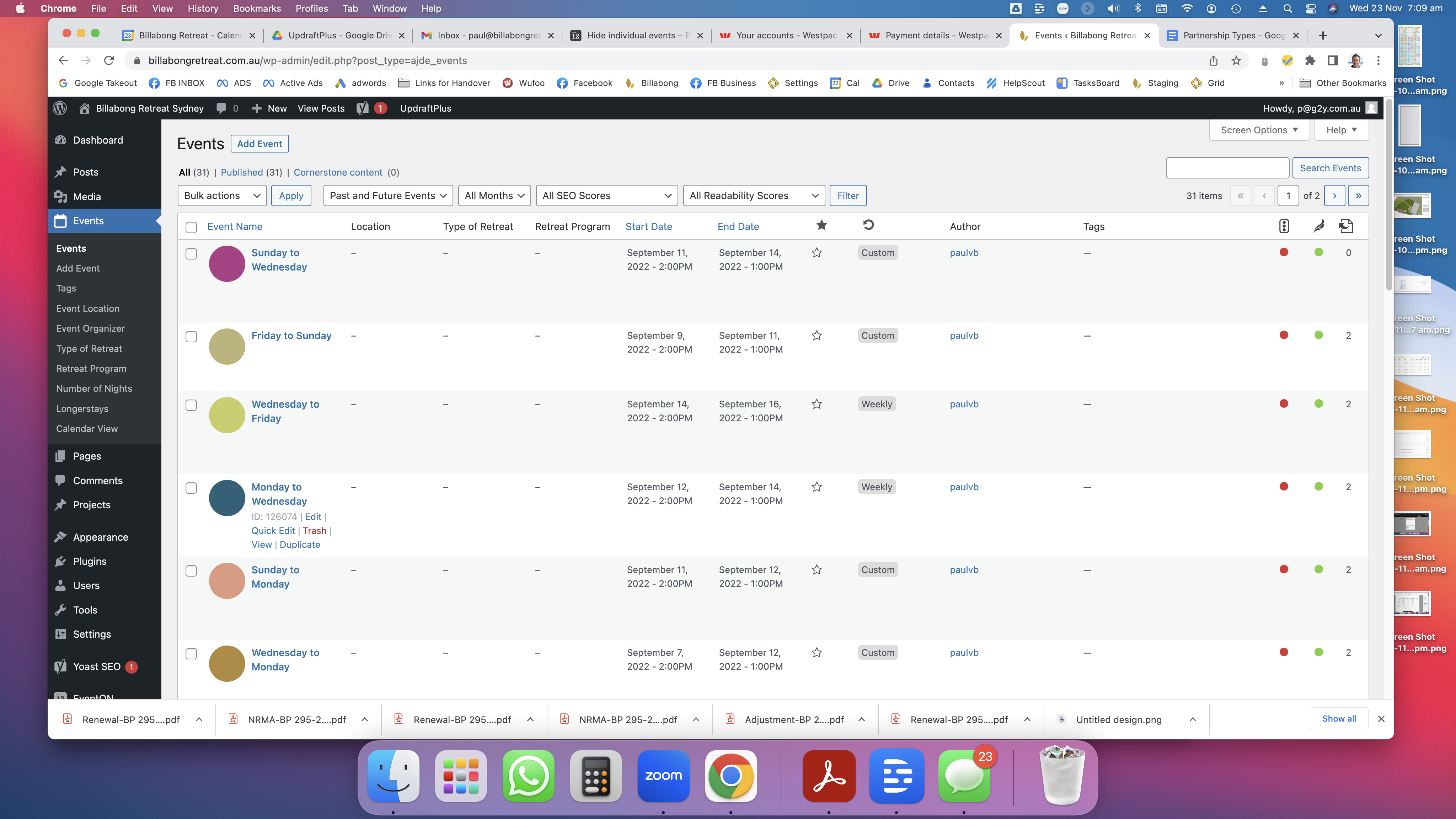
How do I hide all the single event pages that are automatically appearing?
eg https://billabongretreat.com.au/events/sunday-to-wednesday/
Good Morning,
Attached is the order ID of the license I would like to transfer.