Reply to: tickets(298471)
Replies for tickets on suppota
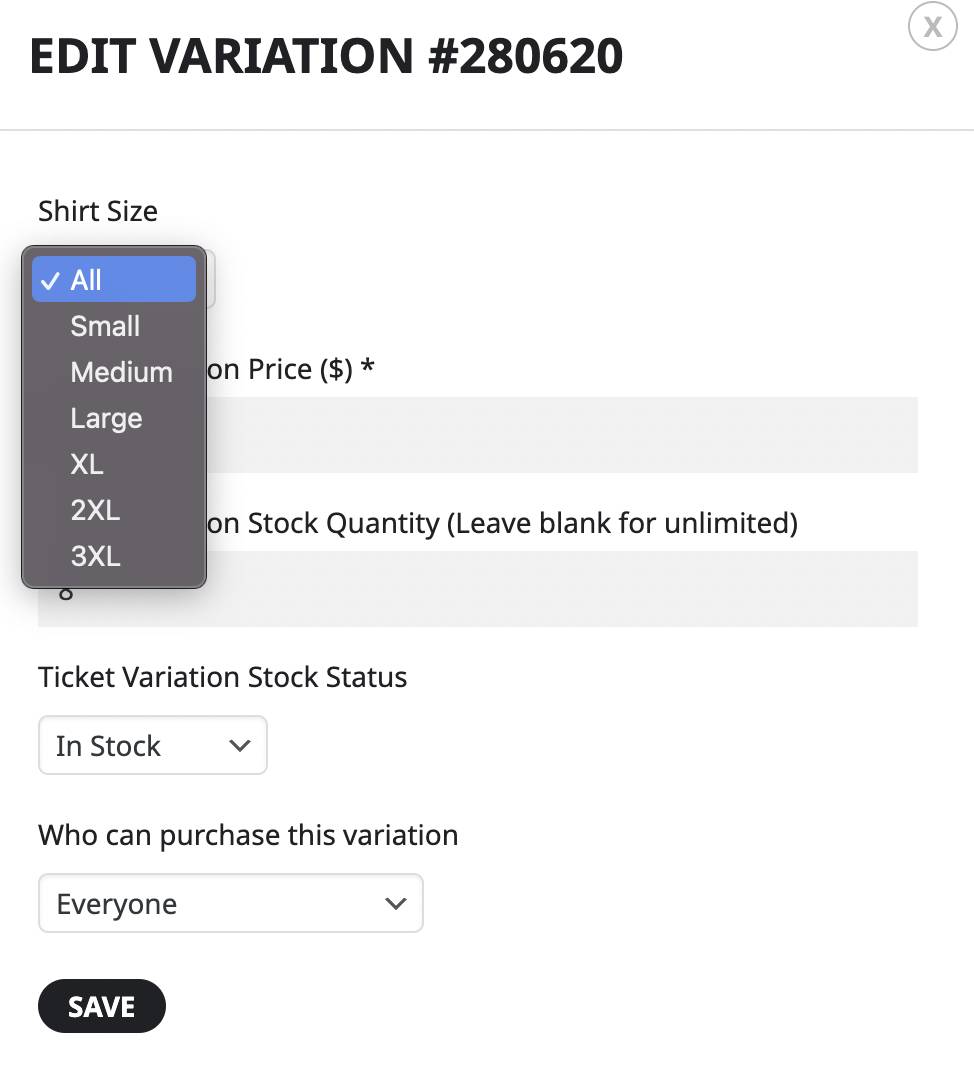
I appreciate the response! The problem I am having is that we only have 8 tickets total (all variations combined) to sell. It doesn’t matter if everyone orders ‘variation 1’ or people order a mix of variations, the total of all variation orders can only be 8 tickets. Does that make sense?
I disabled all plugins (except Eventon), cleared the cache and did a hard reset but everything still looks yellow to me, whether I’m logged in or not 🙁
I don’t understand why everything on my devices is yellow, while on yours (and my husband’s), the calendar head is blue. What could cause that kind of problem?
I couldn’t see any difference when I changed the theme and logged out. Everything still looks yellow to me. I cleared the cache and did a hard reset before checking. I’ll try plugins now.
Hi, I would like to add a note to this ticket… I thought that the issue could be related to the “slug”, so checking on the EventON settings, under “events paging”, there is this note : (PROTIP: If the /events page does not work due to theme/plugin conflicts, create a new page, call it “Events Directory” Insert eventon shortcode and use that as your main events page which will have a URL ending like /events-directory. This would be a perfect solution if you have conflicts with /events slug.)
Could this help to fix the problem?… could this this new page be called “calendar” instead of “events-directory”. We already have a “calendar” page created, which is intentionally set for this purpose. If so… Should the slug be renamed as “calendar” as well?
Looking forward to your comments.
For your time, many thanks
e.
We have alerted the client that some issues may occur, so you may proceed. Please let me know what kind of issues we may expect so the client can be on the look out and let me know your findings. thanks.
Please woudn´t you make me a lot of work… I do have enough already. This problem did occur only on few events during the work on this site.
Does nobody until now had this issue? I realy do not have time to test plugin for plugin. BTW I do not have much and nothing uncommon and I use Eventon on several pages with similar plugins and never had this problem. So if you have time, please feel free to test as you want, but I do NOT have the time by far.
Tanks for understanding.
i have added some css to your equivalent to
appearance>>>>customize>>>>>additional css
you can change that 10% to what you wish
Could you please try the instructions mentioned in this documentation to make sure your issue is indeed coming from eventon.
okay i will check themes + plugins
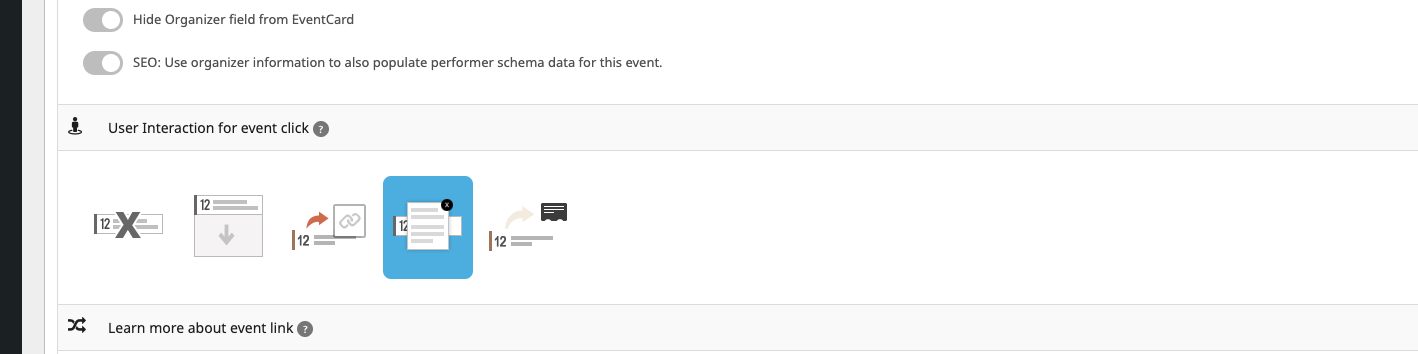
when i change the “user interaction” to popup it works well …