ok, thank you.
Do you anticipate that any other feature will be added to this in the future? I think I will use the iframe version at this time but would love to use the API option in the future if you do enhance it. Please let me know.
Replies for tickets on suppota
ok, thank you.
Do you anticipate that any other feature will be added to this in the future? I think I will use the iframe version at this time but would love to use the API option in the future if you do enhance it. Please let me know.
found the issue here is the patch fix. You just need to add the same field as default and rename it to value. that would do the trick.
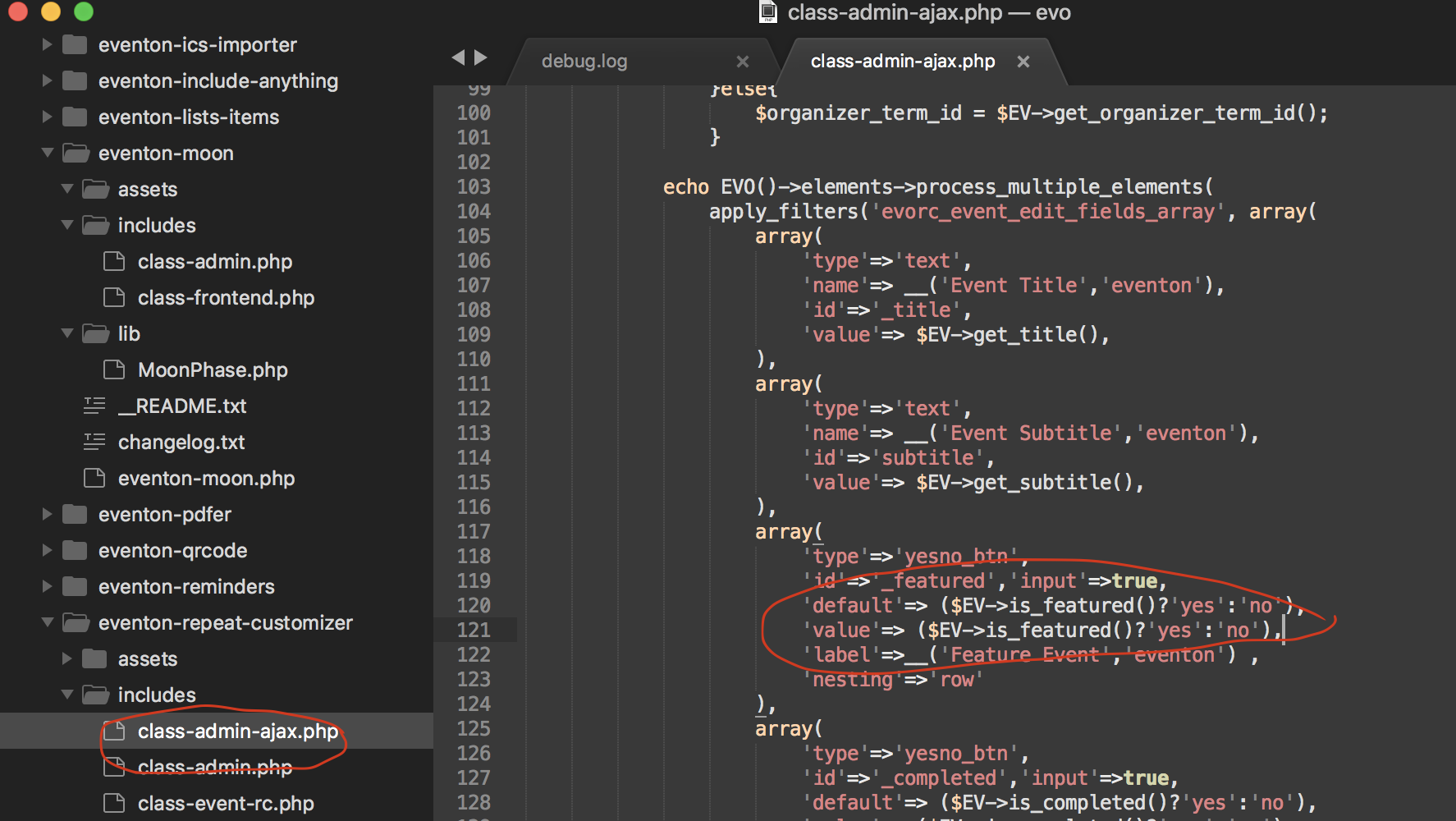
please try now.
Ok so at the moment you do not have any current or future events https://henningschwarze.com/wp-admin/edit.php?post_type=ajde_events
that is why the RSS feed is empty 🙂
Hi Mark, so this setting applies to all the calendars and as of version 4.2.2 setting this uses incorrect current time value and we will address this in version 4.2.3 so for the moment kindly use hide past events via shortcode passed on to the calendar.
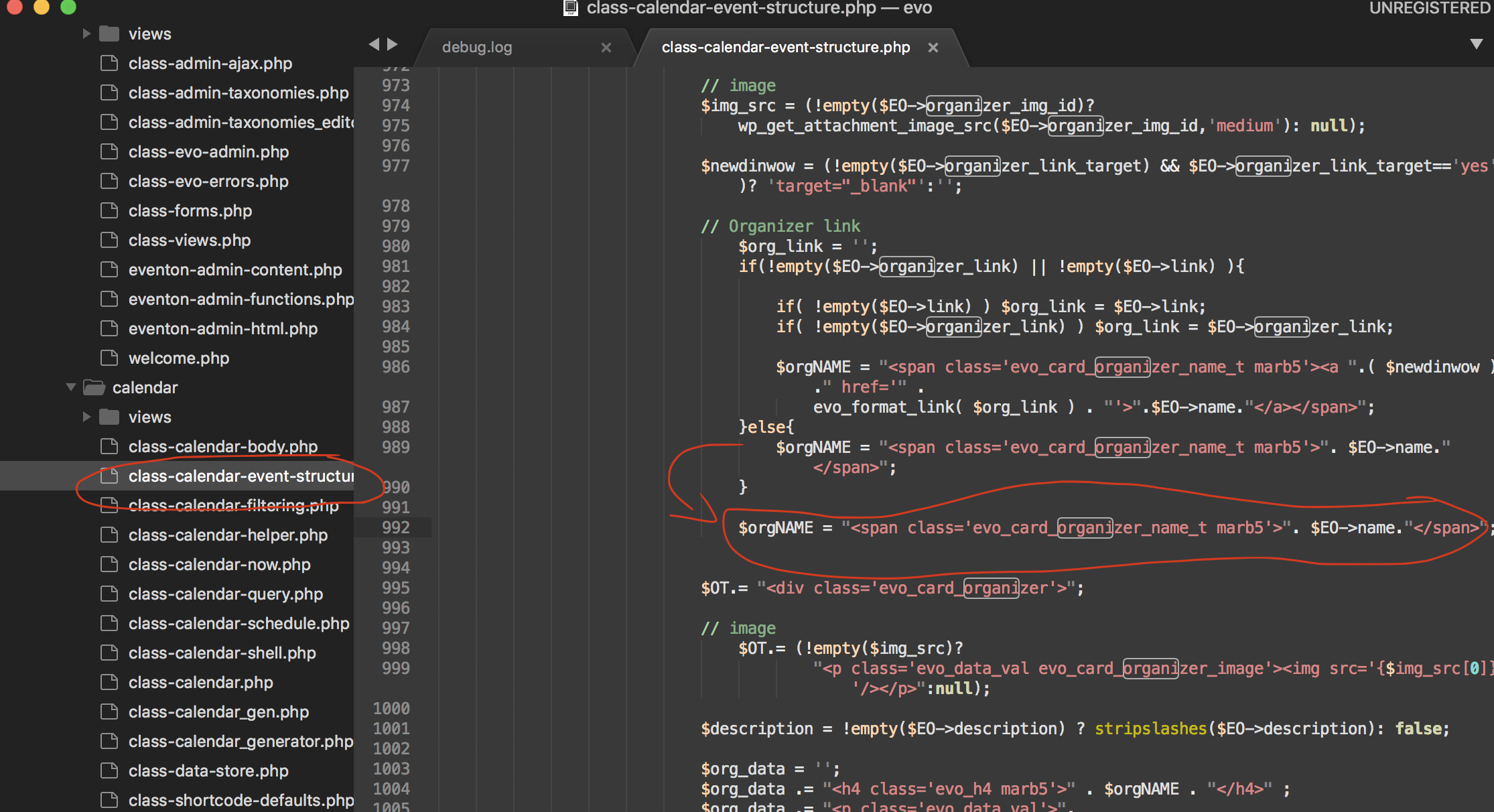
try this patch fix. it will fix remove the organizer name in the event card from being linked to organizer page.
Maarten, I am terribly sorry I can not think of any other reason why the previous events would be deleted. Are you able to get the event data from a database backup? in eventON the file ../uninstall.php is the only code that would delete eventON events when plugin is deleted ONLY IF that above option is selected.
Do you happen to know which version did you update from?
Sounds good. Please keep us posted and we will also see if there are any codes that may have slipped from our grasp thats causing this 🙂
please check your settings now. What I did was remove “add to your calendar” and then it showed both add to calendar and learn more fields, which I was able to add back 🙂
hello jordan, found the orders and your email is contact@cestdesign.fr reset pass is: ^2V3R0Jo0SWMalGFAqq#9!78
let me know if you want me to change the email address to something different.