When you are not logged-in the calendar colors look different: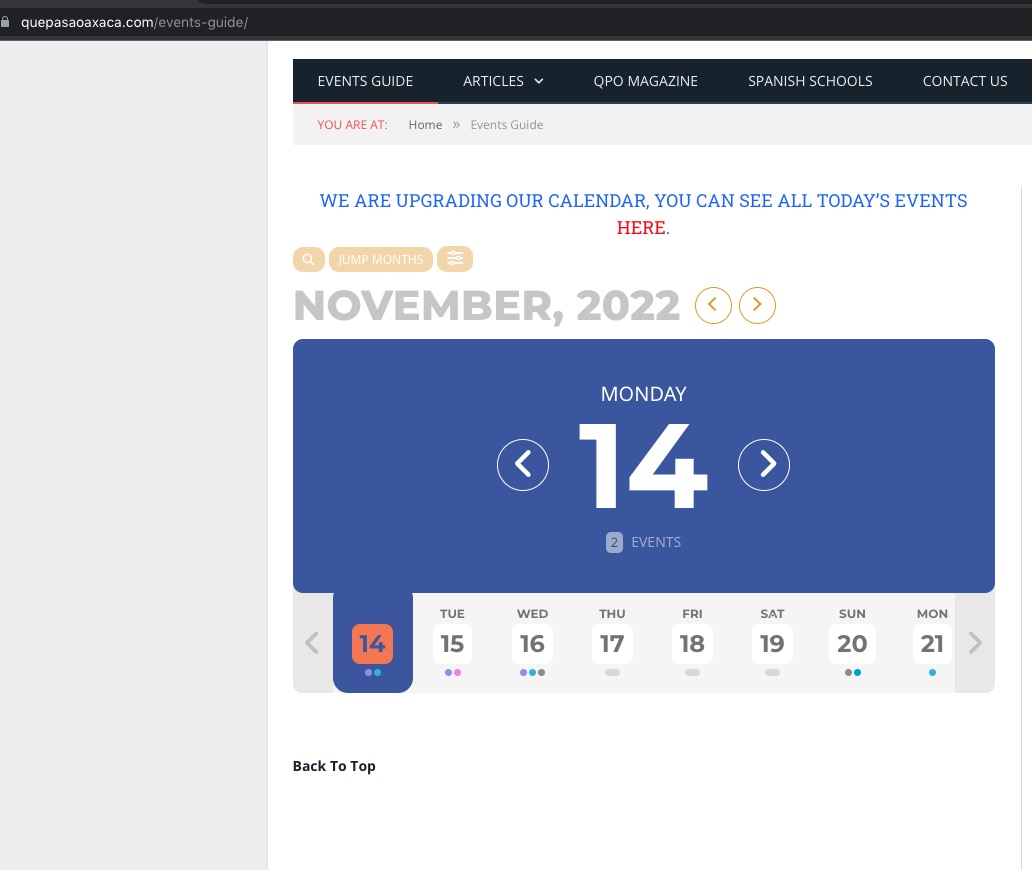 Is there a cache that must be cleared?
As for the WPML issue, can we disable all plugins and switch the theme?
Replies for tickets on suppota
When you are not logged-in the calendar colors look different:Is there a cache that must be cleared?
As for the WPML issue, can we disable all plugins and switch the theme?
Hello,
Please go to EventON > Appearance > EventCard Styles > Event Section Title Text.
If you don’t see any change please save EventON Settings twice.
Yes, you can. Go ahead. I just created a backup file just in case.
Hello,
Could you try replacing ux_val=’4′ with the code from
https://pastebin.com/0QGcjEUL
If it doesn’t work please send us wp-admin access to your site as a private message for us to further assist your situation.
For your further investigating, you can access anytime, I’m still here. Please let me know and looking forward to.
So can I add the code to Twenty Twenty-Two, switch your current theme for a test it? Should take a minute or so.
Hello,
We are going to change this in a future version. As a temporary solution please add this CSS code to EventON > Styles (If you don’t see any change, EventON > Scripts & Styling > turn off Write dynamic styles to header > save settings > turn on Write dynamic styles to header):
p.evo_card_organizer_more { display: none !important; }
Thanks for the information. #1 worked great. For #2, I have attached a PDF that includes annotated images of what has changed between versions. For #3, that also changes the display in the event list so using white makes the text disappear. I also don’t know what value is for the date portion of the event top. #4 worked, thanks.
Hi, thank you for your response. I´ve made the change as recommended, but the total tile is still taller as in version 4.1.2. It seems, that there is a frame set around the tile including the picture and therfore the space for the text is smaller. “Trainingsleitung” and the “name” of the trainer is no more in on row. Please compare picture of the tile shown in 4.1.2 to the picture from version 4.2.2 as attached. It nearly double up the space in height I need on the web site to show the same content as before.
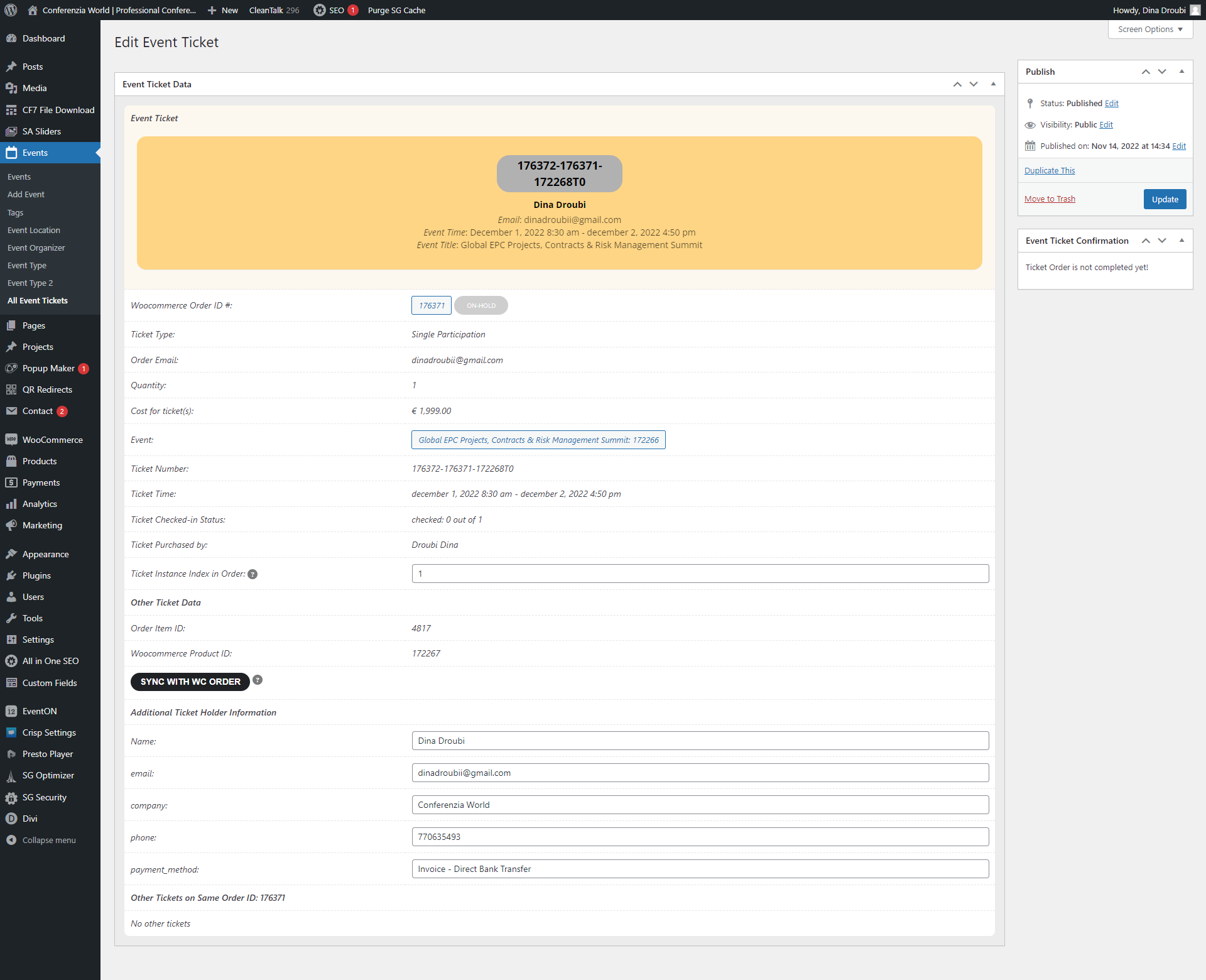
3. Solved! Thank you
4. Okay, I deleted my coding, and used your coding from your guide, in my Divi Theme .. And unfortunately it’s the same result. It didn’t show the field there. I don’t believe it have to do with name ‘Job Title’, maybe there’s something wrong with the coding for Divi Theme? I understand it works on the default theme…
For your further investigating, you can access anytime, I’m still here. Please let me know and looking forward to.