Reply to: tickets(296360)
Replies for tickets on suppota
We are glad your issue is resolved, if you have any further questions or concerns please create a new ticket.
Hello,
Please go to EventON > Action User > enable Assign logged-in user to event after successful event submission.
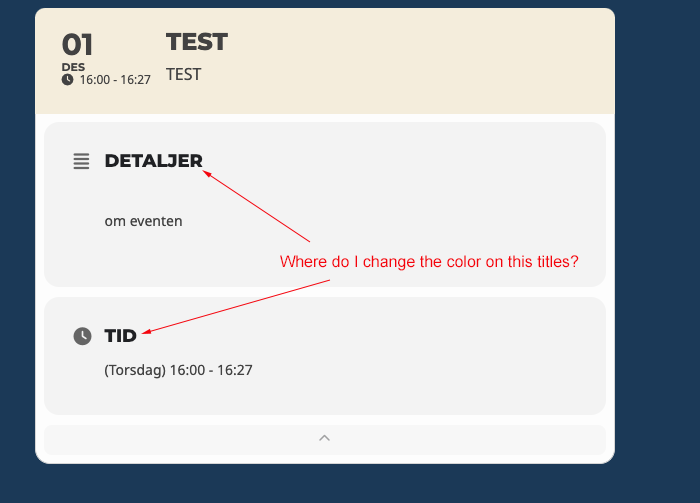
Please clear your cache: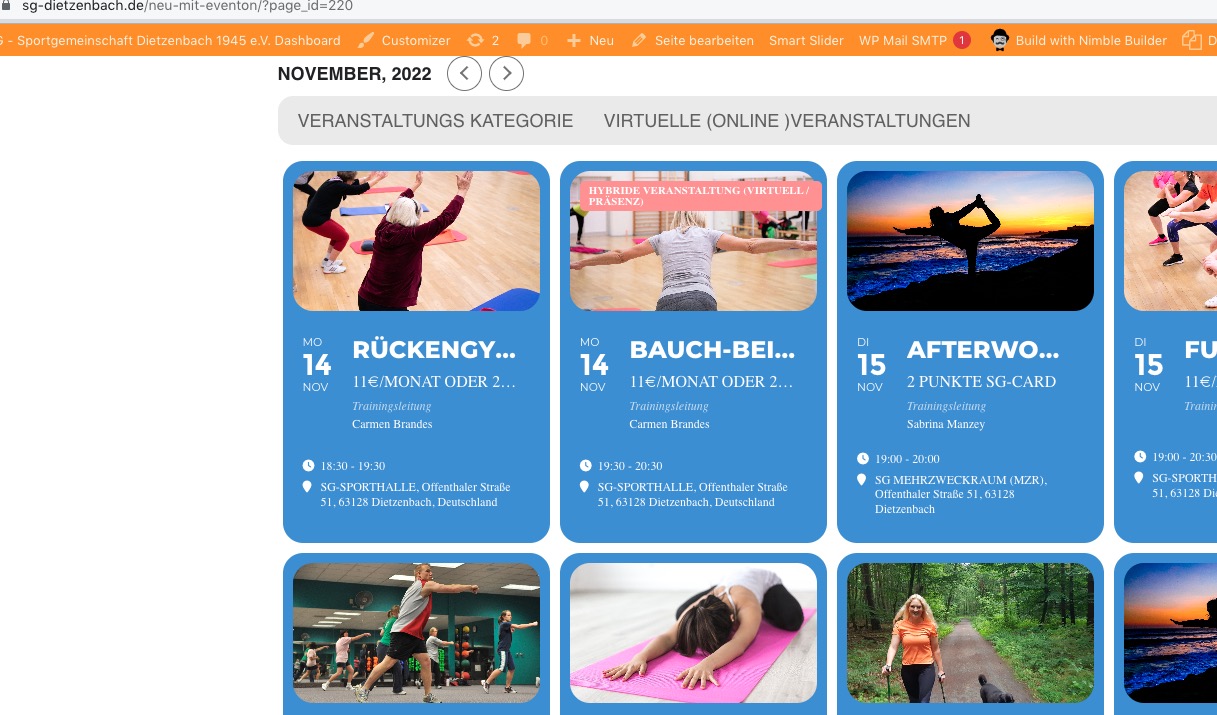 Please add this CSS code to EventON > Styles (If you don’t see any change, EventON > Scripts & Styling > turn off Write dynamic styles to header > save settings > turn on Write dynamic styles to header):
.eventon_events_list .eventon_list_event .evoet_cx span.evcal_desc2, .evo_pop_body .evoet_cx span.evcal_desc2 {font-size: 18px;}
Change 18 to any number you want.
4. Maybe there is an issue with “Job Title” name? Could you try adding the code from the guide with “business” to see if it works.
3. Please add this CSS code to EventON > Styles (If you don’t see any change, EventON > Scripts & Styling > turn off Write dynamic styles to header > save settings > turn on Write dynamic styles to header):
.woocommerce-order .eventon-ticket-details { display: none !important; }
4. Can we try adding the code to a different theme? No issues with the default theme on our test server with the custom code:
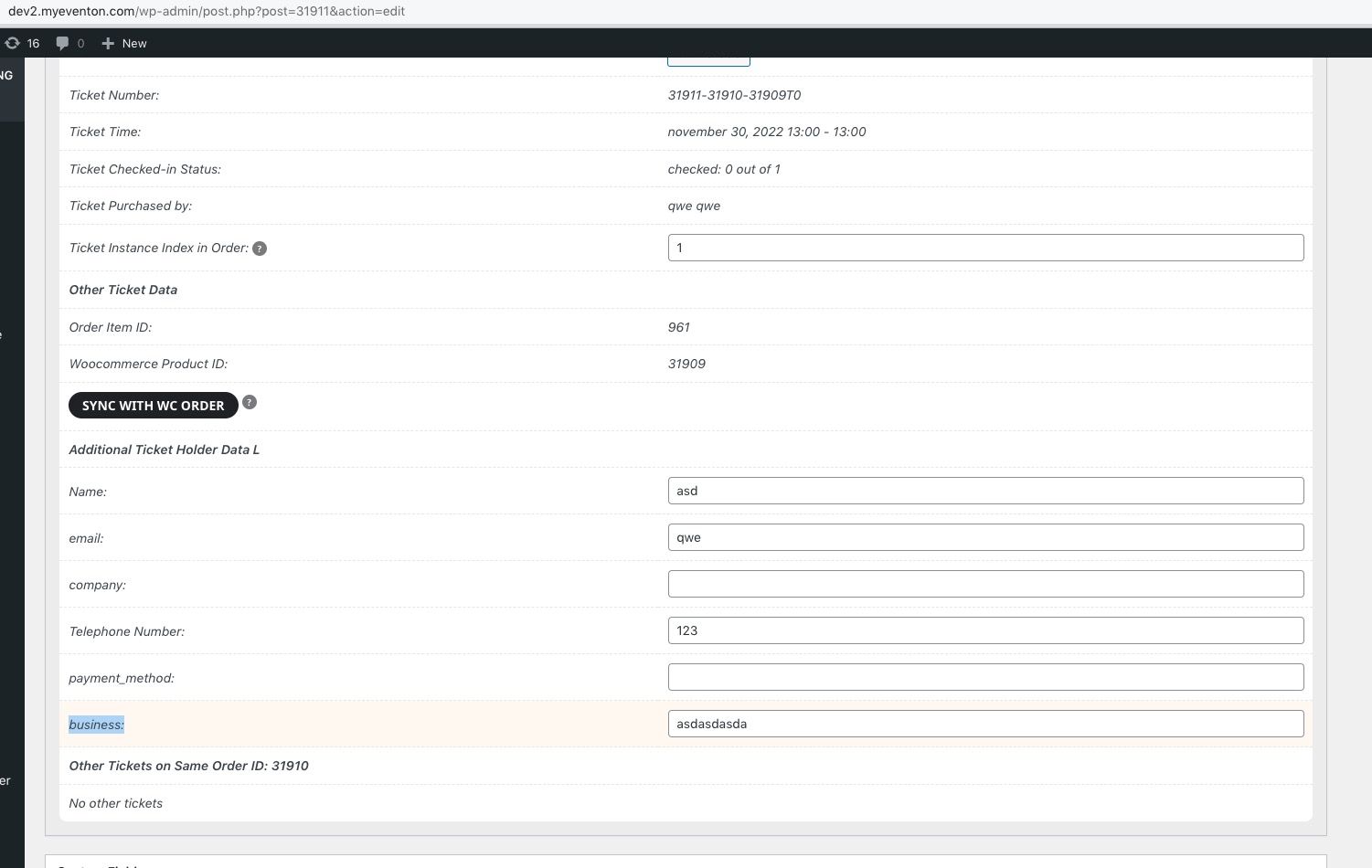
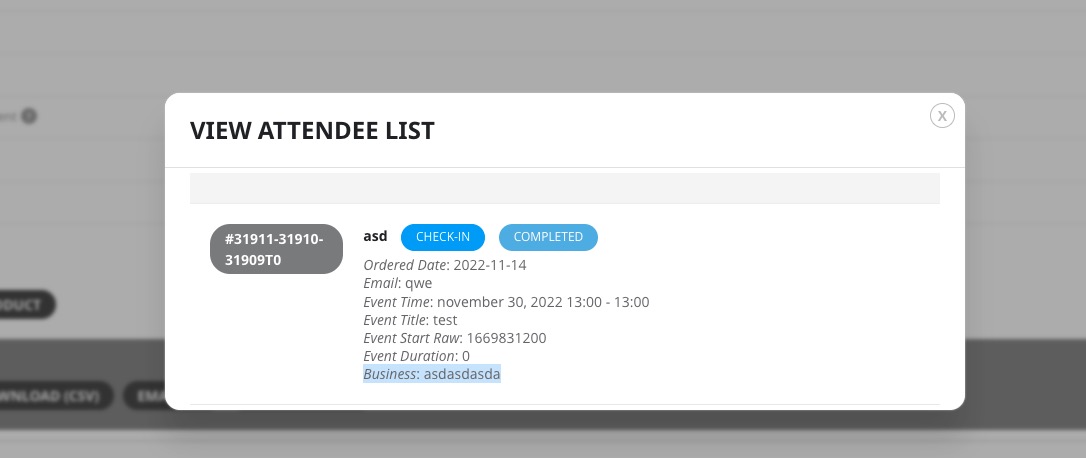 Order: https://dev2.myeventon.com/checkout/order-received/31910/?key=wc_order_nXqq3FyjlPz4X
Hello Dave and thanks for your response. The 2 pages Im trying to use this design with are below. Most of the focus now is on “Art Basel” page, and that is what Im trying to effect. Clicking on those eventtop reveals the design Im trying to effect.
https://xzib.com/miami/art-basel
https://xzib.com/miami
The icon modification/removal was an effort to get the content collected above the fold. To improve the user experience.
Likewise removing “Future Event Times in this Repeating Event Series” would also help get more content above the fold.
((And to the goal of making design more compact, I switched to a lighbox, though I am concerned this is going to be detrimental to SEO. ))
Design ?’s, trying to make more compact
1. If I can get the “Future Event Times in this Repeating Event Series” that would be helpful
2. Via shortcode, can I prevent the large featured image from showing on select eventcards, or pages? The one inside the lightboxes
3. Can I edit padding(s) inside event card around “location” for example and on desktop
Event details questions
1. Is there a way to include hyperlinks without throwing an error in search console for event schema?
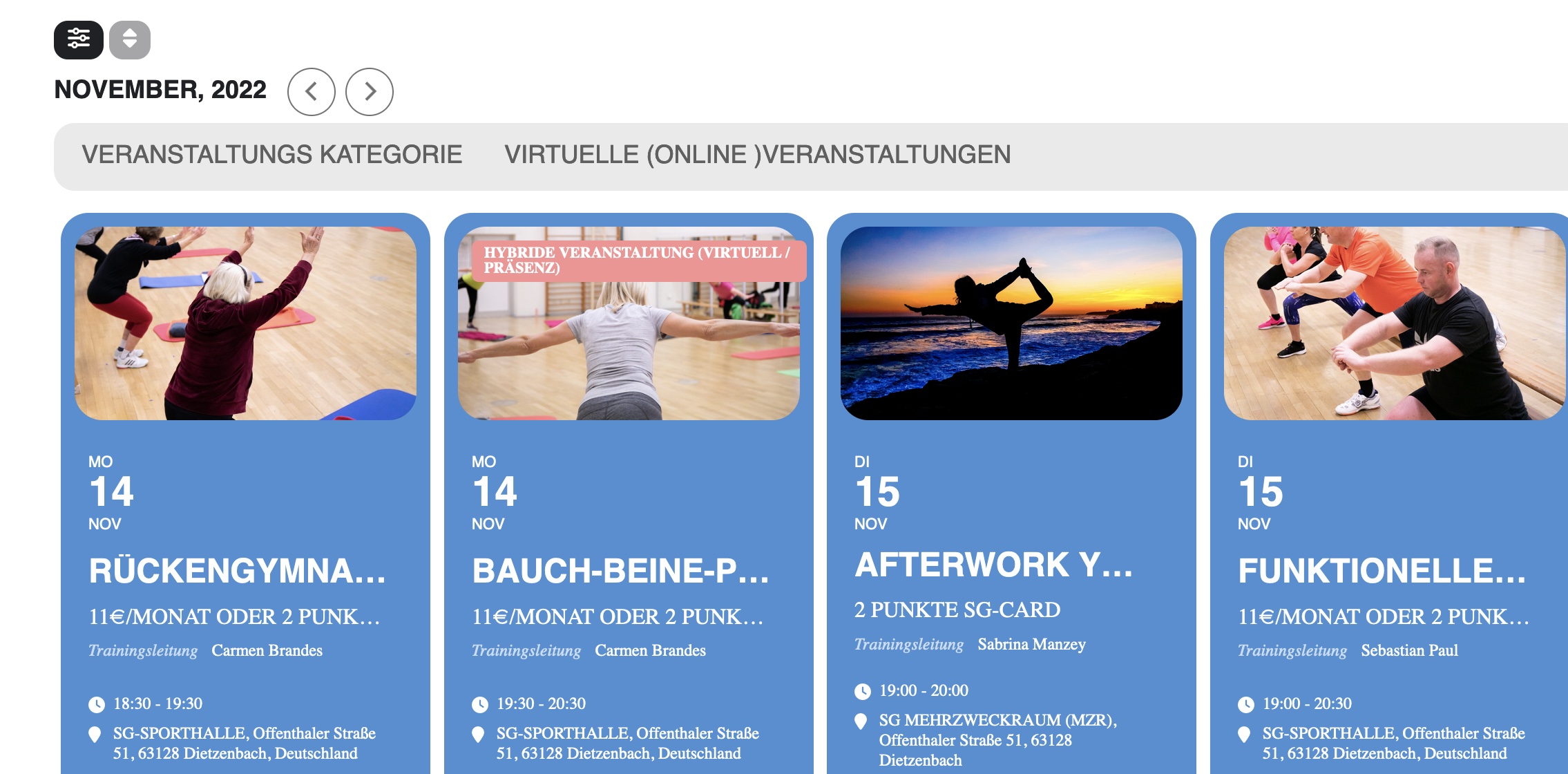
Hi, I can not see any different after your change. The title is still not in the same row as the date block. Where / how can I change the font size with this code?
.eventon_events_list .eventon_list_event .evoet_cx span.evcal_desc2, .evo_pop_body .evoet_cx span.evcal_desc2 {font-size: 18px;}
Hi, yes, I know. The events where deleted back then too. However, I do keep the plugins on this site up to date, so there was no old version that was updated, just the previous. Could you tell me which database file the events are kept in (hopefully not the main wordpress tables, because the site is daily updated with new articles.
Hello,
Could you try EventON > Scripts & Styling > turn off Write dynamic styles to header > save settings > turn on Write dynamic styles to header? There is an internal cache that, in some cases, needs a manual clearing.
As an example please take a look at this event:
https://dev2.myeventon.com/events/test-46/
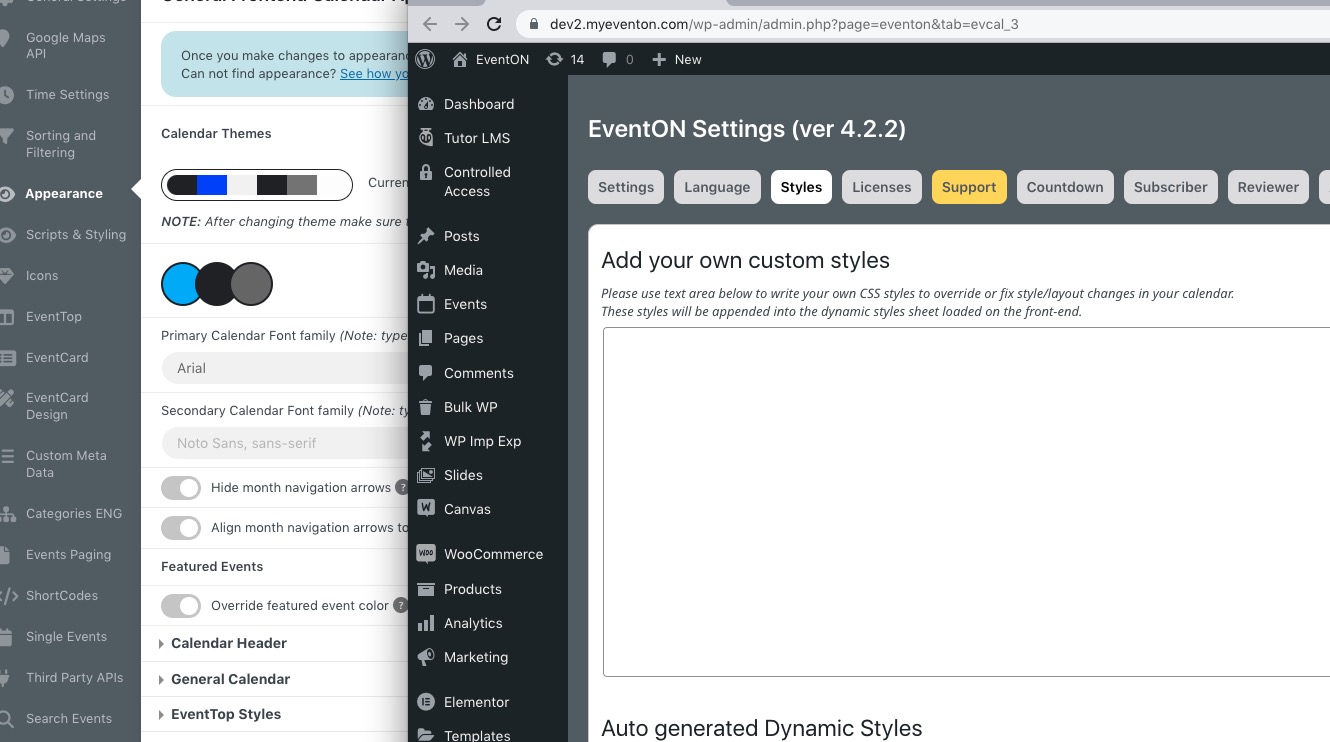
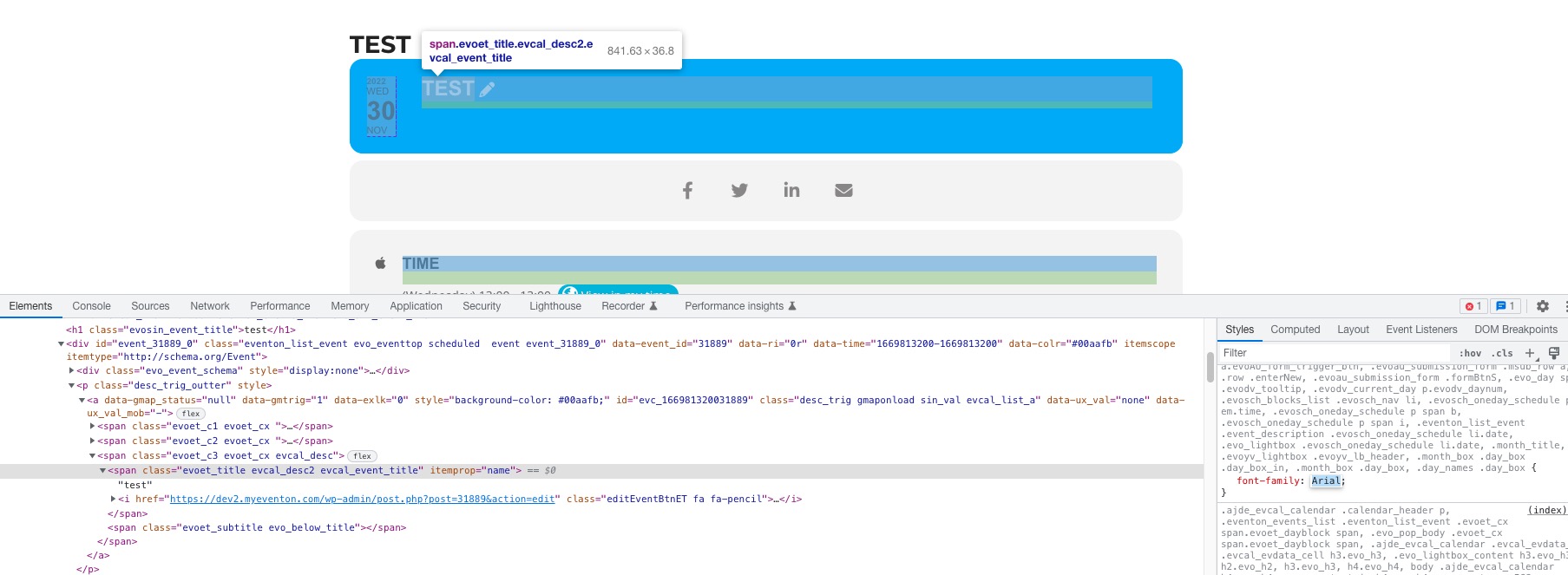 “Styles” is empty and Arial is in “Primary Calendar Font family”.