you can set the price to 0.00 to make it free
you can also hand out coupons to certain people to use that make the tickets price free
and if you have one price for loged in people and one price for those logged out you can check out this addon
https://www.myeventon.com/addons/dynamic-pricing/
Hello,
sorry, user was not final registered….Now it shoul work.
Link: https://www.sg-dietzenbach.de/neu-mit-eventon/wp-login.php
User: EventOn
Password: aKh@dkgNoRK3g^J8uduP%&s*
Regards, Klaus
Good morning, I’m here and un-pause my security plugin. Waiting for your investigating. Thank you
Please supply an email address for the temp admin account.
Hello again,
it works now!!! 🙂
I pasted the code in the theme under Custom CSS.
It was the quotation marks. The font could be recognized by switching to ‘.
Really many thanks again! Well done. 😀
I would be happy to give a positive rating!
I wish you a relaxing week.
Warm greetings from Germany
Janis
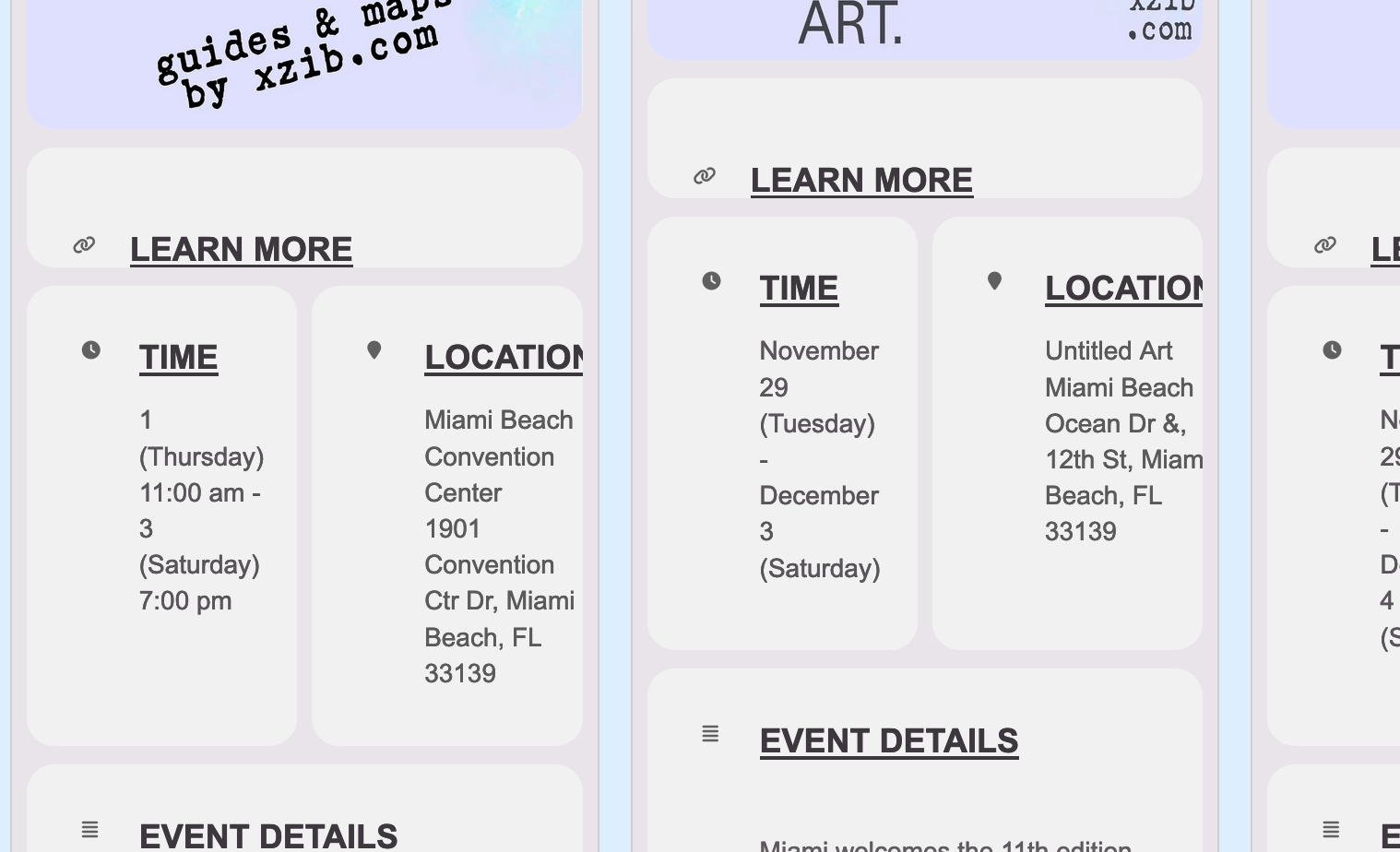
Above Im speaking of the time, location, and all the icons in the event card, and eventtop if that is possible
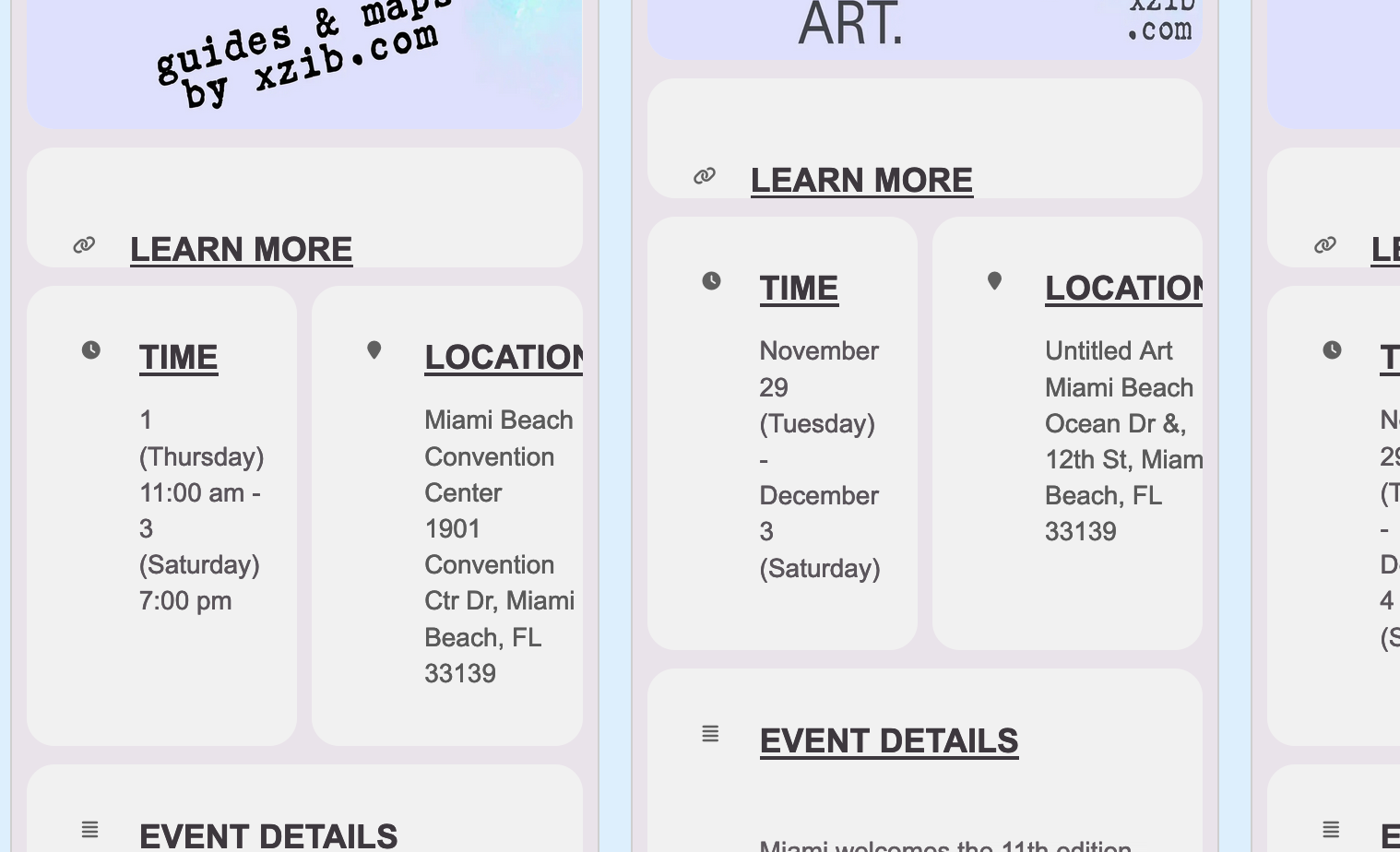
Thank you. So Im trying to get the eventcard cleaned up.
1. How do I remove these icons, they are taking up space, and making it look bad on Pad sizes.
2. How to remove this text from event card “Future Event Times in this Repeating Event Series”
When I include hyperlinks in the body of the the event, it get flagged by Google search console for ERROR. How do I insert links to not get flagged.
this is the subject page of concern
days inc would work in the daily view and weeks increment would work in the weekly view but not the list calendar
so below is a video showing you how to add an event and have it show longer than it normally would and you can set it to show as many days and minutes as you wish
I must admin perhaps I read your ticket wrong- you wanted to show events on the calendar even when the event is passed- sorry if I mis read it
Try adding the following to the shortcode
event_past_future=”future” hide_past_by=”ss”
the above will show only future events and also it will hide them based on the starting time of the event (so as soon as the event starts it will hide it)
alternatively use this instead to show future events only and to hide past events based on the end time (one the event ends it then hides it)
event_past_future=”future” hide_past_by=”ee”