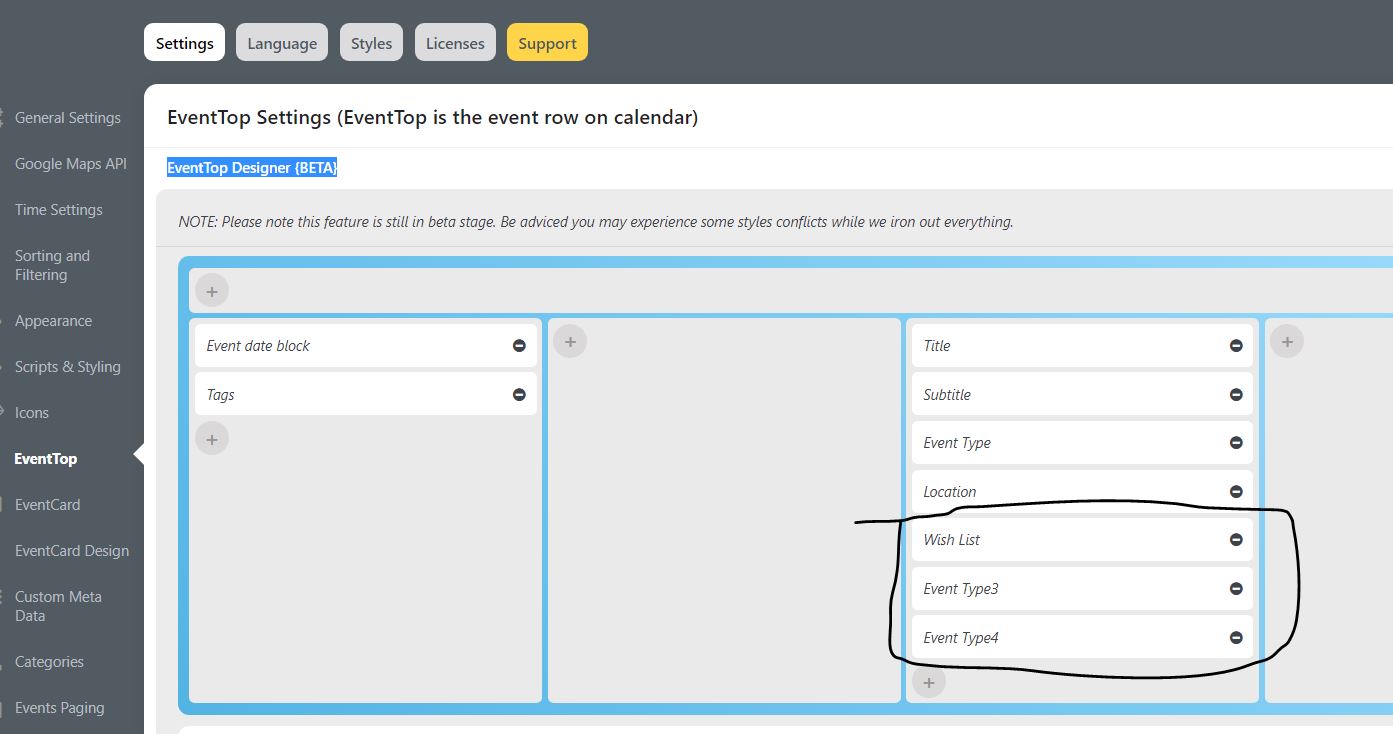
you need to put all those into the 2nd column, not the third
Archives: Replies
Replies for tickets on suppota
Reply to: tickets(295632)
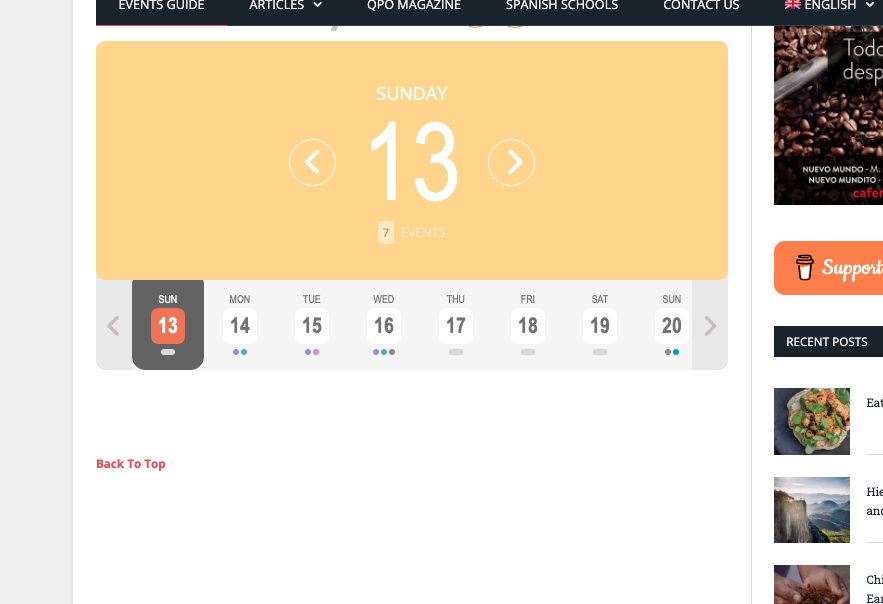
I just attached a screenshot of the Spanish calendar, here is a screenshot of the English calendar.
Thanks
Reply to: tickets(295632)
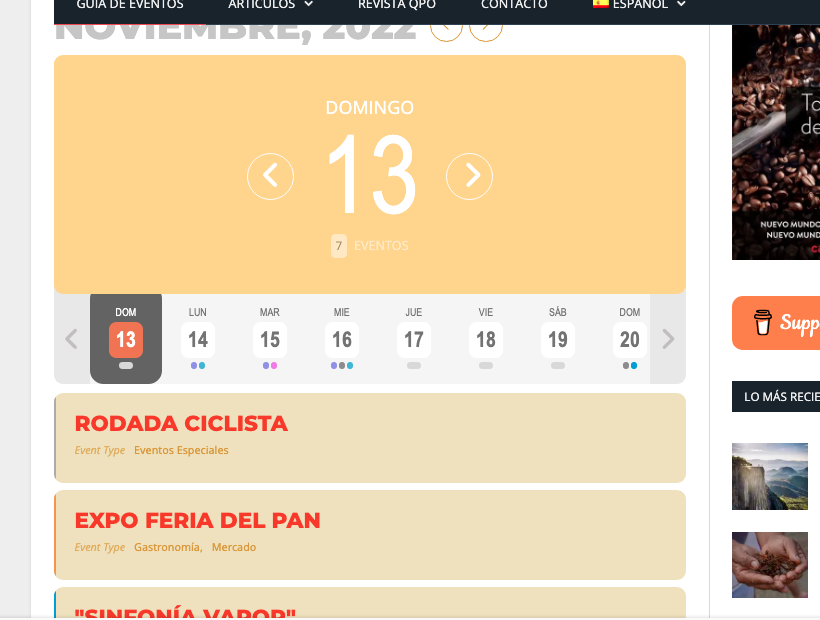
Hi, thanks for the response.
The issue wasn’t just the 12th, it was every day from the 12th into the future and, unfortunately, I still have the same issue on the English calendar.
The screenshot you sent is odd because it shows the calendar date box in English, but all the events have the Spanish text. This is not what I see when I look.
I have just cleared my browser cache and also done a manual cache purge through the Siteground Optimizer plugin and I see the Spanish calendar working fine, but the English calendar with no events, even though there should be. I’ve checked on a couple of devices and am seeing the same problem.
Thank you
Reply to: tickets(296269)
Reply to: tickets(296268)
Reply to: tickets(296181)
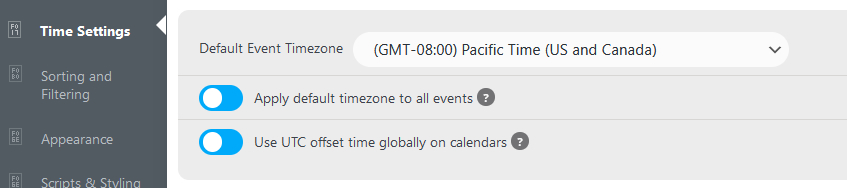
Hi,
Thank you for getting back to me…
I already had “UTC offset time globally on calendars” on. (see attached screenshot)
Here is the short code used to display the calendar:
[add_eventon_list number_of_months=”3″ show_year=”yes” hide_end_time=”yes” show_repeats=”yes”]
Please let me know?
Thank You!
Reply to: tickets(295632)
Nov 12 has passed. Also now the events are visible, as it seems:
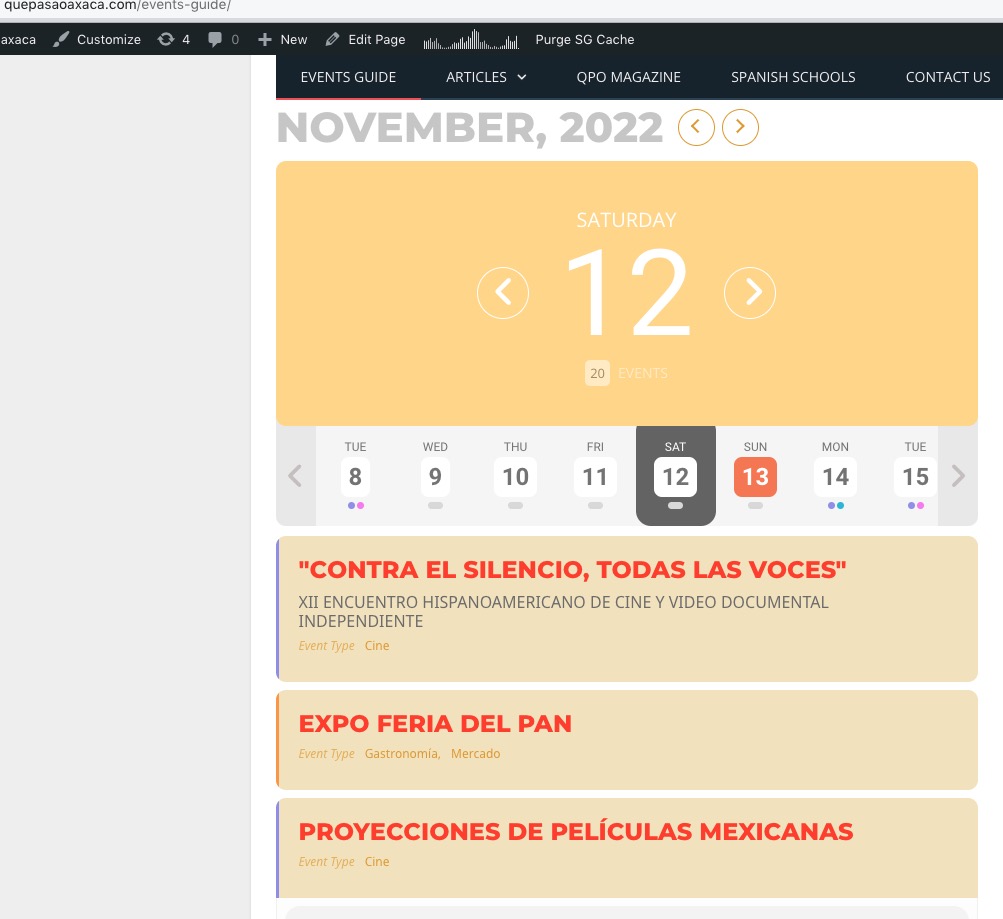
Do you have another date in the future with the issue?
Reply to: tickets(235122)
Hello,
Please send us wp-admin access to your site as a private message for us to further assist your situation.
Reply to: tickets(295761)
As far we can see the audit trail you created the template event testing which is now in use.
We created this design? https://training-development.co.uk/Public-Courses/eventon-testing/
Could you rename /eventon folder, so the single event page template can get back to it’s original design?
https://training-development.co.uk/wp-admin/theme-editor.php?file=eventon%2Fsingle-ajde_events.php&theme=conferpress
Please understand that both of these functionalities only exist in your custom made template:
https://helpdeskx.s3.amazonaws.com/wp-content/uploads/2022/11/10043751/Ash-n-J-eventon-request-Screenshot-2022-11-07-151309.jpg
and
https://helpdeskx.s3.amazonaws.com/wp-content/uploads/2022/11/10100708/Screenshot-event-date-error-2022-11-10-170251.jpg
Reply to: tickets(296079)
We are glad your issue is resolved, if you have any further questions or concerns please create a new ticket. If you have a moment, we would greatly appreciate if you could kindly leave us a review at codecanyon! from your account > downloads. Cheers!