Hello,
Please use any email you like. Just send us login/pass here.
As for the original issue. Please update EventON to 4.2.2.
To update eventon to latest version: If you are unable to do autoupdate, you can go to codecanyon your account > download and get the latest eventon version as zip file. Then you can go to your website > make sure “Delete eventon settings & data when EventON is uninstalled” is Deslected from eventon settings, delete old eventon, install new one and activate. This link will further explain the process it. Also you can follow us on twitter to get real-time announcements on updates!
After, go to EventON > Time Settings > enable Use UTC offset time globally on calendars.
Ashan,
Not sure if there is an issue.
Could you check?
Hello,
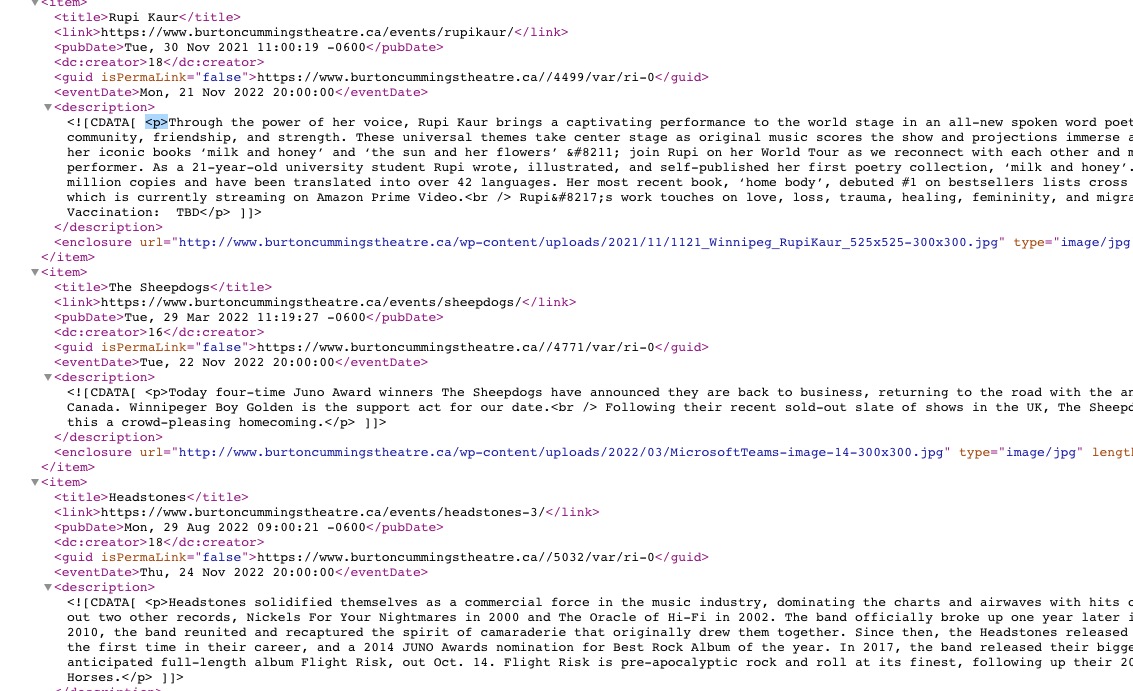
There are p and br tags in descriptions:
 RSS add-on leaves only one p and other paragraphs replaces with br tags.
I am also contact Ashan about this. Please allow some time for him to get back to you, we greatly appreciate your patience and thank you for being a eventon customer! Also please disable any IP blocking on your site if there are any.
Please also send us wp-admin access to your site as a private message for us to further assist your situation.
Hello,
Could you go to EventON > switch Select event calendar WP Query method to a different option?
Yes, appears to be Montserrat now. Which works and looks fine with theme.
“you need to make sure that the settings have been updated” – Where else than appearance do I do that?
“EventON’s internal cache” – Where do I access and wipe this as needed?
How to change the Black highlighting “Hookup” above, as well as the Black checkbox circles above?
I want those to be the same color, naturally.
Please provide me with an email in order for me to provide you with WordPress access.