Hi Fred,
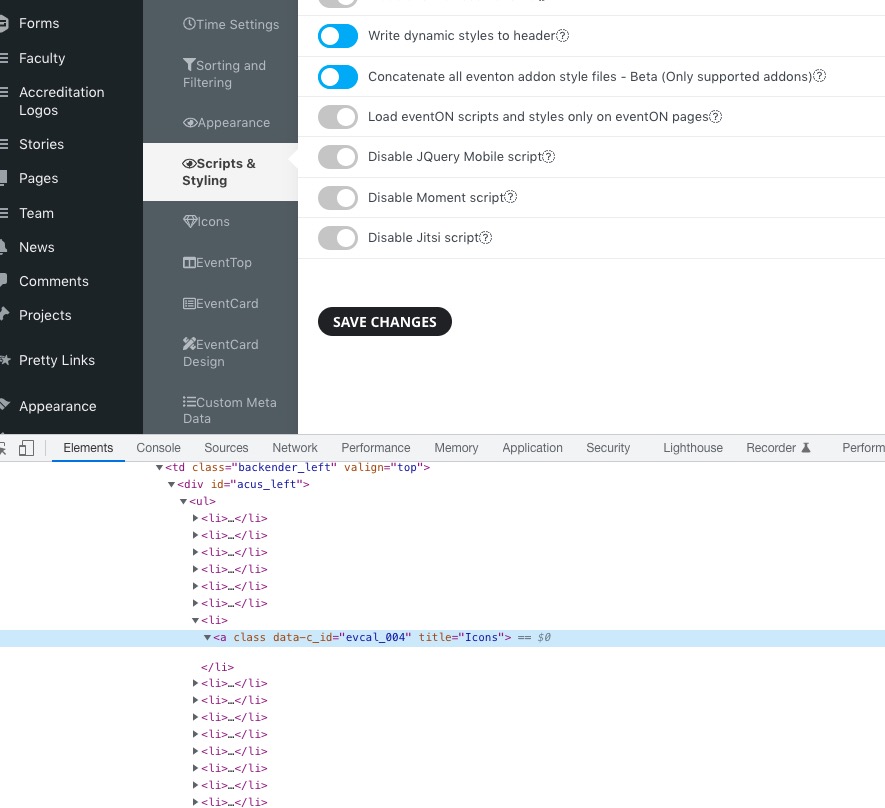
To clear Eventons cache, go to “EventON Settings > Styles & Scripting > Turn off write styles to header” Click save changes – to write the styles css code direct into page header. You can turn this off once the cache is cleared. You can also clear cache on your website via wordpress and/or from server to make sure new style changes are populated into page.
Hi Bradley,
Regarding the colors, go to “EventON Settings > Styles & Scripting > Turn off write styles to header” Click save changes. Check if that fixes the issue.
Regarding the date and title display, add the custom CSS code below to Appearance > Customize > Additional CSS
.ajde_evcal_calendar.boxy.boxstyle1.tbg1 #evcal_list .eventon_list_event .desc_trig .evcal_desc {
width: 50%;
}
Hi Ryan,
To increase the images size/quality that is shown when you attach additional images, add the custom CSS code below to Appearance > Customize > Additional CSS
.evo_event_images span img{opacity:1;}
Regarding your eventon locations not being available for post editor, are you using the events map addon?
Hello,
Please take a look at the tutorial below:
https://docs.myeventon.com/documentations/how-to-use-event-types-to-do-more/
Let us know if that helps.
Is there a way to increase the images size/qualitythat is show when I attach additional images to an event?
https://xzib.com/art-exhibition/christina-nicola-coral-springs-museum-of-art
I notice that my eventon locations are not available in my post editor. And I cant figure out how to display groups of locations. Any idea how to get the eventon locations to be available for post editor?
Hi, hello team — I am circling back to this ticket to ask about the results of your testing. I am still seeing the same issues, so I wondered if you have tried some of the above-mentioned strategies yet.
Thanks,
L
I now see what the issue is. When the title is longer and it creates two lines the box becomes bigger.
This is not ideal. Any chance of fixing the box size no matter how long the title text is?
Hi folks, I’m still waiting for some good news here. Thanks
Hello,
Please send us wp-admin access to your site as a private message for us to further assist your situation.
Could you go to wp-admin > Settings > make sure that Date and Time Formats aren’t empty?
Something (your theme or a third-party plugin) replaces icons with svgs: Should look like this:
 Could you please try the instructions mentioned in this documentation to make sure your issue is indeed coming from eventon.