Hello
has this been patched with the latest version of the plugin?
regards
Alex
SourceFour
Replies for tickets on suppota
Hello
has this been patched with the latest version of the plugin?
regards
Alex
SourceFour
thanx for fast reply ~
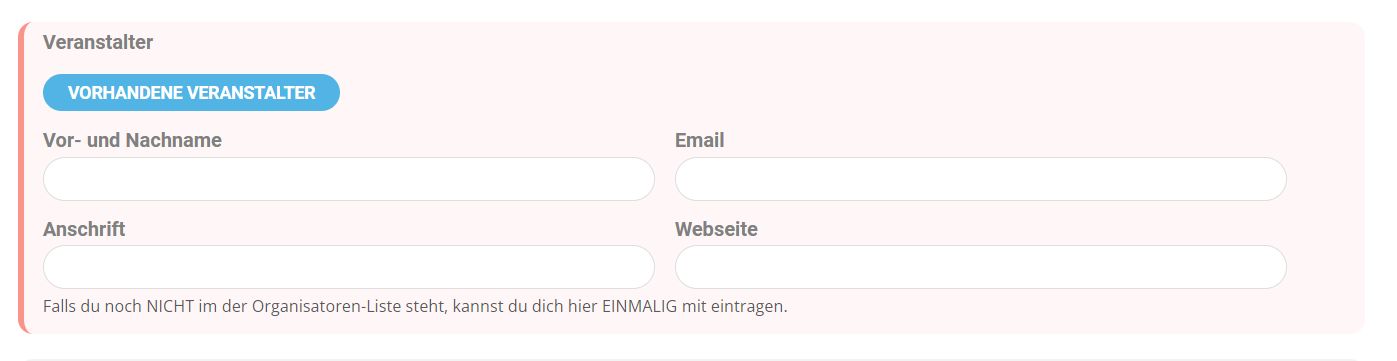
Well if I do so as proposed, the users won’t have any functions at all…
Is there any other way to do so… or to TELL them at least, that they should NOT copy & paste their pre-formated texts?
Hello,
What does the debug.log file say?
Please follow the instructions in this documentation to activate debug in your site to see any PHP errors recorded that can provide insight on to whats going on. Please reply with a link to debug.log file. If you are not able to do this please send us FTP access to your site so we can do this for you.
Please check if the plugin uses Montserrat now: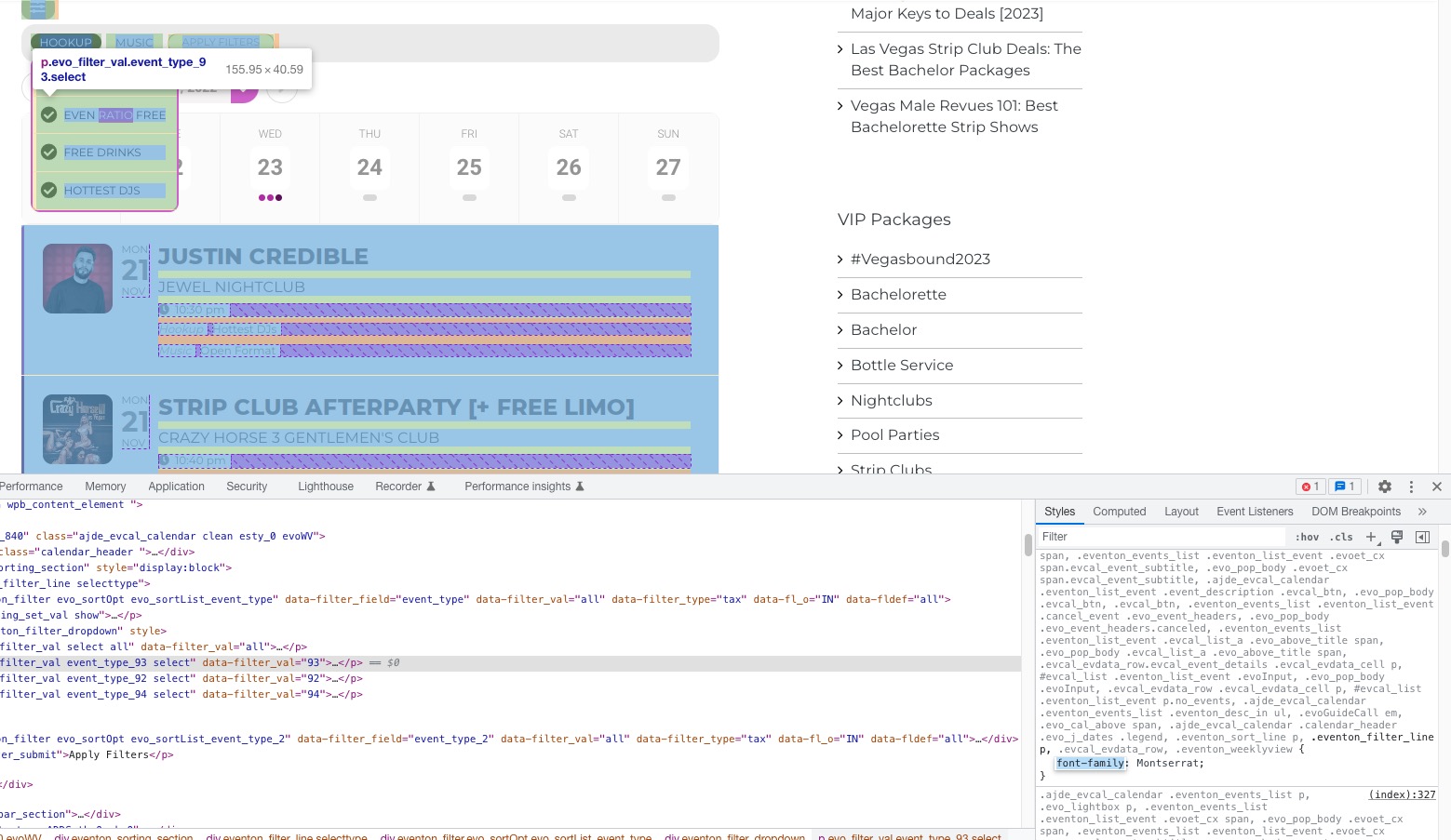 If you make any changes on Appearance settings page, you need to make sure that the settings have been updated. It can be your cache plugin or EventON’s internal cache.
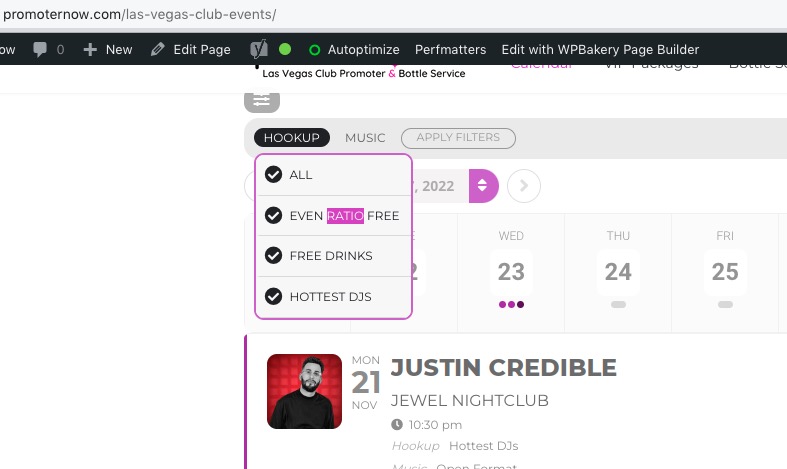
The border color also works now:
Parts of your custom Single Event page template no longer work with the latest version of EventON. Please comment lines such as do_action( ‘presscore_before_loop’ ); to find the one that is causing the issue.
Just to let you know, there is no issue with RSS Feed on our test site:
https://dev2.myeventon.com/evofeeds
Can we please try the instructions mentioned in this documentation?
Hello,
Please try going to EventON > Action User > enable Use basic textarea for event details box instead of WYSIWYG editor.
You need to have EventON on both sites, but CSV Import on only one – B. However, if you want to use only one site in the future, you can use unactivated EventON on the second website, import events, then deactivate the one on site A and then activate site B.
Thank you .
So I have to add this component to both sites to do this right?