Nothing in the debug.log file, unfortunately.
However, there are no issues on our test server when editing a page in the front-end mode with added EventON shortcode: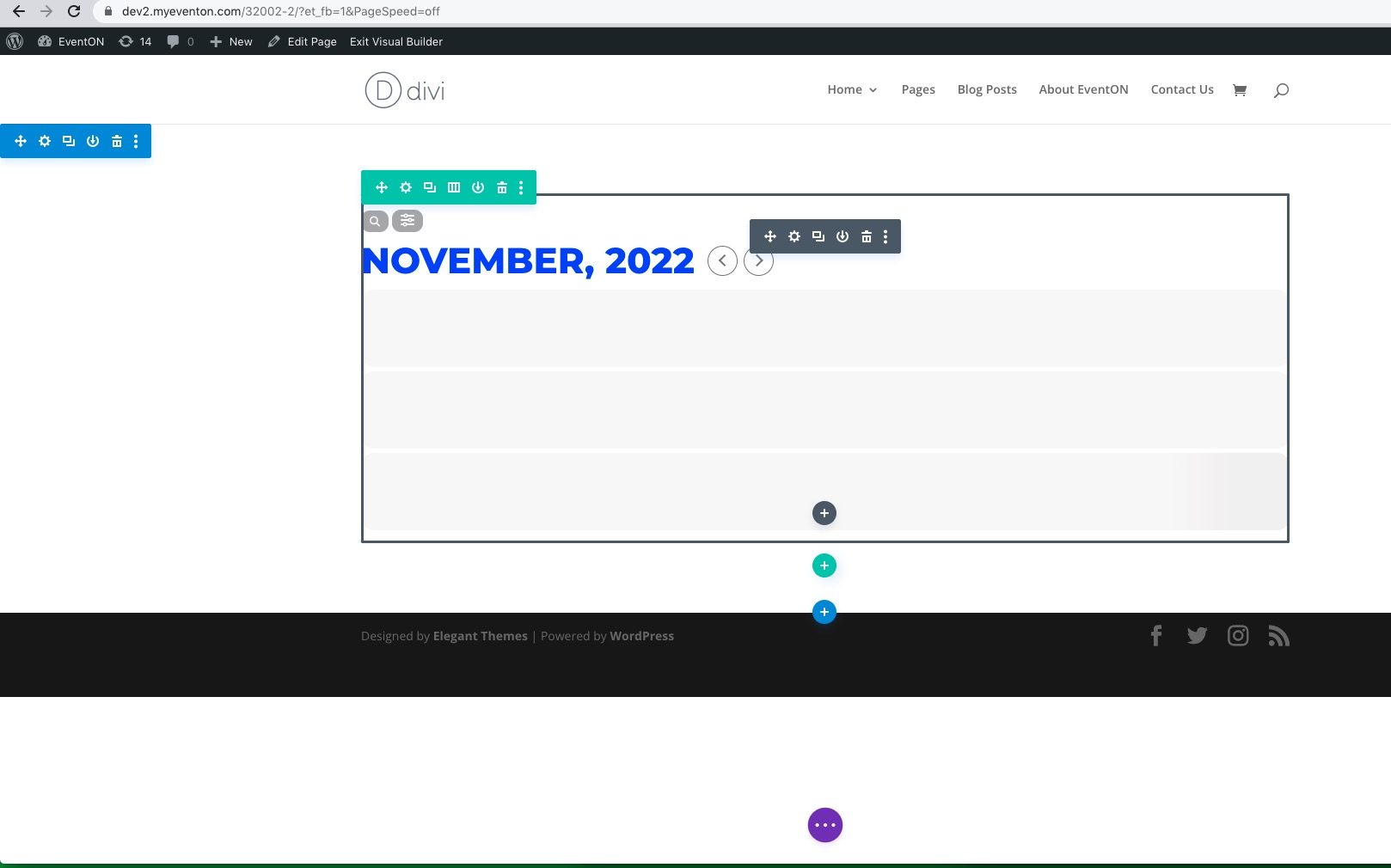
Can we please try the instructions mentioned in this documentation?
Replies for tickets on suppota
Nothing in the debug.log file, unfortunately.
However, there are no issues on our test server when editing a page in the front-end mode with added EventON shortcode:
Can we please try the instructions mentioned in this documentation?
I went to https://www.promoternow.com/wp-admin/admin.php?page=eventon#evcal_002 and enabled Align month navigation arrows to rightside of the calendar. The font family CSS code is where it should be:
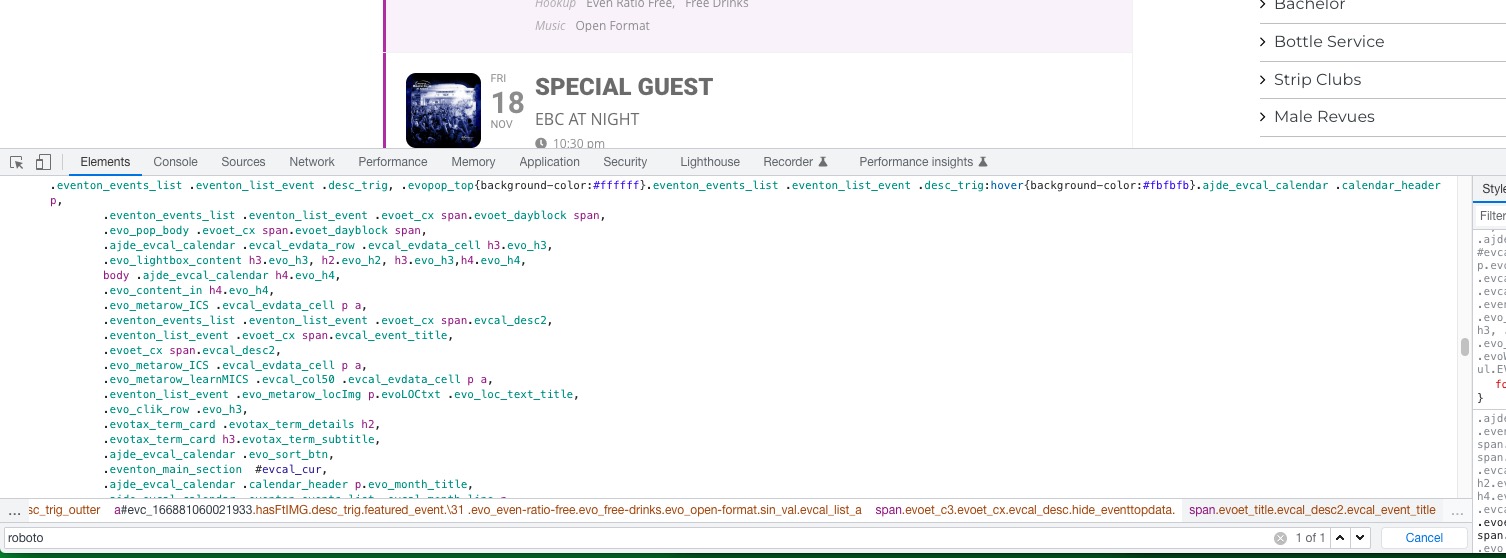
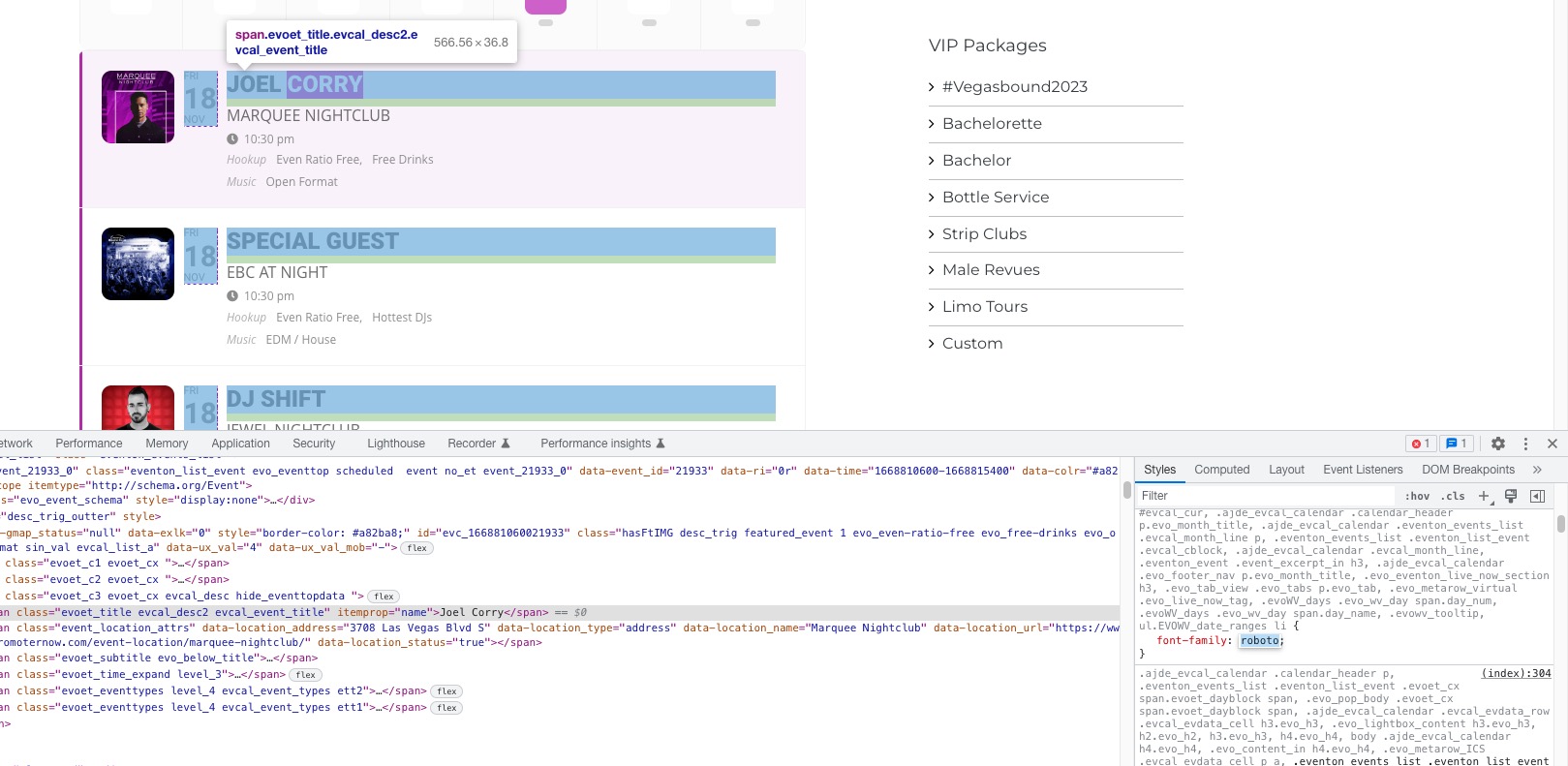 Could you tell us how do you load the font? I can see only one find of “roboto” on the page and it belongs to EventON’s dynamic styles:
And primary black color to purple.
Are you trying to make titles purple? If so please go to EventON > Appearance > EventTop > Event Title font color.
Time issue. The patch has been included in your version of EventON.
Please try going to https://www.promoternow.com/wp-admin/admin.php?page=eventon#evcal_001b > enable Use UTC offset time globally on calendars. Which event has the issue? Could you send us a link?
Hello,
You can import additional fields by following:
https://docs.myeventon.com/documentations/add-support-additional-ics-fields/
How you can work with EventON’s Taxonomies:
https://docs.myeventon.com/documentations/taxonomies-eventon/
Please also note that we cannot help much with such customizations, since it’s against CodeCanyon’s Support Policy.
You can also try following
https://docs.myeventon.com/documentations/show-additional-custom-data-eventcard/
Event Post Meta Variables can be found here:
https://docs.myeventon.com/documentations/event-post-meta-variables/
You should be able to get event’s title with https://developer.wordpress.org/reference/functions/get_the_title/
Just instead of using Custom Meta, add everything to Event Card through the code.
Hello,
Thank you for your great suggestion, at the moment it is not supported. However please create a new ticket and select Feature Request as category so others can vote on your idea and get it moved into development faster.
Ashan,
The same on dev2:
https://dev2.myeventon.com/31995-2/
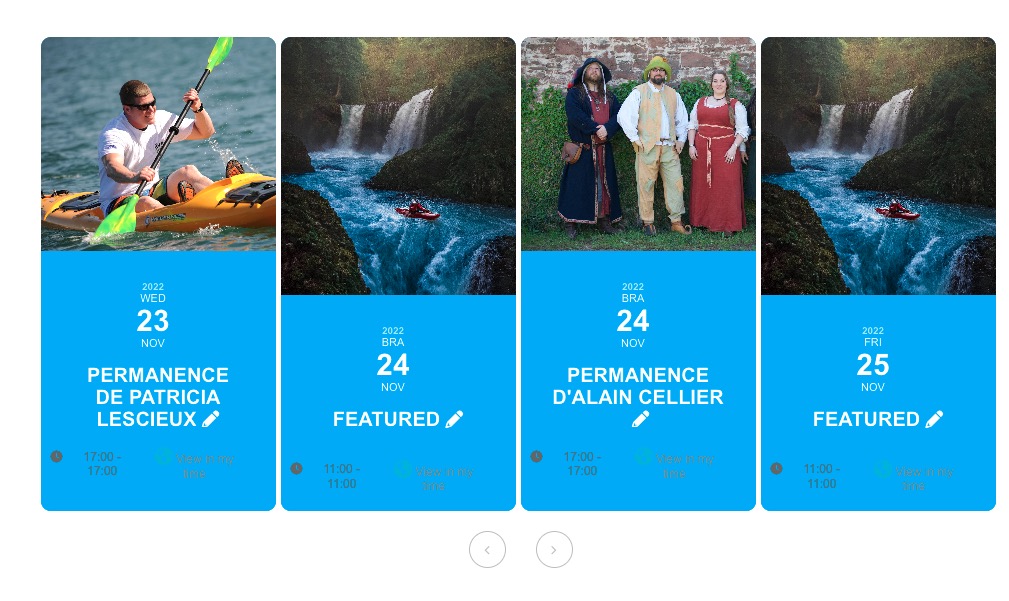
Not sure how to fix with CSS.
Thank you for your messages, I am going to assign this ticket to Ashan and he will be able to take it from here and find you a solution. Please allow some time for him to get back to you, we greatly appreciate your patience and thank you for being a eventon customer! Also please disable any IP blocking on your site if there are any.
Hello,
Please take a look at DailyView with enabled Tile Design:
https://dev2.myeventon.com/31992-2/
The shortcode:
[add_eventon_dv tiles=”yes”]
Hello,
Please update EventON to 4.2.2, Tickets to 2.1 and rest of add-ons as well.
The overall issue seems to be related to your cache plugin: https://freadalsgard.se/wp-admin/admin.php?page=w3tc_dashboard&_wpnonce=dde6c7192c
When a customer visits your site for the first time they see a cached page. That’s why it still shows that tickets are available.
To update eventon to latest version: If you are unable to do autoupdate, you can go to codecanyon your account > download and get the latest eventon version as zip file. Then you can go to your website > make sure “Delete eventon settings & data when EventON is uninstalled” is Deslected from eventon settings, delete old eventon, install new one and activate. This link will further explain the process it. Also you can follow us on twitter to get real-time announcements on updates!
To update eventon addons: You can download latest eventon addons from myeventon > my account. Then you can go to your website, deactivate old addon and install new one and activate then delete the old addon. This link will further explain the process. Also you can follow us on twitter to get real-time announcements on updates!
We are glad your issue is resolved, if you have any further questions or concerns please create a new ticket.