Seems to be working on my end: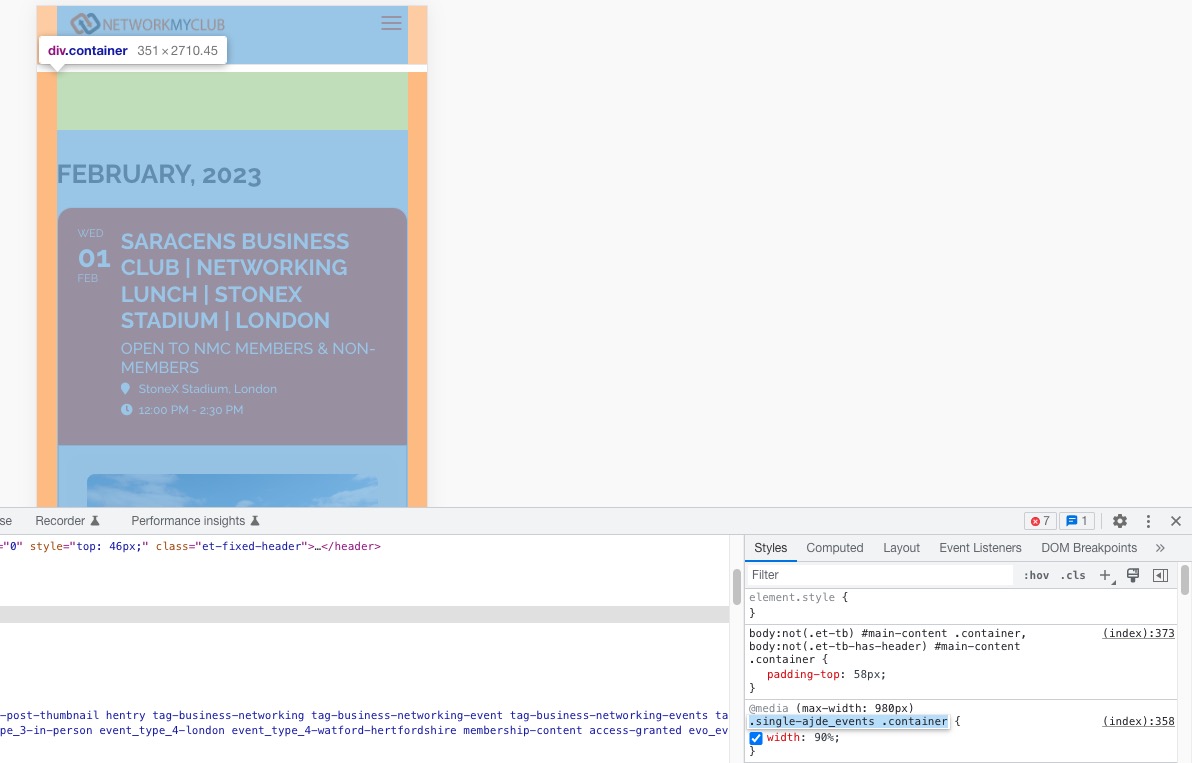 Could you try clearing your cache (browser and on the website)?
Archives: Replies
Replies for tickets on suppota
Reply to: tickets(296195)
In order to update you need to go to CodeCanyon > Account and download the latest copy of the plugin. We cannot help since we don’t have any access to CodeCanyon. We just upload our product there and the rest is on them.
Reply to: tickets(294301)
Hello
What about this, do i have to make another topic again?
Reply to: tickets(296825)
it’s already done thank you.
Reply to: tickets(296825)
could you adjust these two things for me?
adjust the font and that it lines up at the bottom?
Reply to: tickets(296195)
Why do I need CodeCanyon for an update of this plugin?
This is plugin’s official website, this is the official plugin helpdesk – why do I need to get assistance from another website? Why can’t you help me get access to an update of the already purchased plugin? I’ve provided the purchase key, why isn’t it enough?
If there wasn’t a security issue with the current installed plugin version, I wouldn’t need to do anything.
Please try and help me because I don’t have any credentials for CodeCanyon. I wasn’t the person who downloaded it in the first place and I don’t have the option to get their credentials.
Reply to: tickets(296816)
Done.
Regards.
Pedro
Reply to: tickets(292219)
Hi
Sorry, I put the page in private mode.
Thanks for your help
Reply to: tickets(297009)
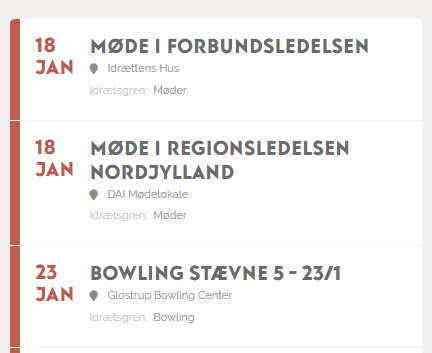
Hi Kenneth
Sorry if I mixed it up. The screendump you have sent me is the exact same way I see it. But it is supossed to look like the attached image here.
Regards
Mikkel
Reply to: tickets(296819)
Hi, the correct login details are:
https://www.networkmyclub.co.uk/wp-admin/
bradley@networkmyclub.co.uk
Networkmyclub*123
Thanks