Hello,
Please go to https://haller-passage.de/wp-admin/admin.php?page=eventon#evcal_004aa > add fields to columns of EventTop Designer {BETA}.
Replies for tickets on suppota
Hello,
Please go to https://haller-passage.de/wp-admin/admin.php?page=eventon#evcal_004aa > add fields to columns of EventTop Designer {BETA}.
Hello,
Please update EventON to 4.2.2. To update eventon to latest version: If you are unable to do autoupdate, you can go to codecanyon your account > download and get the latest eventon version as zip file. Then you can go to your website > make sure “Delete eventon settings & data when EventON is uninstalled” is Deslected from eventon settings, delete old eventon, install new one and activate. This link will further explain the process it. Also you can follow us on twitter to get real-time announcements on updates!
Could you or can we please try the instructions mentioned in this documentation?
Please also follow the instructions in this documentation to activate debug in your site to see any PHP errors recorded that can provide insight on to whats going on. Please reply with a link to debug.log file. If you are not able to do this please send us FTP access to your site so we can do this for you.
Hello,
Are you referring to this part?
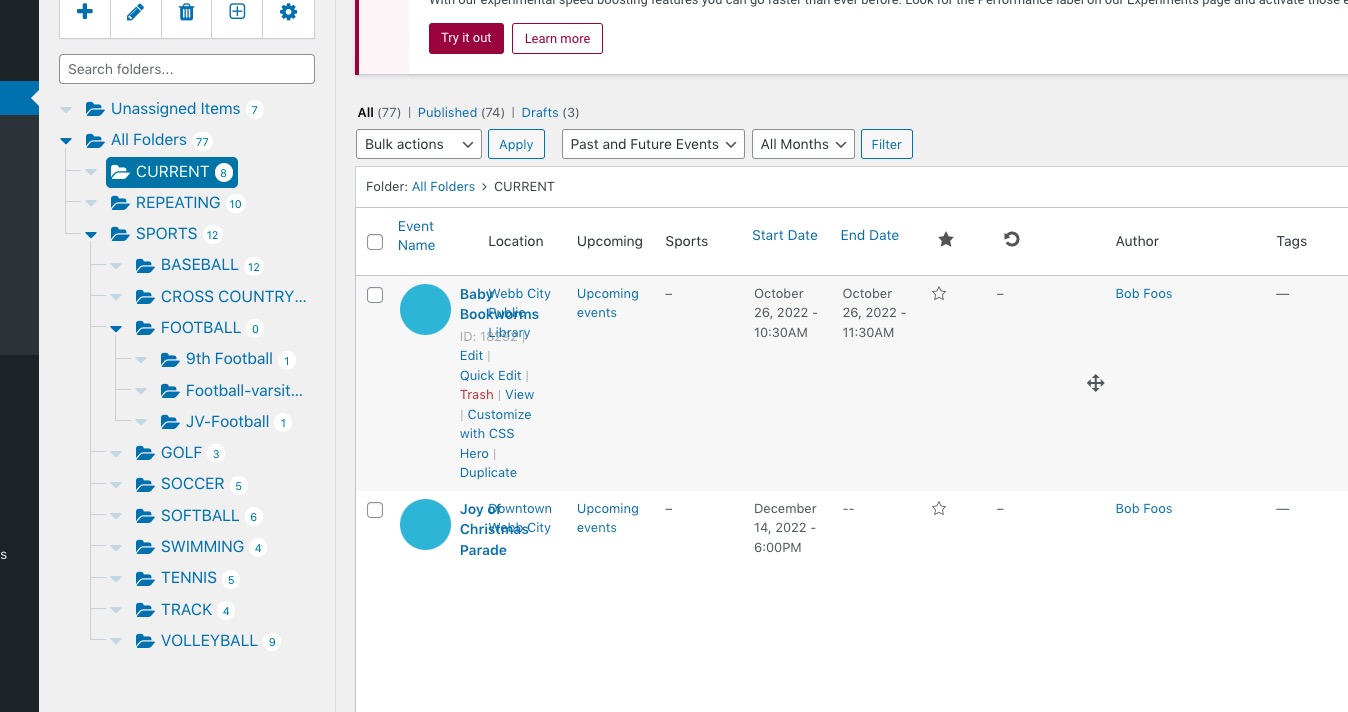 Please contact Wicked Folders Pro developers and ask about the issue. This is not really related to EventON, so we cannot help, unfortunately.
Hello,
Thank you for your great suggestion, at the moment it is not supported. However please create a new ticket and select Feature Request as category so others can vote on your idea and get it moved into development faster.
Hello,
Please add this CSS code to EventON > Styles (If you don’t see any change, EventON > Scripts & Styling > turn off Write dynamic styles to header > save settings > turn on Write dynamic styles to header):
.eventon_sorting_section { background-color: aliceblue; }
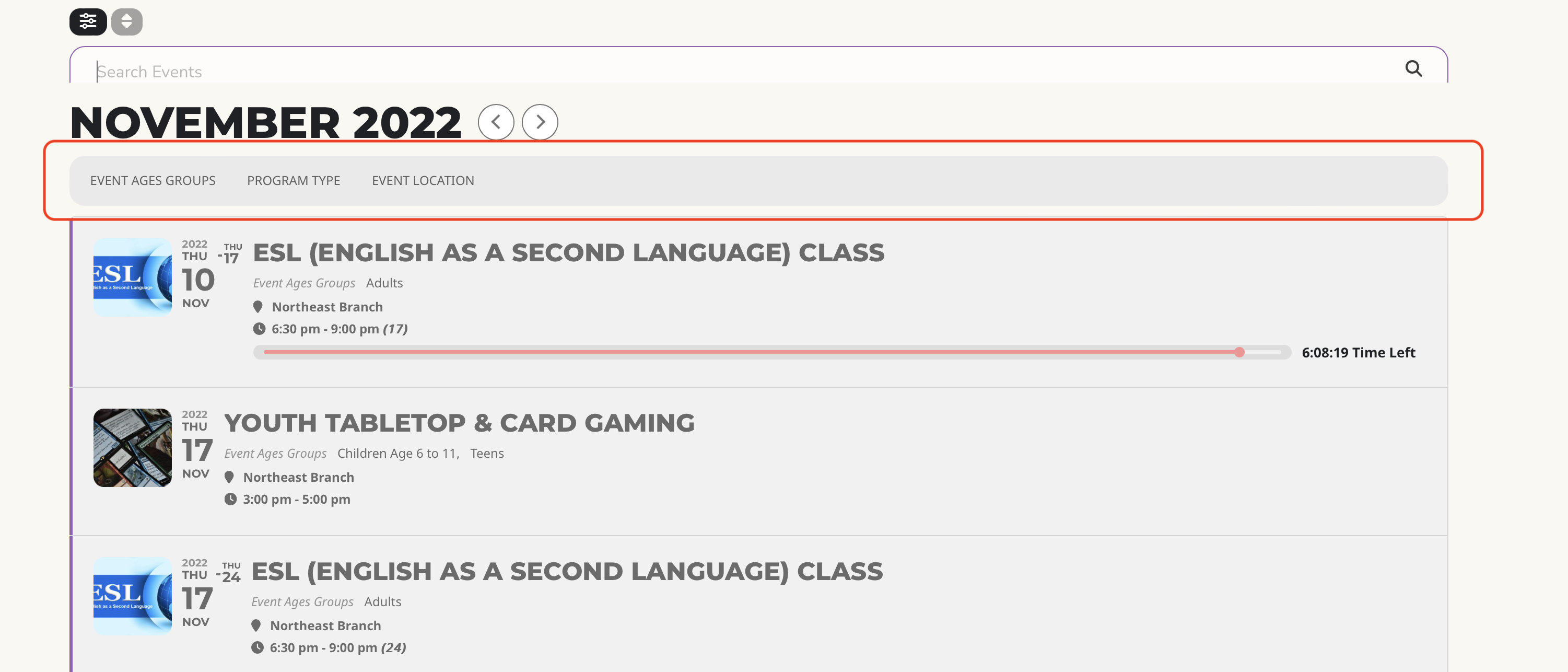
This helped me fix the issue. Thank you.
Here’s the link to debug file
https://tramdev.com/lantier/wp-content/debug.log
New Password:
8*j#VbsaS#hMdW(rNNPZPLu4
Apologies,
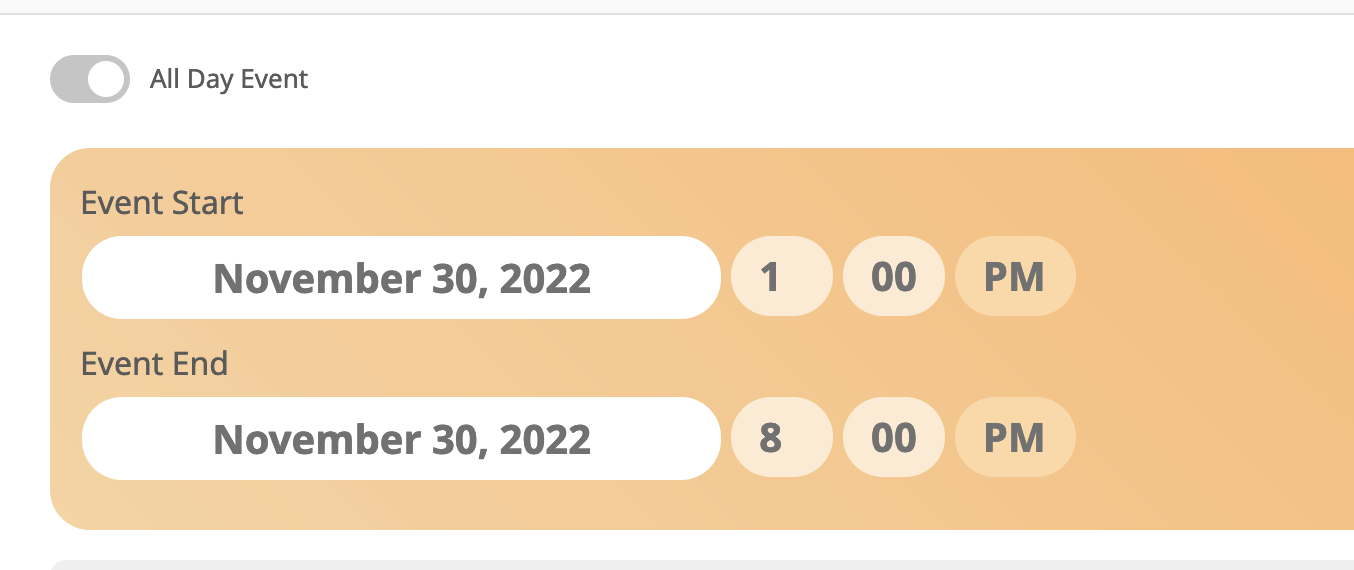
Actually, I have figured it out. It looks as if the initial event needs to reflect the full duration in DAYS, BUT only the HOURS for the initial DAY. Which is counterintuitive, and not what I interpreted from the instructions on the guide.
Where it looks as if each day need to be itemized. So I think I can resolve my problem by removing the duplicate of the itemized inital day, and then the conflict which was adding in random dates will hopefully be resolved.
It may be helpful for other users to specify this in the instructions. Anyhow, all good now, and techincally solid. Thank you jesus