You can use the custom CSS code below to change the color:
.home .ajde_evcal_calendar.clean #evcal_list .eventon_list_event p .evcal_desc span.evcal_event_title, .home .eventon_events_list .eventon_list_event .evcal_desc span.evcal_event_subtitle, .evo_lightboxes .evo_pop_body .evcal_desc span.evcal_event_subtitle{color:#001589 ;}
Add the code to Appearance > Customize > Additional CSS
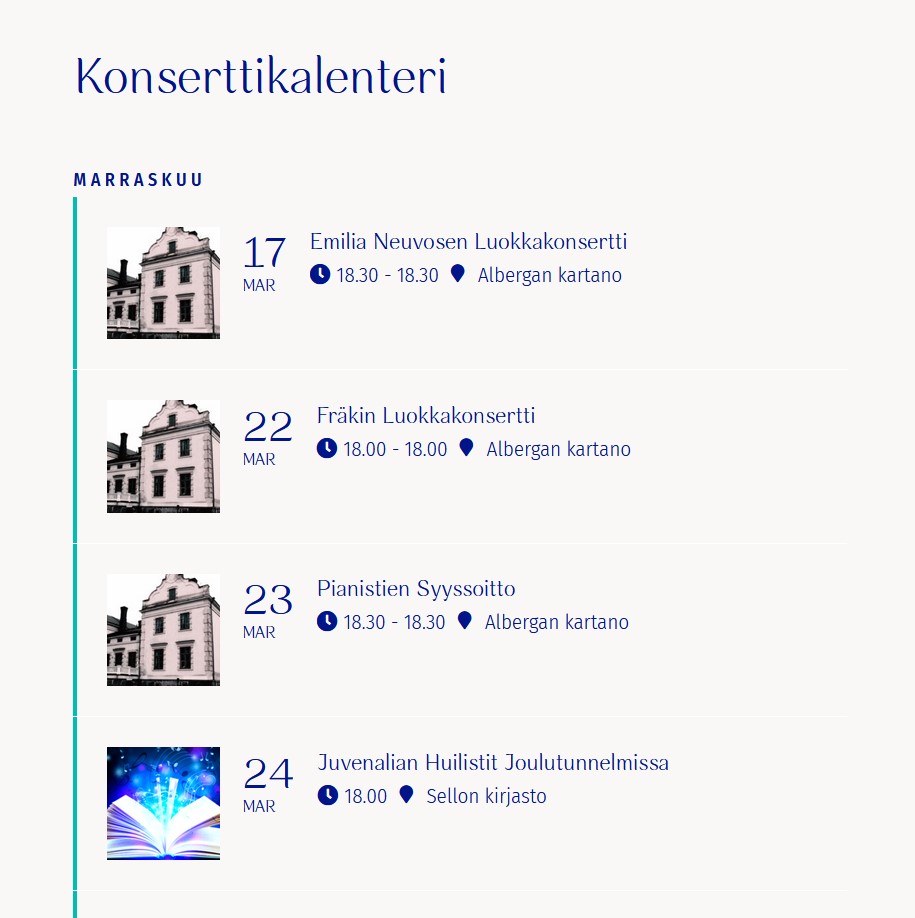
Yes! Thanks. Only thing that the font color is different now. It used to be dark blue.
I’ve followed those steps, but no change to the width of the event on mobile
Hi Sanna,
Please check if the events are showing OK now.
Hello,
You can hide the empty months by including
hide_empty_months = “yes”
in your shortcode

User: EventOn
Passw: U0yYa(*FoZ%7re79Q%MgNnKW
Hi Stuart,
Please send the screenshot so that we can take a look, it seems you forgot to attach it.
ok i put some css in
appearance>>>>>>customize>>>>>>additional css
if you change the theme you have to copy that and paste it into the same place on the new theme
have a look-
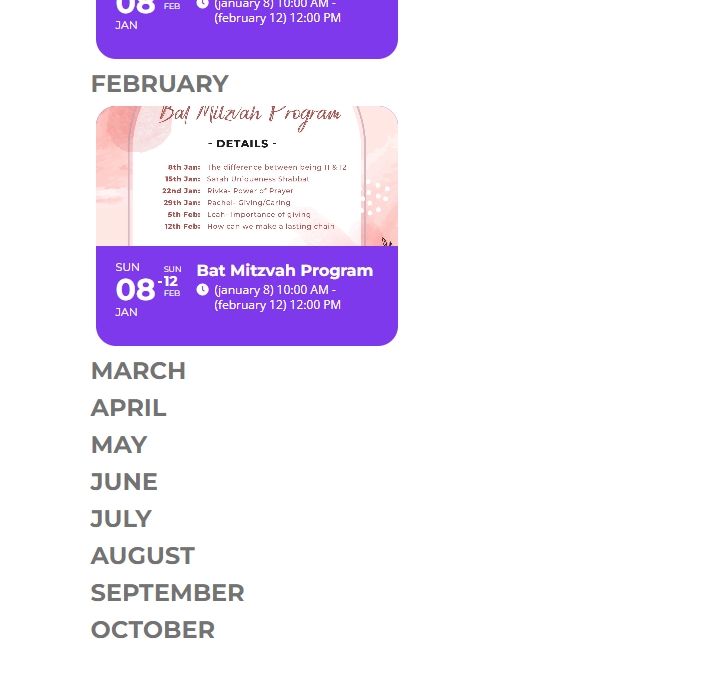
This solution is almost perfect.
On months that there are no events I would like these hidden.
For example we may have events in November, January, February. In this case the month of December should be hidden.
How can I set a rule to hide the month if no events.
I changed the Theme and now the custom CSS of element EventON is not working.