Hello,
not that I know. The problem existed a dozen updates ago. Your support fixed it. Unfortunately, I am not a programmer and therefore do not know what exactly was done. Only after that it worked again.
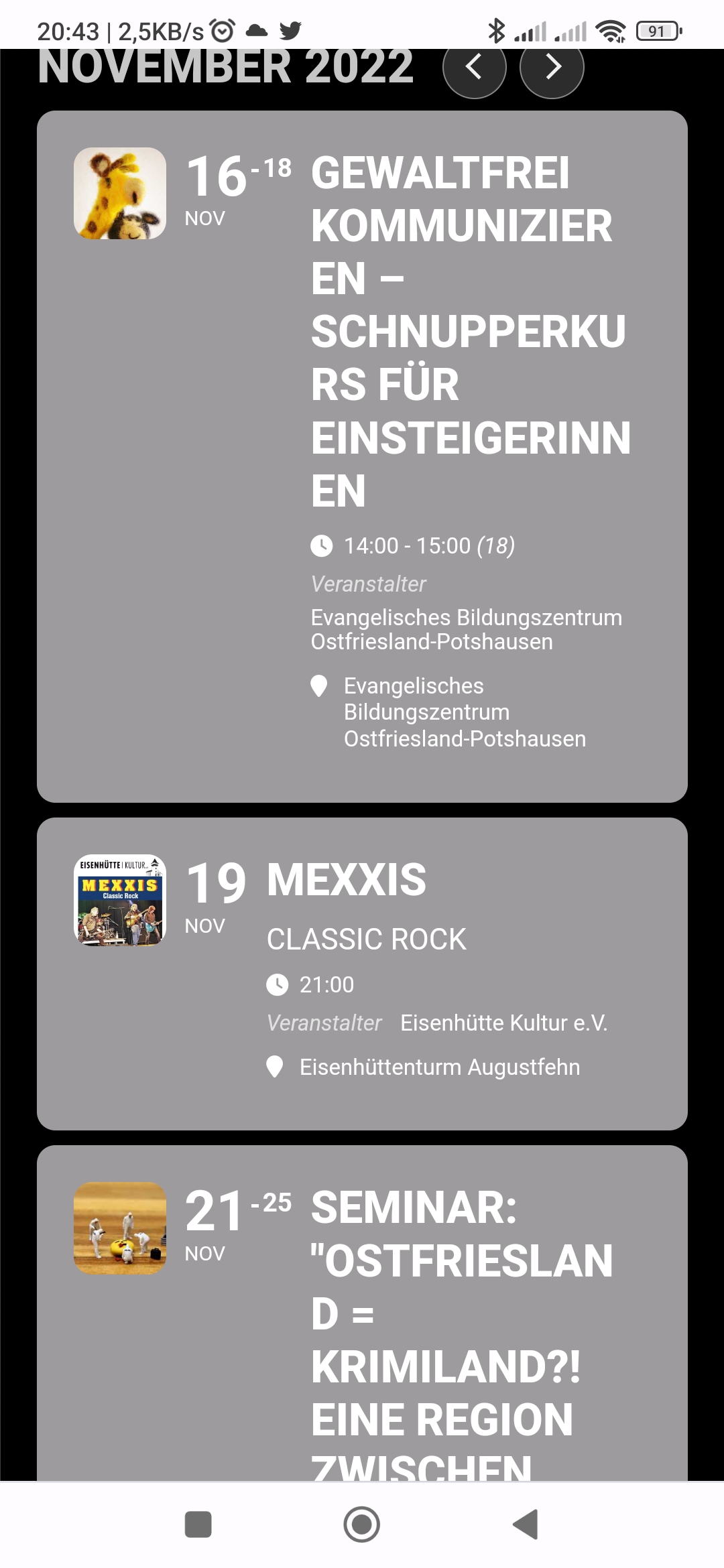
I put the time under the subtitle now. This fixes some things, but the words in the title are still simply cut off and continued on the next line.
Countdown is ok
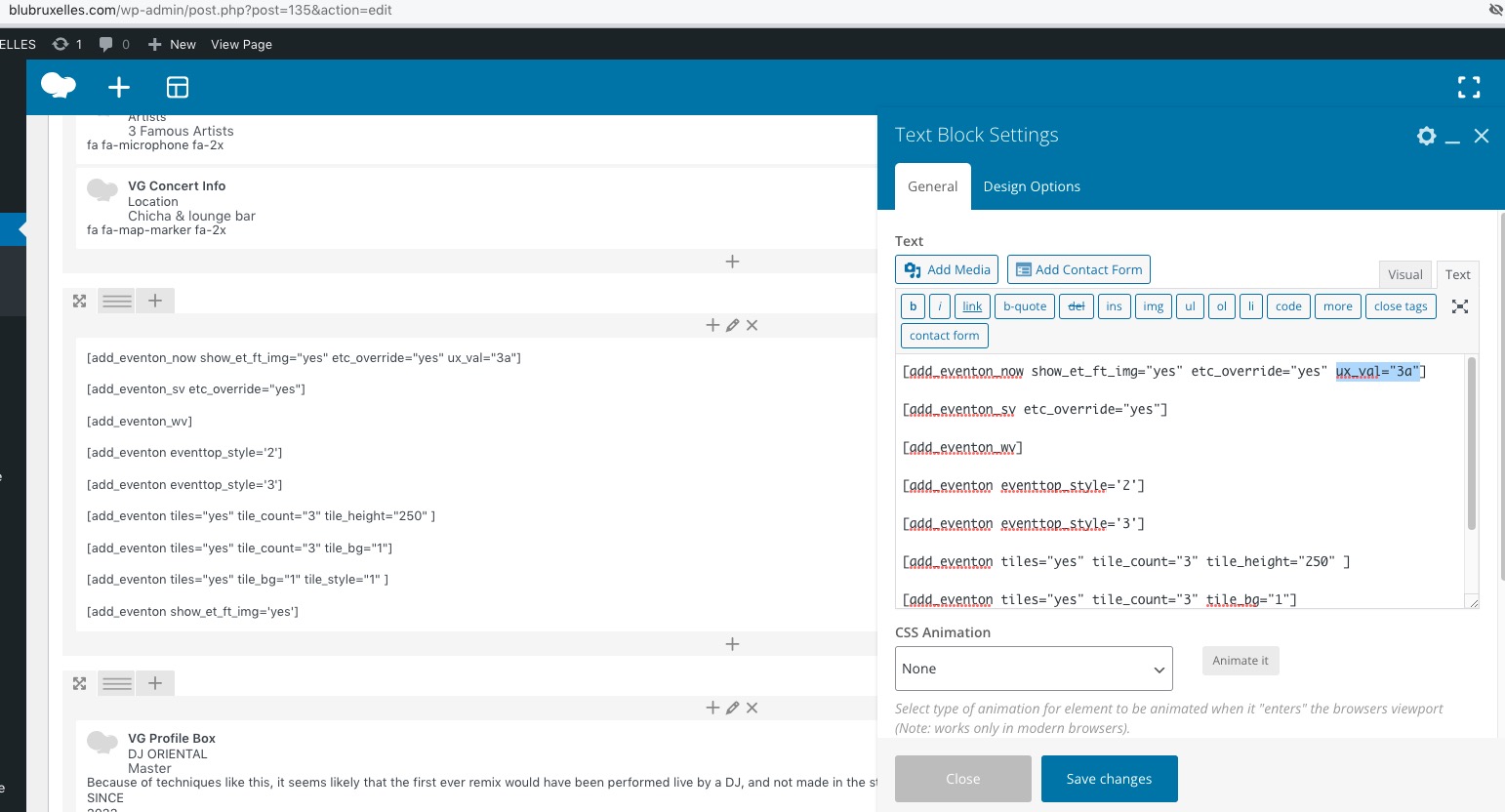
ux_val=”3″ i did change for google map in event is displayed as a popup. but not working yet
and
the seat problem not resolve yet alwaye tourn in the event is displayed as a popup. also if this not working then client cant buy the ticket
thanks
Hello,
Please add this CSS code to EventON > Styles (If you don’t see any change, EventON > Scripts & Styling > turn off Write dynamic styles to header > save settings > turn on Write dynamic styles to header):
#evcal_list .eventon_list_event .evoet_cx em, .evo_lightboxes .evoet_cx em { color: black !important; }
The shortcode on this page:
https://blubruxelles.com/wp-admin/post.php?post=135&action=edit
 Countdown. Please add this CSS code to EventON > Styles (If you don’t see any change, EventON > Scripts & Styling > turn off Write dynamic styles to header > save settings > turn on Write dynamic styles to header):
.eventon_events_list .eventon_list_event .evoet_cx span.evocd_timer span, .evo_pop_body .evoet_cx span.evocd_timer span { display: flex; flex-wrap: nowrap; }
After moving the title and subtitle to the 3rd column, it shows up correctly. is this a bug?
Hello,
Please add this CSS code to EventON > Styles (If you don’t see any change, EventON > Scripts & Styling > turn off Write dynamic styles to header > save settings > turn on Write dynamic styles to header):
.ajde_evcal_calendar.boxy .eventon_events_list, .ajde_evcal_calendar.boxy .eventon_events_list.sep_months .sep_month_events { justify-content: center; } .ajde_evcal_calendar .evcal_month_line { text-align: center; }
Hello,
Take a look at Gutenberg’s Button element:
https://gogutenberg.com/blocks/button/
You can also check Custom Meta fields:
https://docs.myeventon.com/documentations/setup-use-custom-meta-fields-events/
The thing is that the custom meta field is located in it’s own section on Event Card.
Hi there. On our new website we are missing the details of the actual event this is a screenshot on our old site that displayed the info: https://tinyurl.com/2c2nybqr
On our live site this is what it looks like: https://tinyurl.com/28gke4v9
The way we were fixing it but it doesn’t seem to be working anymore was to import an old json file into the general settings page like this: https://tinyurl.com/2xvkf33u
Please follow the instructions in this documentation to activate debug in your site to see any PHP errors recorded that can provide insight on to whats going on. Please reply with a link to debug.log file. If you are not able to do this please send us FTP access to your site so we can do this for you.
Hello,
I am sorry, the access information you have provided did not work for us. Please check them and post the correct login information as a private message, thank you!