UPDATE …I noted that the one event which showed up was also connected to the now removed Calendarit app. so all the links appear clickable, but two don’t go anywhere….
Archives: Replies
Replies for tickets on suppota
Reply to: tickets(294427)
Hello, is there any update on this?
Reply to: tickets(296745)
Reply to: tickets(295632)
I just deleted the event details (and then the whole event) and the calendar now works!!
Thank you for your help!
Reply to: tickets(296707)
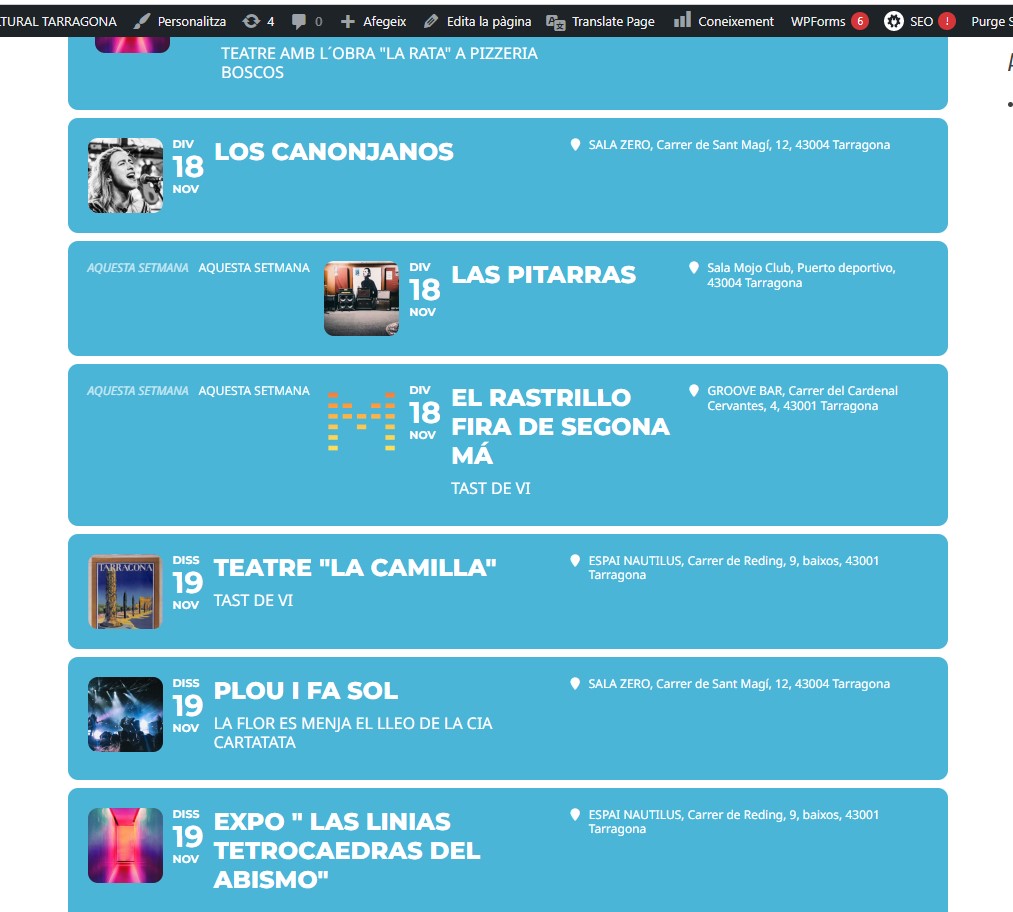
In summary what I am trying to achieve is to show all events in order of start date in the current tile format.
I have tried the following additions:
show_upcoming = “1”
number_of_months = “12”
No luck with this, it has made no diffrence
Reply to: tickets(296707)
[add_eventon hide_past=”yes” show_et_ft_img=”no” etc_override=”yes” eventtop_style=”0″ tiles=”yes” tile_count=”4″ tile_height=”250″ tile_style=”1″ tile_bg=”1″ event_count=”8″ show_limit=”yes” hide_so=”yes” ]
How can this show all events
Reply to: tickets(296707)
So only events with start date of the current month are being displayed. I want to show all events in order of start date.
How can I enable this so I can display all events in the current format
Reply to: tickets(296707)
I have just seen a pattern – if the event is in november start date it will show up – if however it is a future month it will not display
Reply to: tickets(296707)
I have made a test event, this has now shown up on the front. however this is random and I select the same options so I do not know why or how to make the other events visible.
Reply to: tickets(296707)
Hi,
You can login with these new credentials
user: tal
pass: L46a1ef_
The login page is on the front end of the site
I will check event type – I have tried enabling and changing all different options but I have had no luck.
The direct page for these events are visible