It seems that the problem is in this event:
https://www.quepasaoaxaca.com/wp-admin/post.php?post=77183&action=edit&lang=en&classic-editor
There are a lot of HTML tags in Event Details. Could you remove them?
Replies for tickets on suppota
It seems that the problem is in this event:
https://www.quepasaoaxaca.com/wp-admin/post.php?post=77183&action=edit&lang=en&classic-editor
There are a lot of HTML tags in Event Details. Could you remove them?
Hello,
If you take a look at screenshots:
https://www.myeventon.com/addons/event-api/
You can see that Search and Filter aren’t available.
You can always test our products on our demo site:
https://dev.myeventon.com/wp-admin/
Also Supported Additional Parameters don’t support search and exp_so:
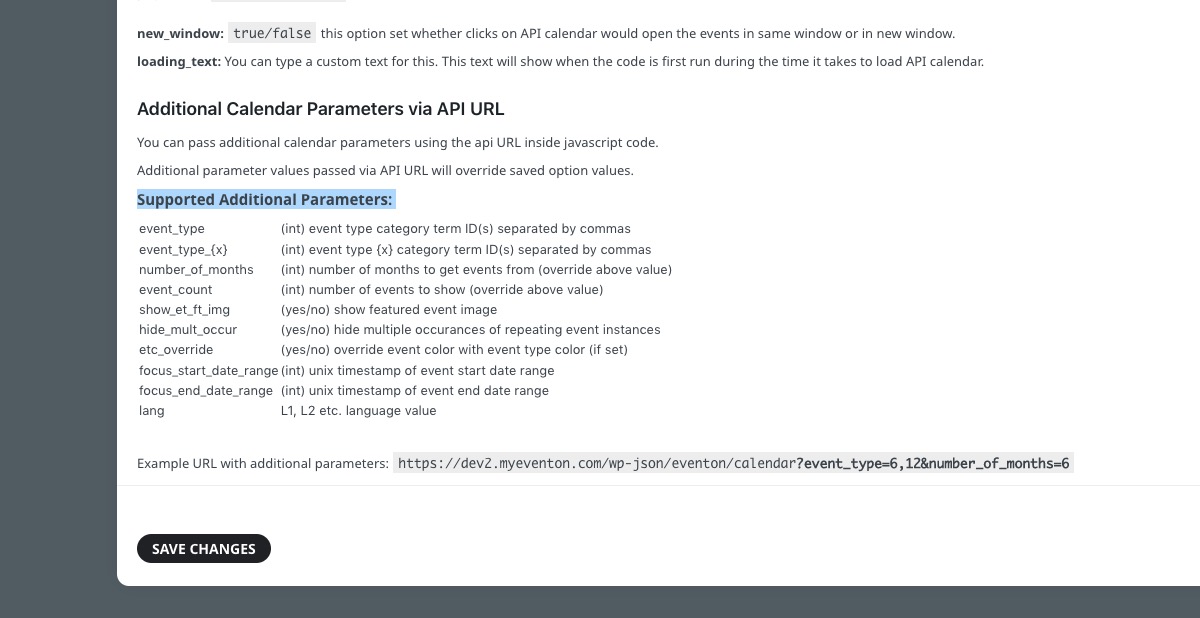
The best solution is to use
calendar_url: URL to calendar page on this website to redirect when clicked on an event on the API Calendar. If a URL is not provided the clicks on events would redirect to single event pages. If you want the event clicks to redirect to single events page, leave calendar_url:”, as blank.
Redirect users to your main site where Search and Filters are available.
Can we take a look at wp-admin of the staging site?
Hello,
Thank you for your great suggestion, at the moment it is not supported. However please create a new ticket and select Feature Request as category so others can vote on your idea and get it moved into development faster.
I am attaching here some links with images for you to understand better
https://lapalestradelcibo.com/smt2019/wp-content/uploads/2022/11/before-upgrade.jpg
https://lapalestradelcibo.com/smt2019/wp-content/uploads/2022/11/after-upgrade.jpg
https://lapalestradelcibo.com/smt2019/wp-content/uploads/2022/11/after-upgrade-CALENDAR.jpg
https://lapalestradelcibo.com/smt2019/wp-content/uploads/2022/11/before-upgrade-CALENDAR.jpg
Hello,
Since Event is a custom taxonomy, please follow this solution:
https://wordpress.stackexchange.com/questions/139031/enable-revisions-for-custom-post-type
There are multiple styles that are coming from the theme, it seems line:
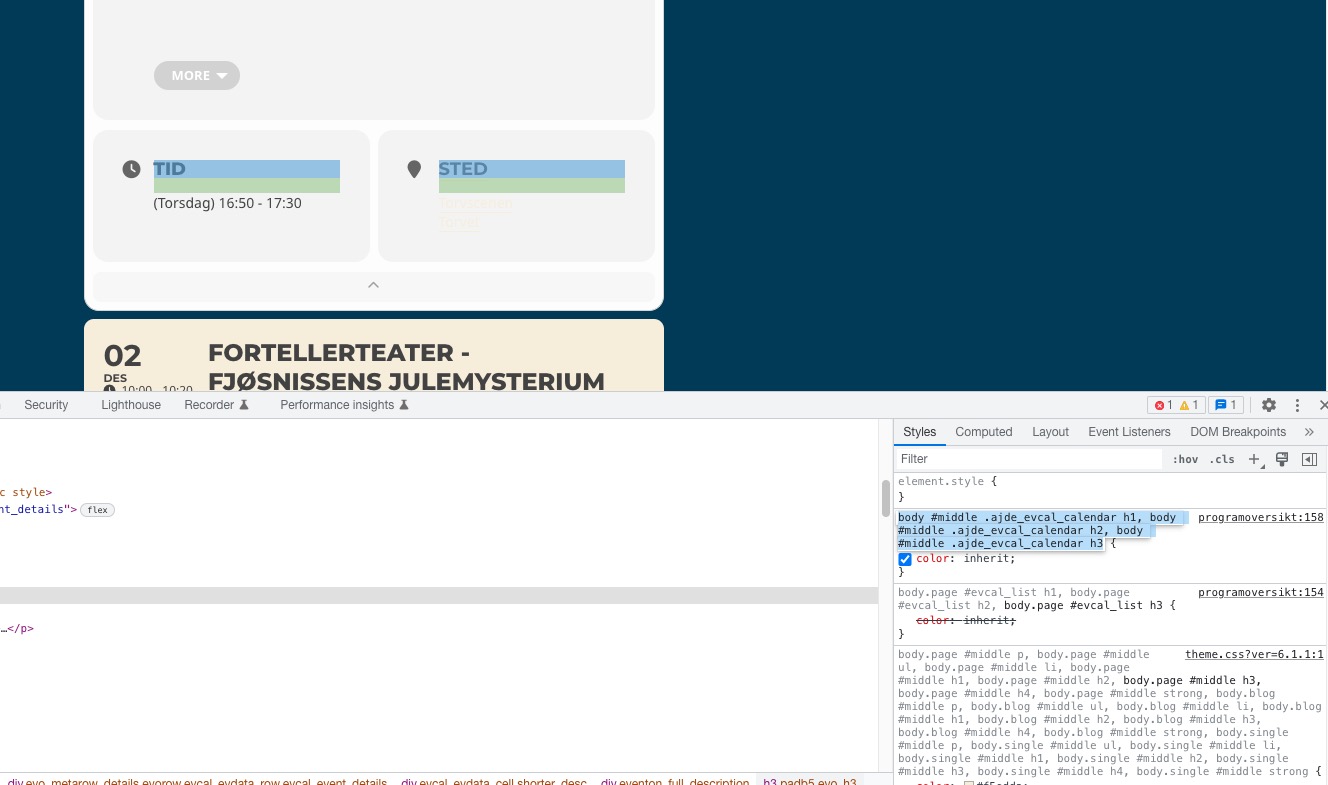
Could you check?
As for the login. It’s the same for me.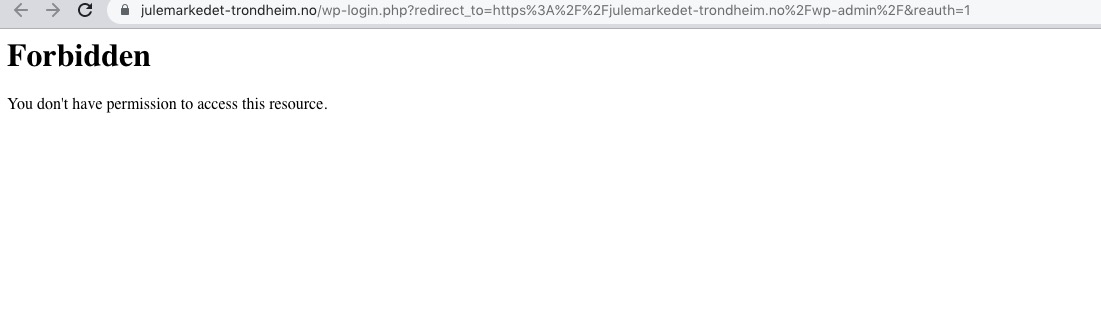
Thanks for your help. I fixed the problem and the global feed is now working
But I don’t understand how to enable two different streams. I tried with the shortcode but I just have the global event displayed.
* global event
[add_eventon show_et_ft_img=’yes’ rss=’yes’ event_type=’547,530,313,1309,1551,663,543,330,1310,555,564,538,533,325,335,567,658,791,’]
* permanently elected
[add_eventon_list number_of_months=”2″ event_count=”20″ show_year=”yes” hide_past=”yes” event_type_3=”577,575″ rss=”yes” show_et_ft_img=”yes”]
How to add a new button using supported fields to display a list of filtered events. (link rss feed)??
Thanks
seotools@cnetworking.com