Fixes the list of events and the single page event display. Now, the lightbox display of the event has a gray date. See attached PDF.
Also, in response to your answer on stacking, why couldn’t you add a token in the EventTop designer that expands to the time and location tokens when the code evaluates it. You would then be able to retain the appearance you had before.
Ashan,
Please take a look at
Reply to: 296580
[Replyto/296404]
They have the latest version of RSVP add-on.
Great! Sorry for the inconvenience. I am going to assign this ticket to Ashan and he will be able to take it from here and find you a solution. Please allow some time for him to get back to you, we greatly appreciate your patience and thank you for being a eventon customer! Also please disable any IP blocking on your site if there are any.
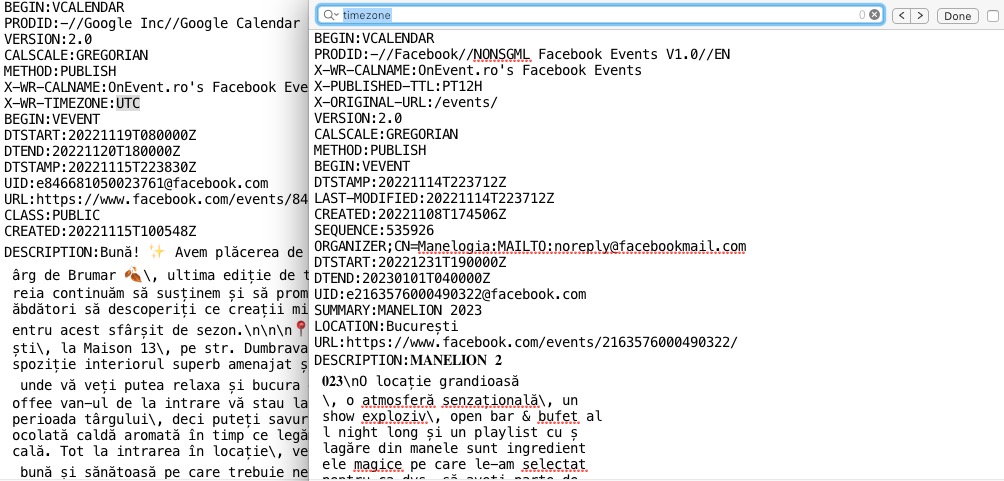
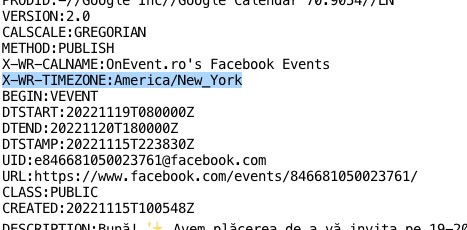
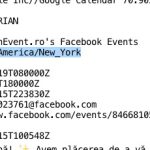
Google’s file timezone is UTC: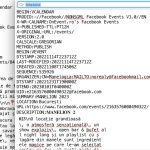 Facebook doesn’t have any timezone included.
Is it possible to make sure that the file contains the timezone in the following format:
Hello,
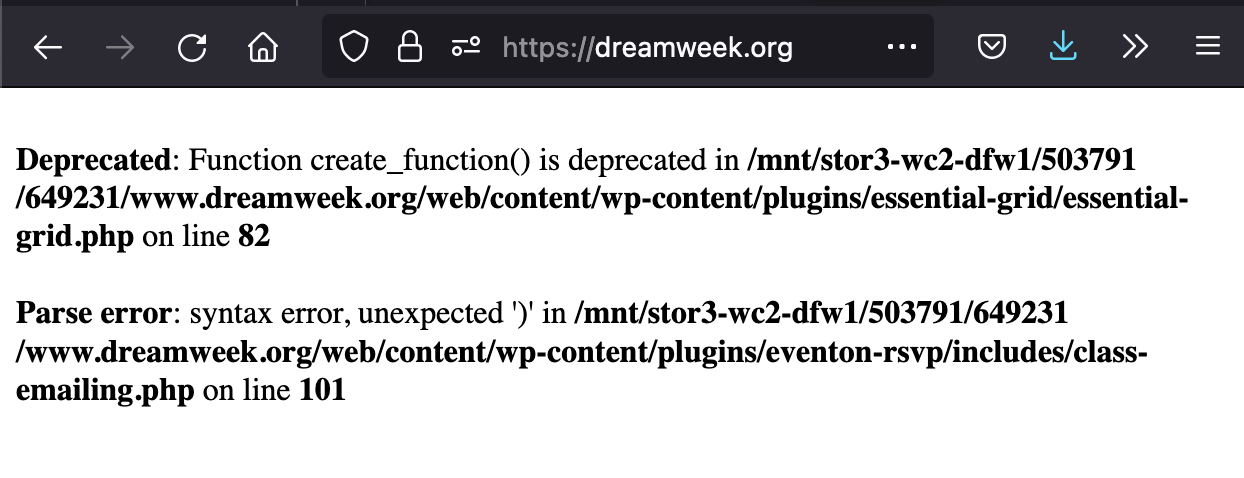
We upgraded to PHP 8 and still get the error email and “fatal error screen” losing access to the site, we turned on debug mode and it appears what is causing the fatal error is the eventon rsvp plugin (see screenshot) – we have removed it for now as we need the website accessible to people.
And the event-on plugins should be up to date
Could you change this code:
.eventon_events_list .eventon_list_event .evoet_cx span.evoet_dayblock span em { color: white !important; }
to
.ajde_evcal_calendar.color .eventon_events_list .eventon_list_event .evoet_cx span.evoet_dayblock span em { color: white !important; }
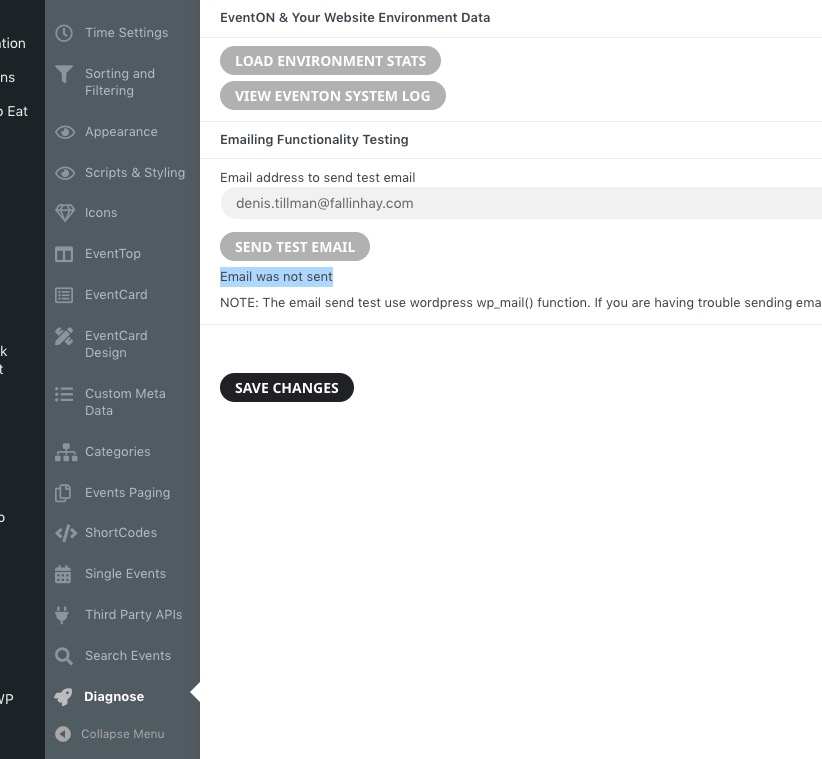
When I try to send a test email it says this: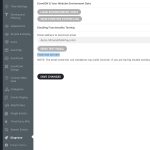 Could you try yourself: https://visitdartmoor.co.uk/wp-admin/admin.php?page=eventon#evcal_013 ?
Please also follow the instructions in this documentation to activate debug in your site to see any PHP errors recorded that can provide insight on to whats going on. Please reply with a link to debug.log file. If you are not able to do this please send us FTP access to your site so we can do this for you.
Please follow the instructions in this documentation to activate debug in your site to see any PHP errors recorded that can provide insight on to whats going on. Please reply with a link to debug.log file. If you are not able to do this please send us FTP access to your site so we can do this for you.
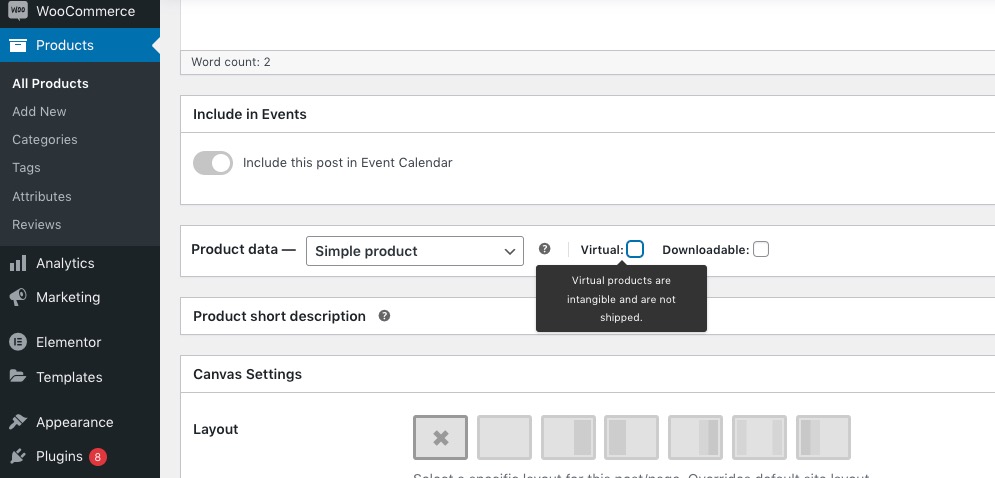
You should be able to make them physical by going to wp-admin > Products > Edit > uncheck Virtual: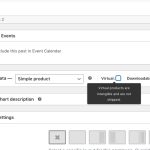 However, if you update an event it will make the product virtual again.
The best solution is to follow
https://cgscomputer.com/how-to-add-a-shipping-address-to-virtual-products-in-woocommerce/
Add Shipping Methods and then enable shipping of virtual products according to the guide:
http://wordpress.p617294.webspaceconfig.de/wp-admin/admin.php?page=wc-settings&tab=shipping