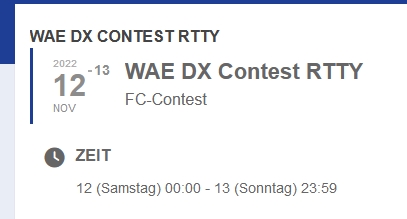
Reply to: tickets(296237)
Replies for tickets on suppota
1. Please add this CSS code to EventON > Styles (If you don’t see any change, EventON > Scripts & Styling > turn off Write dynamic styles to header > save settings > turn on Write dynamic styles to header):
p.evo_card_organizer_more { display: none !important; }
2. Is there a way to change that back to the way it was? – Not sure how it was before. Could you elaborate?
3. Please use EventON > Appearance:
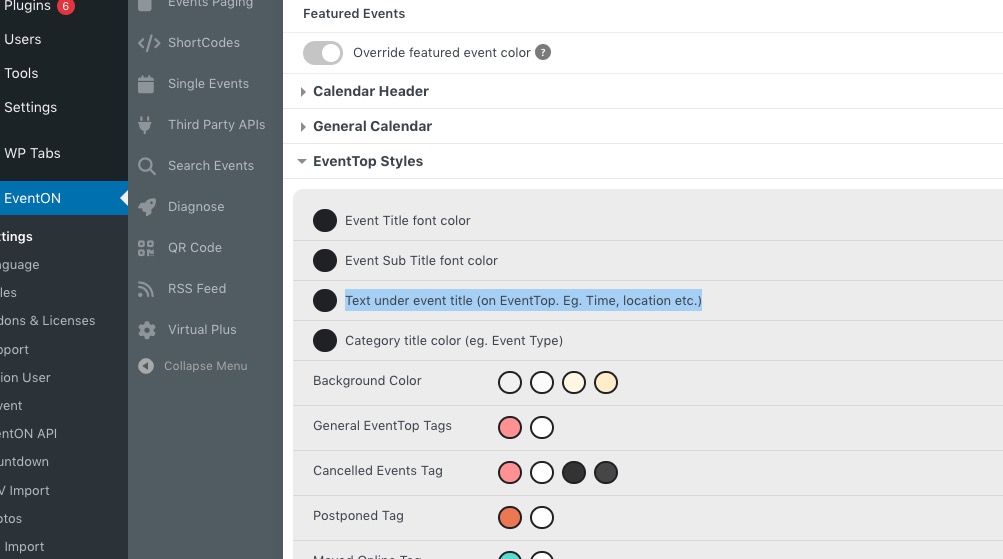 If you don’t see any change, EventON > Scripts & Styling > turn off Write dynamic styles to header > save settings > turn on Write dynamic styles to header
4. Please go to https://dev.pca-chicago.org/wp-admin/admin.php?page=eventon#evcal_004aa > add Event Type field under Location.
Please take a look at your main theme Salient: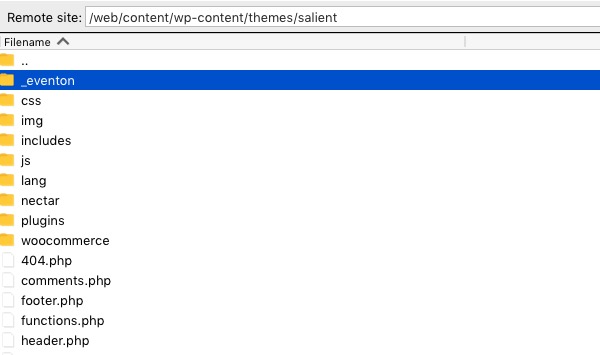 I renamed the folder, so the page works now.
Please check and let me know.
And it seems that only months_incre works in the widget, not days_incre or week_incre 🙁
That’s what I was looking for. Many thanks!
Do I see this right that this option is only available for all events? I can’t set it only for specific events?
Hello,
Have you managed to fix the issue?
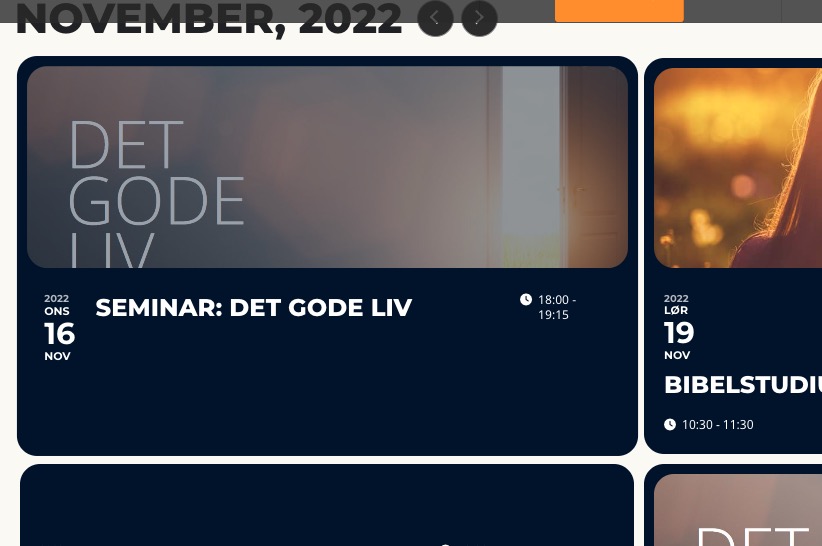 All Event Top options can be found by going to EventON > EventTop > EventTop Designer {BETA}.
Hello,
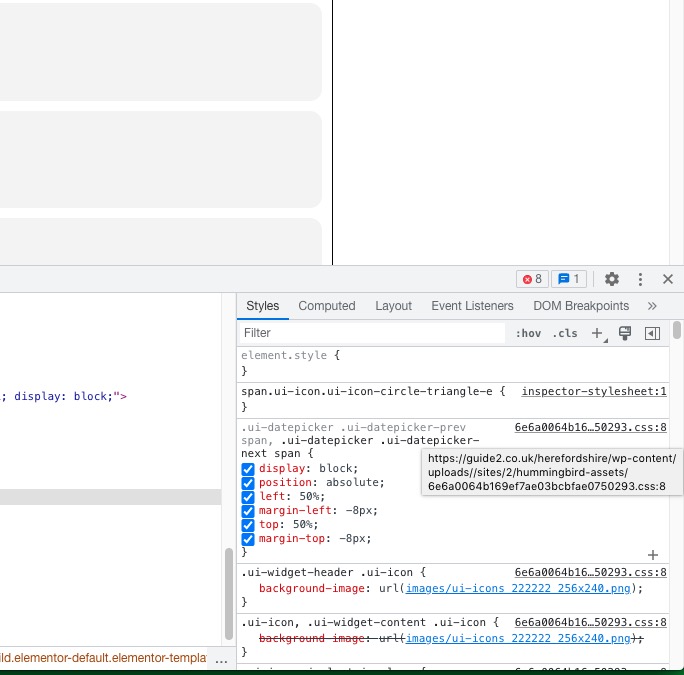
Could you disable the css minifying functionality? I need to check where all these codes come from:
Adding CSS to Styles does it (Browser cache…).
But the question remains why is the standard font set in the Appearance not used in this case? Or is there a different place where to define the variable evo_font_1?
Hello,
Could you also send us an email associated with #152845?
It should work now. CSS codes are here:
https://www.planconpeques.com/wp-admin/admin.php?page=eventon&tab=evcal_3