Dear support
Upgrade from 4.02 to 4.2.2 results in events not displaying
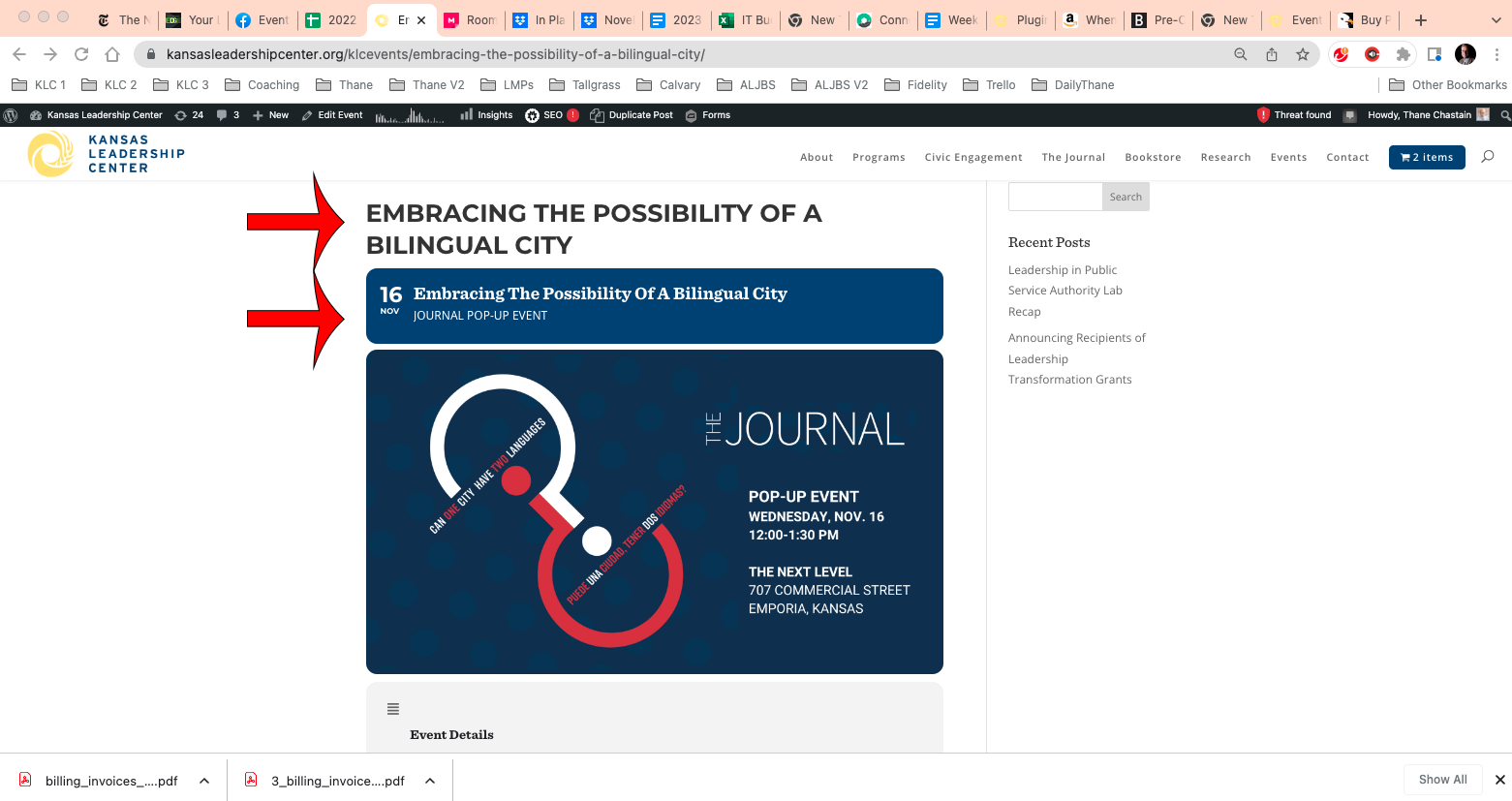
We are now testing the upgrade from 4.0.2 to 4.2.2 and after the upgrade, page views of events no longer contain any event content, nor do they use the theme from the site. The upgrade is performed by clicking the upgrade option from the plugin list.
The page content issue is now fixed but the open event page function does not work and the user icons when in the WordPress dashboard do not display.
Best Regards
OK. So how you describe it. Take it or leave it. I understand.
So for now, I have to deal with the changes, have additional work and you can close the ticket.
My issue is similar to this.
I’d like to have one list of upcoming events (10 or so) that might span over a couple months, and hide months that don’t have any events (and have the details slide down and expand when clicked). What short code would I use to display that?
I thought I got it to work once, but then it stopped working. I bought the full version, hoping that functionality was available there. Please advise.
Regarding:
Thank you Artem, I will work on this later. I will uninstall again and do same for WooCommerce.
No accounts have been automatically created. Ashan wrote and provided a process that included creating an account manually and then sending the links to the customer. Please confirm how accounts are created and if there is a setting that enables this.
Can you please tell me which field you are sourcing the names from? EventOn RSVP must be pulling these names from somewhere on WordPress — can you tell me what field EventOn is accessing?
user: plugin_vendor
password: npPT9OtMI2hr5TvRARa@VUmI
For this you need to customize the source code. Unfortunately, we unable to help with such customizations since it’s against CodeCanyon’s Support Policy.
Please add this CSS code to EventON > Styles (If you don’t see any change, EventON > Scripts & Styling > turn off Write dynamic styles to header > save settings > turn on Write dynamic styles to header):
@media only screen and (max-width: 960px){ #evcal_list { overflow: unset !important; } }
Hello,
I am sorry, the access information you have provided did not work for us. Please check them and post the correct login information as a private message, thank you!